Wix is easy to start and awkward to change your mind about. Pick a template in the Wix Editor and you’re committed: swapping it later means starting a new site. The Wix alternatives below take different routes, from builders that let you swap templates after launch, to AI that builds your site from a chat, to tools that hand you full control over your design.
Key takeaways:
- Only two of the six Wix alternatives here, SiteGround Website Builder and WordPress, let you swap templates after launch. Squarespace, Hostinger, and Webflow share the Wix Editor’s limit, and GoDaddy’s Airo AI Builder has no templates.
- The classic Wix Editor makes you adjust your phone layout in a separate mobile editor, and edits made there don’t carry back to desktop. Wix’s newer Harmony editor handles phones automatically, but existing sites can’t be moved into it.
- Wix competitors build in very different ways: SiteGround lets you start with AI, a template, or from scratch, GoDaddy’s Airo works almost entirely by chat, and Webflow lets you design for four screen sizes separately.
- AI shows up differently on each platform: SiteGround, Hostinger, and GoDaddy’s Airo can build a first draft from a description, Hostinger’s credits are a one-time allowance while GoDaddy’s renew monthly, and WordPress adds AI through plugins.
- Support differs in what you can actually use: Squarespace has no phone support and live chat on weekdays only, while SiteGround offers 24/7 chat, phone, and tickets, and GoDaddy offers 24/7 phone and chat on paid plans.
- Moving off Wix means rebuilding your design.
Why people look beyond Wix
Three limits come up when people look beyond Wix, and each one surfaces the moment someone wants to change something they’ve already built.
First, a quick guide to Wix’s editors, since they behave differently. The Wix Editor is its original drag-and-drop builder. Wix Harmony, launched in January 2026, is the newest: it blends drag-and-drop with built-in AI. Here’s what you’ll run into on both:
- Templates are permanent. In the Wix Editor, the template you pick is the template you keep. Wix’s help center says changing a site’s template isn’t currently possible, even if you haven’t added any content yet. You can restyle everything on it, but a different template means a new site and reassigning your Premium plan and domain. Wix says the same about Harmony sites created with AI.
- Your editor is a one-way street. A site built in the Wix Editor can’t move to Wix Studio or Wix Harmony, and a Harmony site can’t move to either of the others.
- Mobile gets its own editor. In the Wix Editor, Wix builds your phone layout automatically, and you fine-tune the mobile design in a separate editor. Desktop changes carry over to mobile, but mobile tweaks don’t carry back. Wix Harmony is automatically responsive, but you can’t move an existing Wix Editor site into it, so it only helps new sites.
Long story short, if you care about design, or like to start with one idea and try another later, these moments of friction can be a real barrier.
What to look for in a Wix alternative
Five questions show whether a website builder gives you more room than Wix does. Pay special attention to the first one, because it’s the hardest to fix later.
- Design freedom. Can you change templates after launch, and does the editor handle phones, tablets, and desktops without a separate layout to maintain?
- Ease of use. Do you want to drag elements, chat with an AI, or edit code? Pick the functionalities you’ll still enjoy in six months.
- What’s built in. Analytics, marketing tools, and a custom domain either come with the plan or cost extra.
- AI. Build-stage AI drafts your site, and run-stage AI edits it afterward. Check whether credits are monthly, one-time, or unlimited.
- Support and infrastructure. Check which support channels you get (chat, email, or phone) and when they’re available. Then check the hosting basics: storage limits, security such as SSL, and whether backups are included.
The best Wix alternatives compared
We picked six general-purpose website builders that cover different needs and budgets. Here’s how SiteGround Website Builder, Squarespace, Hostinger, WordPress, Webflow, and GoDaddy compare on price, design freedom, AI, and support.
| Platform | Price | Free to try | Design freedom | AI | Support |
| SiteGround Website Builder | $10/mo (Build); no online selling, store plans from $18/mo | 14-day trial, no card; choose a plan to publish | Grid editor, template switching after launch, automatic mobile optimization | AI Wizard, AI text and image generation | 24/7 chat, phone, and tickets on every plan |
| Squarespace | $19/mo (Basic); includes online selling | 14-day trial; no free plan | Designer-made templates; can’t swap templates on new sites | Blueprint AI on every plan; text AI uses no credits | Email 24/7; live chat weekdays; no phone |
| Hostinger | $3.99/mo on a 12-month term; renews at $10.99 | Free to try, no card; publishing needs a paid plan | Drag-and-drop editor, mobile editing; template fixed once chosen | 5 to 15 one-time AI credits | 24/7 AI chat |
| WordPress | Free software, plus hosting and a domain | Software is free; hosting isn’t | Themes you can switch anytime, block editor, full code access | Plugins and connectors you add | Your host or community forums |
| Webflow | $15/mo (Basic); free Starter plan | Free plan, no time limit; publishes to a webflow.io address | Detailed visual control, with a separate design for each screen size; templates only start new projects | AI features run on credits; 200 a month on the free workspace | Help center and community forum |
| GoDaddy | $9.99/mo (Starter); lists online selling | Free plan to build and explore, no card needed | Chat-based, with small edits section by section; no templates; code download | 150 credits a month on Starter | 24/7 phone and chat on paid plans |
Pricing, plan names, and features in this comparison reflect what was publicly available as of October 2026. Prices are each platform’s lowest-priced paid plan for a general website, on 12-month billing, in USD, and renewal rates can differ. Plans change often, so confirm current details with each platform before you decide.
SiteGround Website Builder
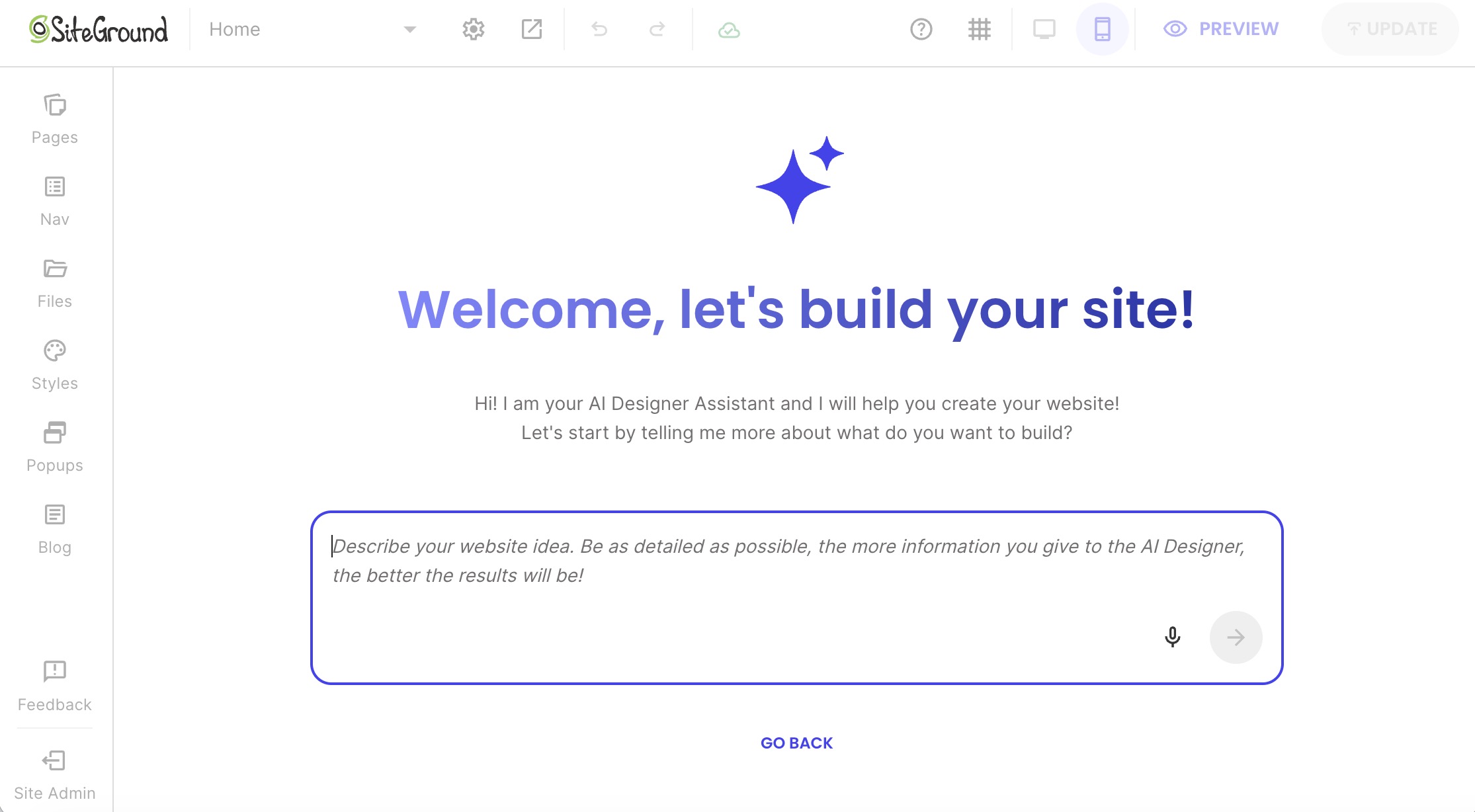
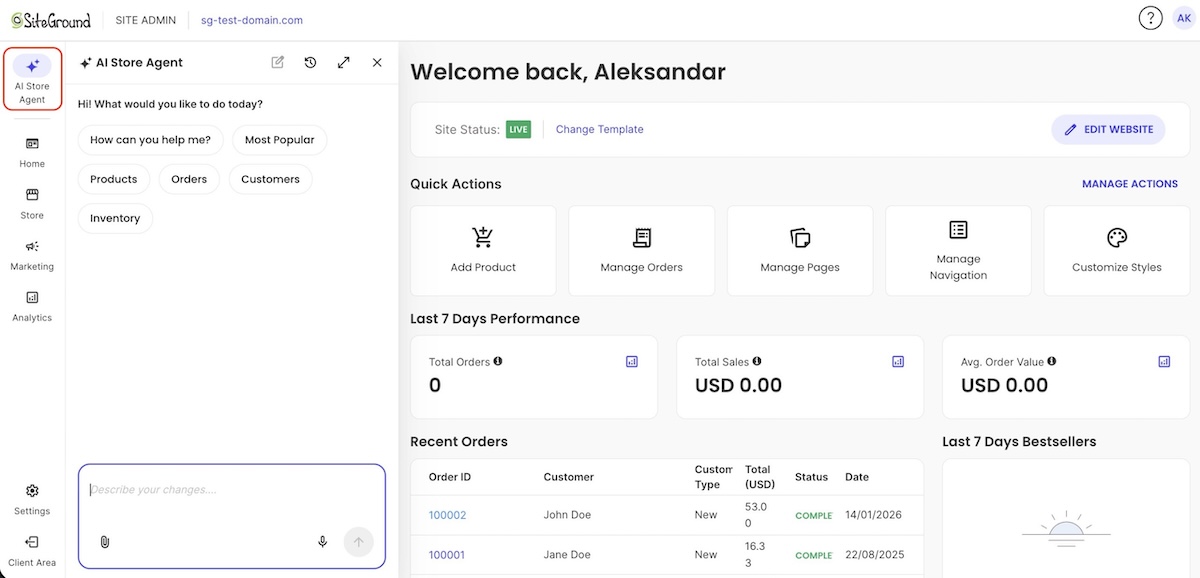
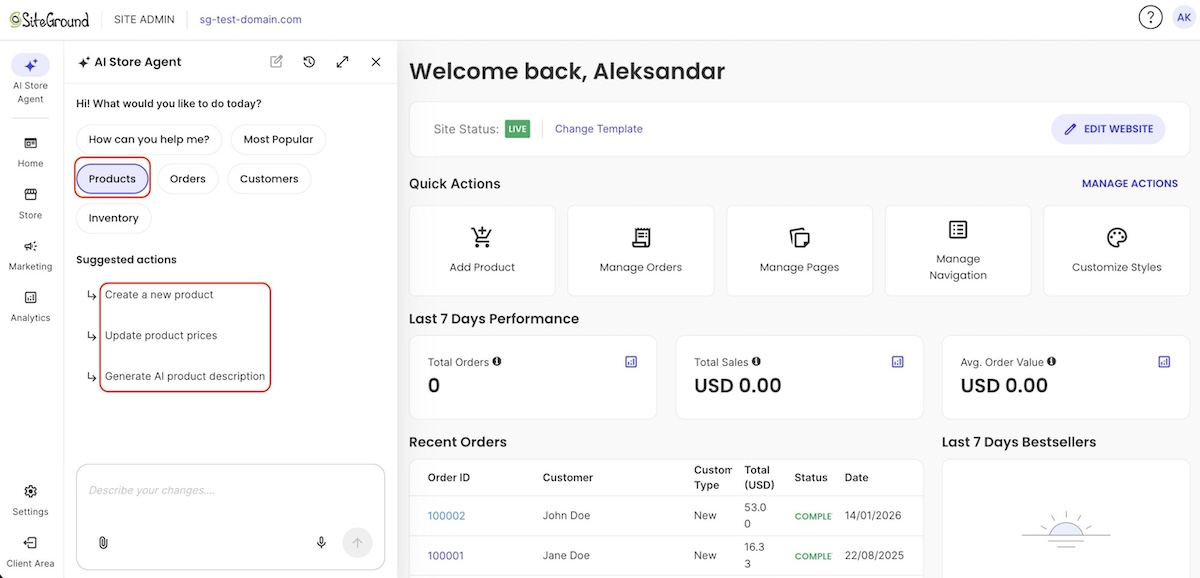
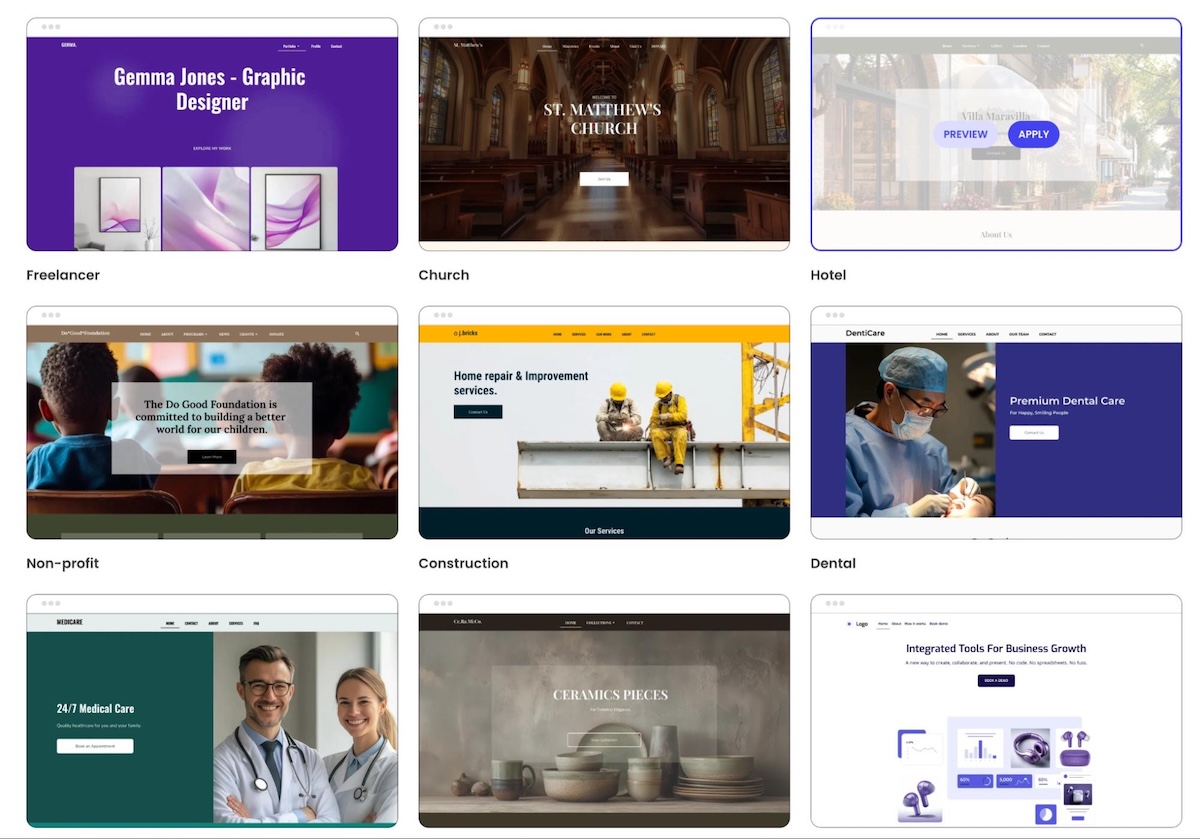
The SiteGround Website Builder lets you start with AI, start from a template, or start from scratch, and you can change templates after you’ve published.
- Price: $10 a month on the Build plan, prepaid for 12 months and renewing at the same rate. The 14-day free trial needs no credit card, and if you add a store later, ecommerce plans start at $18 a month.
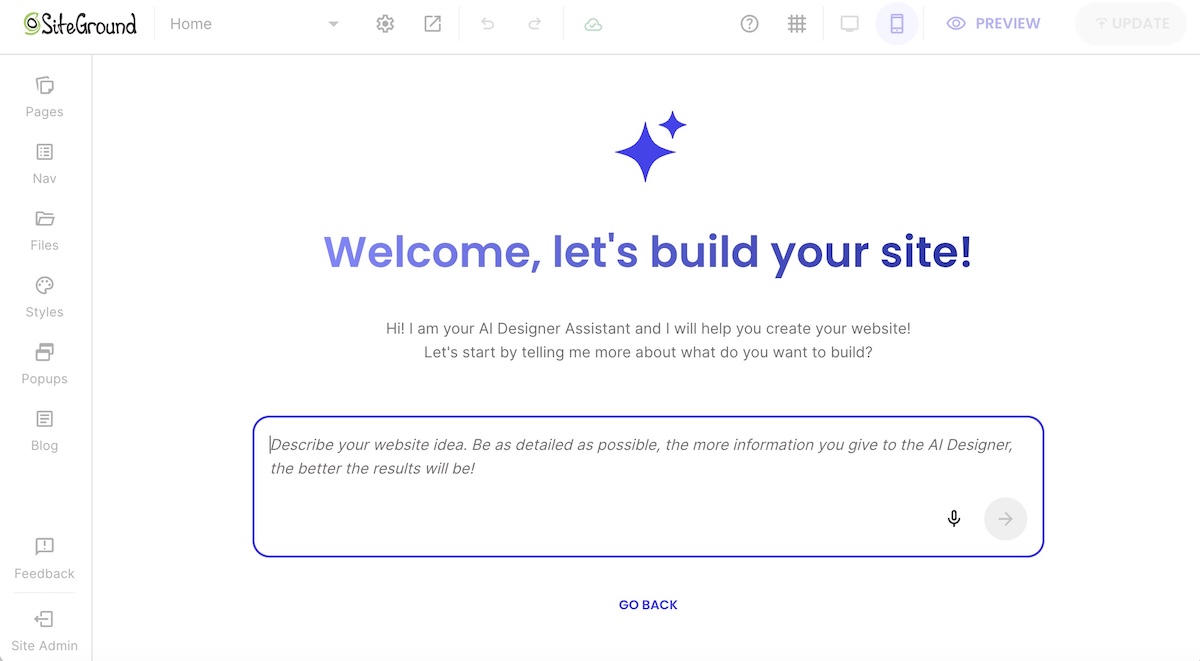
- Design freedom: There are three ways to start: describe your site and let the AI Wizard build a first draft, pick a template and add pre-built sections, or build from scratch. Either way, you finish in the same grid editor, where you drag, resize, and layer elements wherever you want. If you change your mind later, Change Template lets you apply just the new style and keep your content; the other options replace your content too. Pages are also optimized for every screen size automatically, so there’s no separate mobile layout to maintain.
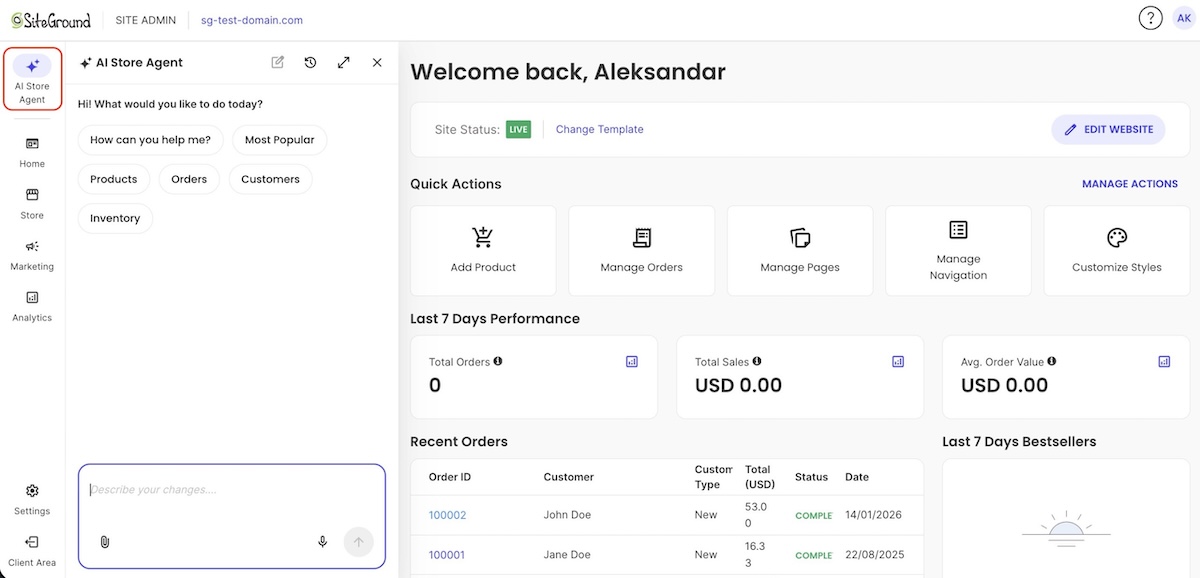
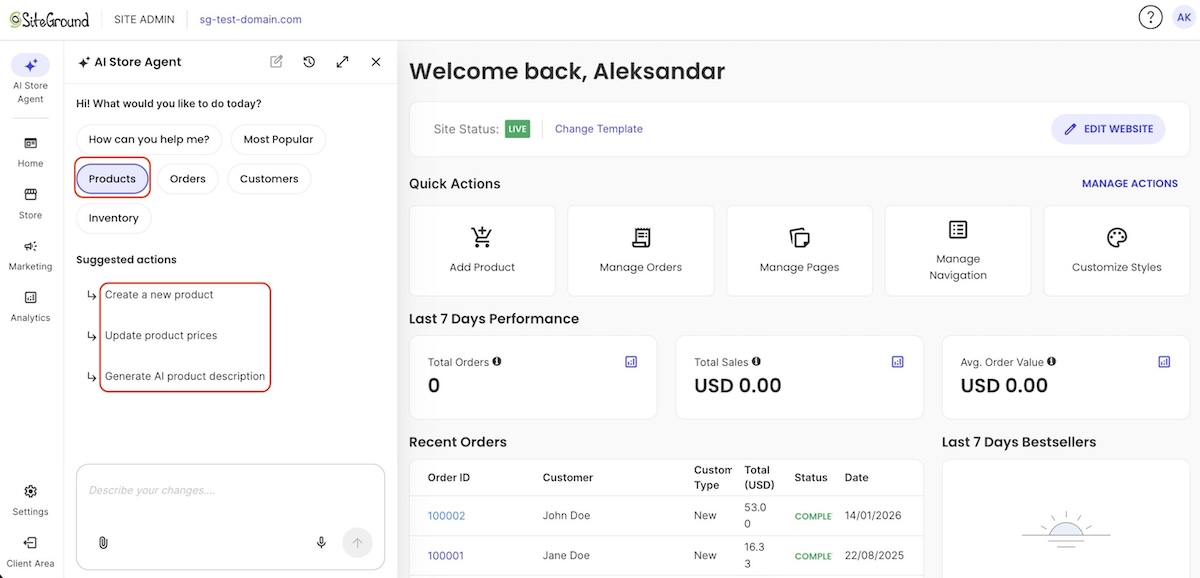
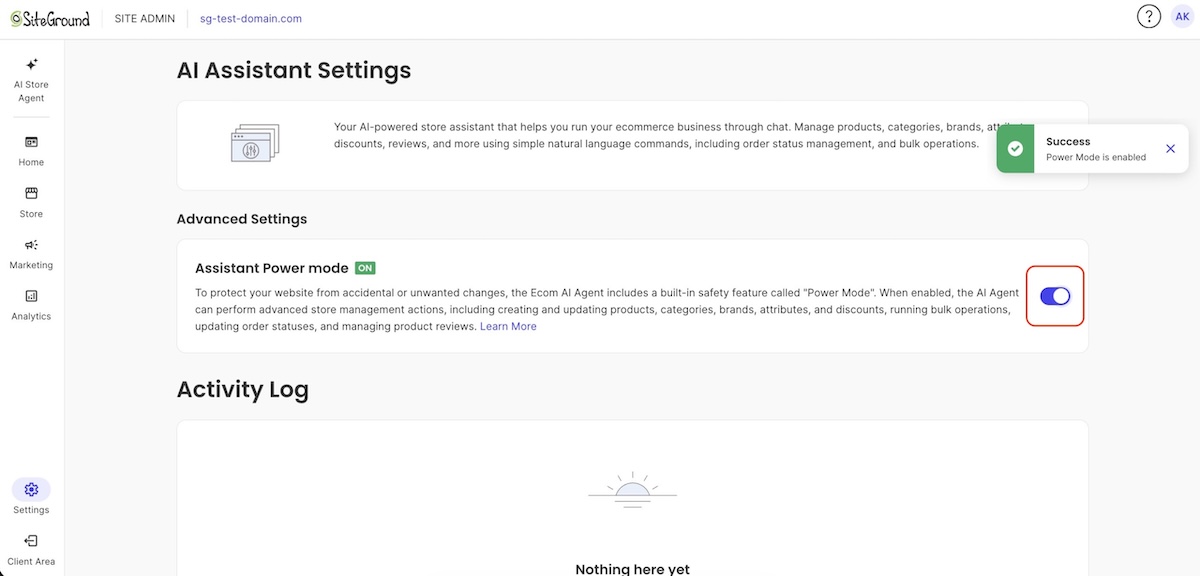
AI: The AI Wizard handles the build-it-for-me path, and AI text and image generation come with the plan for anything you add afterward, using a free allowance of 20,000 tokens a month. For broader work, SiteGround AI Studio offers a multi-model AI workspace.
- Support: Every plan includes 24/7 support by chat, phone, and ticket.
- Trade-off: There’s no app marketplace, so features such as marketing tools and analytics are built in rather than added from a store. If you need a niche integration, there’s nothing to browse.
Squarespace
Squarespace is the design-forward option, known for designer-made templates and a drag-and-drop editor for customizing them.
- Price: $19 a month for Basic, billed annually, up to $99 for Advanced. There’s a 14-day trial but no free plan.
- Design freedom: A drag-and-drop editor called Fluid Engine for customizing any template.
- AI: Blueprint AI builds a first draft on every plan, and its text AI tools don’t use credits. Credits go to Image Studio and an AI search-visibility tool: 10 one-time on Basic, then 20 to 120 a month on higher plans.
- Support: Email support runs 24/7, and live chat runs Monday to Friday. There’s no phone support.
- Trade-off: Like Wix, you can’t swap templates on a new Squarespace site, though you can restyle everything. Every plan also includes online selling, so if you only need a general site, you’re paying for store features you may not use. The extension marketplace is small and curated, covering shipping, inventory, marketing, and finance.
Hostinger
Hostinger is a low-price option, pairing a drag-and-drop editor with an AI builder, with plans from about $4 a month on a 12-month term.
- Price: Premium costs $3.99 a month on a 12-month term (about $3 on a 48-month term) and renews at $10.99 a month. The first year includes a free domain, and you can try it free without a card, though publishing needs a paid plan. Paid plans also come with a 30-day money-back guarantee.
- Design freedom: Drag elements around the editor, and use the mobile editing mode to adjust how pages look on a phone. If you start from a template, you can’t switch it once the site is created. A different one means building a new site and moving your domain over.
- AI: Credits are spent when you create or edit your site by chatting with the AI, and bigger requests use more of them. Premium includes 5 and Unlimited includes 15, as a one-time allowance that doesn’t renew. Editing by hand with drag and drop doesn’t use credits, and you can buy more credits without upgrading your plan.
- Support: 24/7 AI chat support.
- Trade-off: Like Wix, a template you choose is fixed once the site is created. There’s no free plan, and the renewal rate is nearly three times the first-term price.
WordPress
WordPress.org is noted for giving you full control over your design and code, but also full responsibility for keeping the site running. It’s free software you install on your own web hosting. (Note that WordPress.com is a separate hosted service that takes care of hosting and updates, but what you can do depends on the plan you pay for.)
- Price: The software is free. You pay for hosting and a domain.
- Design freedom: Switch themes whenever you want, build layouts with the block editor, and edit code directly for anything else.
- AI: AI tools come from plugins and connectors you add yourself.
- Support: None from WordPress itself. You rely on your host’s support team and community forums.
- Trade-off: You handle updates, security, and backups.
Webflow
Webflow is built for people who want to control every last detail of how a page looks, from spacing and fonts to layout, and who want to specifically set how it looks on desktop, tablet, and phone separately. You design visually, and Webflow writes the code behind it.
- Price: The Starter plan is free with no time limit, but your site lives at a free webflow.io address instead of your own domain, and it’s limited to two pages. Basic is $15 a month, billed yearly, and lets you use your own domain, but it can’t run a blog or other content that updates regularly. Premium is $25 a month, billed yearly, and adds the content management system (CMS) a blog needs.
- Design freedom: A separate design for each screen size: desktop, tablet, and phones held sideways or upright.
- AI: Webflow’s AI features run on credits, and the free workspace includes 200 a month.
- Support: A help center and community forum.
- Trade-off: It’s built for designers, so expect a learning curve. Templates only start new projects, so you can’t apply one to an existing site.
GoDaddy
GoDaddy’s Airo AI Builder works almost entirely by chat: you describe what you want, the AI builds it, and you refine it by chatting, with small edits you can make section by section.
- Price: Starter costs $9.99 a month billed annually and is aimed at portfolios, personal sites, and content creators. Professional costs $24.99. A free plan includes 50 AI credits a month for exploring ideas.
- Design freedom: There are no templates and no drag-and-drop editor. You can change text and images section by section without spending credits, and you can download your code anytime.
- AI: AI credits are what you spend when the AI builds your site or web apps for you, and they renew monthly: 150 on Starter and 300 on Professional. Editing text and images yourself doesn’t use credits.
- Support: 24/7 support comes with every paid plan, by phone and chat.
- Trade-off: Bigger changes go through chat and draw on a monthly credit allowance, so heavy use can run out before the month ends.
Which Wix alternative actually fits your project
Start with the row that matches what you’d hate to give up, then look at the platforms next to it.
| You value… | Consider |
| Changing your template after launch | SiteGround Website Builder, WordPress |
| Designer-made templates | Squarespace |
| Per-device design control | Webflow |
| A low monthly price | Hostinger, GoDaddy, SiteGround Website Builder |
| Editing your site by chatting with AI | GoDaddy |
| Full control of code and hosting | WordPress |
| A free way to build and test before you pay | SiteGround Website Builder, Squarespace, Hostinger, GoDaddy |
| A free plan you can publish on | Webflow |
| Built-in AI to draft your site, drag-and-drop editing, and templates you can swap later | SiteGround Website Builder |
Design freedom, without template lock-in
Each of these Wix alternatives fixes a different frustration. Webflow and WordPress hand you deep control, GoDaddy’s Airo lets you build by chat, Squarespace leans on designer-made templates, and Hostinger keeps the price low. Where they split is what happens when you change your mind: only SiteGround and WordPress let you swap templates after launch.
The SiteGround Website Builder is built around you. Tell the AI Wizard what you want, or start from a template, then drag elements around the grid to make it yours. If you change your mind later, you can swap templates on a live site, and pages are optimized for every screen size automatically. 24/7 support and premium hosting come with every plan, including the entry-level Build plan. You can try it free for 14 days with no credit card, and you only choose a plan when you’re ready to publish.
[113]
Frequently asked questions about Wix alternatives
It depends on what you want to change about Wix. Among the Wix alternatives above, SiteGround Website Builder and WordPress let you change templates after launch, Webflow lets you design each screen size separately, and Hostinger starts at about $4 a month on a 12-month term.
Squarespace is the better pick for designer-made templates, and Wix is the better pick if you want a free plan, since Squarespace offers only a 14-day trial. Pricing is close, at $19 a month for Squarespace Basic and $17 for Wix Light, but Squarespace’s plan includes online selling and Wix’s doesn’t.
Yes. Webflow’s Starter plan lets you publish a site for free, with no time limit, to a free webflow.io address, limited to two pages. GoDaddy’s free plan lets you build and explore with 50 AI credits a month. SiteGround Website Builder, Squarespace, and Hostinger offer free trials, and you pay to publish. WordPress is free software but needs paid hosting.
Partly. You can connect or transfer a domain you bought through Wix, and WordPress.com’s importer brings over pages, images, menus, and the site title. Blog posts can’t be exported, though Wix’s RSS feed provides the 20 most recent. Wix sites can only run on Wix’s servers, so you’ll need to rebuild your design on the new platform.