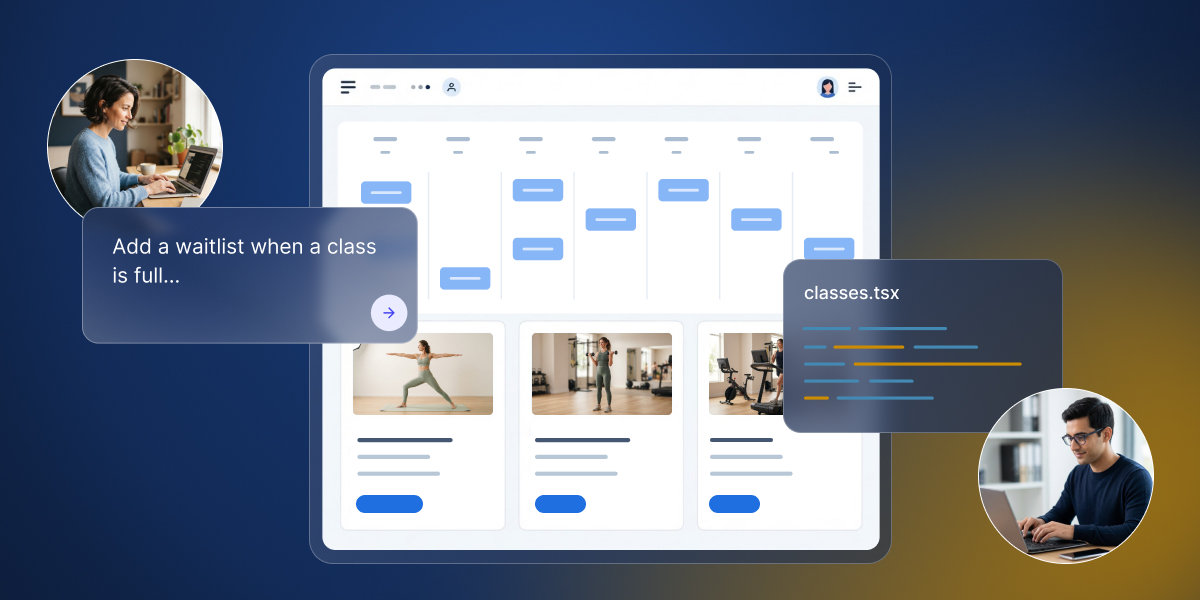
If you vibe-coded an app with an AI app builder like Coderick AI and it starts gaining real traction, bringing on a developer can be a natural next step. This is when two very different perspectives meet: you know why every workflow exists, and the developer knows how software should be built. Crucially, neither of you wants the other to scrap progress and start over.
A vibe coder–developer collaboration is a way of building an AI-generated app together in which the vibe coder keeps product authority and keeps contributing, and the developer takes technical authority, with agreed rules for who changes what and how changes are accepted.
Key takeaways:
- A vibe coder–developer collaboration shifts your responsibilities: you keep building while bringing in technical expertise where needed.
- Divide work by authority: you hold product authority (what to build), while your developer holds technical authority (how to build it).
- Define change tiers: agree upfront on edits you handle solo, those requiring joint review, and those reserved strictly for developers.
- Validate every change twice (for product behavior and code quality) and save version checkpoints as you go.
Vibe coder–developer collaboration: what changes when a developer joins
Many small businesses and entrepreneurs invite a developer once their AI-coded minimum viable product (MVP) gains real traction, especially when adding more complex features or third-party integrations.
And when a developer joins your vibe-coded app, you have to bring domain context no one else possesses: why each workflow exists, how users interact with the app, and which features have been validated in production. Your developer brings technical expertise: how data is structured and secured, how architecture scales, and how to maintain the codebase as user demand grows.
That’s how a vibe coder can work with a developer without stepping back: you retain product authority (deciding what gets built and continuing to make changes in designated areas), while your developer assumes technical authority (deciding how it is built and structured). Neither role overrides the other: validated user workflows carry proven product value, while technical refactoring ensures long-term stability and security.
Good to know: Your developer is not required to keep the exact code the AI generated. What must survive is the validated user behavior (such as allowing members to book up to three classes per week). If a developer refactors the booking logic for performance or security, that core business rule must remain untouched.
How vibe coders and developers divide responsibilities
How vibe coders and developers work together starts with deciding who has the final say on what. Dividing responsibilities by domain keeps work moving smoothly without bottlenecks, conflicting edits, or waiting on approval for routine tasks.
| Decision domain | Final say | Rationale |
| Feature scope & target audience | You (Vibe coder) | You understand customer pain points, business goals, and validated product workflows. |
| Copy, user experience flows, & feature priorities | You (Vibe coder) | Messaging and roadmap prioritization stem from direct user feedback, which source code alone does not record. |
| Data schema & database design | Developer | Schema mistakes impact all live users and are costly to fix once real production records exist. |
| Authentication, payments, & integrations | Developer | Security boundaries, environment keys, and third-party webhooks require technical governance outside the app interface. |
| Code structure & architecture | Developer | Clean architecture allows both developers and AI agents to make ongoing updates without breaking existing features. |
| Change acceptance & approval | Both (Separately) | You evaluate and approve the change for product behavior; your developer evaluates and approves it for code quality and security. |
Dividing authority doesn’t restrict who can actually write or prompt code. You can still prompt an AI agent to draft a new form field or page layout. However, authority determines who makes the final call. Before starting a new task, check where the decision belongs. If it touches your developer’s technical domain, align on the approach before committing changes.
Agree which changes need the developer
Without a shared agreement on workflow tiers (simple categories that divide tasks by technical risk and required oversight), every update either stalls while waiting for developer approval or gets published blindly, risking surprise bugs and broken features. Clear tiers are what let you collaborate with a developer on an AI-built app without slowing each other down: you iterate on design and content, and the parts that keep the app running stay with your developer.
Think of it like running a restaurant: you can freely rewrite the menu or rearrange the dining room, but you leave the electrical wiring and kitchen plumbing to the professionals.
Tier 1: Changes you make on your own (vibe coder solo)
You don’t stop building just because a developer joined your team. Tier 1 covers low-risk visual and copy adjustments that live entirely in the “front of house”, such as rewriting headline text, updating descriptions, swapping images, or tweaking color schemes.
The quick rule of thumb: Ask yourself, “Does this change only affect what a user reads or sees on screen, without changing how information is saved, calculated, or retrieved?” If yes, you can safely prompt or edit this on your own.
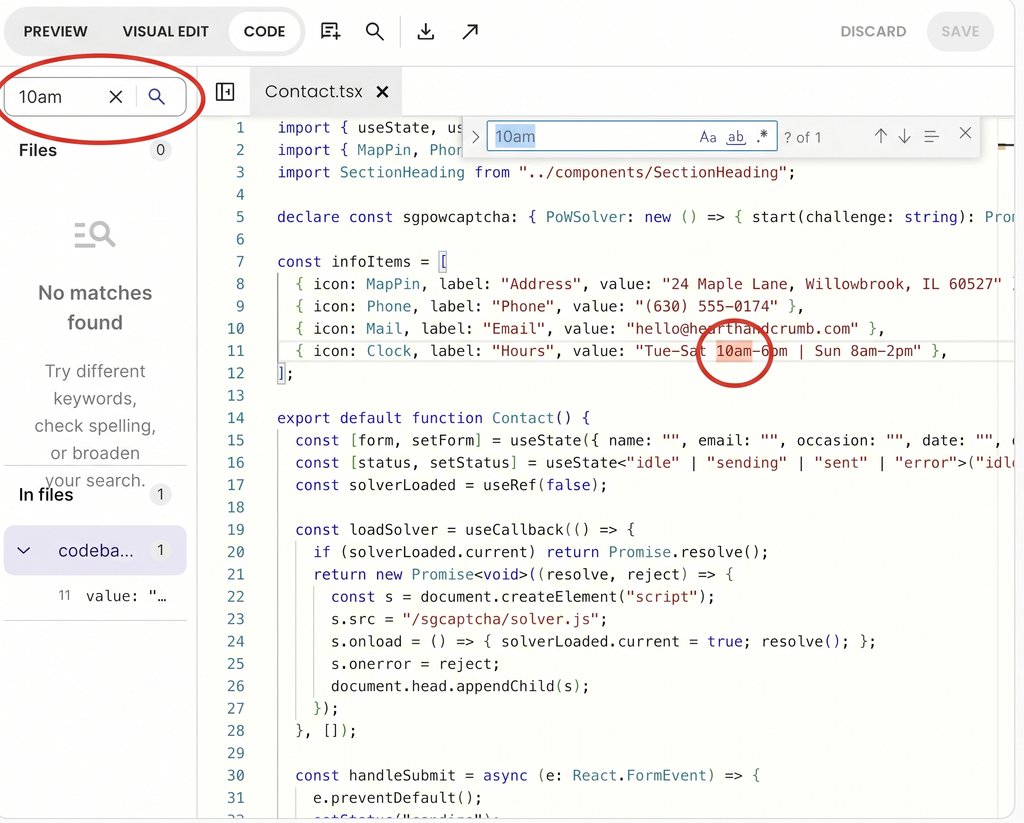
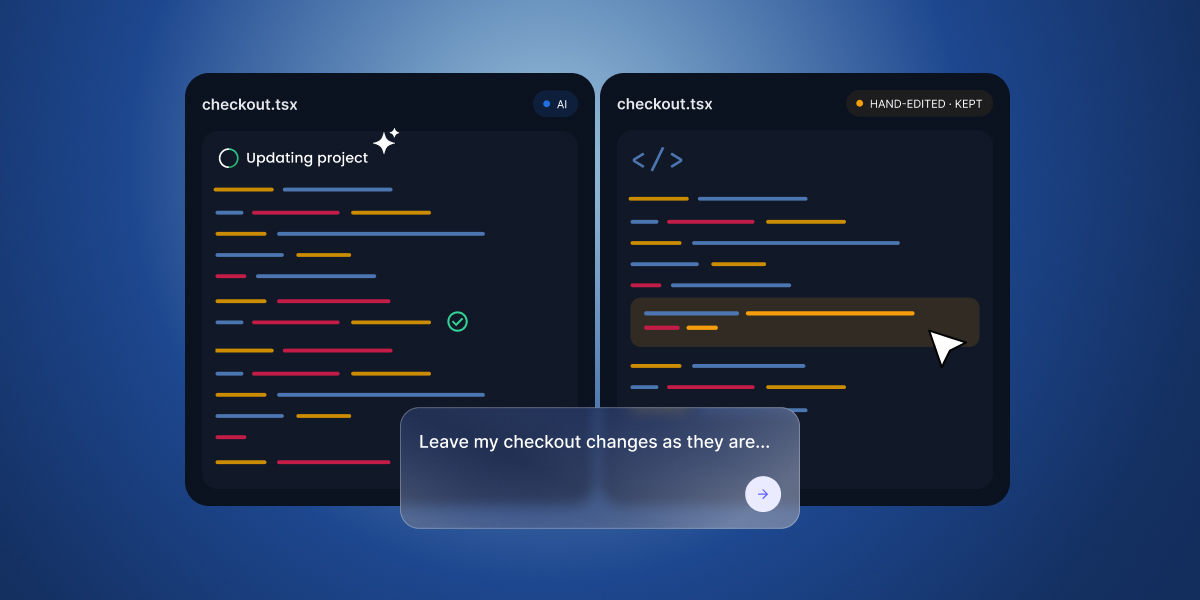
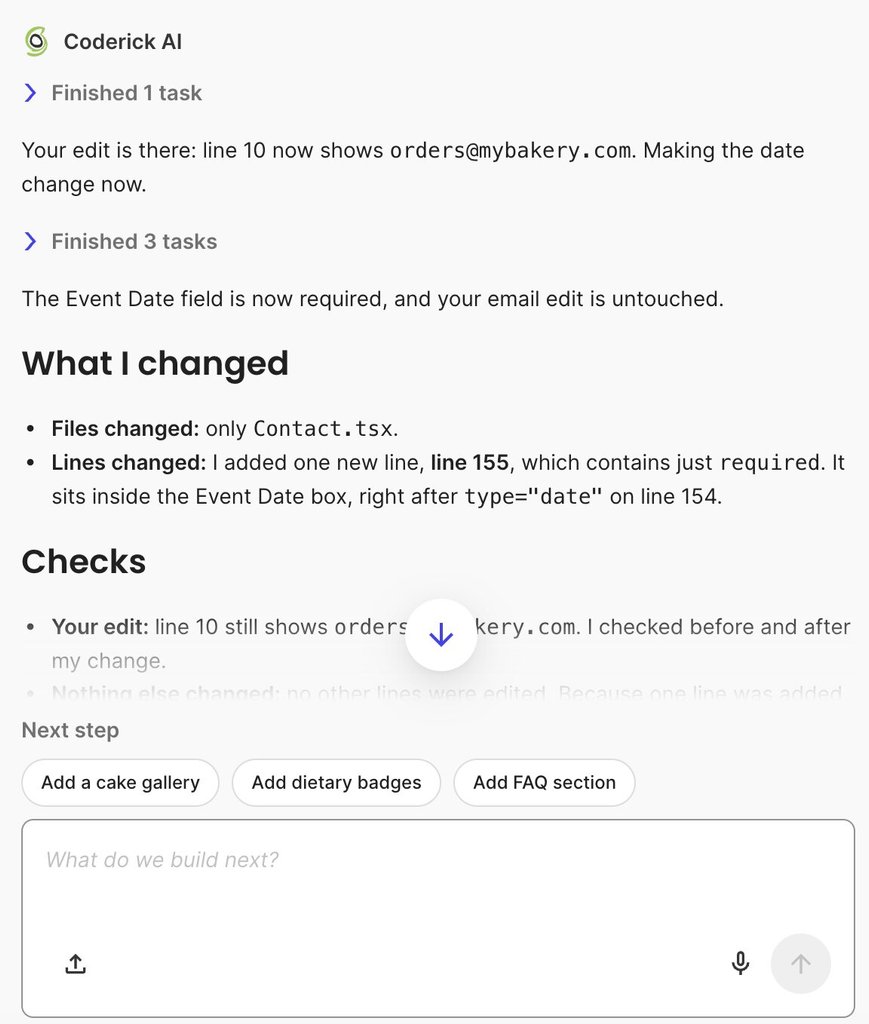
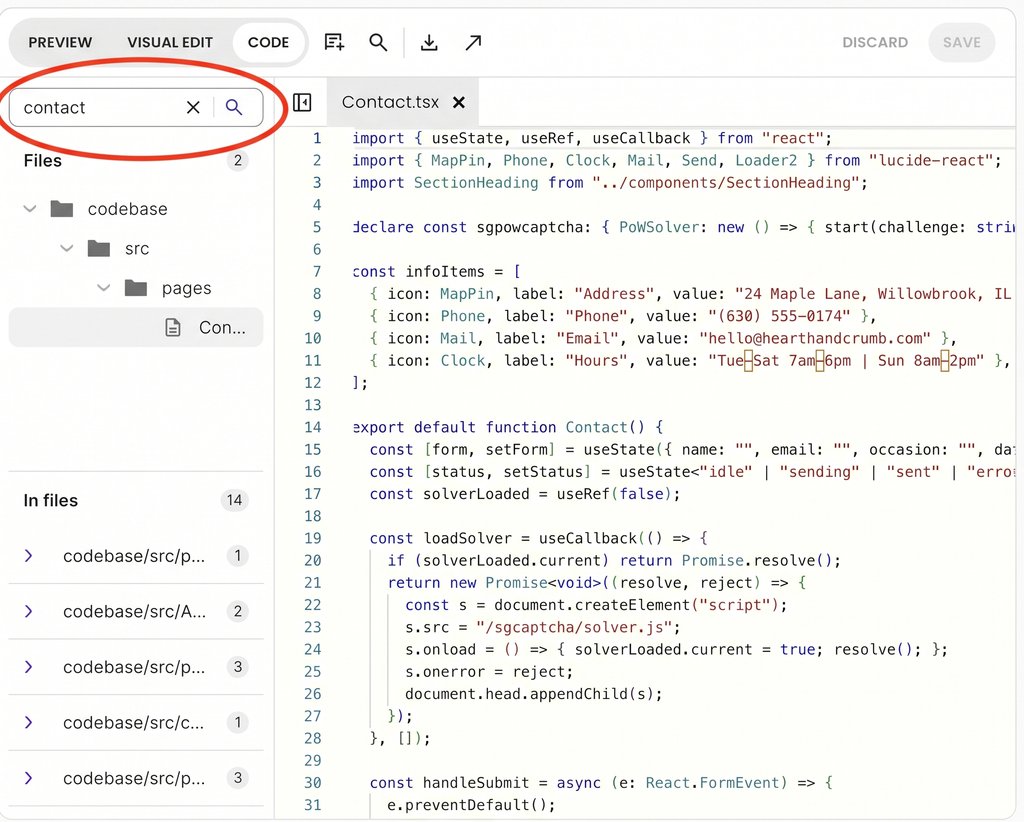
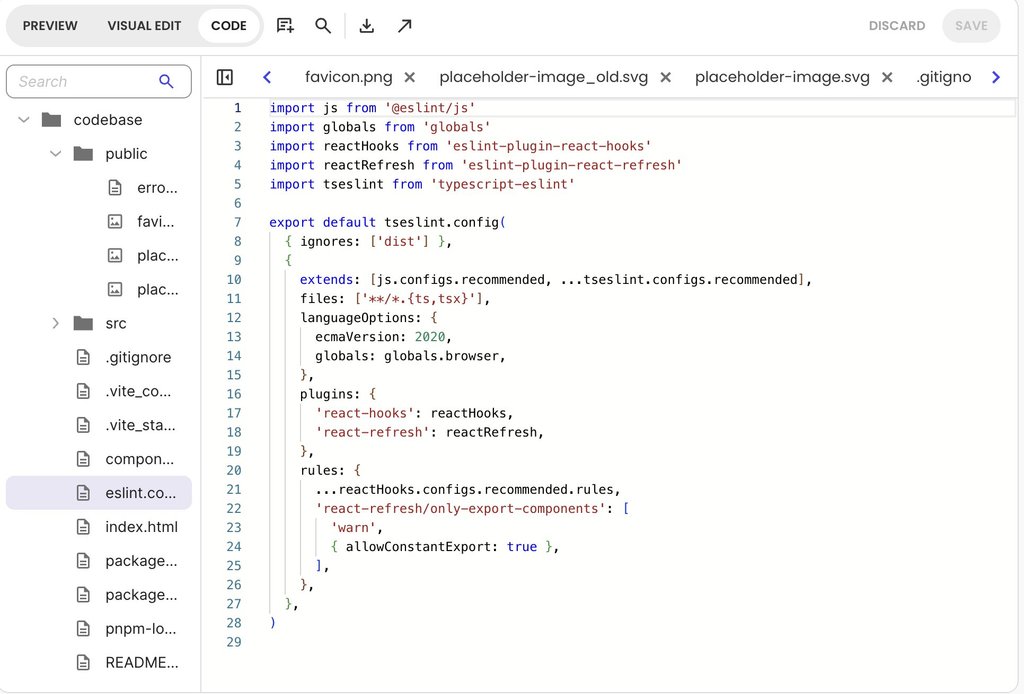
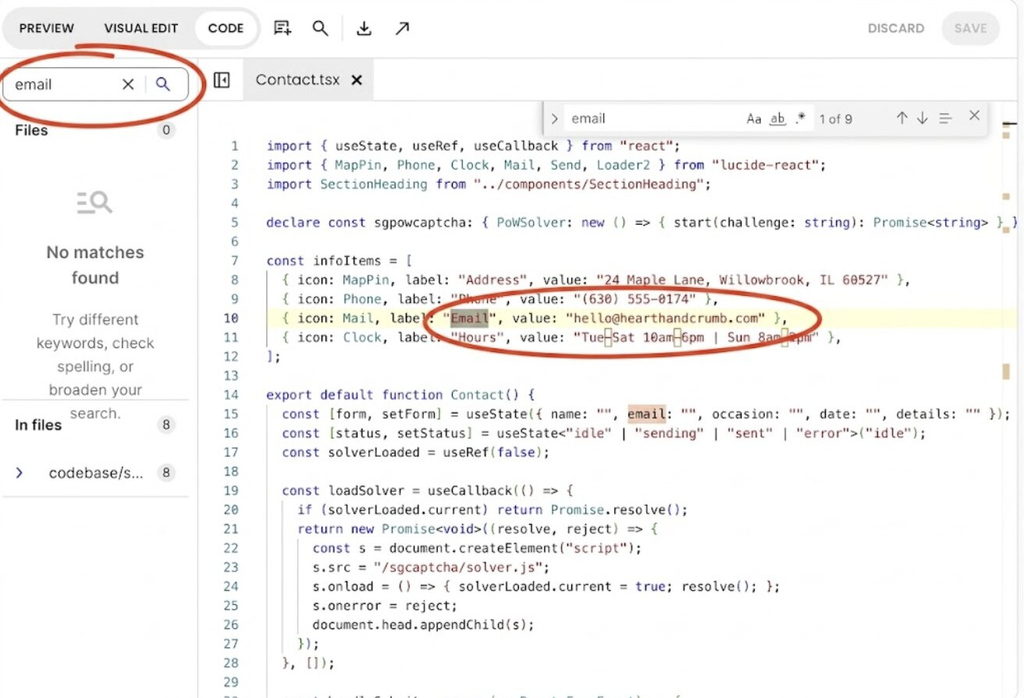
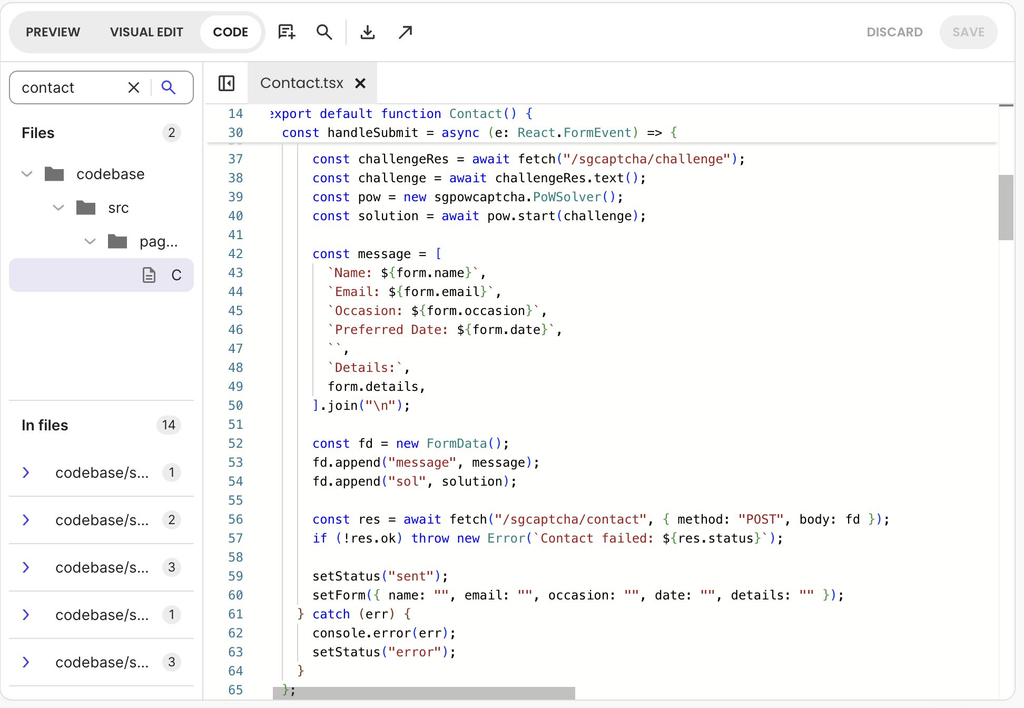
For example, suppose you want to update your email on your contact page. It’s a simple fix you can easily do without your developer. And while you could prompt the AI to make the change, if you work in an AI app builder where you can edit the code directly, like Coderick AI, there’s no need to spend AI credits on such a tweak. You can simply open the Code tab, search the project for “email”, enter your new email address, and click save. The edit takes a few seconds, requires no developer review, and costs zero credits.
Tier 2: Changes you draft for developer review (vibe coder + dev review)
This tier covers new page screens and edits to shared components—elements reused in multiple places across your app, like a primary booking button or header menu. You use AI to draft the visual layout and user flow, but your developer inspects the generated code before it goes live to ensure it connects cleanly to existing features.
Real-world example: You prompt the AI to build a new waitlist screen. You generate the layout and buttons yourself, but your developer reviews the code before merging it into production to verify that waitlisted members are properly saved in the database without messing up active bookings.
Tier 3: Changes only your developer handles (developer solo)
This tier includes the essential “plumbing” of your app: database schemas (how user accounts and records are linked), user login security, payment processing, and third-party integrations (connecting your app to external services like complex accounting software).
Because errors here can crash your app, these high-risk areas belong to your developer. Giving them technical authority over Tier 3 prevents security vulnerabilities and ensures your application stays fast and stable as user traffic grows.
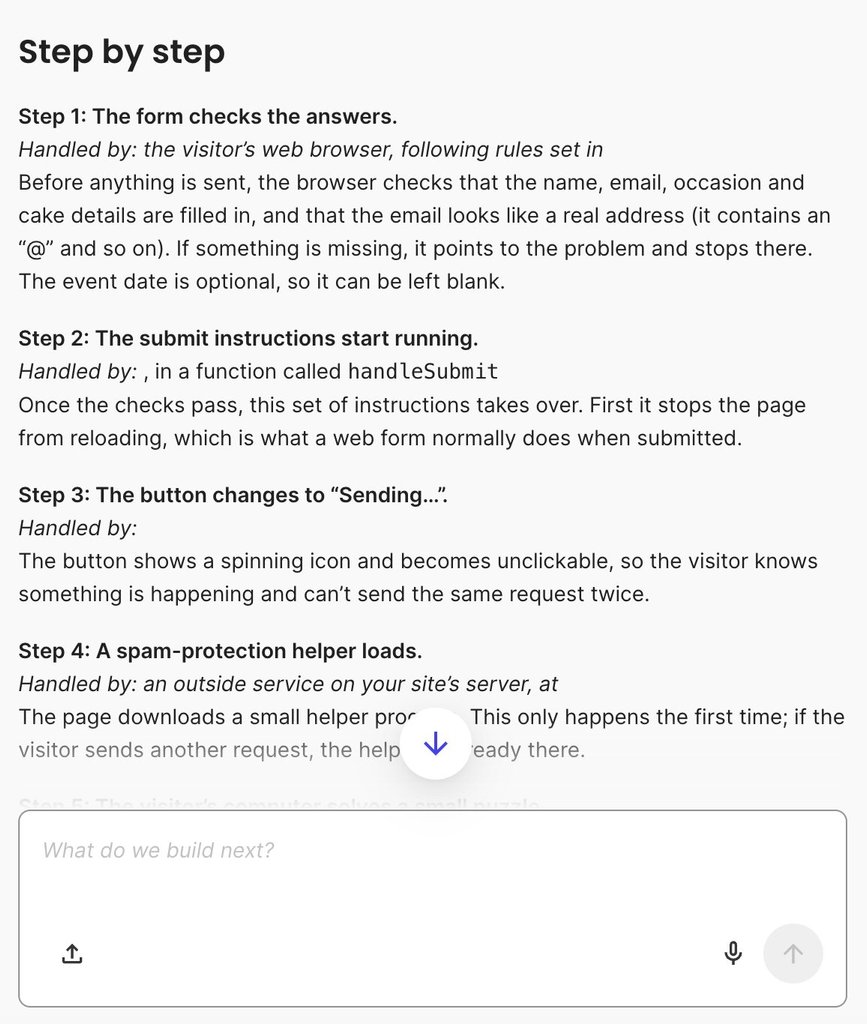
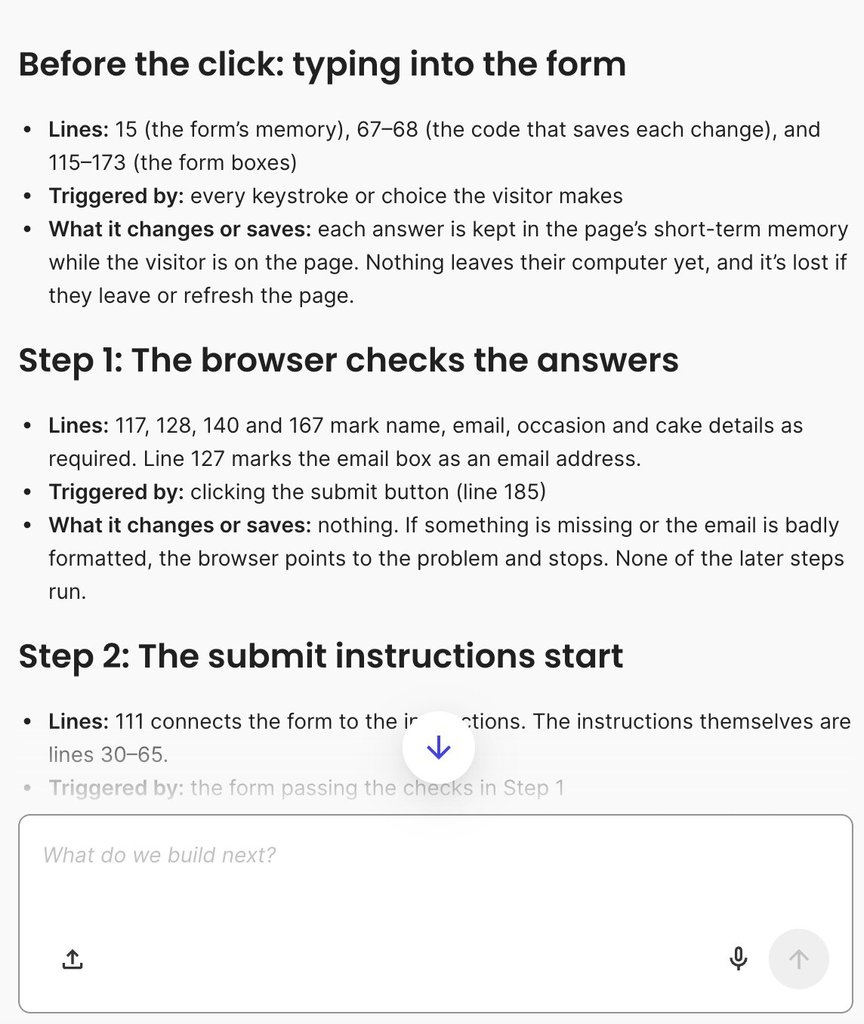
For example, while you are in a file like Contact.tsx updating your email, you might spot surrounding code for anti-spam checks or automated email service calls. Recognizing those complex backend mechanisms as Tier 3 elements allows you to leave them untouched for your developer to maintain, test, and secure.
Pro tip: Keep your agreed boundaries in a simple, accessible document so both of you know who owns what from day one. Explain your responsibilities: for instance, noting that text edits and page layouts are your solo domain, new feature screens require draft and review, and database structures, login systems, and payment integrations are developer-only. As you build trust and smooth out your workflow, you can periodically revisit the note together and shift specific tasks between categories.
Share context in both directions
In vibe coder and developer collaboration, each of you needs what the other knows. To collaborate on AI-generated code, you each need what the code can’t show: why a feature exists, and how your developer expects future updates to be handled. Exchanging context ensures your developer understands your product vision while you gain the technical guardrails needed to keep prompting safely.
What you bring to your developer: product context
A brief product context document gives your developer essential background that source code alone cannot convey:
- Workflow intent: Explain why key features exist and who uses them (e.g., “The waitlist feature exists because popular evening classes fill up within minutes”).
- Validated rules: Outline core business constraints discovered through user feedback (e.g., “Instructors requested a hard limit of three class bookings per week per member”).
- Rejected alternatives: Document discarded ideas so your developer doesn’t accidentally re-introduce them (e.g., “We dropped credit packs because members found the conversion rate confusing”).
- Key prompt history: Point to the main prompts or chat threads that generated core components so your developer can see how features were originally specified.
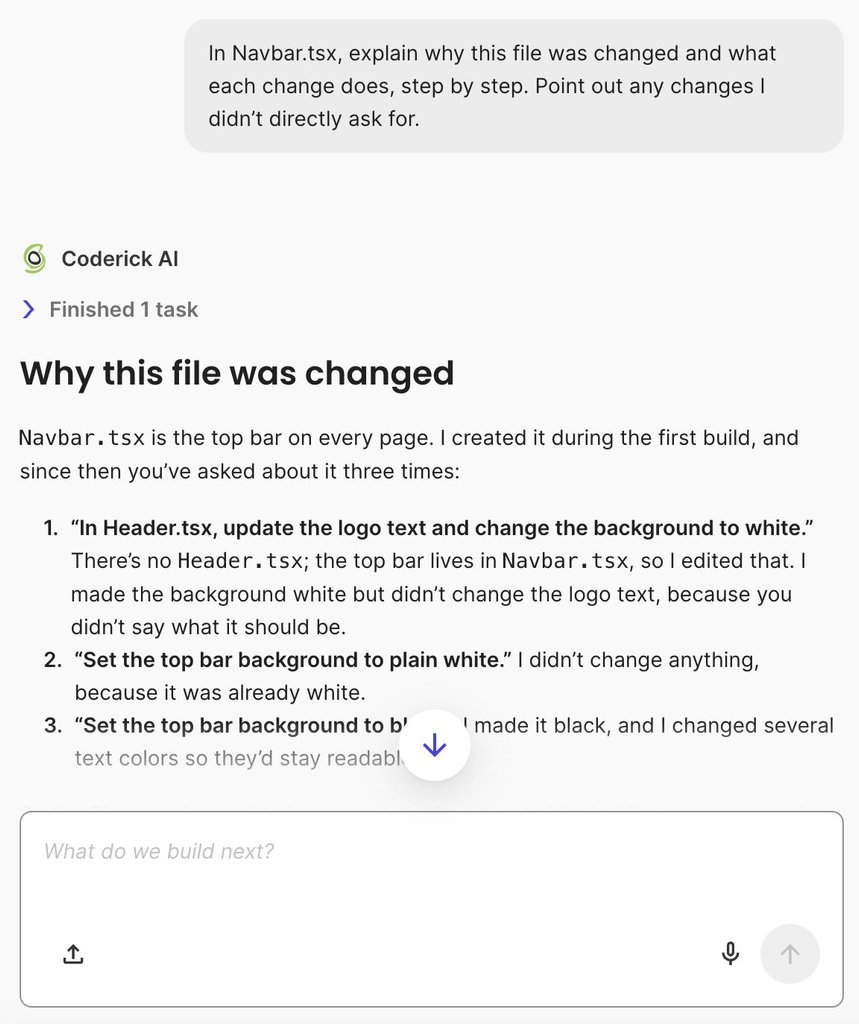
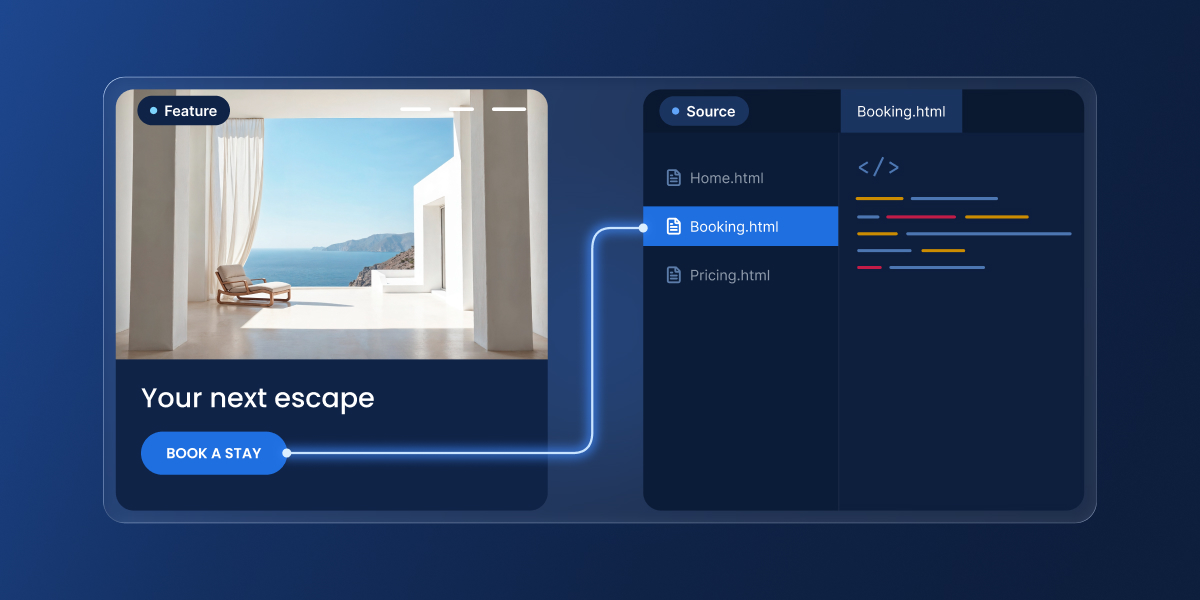
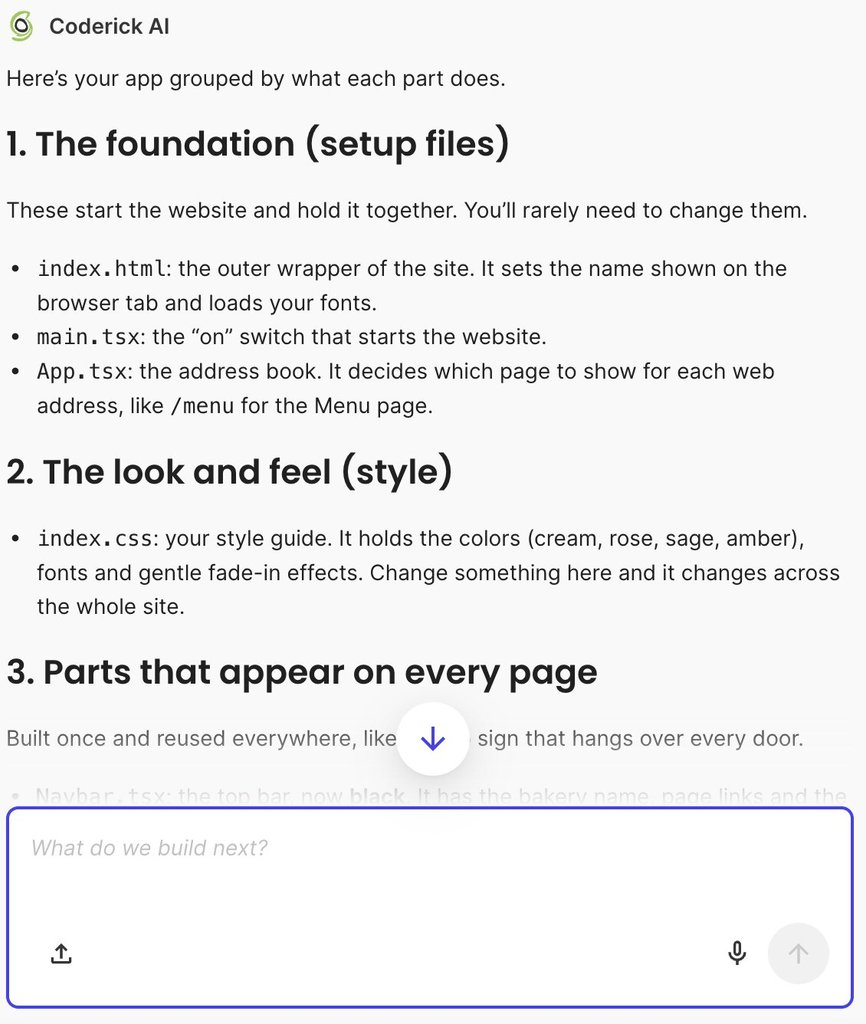
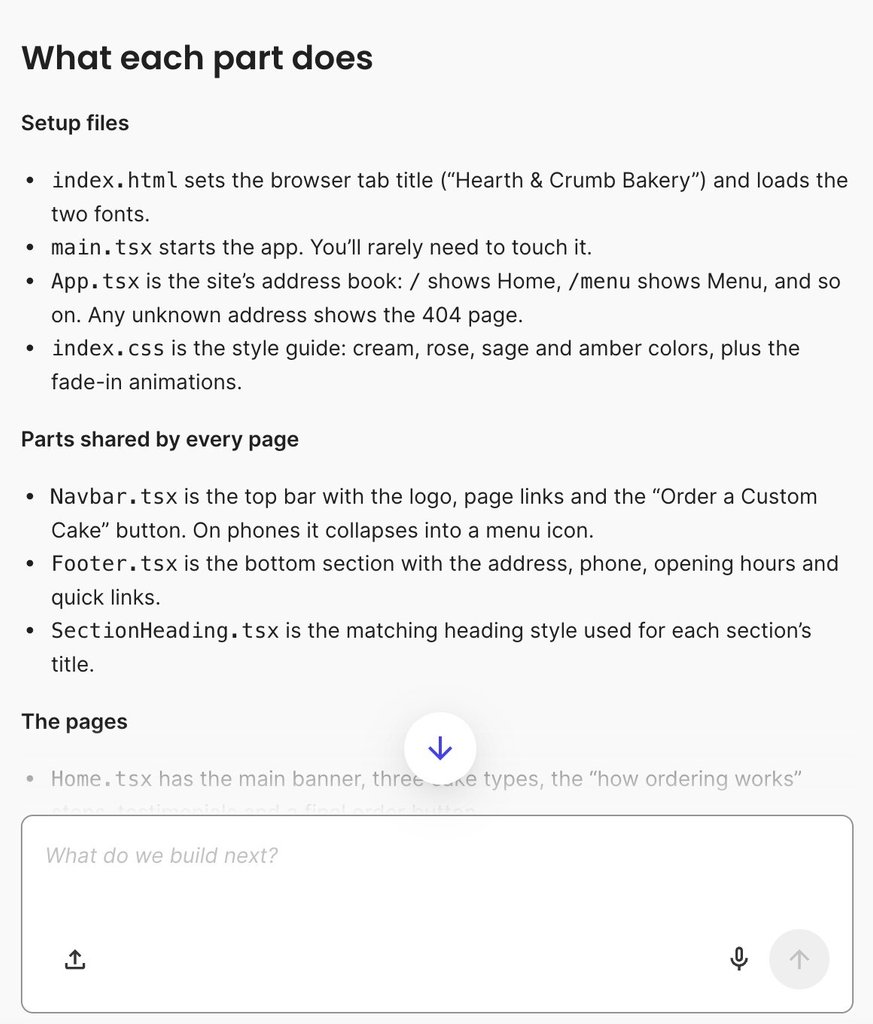
Sharing and grounding this product context becomes much easier when working in AI app builders that let both creators and developers inspect project files alongside their prompt history. For example, in Coderick AI, as shown above, both you and your developer can open the Code tab to view, search, and inspect source files.
Referencing specific files while discussing your product context ensures you are both examining the exact same codebase when mapping out workflow intents or reviewing original build prompts.
What your developer brings back to you: technical guardrails
Your developer provides the technical conventions that keep your future AI prompts on track:
- Fragile areas: Flagging complex files or backend logic best left to manual coding.
- Data conventions: Setting rules for how information should be structured (such as standardizing date and time formats across the database).
- Architecture updates: Explaining structural changes made during refactoring so you understand where features now live.
- Under-construction zones: Outlining temporary “no-prompt” zones while backend re-architecting is in progress.
A short walkthrough of where the important behavior lives, such as which file handles bookings, helps you find your way around the generated code. Your developer can also download single files or the full project to review and refactor using their own local development tools before pushing updates back to your app.
How vibe coders and developers avoid conflicting changes
When you work with a developer on a vibe-coded app, one of you can undo the other’s work by accident. If one partner saves a change while the other continues prompting from a stale copy of the project, the first update disappears the moment the second set of edits is saved. Establishing four simple habits eliminates conflicting edits and forms the core of a reliable vibe coder–developer workflow.
1. Before you start: announce where you are working
Send a quick, one-line message in your team chat before starting (for example, “I’m working in Contact.tsx this afternoon”), If your developer is already active in that file, wait for them to finish or focus on a different part of the project.
2. While you work: enforce one person per file
Restrict edits in any given area to one person at a time, whether those updates happen through AI prompts, point-and-click visual editing tools, or direct code edits. As long as you stay in separate files or components, both of you can build at the same time without friction.
3. When a change is accepted: mark it with a version checkpoint
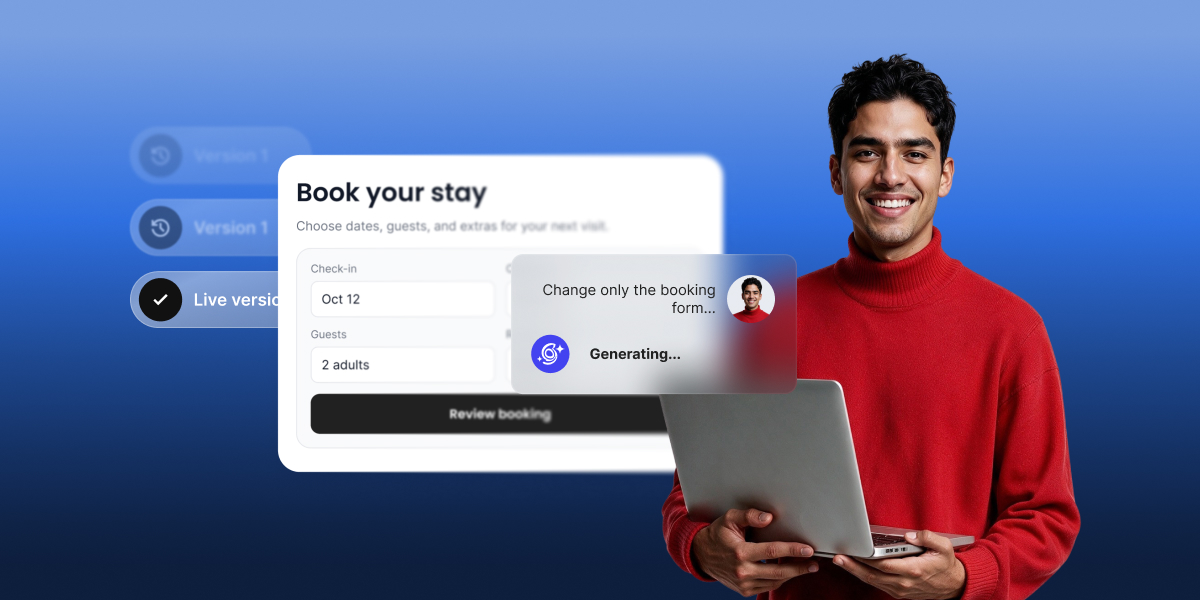
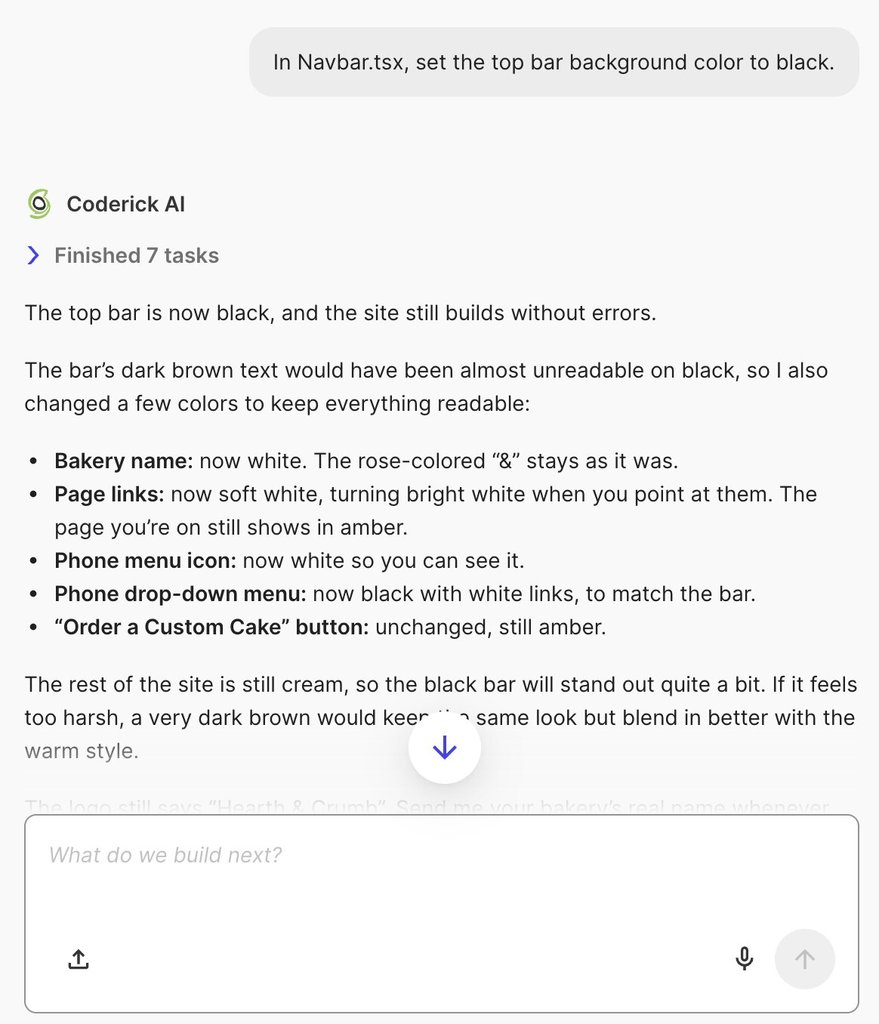
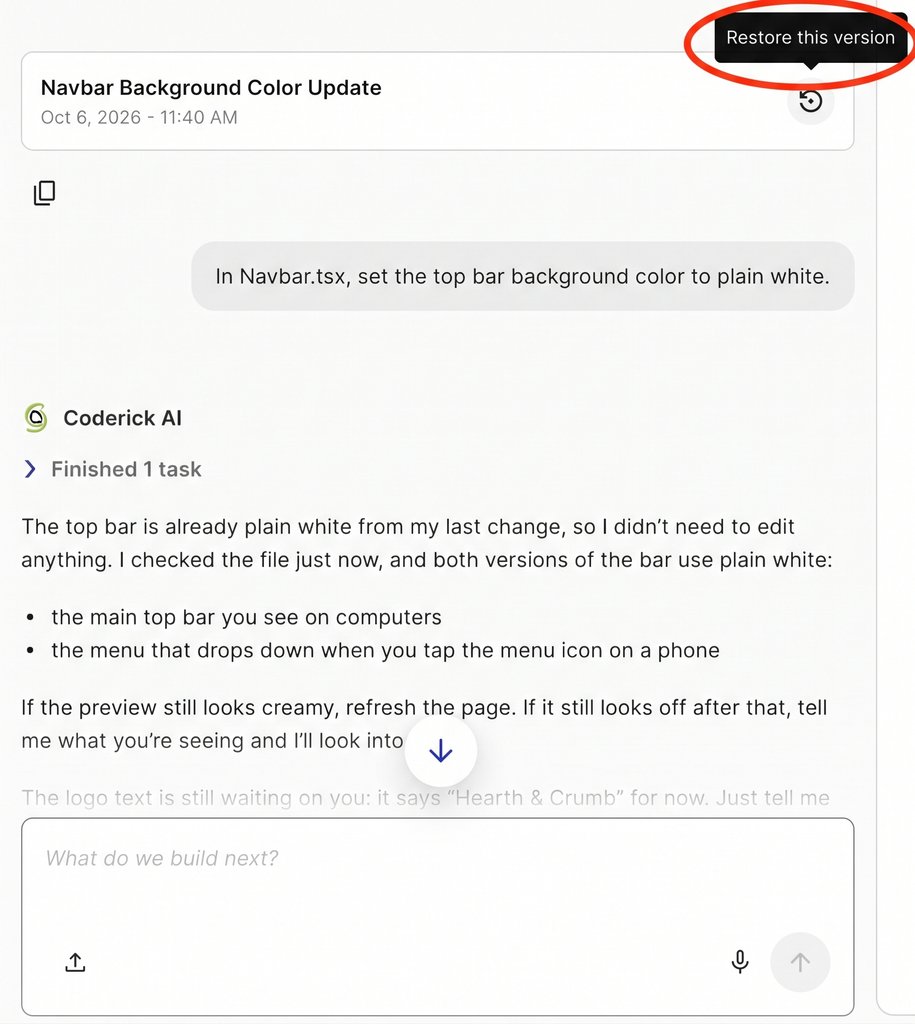
Most modern AI app builders generate version checkpoints or restore points whenever a prompt runs or files are saved. Once a set of changes is tested and accepted by both of you, note that specific version so you have a verified, stable baseline to return to if a later prompt goes wrong. For example, in Coderick AI, both AI prompt generations and manual changes in the Code tab create distinct version cards in your project history, making it easy to mark and return to accepted milestones.
4. Before editing where your partner worked: catch up on context
Review what changed and why before touching a file your collaborator modified. Then, brief the AI at the start of your next prompt by describing your partner’s recent changes, ensuring the AI’s project context stays fresh and doesn’t overwrite completed work.
In practice: Work under separate user accounts rather than a shared login so every edit and version checkpoint remains clearly attributed. When a developer refactors files or works in local development tools, ensure those updated files are saved back to your AI builder (for instance, using the live Code tab in Coderick AI) so the AI agent always reads the latest codebase for future prompts.
Accept changes together
Before either of you builds on a new update, it requires two distinct “yeses”: one for product behavior and one for code quality. A change is only fully accepted when both conditions are met, establishing a clean, reliable milestone for future work.
1. Product acceptance (vibe coder)
You test the feature from an end-user perspective to verify that it functions smoothly in real-world scenarios, follows the correct user flow, and displays the agreed copy. For instance, if you added an automated notification feature, test it on a mobile browser exactly as a real user would experience it.
2. Technical acceptance (Developer)
Your developer inspects the underlying code to ensure it is secure, performant, and structured cleanly before it becomes part of your core codebase. Once both of you sign off, mark this accepted state as a new version checkpoint in your AI app builder (such as saving a version card in Coderick AI) giving you a verified baseline to return to if a later prompt goes wrong.
When your developer rebuilds or refactors a feature
Sometimes your developer will need to completely rewrite an AI-generated feature behind the scenes, such as rebuilding how your database saves information so the app stays fast as more people use it. Before any technical rework begins, write down a non-negotiable list of core rules that must stay true no matter how the code changes.
For example, if your developer is rewriting how user forms and sign-ups work behind the scenes, your list of essential rules to preserve might look like this:
- A user must receive an email confirmation immediately after submitting a form.
- Submitting a form must automatically create a new record in your account dashboard.
- Required fields, such as a user’s name and email address, cannot be submitted blank.
Your developer has complete freedom to replace, clean up, and optimize the underlying code, but the rebuilt feature must still pass product acceptance against your list of rules before either of you moves on to building new features.
How the split looks with agencies, freelancers and advisors
Developer collaboration on an AI-built app can take several different forms depending on your project’s stage and budget, whether you hire a full-service agency, engage an independent freelancer, or work with a technical advisor. Regardless of which model you choose, the foundational principles of vibe coder–developer collaboration remain the same: establishing clear authority, maintaining transparent boundaries, and agreeing on handoff rules before making changes.
For a vibe coder working with developers, what changes across these setups is who holds each type of authority and which specific operational details you must define upfront:
| Collaboration model | Product authority | Technical authority | Upfront agreements |
| Agency Developer & Client | Client | Agency | Review turnaround SLAs, designated client prompting zones, and deployment sign-off permissions. |
| Freelance Developer & Vibe Coder | Vibe Coder | Freelancer | Workflow tier assignments, weekly code review hourly allocation, and publishing ownership. |
| Technical Advisor & Builder | Builder | Advisor (Reviewer) | Mandatory review triggers prior to change acceptance, and who executes developer-only tasks if the advisor does not write code. |
Align on these operational points during your first kick-off conversation, before any code is written or prompted, and add them directly to your shared workflow document alongside your tier definitions.
An app you keep shaping together
Vibe coder–developer collaboration ensures your application stays in the hands of the person who best understands its purpose, enriched by a developer’s engineering judgment right where the software needs it most. AI-built app co-development relies on a few core agreements: dividing authority between product and technical domains, tiering changes by technical risk, exchanging context in both directions, and accepting updates together.
These agreements do far more than prevent overwritten code. They establish a sustainable, long-term framework that allows non-technical creators and professional developers to maintain and scale an AI-built app over the long term.
[96]
FAQs
Vibe coder–developer collaboration works by splitting authority: the vibe coder keeps deciding what the app should do and keeps making agreed changes, while the developer decides how it’s built and reviews or makes the technical changes. Both accept a change before anyone builds on it.
The vibe coder should own what the app does, who it serves, its flows and its copy. The developer should own the data model, sign-in, payments, integrations and the app’s structure.
Yes. A non-developer can keep making changes after a developer joins, within areas both agree on, such as copy, layout and small adjustments. Changes to stored data, sign-in, payments or shared parts go through the developer.
Developers and vibe coders avoid conflicting changes by working in one area at a time each, saying where they’re working before they start, and marking every accepted change with a saved version to return to.
You preserve product context when a developer joins by writing down what each workflow is for, what users have validated and which decisions were made, and by staying involved so the context keeps growing.
No. The developer doesn’t have to keep the AI-generated code. What must survive is the behavior the vibe coder validated, which the rebuilt part is checked against.