Onboarding Emails: Your Secret Engagement Weapons + Examples

Onboarding Emails Header Image

Do you ever feel like your marketing emails get ignored? There’s one kind that almost always gets opened: onboarding emails.  These ones are surprisingly valuable. For newcomers—whether they’re joining your team or becoming customers—onboarding emails are often their go-to resource and a key engagement weapon. Recipients regularly rely on and refer back to them for guidance.

But are you using them to their fullest potential? Keep reading to discover how to make that happen!

Why Onboarding Emails Matter More Than You Think

Onboarding emails are a series of automated messages that help new users or customers get started with your brand. These emails might seem like just a routine, but in the business world, they’re actually key to getting things off on the right foot. 

Plus, they make clients feel like they’re part of the team, build trust, and show you care, setting the stage for a positive relationship right from the start. This awesome first impression boosts confidence in your brand and paves the way for strong connections and ongoing email engagement.

If you’re aiming to create onboarding emails that truly impress, SiteGround Email Marketing is your go-to tool. It allows anyone to effortlessly craft stunning and professional campaigns that are not only visually appealing but also highly effective.

Customer Onboarding Process: Build Bridges with Customers

Client onboarding emails are all about making customers feel right at home. The main goal here is to build a solid bridge between your brand and your new people. These emails focus on introducing essentials , highlighting the benefits, and sharing resources that make life easier for your clients. It’s like giving them a VIP tour of everything they can access. This way, you’re not just handing them information—you’re sparking engagement and activation.

Imagine receiving an email like the one below that guides you on packing your Globetrotter Gear luggage with a fun and easy video tutorial. Suddenly, you’re excited to try out all the packing tips and tricks, and put them into action on your travels.
When customers know exactly what they can do and how to do it, they’re more likely to dive in and start using your product or service with enthusiasm.

Welcome email with a message from the founder and CEO, Emma R., discussing the company's mission to design travel-friendly luggage. Includes images of a person sitting outdoors and packing a car.

Employee Onboarding Process: A Stronger Team from Day One

Let’s chat about your team. If you’re a small business owner or an agency manager, you know that bringing new hires into the fold can sometimes feel like juggling flaming torches. That’s where employee onboarding emails come in—they’re like the friendly guide that helps new team members settle in effortlessly. These emails are packed with all the essential info and support your newbies need to get up to speed quickly. 

But it’s not just about logistics. Let’s say you’re new to a team. 

Option 1: You receive a brief introduction and are left to figure things out on your own. 

Option 2: You get a series of friendly emails packed with the right info and support, making you feel prepared and confident. 

Which scenario would motivate you more to jump in and contribute effectively? 
The sense of belonging and empowerment helps new team members dive into their roles with enthusiasm, setting the stage for a strong and tight-knit team right from the start.
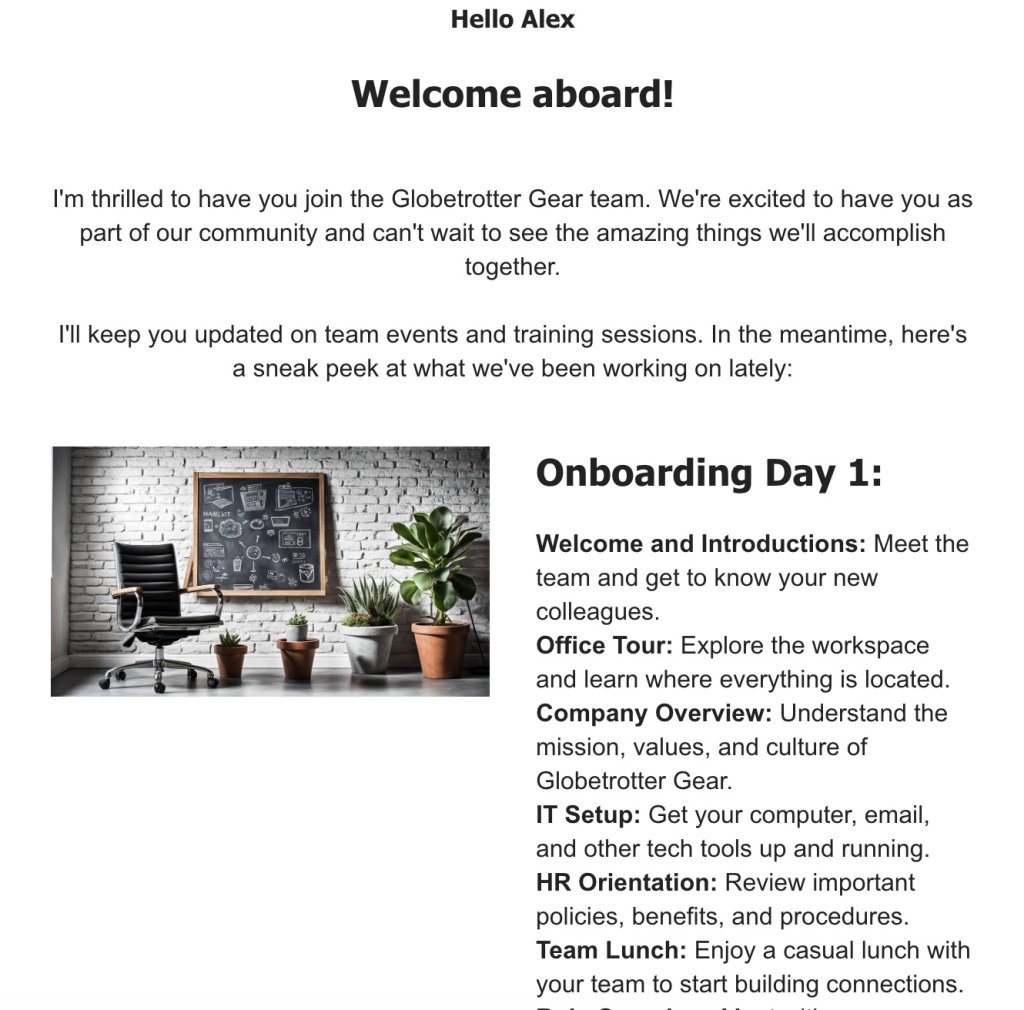
Welcome email for new team member Alex at Globetrotter Gear, outlining Day 1 onboarding activities. Includes an image of an office with a chair, plants, and a chalkboard.

8 Key Elements of Onboarding Emails + Examples

Now you know why onboarding emails are important, but how do you actually write one? Well let’s start with what’s clear: our goal here is engagement.

So, include the following key elements to ensure your emails not only get opened but also make a lasting impression and get your new members excited to join the crew. To help you out, here are the essential components of an onboarding email you should focus on before hitting send.

1. Personalization

Where do you start when putting together an onboarding email that really hits home? Begin with personalization. Use the recipient’s name and tweak the content to fit their role or needs, so it feels like a personal chat.

❌  No one likes those generic, faceless emails that feel like they could be meant for anyone.
✅ Make it personal, and you’ll make it memorable.

👇 Example
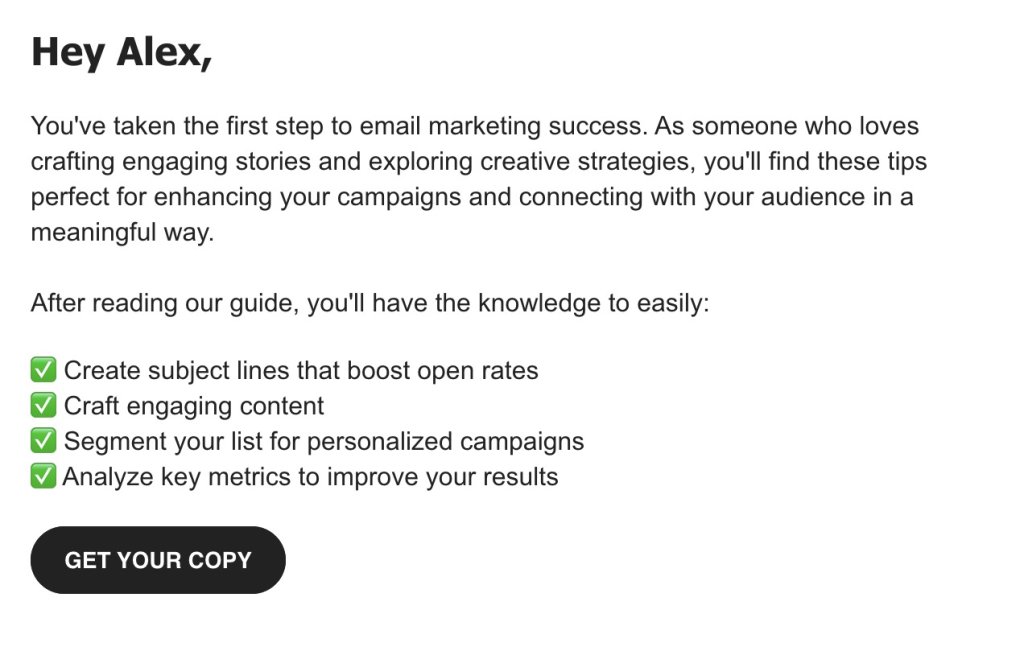
Email to Alex about achieving email marketing success, highlighting tips for creating effective subject lines, engaging content, and analyzing key metrics. Includes a 'Get Your Copy' button."

2. Clear Subject Lines

Keep it clear and simple. A straightforward subject line lets the recipient know what’s inside and makes them eager to open it up.

👇 Examples

Email subject line from SiteGround: "Unlock Your SiteGround Benefits: Exclusive Tips Inside!"
Email subject line from AnyCompany: "AnyCompany News - Find out more about recent happenings."

Can you tell which one is the good example and which one isn’t? The first one is engaging and specific, giving you a reason to open it. The second one? Not so much—it’s vague and doesn’t spark much interest.

3. Value Proposition

Show off what makes your brand or team awesome. Highlight the unique perks and benefits so newcomers get why being part of your world is a big deal. For instance, if sustainability is your thing, make sure to highlight it and show how it sets you apart and adds value.

👇 Example
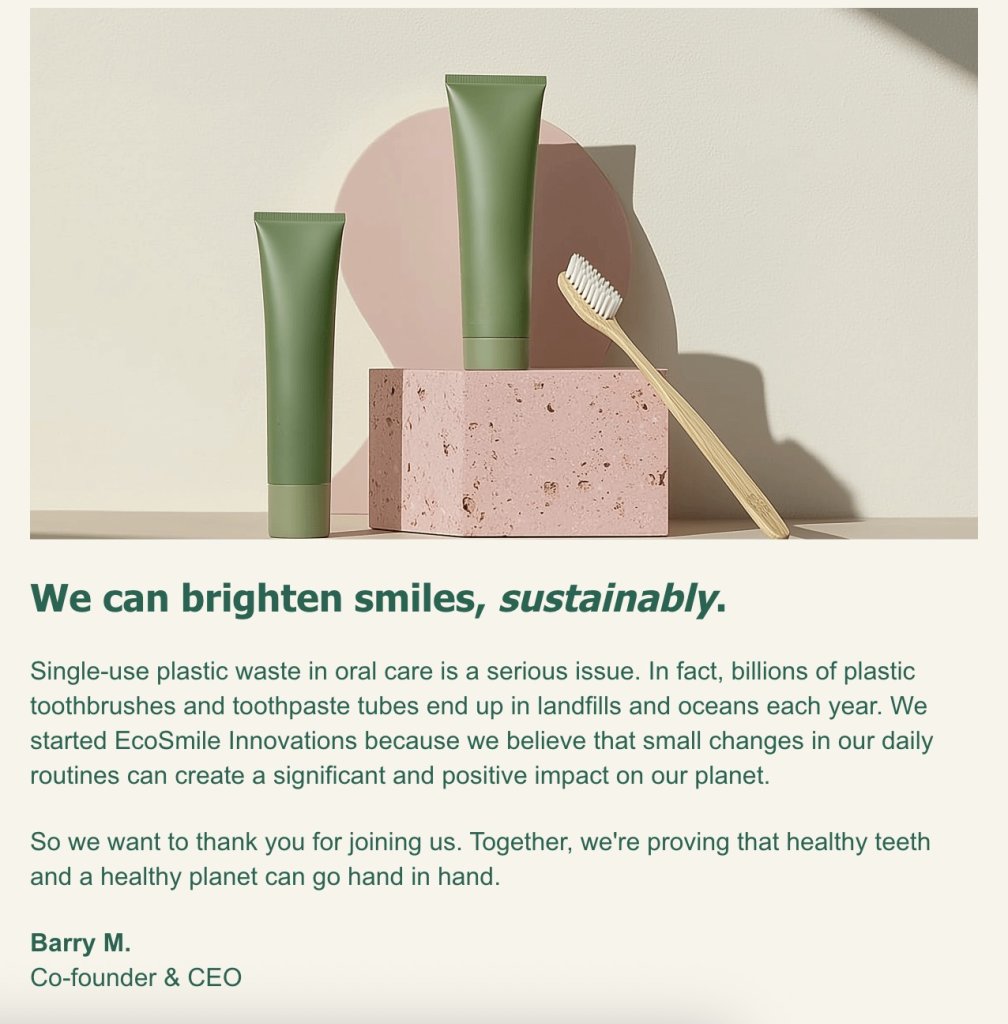
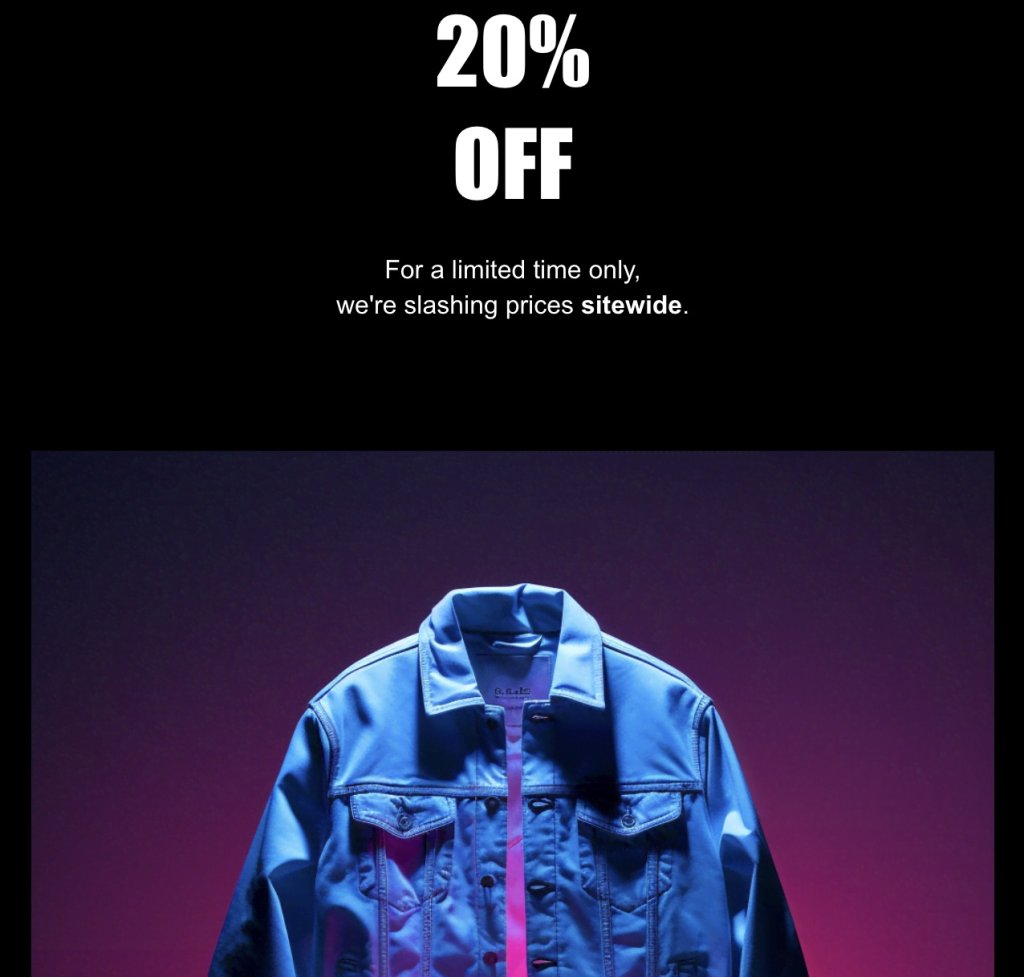
wo green toothpaste tubes and a bamboo toothbrush are displayed on a pink stone block against a neutral background. Below, text reads: 'We can brighten smiles, sustainably.' The accompanying message discusses the environmental impact of single-use plastics in oral care and introduces EcoSmile Innovations, emphasizing the importance of sustainable practices. Signed by Barry M., Co-founder & CEO.

4. Warm Welcoming Tone

Set a friendly, open atmosphere. A warm welcome makes new folks feel like they’re already part of the gang, easing any first-day jitters.

And as always, stick to email etiquette and keep in mind who you’re speaking to—whether it’s a laid-back chat for a startup or a polished tone for a corporate setting, matching your style to theirs creates an instant connection.

👇 Example
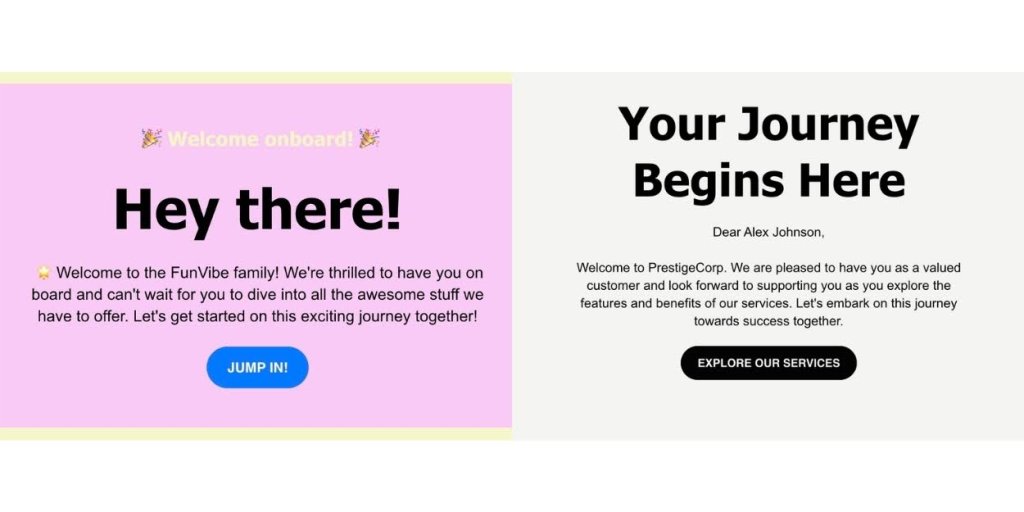
Two panels with welcome messages. The left panel has a pink background with the text: '🎉 Welcome onboard! 🎉 Hey there!' It welcomes the reader to the FunVibe family and invites them to start an exciting journey, with a blue button labeled 'JUMP IN!' The right panel has a gray background with the text: 'Your Journey Begins Here.' It addresses Alex Johnson, welcoming them to PrestigeCorp and inviting them to explore services, with a black button labeled 'EXPLORE OUR SERVICES.'

5. Visual Appeal

Use eye-catching design and scroll-stopping visuals. A good-looking email layout not only grabs attention but also makes the info stick. It doesn’t need to be flashy, but it does need to be the right fit for your target reader. 

For example, if you’re reaching out to a creative professional, you might use bold colors and dynamic graphics. On the other hand, if your audience is more corporate, a clean and sophisticated design might be the way to go.

👇 Example
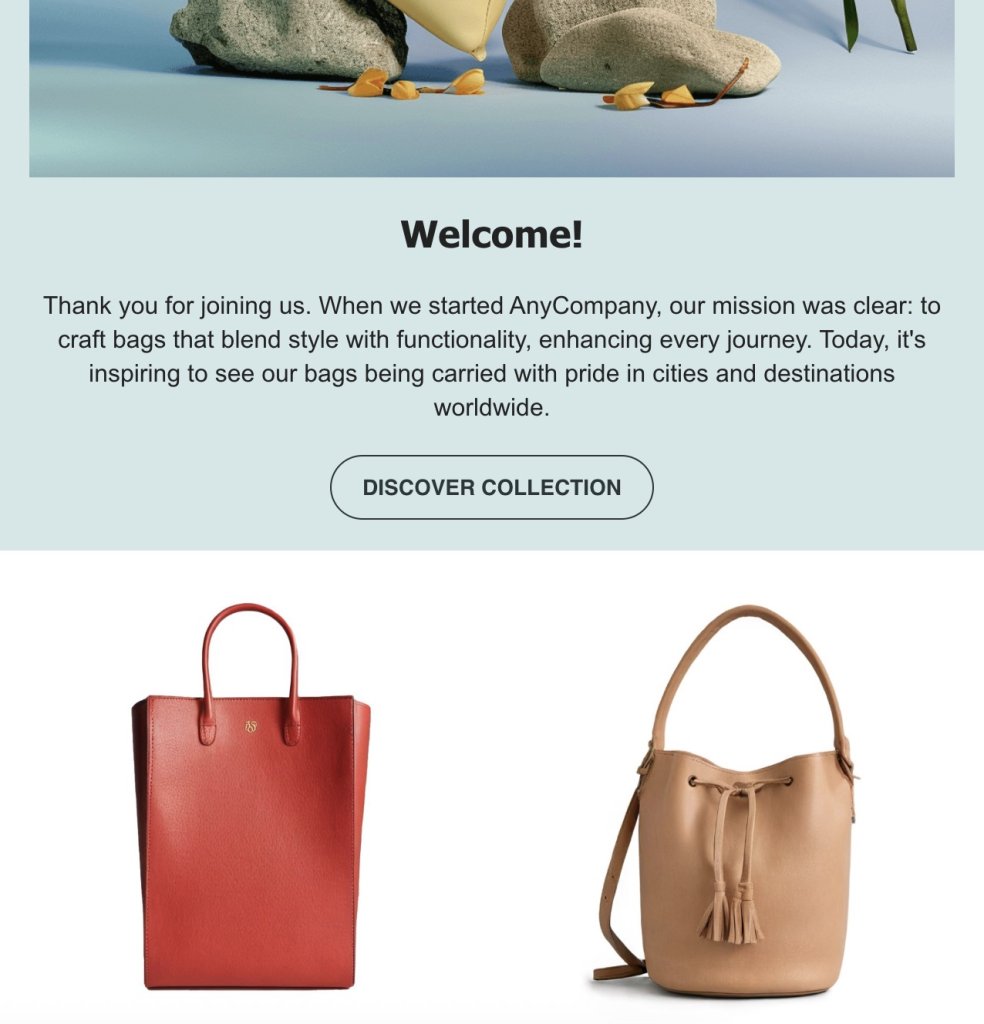
An image with a welcoming message and two bags. The top section shows a nature scene with rocks and a plant. Below, text reads: 'Welcome!' and a message about AnyCompany's mission to craft stylish and functional bags. A button labeled 'DISCOVER COLLECTION' is below the text. The bottom section displays two bags: a red tote bag on the left and a tan bucket bag with tassels on the right.

6. Concise and Relevant Content

Keep it short and sweet. Share the need-to-know stuff without drowning people in details. It’s all about getting the message across quickly. 

If you’re onboarding a new customer or community member, focus on the essentials like how to set up their account and use key features of your product. Skip the deep dive into your company’s history or the exhaustive list of advanced features—those can come later. 

This way, they get the crucial info they need to start using your product effectively without feeling overwhelmed.

👇 Example
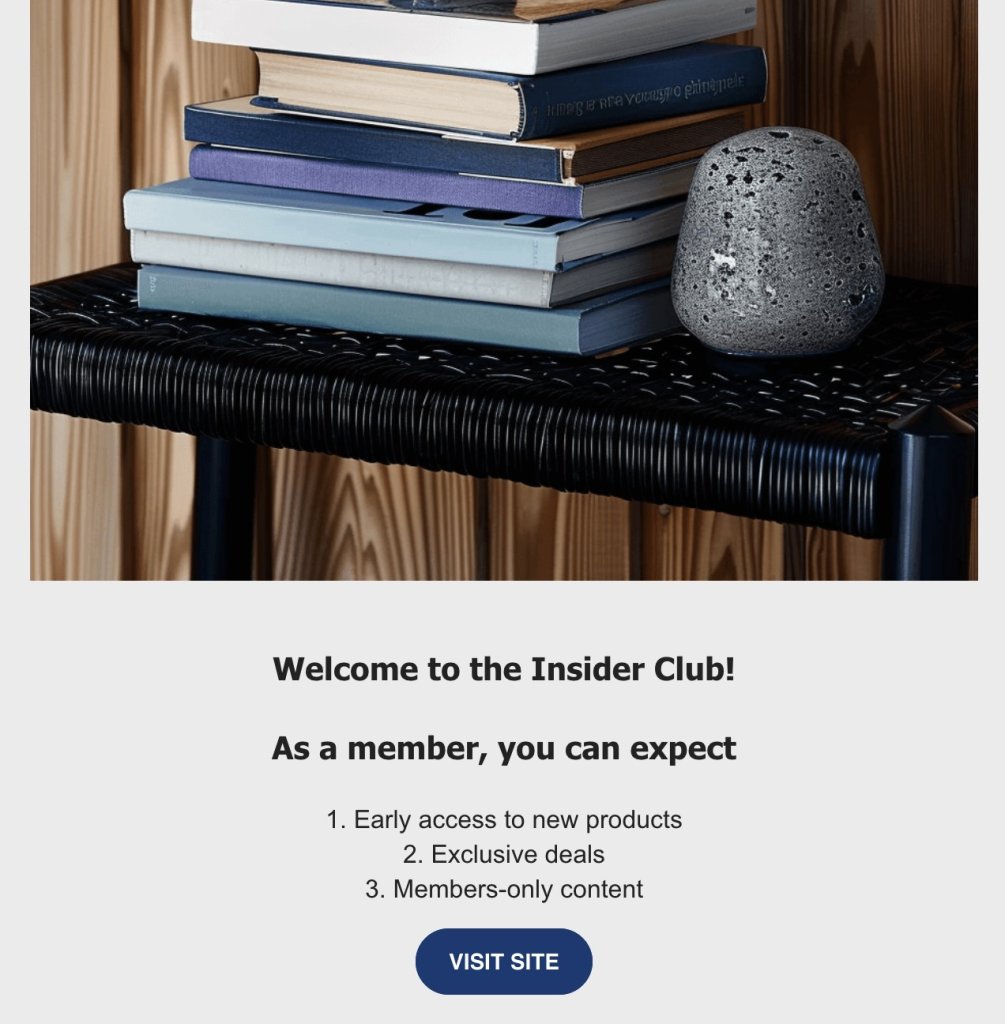
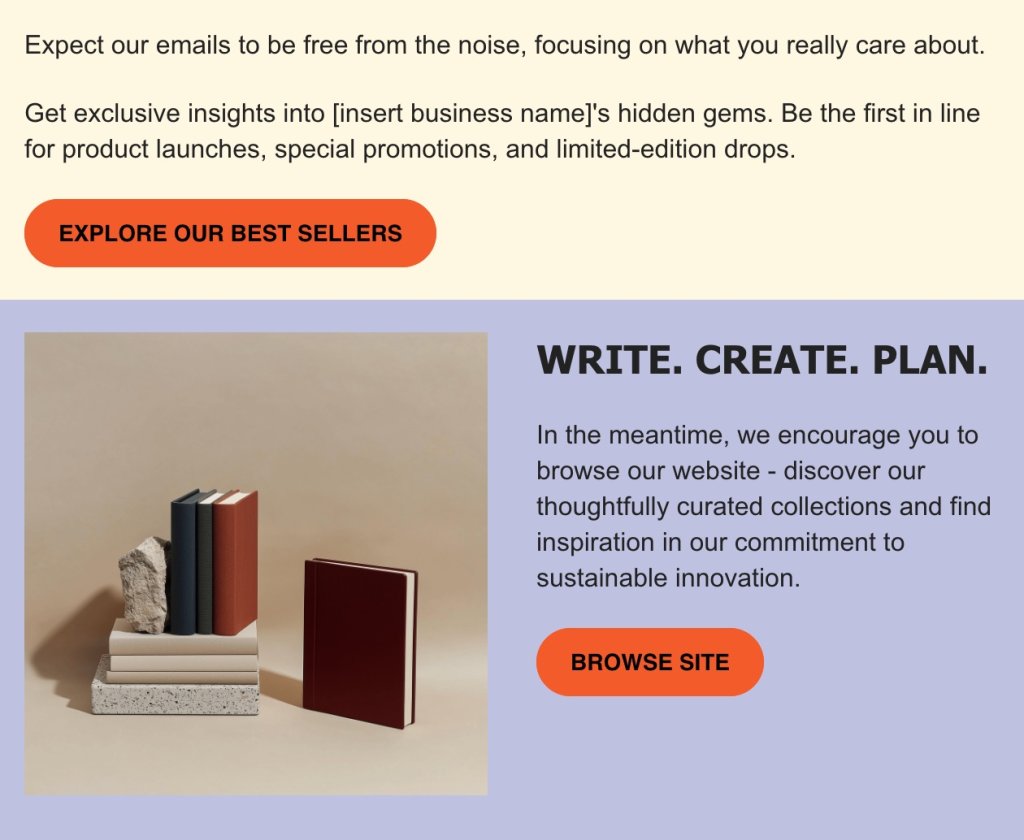
A stack of books on a black woven table with a small gray textured stone object beside them. The background features wooden paneling. Below the image, text reads: "Welcome to the Insider Club! As a member, you can expect 1. Early access to new products 2. Exclusive deals 3. Members-only content." A blue button labeled "VISIT SITE" is at the bottom.

7. Strong Call to Action (CTA)

Point your readers in the right direction with the right CTAs. Whether it’s checking out resources or reaching out, make sure they know what to do next.

📝 To make things simple for you, here’s a quick CTA checklist:

✅ Keep CTA copy short and engaging.
✅ Use first-person language for a personal touch.
✅ Choose friendly and inviting action words.
✅ Ensure CTA colors contrast and font sizes are readable.
✅ Design CTAs for mobile responsiveness.
✅ Limit the number of CTAs to avoid overwhelming readers.
✅ Place CTAs prominently, ideally above the fold.
✅ Test visibility with a blurriness test.
✅ Use UTM tags for tracking link performance.

👇 Example
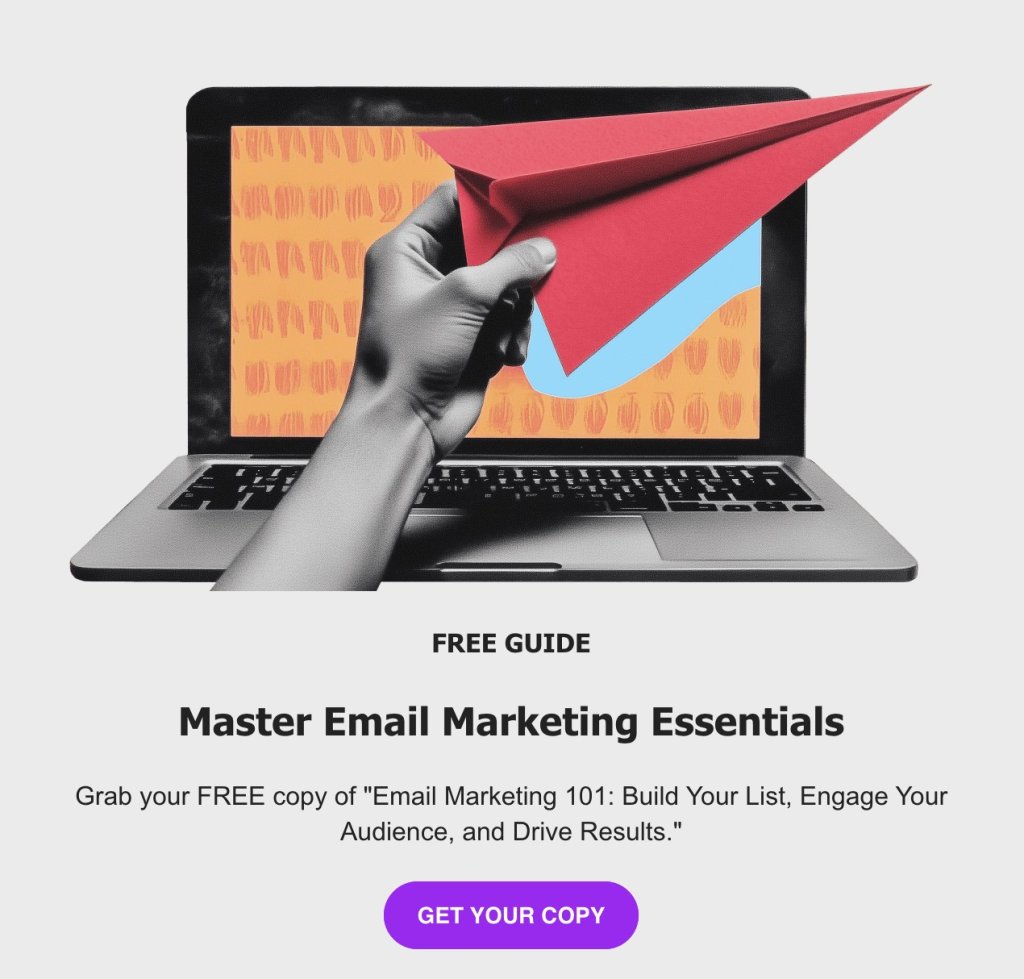
A grayscale image of a hand holding a red paper airplane in front of a laptop screen displaying a colorful abstract pattern. Below the image, text reads: "FREE GUIDE. Master Email Marketing Essentials. Grab your FREE copy of 'Email Marketing 101: Build Your List, Engage Your Audience, and Drive Results.'" A purple button labeled "GET YOUR COPY" is at the bottom.

8. Contact Information and Support

Always have your contact info handy. It’s like saying, “Hey, we’re here if you need us,” giving email recipients peace of mind that help is just a click away. Make sure to include at least the essentials, like your name and contact information, in your email signature—those are must-haves. Phone numbers can be optional, depending on your industry. 

You might also want to throw in your physical address and social media links for a well-rounded touch. You can pop these in the email footer for consistent visibility, or even add them as a separate contact button for easy access.

👇Example

A person in a yellow shirt is smiling at a laptop screen. Below, text on a teal background reads: "Hi Samantha! The first step of your onboarding is the Freelance Success Webinar. Date: 01.09.2025 Time: 9 AM. Don't forget to mark your calendar!" A yellow button labeled "ADD TO CALENDAR" is below the text. At the bottom, on a beige background, it says: "Don't hesitate to reach out to us in case you've got some questions!" with an email address: info@anycompany.com.

Your Go-To Email Template for Success

With these key elements in mind, here’s an onboarding email template you can snag to greet and guide your new customers. Just add a personal touch to make each person feel special and valued.

Subject Line: Welcome to [Product/Service Name]—Let’s Get Started!

Hi [Customer’s Name],

Welcome to the [Product/Service Name] family! 🎉 We’re excited to have you with us and are committed to helping you get the most out of your new experience.

Getting Started:

Activate Your Account: [Link to Account Activation]
Explore Key Features: Check out our [Feature Guide] to see what [Product/Service Name] can do for you.
Customize Your Experience: Visit [Settings Link] to tailor the product to your preferences.

Your Go-To Resources:

Help Center: [Link to Help Center]
Tutorial Videos: [Link to Tutorials]
FAQs: [Link to FAQs]

Meet Your Support Team:

Our support team is here to assist you every step of the way. Feel free to reach out if you have any questions or need help.

Support Email: [Support Email]
Phone Number: [Support Phone Number]

Next Steps:

Dive into our [Community Forum] to connect with other users and share your experiences. Don’t forget to follow us on [Social Media Link] for updates and tips!

If you need anything, just give us a shout. We’re here to ensure you have a fantastic experience with [Product/Service Name].

Happy exploring!

Best,

[Your Name]
[Your Position]
[Company Name]
[Contact Information]

Best Practices for Your Onboarding Email Sequence

We’ve covered the must-have elements and checked out a premade template, so it’s time to dive into the best practices for crafting your onboarding email sequences. These tips will help you create an inviting, personalized, and totally on-point experience for your new joiners. Let’s make their journey with your brand truly exciting!

Stay Friendly, Yet With Audience in Mind

Kick off your onboarding emails with a friendly “Hey there!” or “Welcome aboard!” to set a chill vibe and make people feel like they’re already part of the crew. A warm welcome can melt away any first-day jitters and make the reader feel right at home. 

If a casual tone doesn’t quite fit your industry, no worries—going a more traditional route is totally fine. Begin with a warm and professional greeting like “Welcome to [Company Name]!” or “We’re thrilled to have you with us.” This sets a respectful tone and makes people feel appreciated right from the start.

Different Users = Different Strategies

Different folks have different needs, so it’s key to adjust your email marketing strategies to match. Map out the customer journey of each user, whether they’re newbies, returning customers, or from different demographic groups.

Also, give your emails a personal touch by using each person’s name and mentioning things they’ve done or shown interest in. Customizing your approach means everyone gets content that really clicks with them, making their experience better and keeping them engaged and happy.

Stay On-Brand and Consistent

The thing about branding is that it may seem like a small detail, but over time, it builds up and can create a powerful bond with your customers. So, keep everything in line with your brand’s vibe—whether it’s the look, the tone, or the message.

If your brand’s tone is energetic and playful, let that vibe come through in your emails with fun language and maybe a joke or two. Got brand colors like green and yellow? Sprinkle those in with headers, buttons, or backgrounds to keep things looking cohesive. Stick to your usual email fonts and sizes, too, because those little details add up. Together, these elements make your brand instantly recognizable and keep your audience feeling connected.

Master Your Email Timing and Frequency

Now that you’ve nailed the tone, let’s talk about timing. Get the timing and frequency of your emails just right to keep your audience engaged without overwhelming them. Find that sweet spot where you’re staying in touch enough to be memorable but not so much that you’re a bother. 

Email automation can be a big help here, allowing you to schedule messages at optimal times and maintain a consistent flow without the hassle. Sending emails when your audience is most likely to check their inbox—like during their morning coffee or mid-afternoon break—can make all the difference in getting noticed.

The timing and frequency of an onboarding email sequence can vary depending on the nature of your product or service, but here’s a general guideline to get you started:

Welcome Email: Send immediately after sign-up or registration. This email sets the tone and provides a warm welcome.

Day 2-3: Introduction to Features: Send an email introducing key features or benefits to help users get started and explore what you offer.

Day 5-7: Tips and Tricks: Share helpful tips or resources that make their experience smoother, such as tutorials or FAQs.

Day 10-14: Check-In: Send a friendly check-in email to see how things are going and offer assistance if needed.

Day 15-21: Encourage Engagement: Send an email encouraging further engagement, such as joining a community forum or providing feedback.

Day 30: Feedback or Survey Email Request: Ask for their thoughts on how it’s going and if they need anything else.

🚀With SiteGround Email Marketing, you can effortlessly set up these processes so every new client feels welcomed and valued from day one.

Ensure Device-Friendly Designs

Make sure your emails look great no matter where they’re opened by testing them on different devices. Whether it’s a phone, tablet, or computer, your emails should display correctly and be easy to read on any screen size. This way, everyone gets the same awesome experience, no matter how they check their inbox.

Keep an Eye on Key Metrics

And last but not least, keep tabs on important email marketing metrics like open rates, click-throughs, and conversions. These numbers tell you how well your emails are doing. For example, if your open rate is high, it means your subject lines are grabbing attention. Use this data to tweak and improve your strategy, making sure your emails hit the mark and keep getting better.

How Will You Know If Your Onboarding Emails Work?

Speaking of metrics and email marketing benchmarks, here’s a list of the heavy hitters that can seriously level up your game. Get to know these, and you’ll have the insights you need to refine your strategy and keep your audience hooked.

  • Email Open Rate – Tells you how many people are opening your emails. A high rate means your subject lines are working well.
  • Click-Through Rate (CTR) – Shows how many people are clicking on your links, indicating that your content and CTAs are engaging.
  • Conversion Rate – Tracks how many recipients take the action you want, showing that your emails are effective.
  • Email Bounce Rate – Measures the percentage of emails that didn’t reach the inbox. High rates might mean there’s a problem with your list.
  • Email Unsubscribe Rate – Keeps track of how many people are opting out. If it spikes, your content might need a tweak.

[47]

Conclusion: Turn Email Onboarding Into Engagement

Nailing your onboarding emails can turn new users into your biggest fans. Keep things personal, timely, and consistent, and you’re not just firing off emails, but instead you’re making real connections that stick. It’s about creating an environment that feels warm and genuine, turning those first hellos into friendships that last.
Explore SiteGround Email Marketing to build any campaign—from onboarding to re-engagement and everything in between. It’s your go-to tool for easily creating emails that connect, engage, and leave a lasting impression on your audience.
SiteGround Email Marketing

Email Footer Made Easy: Your Go-To Checklist

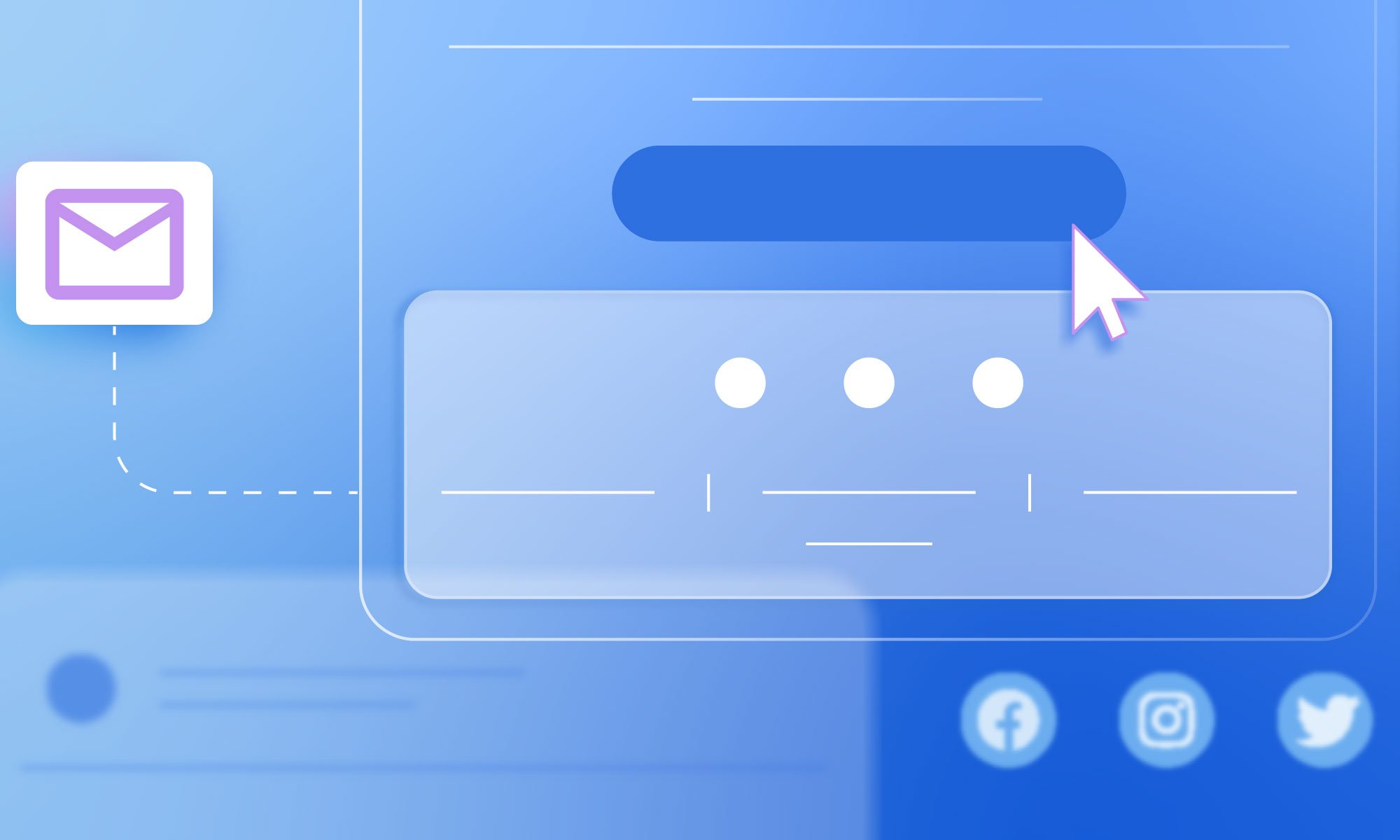
Illustration of an email interface with a clickable button and social media icons, highlighting email footer design.

Think of your email footer as your trusty sidekick, swooping in to deliver all the must-know info effortlessly. Whether you’re a small business owner craving simplicity or a marketer looking for that extra punch, this article is your go-to guide.

We’ll help you easily craft a footer that’s both functional and stylish, complete with examples to ensure your emails always leave a lasting impression. Get ready to jazz up your email strategy with a splash of elegance and effectiveness!

An email footer is the wrap-up section at the end of an email that includes key details and handy links, like contact info, legal bits, and branding elements. For small businesses, it’s a practical and essential part of every email. Now, you might not think much about the footer when crafting an email—it’s easy to shrug it off as just the bottom part. But that’s not quite the case. 

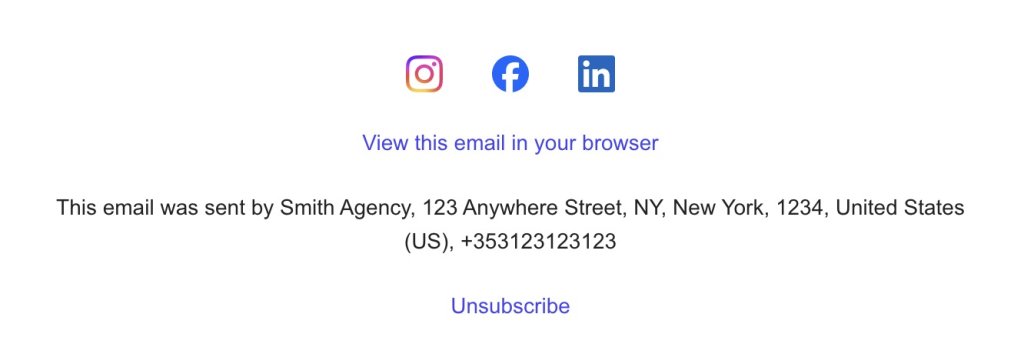
Email footer with social media icons for Instagram, Facebook, and LinkedIn, a link to view the email in a browser, sender's contact information, and an unsubscribe option.

Imagine sifting through a pile of emails, each with its own unique layout. Sometimes you’re just trying to find the most basic info, but with all the creative designs out there, it can be confusing to know where to look. Amidst all this variety, there’s one consistent and reliable spot you can always count on—the email footer. It’s the go-to place for all the essential details, no matter how the rest of the email is formatted. In fact, a well-designed footer can boost your email metrics by making it easier for people to engage and click through.

[47]

The email footer also makes sure you stay on the right side of regulations, keeping all the necessary legal information right where it needs to be. While it might not be the most exciting part of your email, it’s definitely important. Depending on the tool you choose, you can integrate into the footer, or add it as a separate section right above the footer, highlighting legal details or key information without cluttering the main footer area.

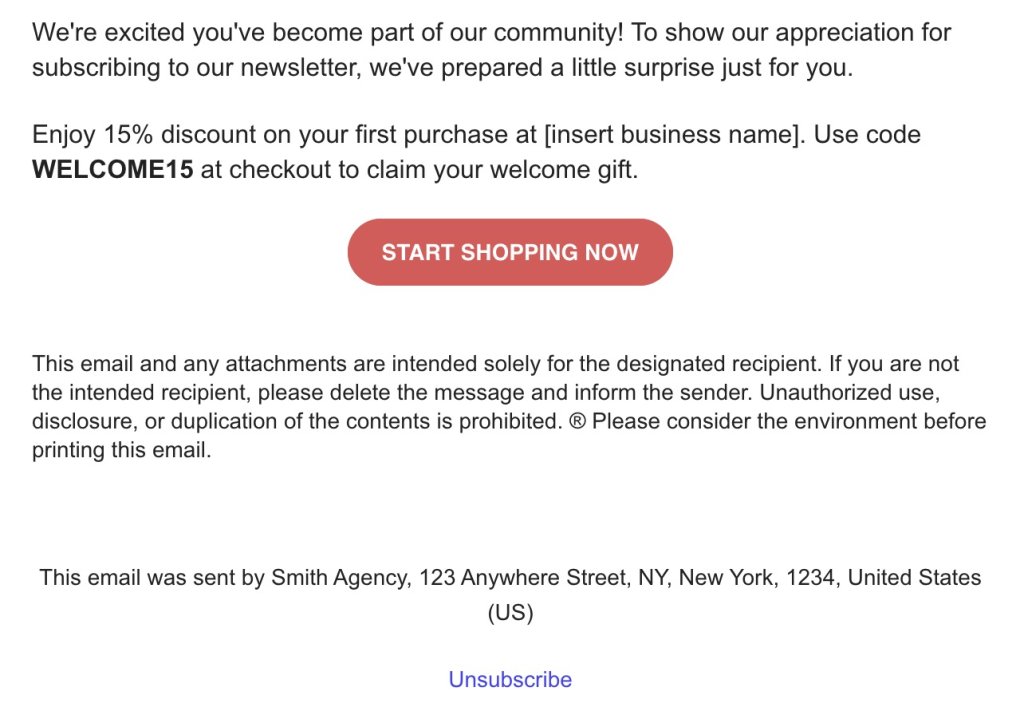
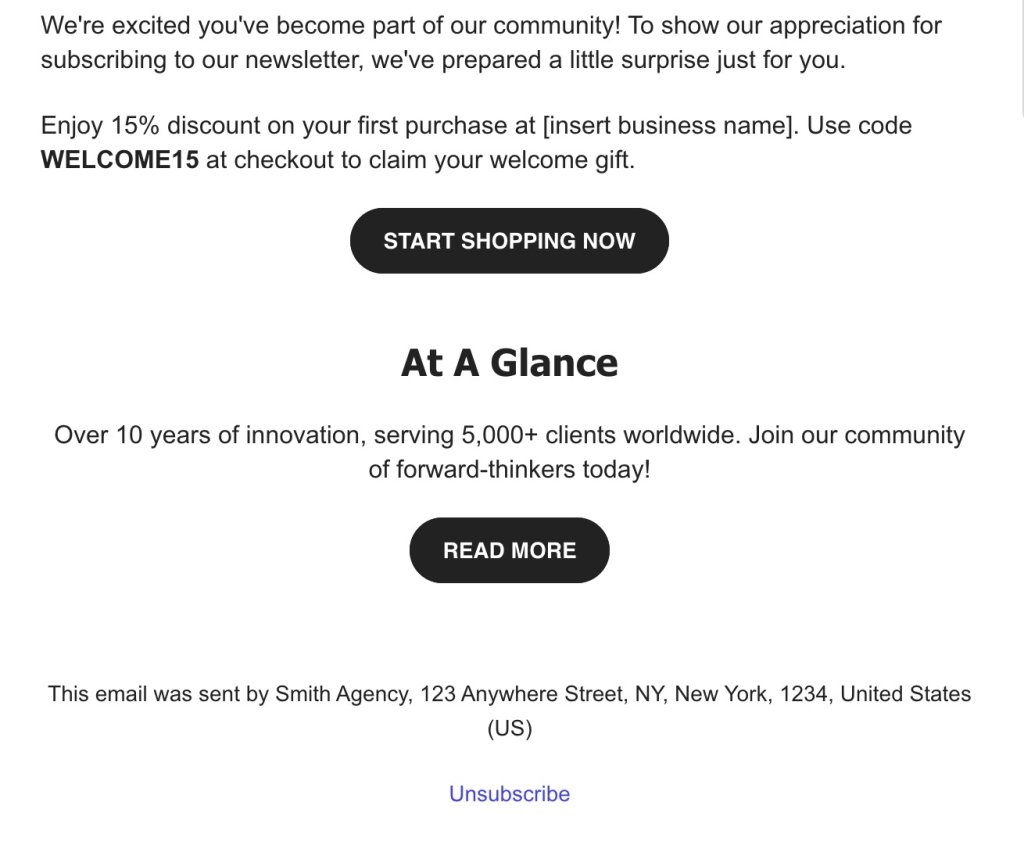
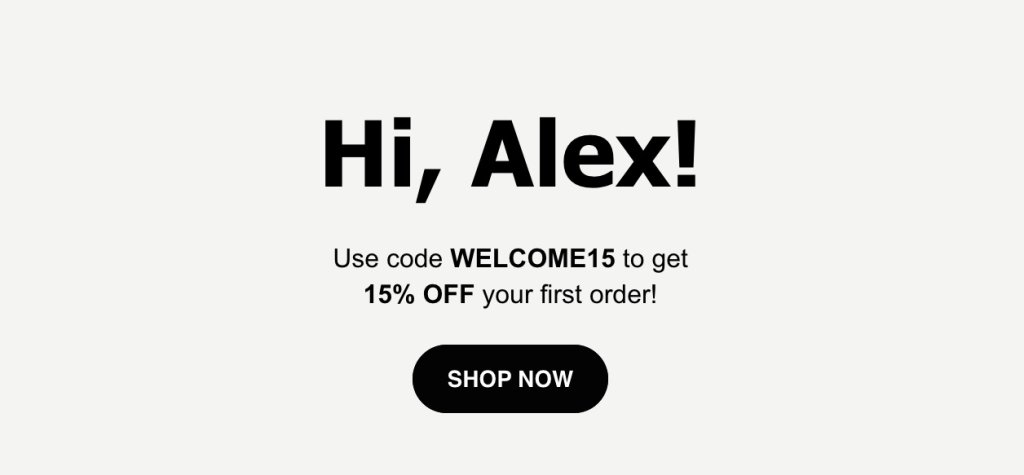
Email welcoming a new subscriber with a 15% discount code, a "Start Shopping Now" button, a confidentiality disclaimer, sender's contact info, and an unsubscribe link.

Email Footer Best Practices

With that in mind, a strategic email footer shows off your brand’s professionalism while making sure your audience can easily find all the important info. So, what makes the best footer for emails? Let’s jump into some best practices and examples that can help you create a footer that serves its purpose effectively.

Keep the Footer Clean and Clear

The first rule of thumb for a great email footer is to keep it clean and clear. A simple footer design ensures that your essential information isn’t buried in distractions. Stick to the basics: your contact info, a few branding elements, and perhaps any legal details you need. Make it easy to navigate by placing the most important details—like your contact info—right at the top.


While email copywriting offers endless possibilities, when it comes to the footer, simplicity is key. Skipping unnecessary details makes it easy for people to find what they need. Less is often more for a user-friendly email footer.

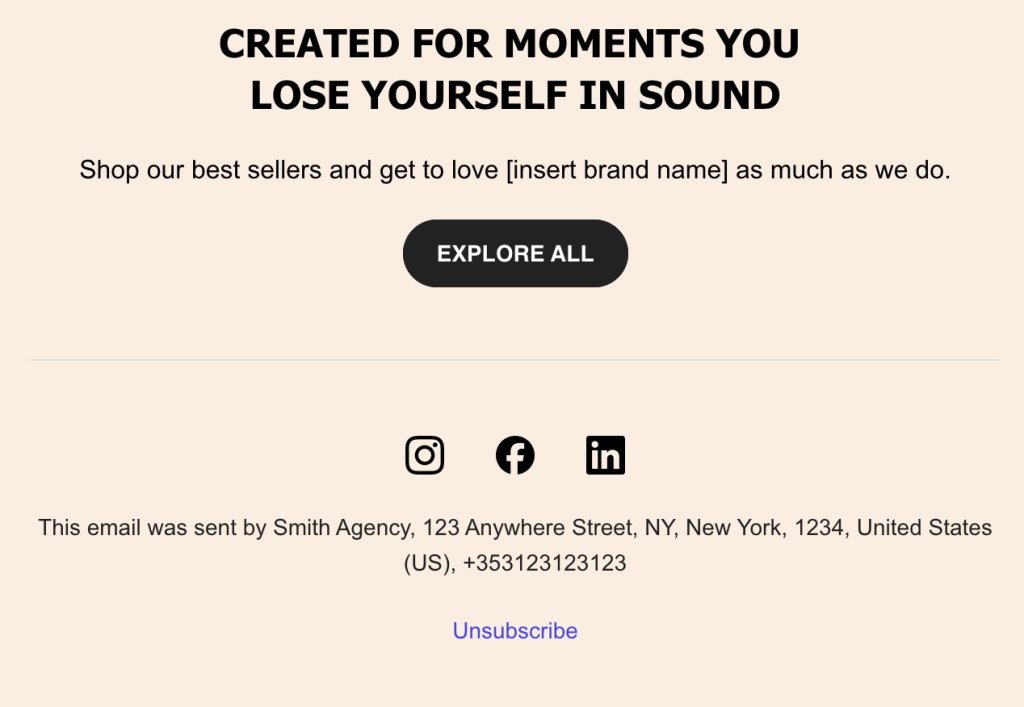
Promotional email highlighting best sellers with a call to "Explore All," featuring social media icons for Instagram, Facebook, and LinkedIn, sender's contact info, and an unsubscribe link.

Make It Mobile Friendly

With everyone glued to their phones these days, making sure your email footer is mobile-friendly and accessible is super important. You don’t want your footer to be all over the place on a small screen, so keep things responsive so it fits nicely on any device. 

Also consider using bigger fonts and buttons to make it easy for everyone to read and click, no matter if they’re on a phone or a computer. SiteGround makes this all easy for you by automatically displaying the best font size and adjusting everything—like spacing and layout—for mobile, so you don’t even need to worry about it. It’s all done for you.

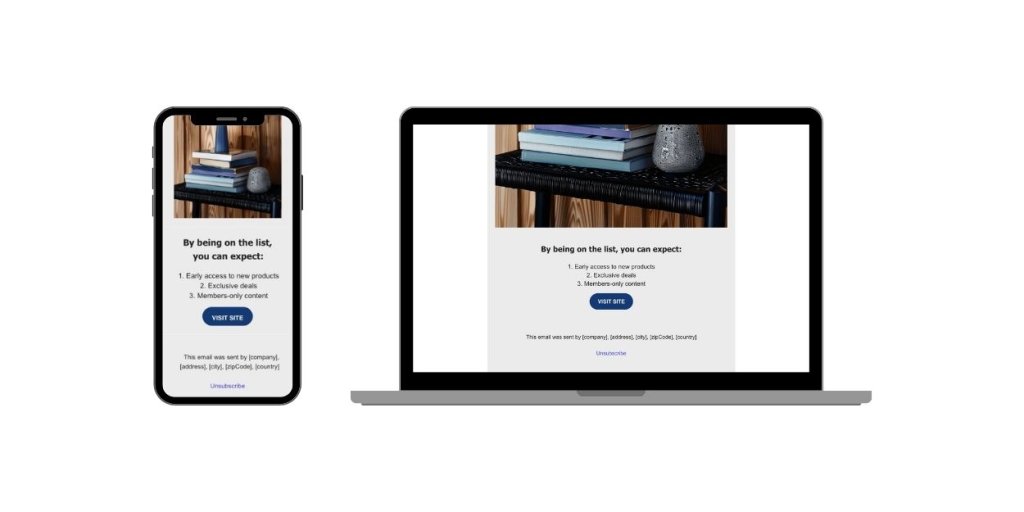
Responsive email design displayed on a smartphone and laptop, featuring benefits of joining a list, a "Visit Site" button, and unsubscribe option.

Keep It Fresh & Update It Regularly

Just like any other part of your business, your email footer needs a little TLC to stay relevant. Regularly updating your footer makes sure all the info is up-to-date and spot-on. Whether it’s a change in contact details or social links, keeping things fresh helps maintain your professional image. 

Plus, it shows that you’re on top of things and paying attention to the details. So, every now and then, give your footer a quick review to make sure it’s up-to-date and reflecting your brand just right.

Essential Footer Elements

Contact InfoInclude phone, email, and address to build trust and offer easy communication.
Easy Opt-Out LinksProvide visible unsubscribe links for hassle-free email preference management.
Social LinksAdd links to your social media profiles so people can easily connect and engage with your brand.
Your Company at a GlanceOptionally, add a brief overview or tagline to reinforce brand identity and connection. For example, phrases like “Your Trusted Partner in Excellence” can convey reliability and quality. And this doesn’t necessarily need to be part of the footer—it could also be placed right before it to set the tone for your email’s conclusion.
Welcome email with a 15% discount offer, featuring "Start Shopping Now" and "Read More" buttons, highlighting company achievements, with sender info and unsubscribe link.

Your Step-by-Step Email Footer Checklist

Want to nail your email footer? It’s easier than you think. Follow these simple steps to learn how to make an email footer that’s both cool and effective, ensuring your emails always leave a great impression.

Step 1: Gather Your Content 📋

First things first, gather up all the info and bits you want in your footer. This could be any of the above-mentioned elements you want to include—contact details, any legal information, or links to your social media. Having everything in one spot makes putting your footer together a whole lot easier.

Step 2: Choose an Email Building Tool 🛠️

This step is optional, but it can definitely make your life easier. Choose the best tool to help you build your email marketing campaigns based on your needs. For example, with SiteGround’s Email Marketing, you can easily whip up and tweak your email footer using our drag-and-drop builder—no coding needed. Plus, our user-friendly design offers pre-made templates and easy customization to ensure your footer aligns perfectly with your brand’s vibe.

If you’re not using a tool, no worries! You can still put together a footer using basic HTML and CSS if you’re up for it. Or, keep it simple with a basic word processor. You can add some visual flair with design tools, and most email clients offer basic formatting options you can use too.

Step 3: Choose a Simple Design 🎨

We’ve already talked about the power of simplicity, and this applies to design too. Keep your footer clean and simple so it doesn’t overwhelm your readers. Go for a minimalistic look that’s free of clutter, making sure the important stuff stands out. A straightforward design keeps your footer easy to use and nice to look at.

Step 4: Test Across Devices 📱💻

Once you’ve nailed down the design, make sure your footer looks good on all devices. Remember what we said about mobile? Try it out on smartphones, tablets, and desktops to make sure it’s responsive and easy to navigate, no matter how your audience is viewing your email. Also, verify that all links, like social media icons, are working correctly, no matter how your audience is viewing your email.

Step 5: Implement Branding Elements 🏷️

After optimizing your email for mobile devices, it’s time to add in some brand-specific touches to really highlight your identity. This is where your main company elements—such as your company name and social media links—should take center stage. They will further showcase your brand and strengthen your connection with your audience. 
Focus on making sure that your brand colors and fonts are consistent to pull everything together seamlessly. If you’re going for a colorful design, make sure the colors vibe well together and match your brand’s style.

SiteGround makes this all super easy for you. From mobile optimization to testing your emails, we’ve got you covered. With SiteGround, adding your footer and nailing these best practices is a breeze, keeping your brand front and center in every email.

Email Footer Takeaways

Creating a great email footer is all about mixing function with a bit of flair to back up your brand’s message. These tips will help make sure your footer is pulling its weight, giving out the key info while keeping your brand looking sharp and professional.

And it doesn’t have to be complicated. Whether you’re new to this or just want to tweak your style, SiteGround Email Marketing has got the tools you need to easily craft the best footer that fits your brand perfectly. 

Promotional banner for SiteGround's email marketing tool, highlighting improved email campaigns with a 98.8% delivery rate, and featuring a "Start Today" button.

Best Email Signatures That Any Small Business Will Love

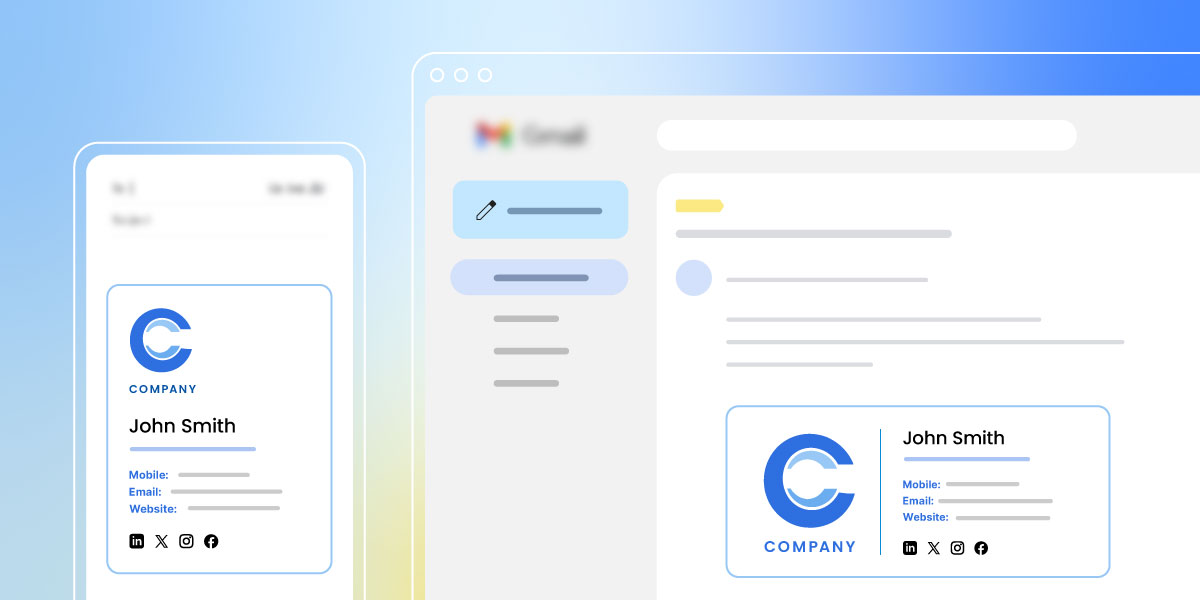
Email Signature header image

For small businesses, every detail matters, and that includes your email signature. Often overlooked, these little snippets are your chance to reinforce your brand, share key contact info, and leave a lasting impression on clients and partners. 

In this article, we’re diving into why having an awesome email signature matters—and sharing creative ideas just for small businesses. If you’re going for a sleek, professional vibe or want to sprinkle in some personality, we’ve got the tips you need to make your emails grab attention and help your business get noticed in every inbox.

Why Email Signatures Matter

Email signatures might seem like a tiny detail, but they’re actually super important in professional communication. They do more than just list your contact info—they offer a small peek into your brand’s style and character. 

Try adding your logo, brand colors, and a sprinkle of your unique tone of voice to your email signatures. It’s a simple way to make your email layouts look polished and professional. Plus, it keeps your brand on people’s minds, making you feel fresh and trustworthy.

Imagine you’re a customer getting emails from two businesses offering similar services. One ends with a plain, boring text signature, and the other has a snazzy signature with a logo, brand colors, and a fun sign-off. As a customer, which one grabs your attention? Probably the one that looks sharp and put-together, right? 
That little bit of extra effort makes them stick in your mind, builds trust, and makes your customers more likely to choose them over the other guys. This shows how different parts of an email, like the signature, can really change how the person on the other end sees things. A cool email signature can make all the difference in who you decide to work with.

SiteGround Email Marketing Course

Inspiring Professional Signature Examples

Now that we’ve seen why email signatures are a big deal, you might be wondering what the proper format for the best email signature is. Well, the heart of it is making a lasting impression while keeping things simple and on-brand. 

A great email signature should share your essential contact info and reflect your brand’s vibe. Whether you go for a sleek and professional look or something bold and creative, the key is to match your brand’s personality and industry style. Keep it clear, consistent, and make sure it’s easy to read. Let’s dive into some inspiring styles and approaches to crafting engaging email signatures.

Classic and Clean

A classic and clean business email signature is about simplicity and professionalism. It typically includes your name, title, company logo, and contact details, all neatly organized to make it easy for recipients to find what they need. This style is perfect for industries where professionalism is key, like finance or law, where making a polished impression is essential. Think of it as the little black dress of email signatures—timeless and always appropriate.

Eleanor Fitzgerald's business card as a Marketing Consultant, displaying contact details and a minimalist design.

Creative: Cute and Memorable

Ever notice how some brands just have that playful and energetic vibe? Those email signatures add a bit of personality while staying professional. They might have fun fonts, cute icons, or a quirky sign-off that shows off their unique style. They are perfect for creative fields like design or marketing, where making a memorable impression counts. It’s like a friendly wink at the end of your email that keeps you in people’s minds.

Quick tip: Consider using interactive elements like clickable social media icons, video links, or animated GIFs to take your signature up a notch. While not a must, this approach is great for industries that thrive on engagement, such as digital marketing or entertainment, turning your emails into experiences.

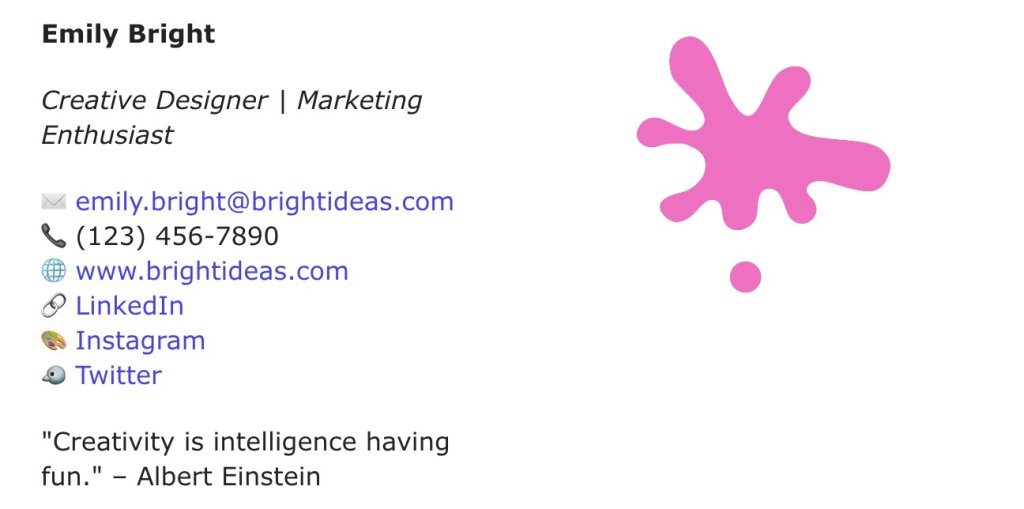
Emily Bright's business card as a Creative Designer and Marketing Enthusiast, including contact details, social media links, and a pink splash graphic.

Minimalist and Modern

Minimalist email signatures are all about keeping it simple and sleek. They ditch the clutter and stick to the essentials—just your name, title, and contact info, often wrapped up in a clean, monochrome design. 

If you’re in a tech or startup environment, for example, where innovation and efficiency are the names of the game, this style is spot-on for you. This is a breath of fresh air in your inbox, offering a modern and polished look. If you want your emails to feel sharp and to the point, a minimalist signature is definitely the way to go.

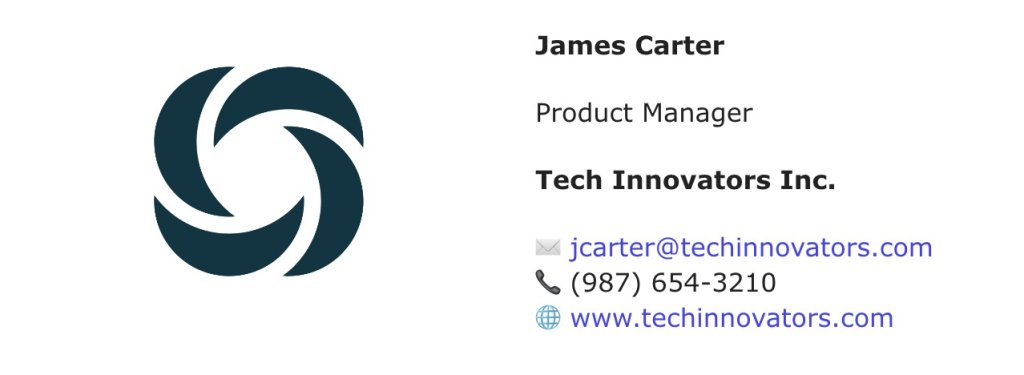
James Carter's business card as a Product Manager at Tech Innovators Inc., featuring contact information and a circular logo.

Modern & Industry-Specific

Customizing your email signature to your industry can make a big impact. For example, a healthcare professional might include certifications or a booking link, while someone in real estate could add a property showcase. This way, your signature stays relevant and super helpful for your audience. It’s about speaking the language of your industry right from the get-go, showing that you know your stuff.
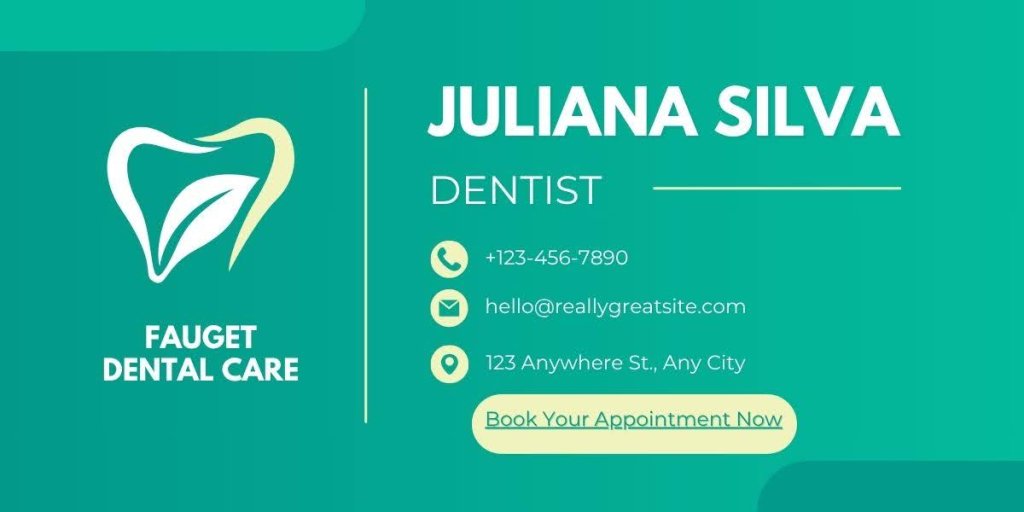
Business card for Juliana Silva, a fictional dentist at Fauget Dental Care, featuring contact details and a tooth logo

Team Signatures: Consistent and Cohesive

A unified team signature is all about keeping things consistent and working together. This is especially important for large organizations or those with multiple departments, where maintaining a consistent brand image is crucial. You don’t want people from different teams having clashing signatures—let’s show off that united front.

But hey, you can still tweak it based on your role. If you’re the social media manager, you might want to throw in some clickable social media icons to get people engaging. And if you’re the managing partner, maybe add a direct contact line or a link to your latest article. The trick is to keep it cohesive while letting your role shine through.

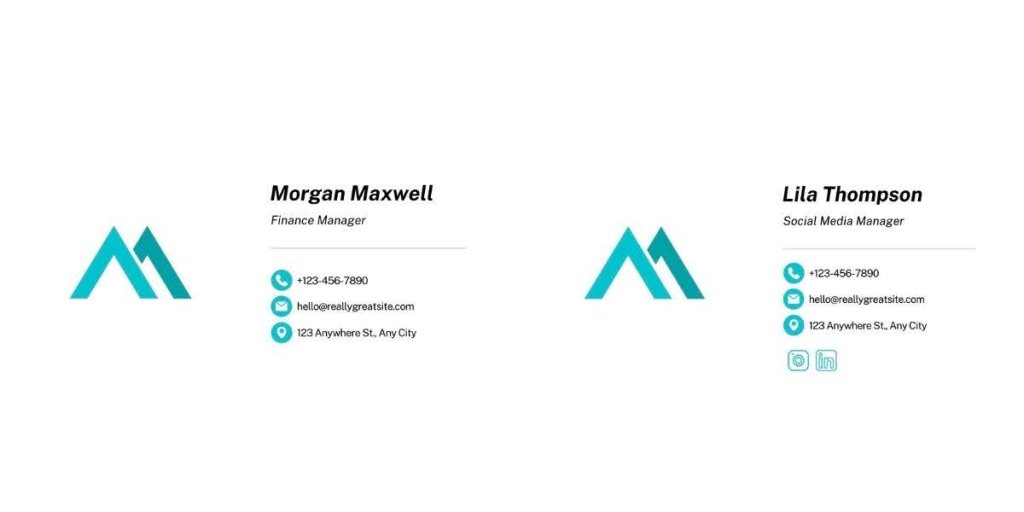
Business cards for Morgan Maxwell, Finance Manager, and Lila Thompson, Social Media Manager, with contact information and a stylized logo.

What to Put in an Email Signature

You’ve checked out the various styles of email signatures, but what should you actually include to make yours pop while covering all the must-haves? Let’s explore the key ingredients for a signature that really packs a punch.

Start with nailing the basics—make sure your name and title are front and center. Then, spice things up with a call to action to boost email engagement. Each piece adds to your professional vibe. Ready to make your email signature do its job? Let’s jump into what you need to include.

Your Name and Title Start with showing who you are—your name and title.
Whether you’re the boss or part of the team, putting your name and role front and center adds a personal touch and sets the tone for your emails.
Company DetailsYour company name and logo is a simple way to keep your brand in the spotlight and remind people who you represent.
This helps build trust and makes your emails feel more professional.
Contact InformationMake it easy for people to reach you by including your phone number, email, and maybe even your office address.
Keep it clear and easy to find, so you’re always just a call or click away.
Social Media LinksAdd links to your social media profiles to keep the conversation going beyond email.
Whether it’s LinkedIn, Facebook, or Instagram, these links let people connect with you in different ways.
Legal DisclaimersInclude a legal disclaimer if your industry requires it.
It could be a confidentiality notice or other important info.
This keeps you compliant and worry-free about legal issues.
Essential for fields like finance, healthcare, and legal where sensitive info and strict rules apply.
CTAsWhether it’s visiting your website, signing up for a newsletter, or booking a call, a simple CTA can drive engagement.
Think about what you want people to do next and make it easy for them to take that step.
Social ProofAdding social proof strengthens credibility. 
Include a client testimonial, industry awards, “As seen in…” media mentions, well-known client logos, and certifications to enhance credibility and trust.
These elements subtly communicate your value and build trust.

Signature Tips for Small Business Owners

Examples? Check. Things to include? Check.

Now, let’s uncover some practical tips that will make your life easier and help you create an email signature that just works.

Leverage Templates

Tap into well-designed, ready-to-go templates available online. Loads of email clients and design platforms have pre-made templates, and guess what? Some of them are totally free. You can easily tweak these templates to match your brand. It’s a huge time-saver and makes sure your signature looks polished and consistent. Plus, who doesn’t love a little extra flair with minimal effort?

With platforms like SiteGround Email Marketing, you can craft professional signatures effortlessly. Plus, you can also enjoy handy features like sign-up forms, automated journeys, and a no-code email builder that includes an AI email writer to make things easier. You can keep it simple and stylish by making your signature look great while staying budget-friendly.

Test and Tweak

Don’t be afraid to experiment with different designs and formats. Test out what works best for your brand and audience, and make adjustments as needed. Regularly updating your signature keeps it fresh and aligned with your evolving brand.

Quick Tip: Keep in mind that email signatures might look different across various email providers. It’s a good idea to test your signature on platforms like Gmail, Outlook, and Apple Mail to ensure it looks great everywhere.

Use AI Tools Like ChatGPT

Last but not least, why not let AI lend a hand? Tools like ChatGPT can help you brainstorm creative ideas for your email signature or generate catchy phrases and call to actions that fit your brand’s tone. While AI can be a great asset, remember to maintain proper email etiquette. Make sure your signature keeps it classy, snappy, and respectful to whoever’s on the other end. And remember to give everything a once-over—after all, you’re the one calling the shots.

[45]

Up Your Email Signature Game

And there you have it! We’ve covered everything from why email signatures matter to the proper format for crafting one that leaves a lasting impression. Whether you’re going for a sleek, professional vibe or something more creative and fun, remember to keep it consistent and on-brand. Don’t forget the essentials like contact info, social media links, and a catchy CTA to keep the engagement rolling.

Need a hand with creating that killer signature? Check out SiteGround Email Marketing. It’s packed with tools like customizable templates and an AI email writer, making it super easy to create your signature and more!

SiteGround Email Marketing

9 Contact Us Page Mistakes – Fixed with Real Examples

Contact us page header image

So, you want to make sure your Contact Us page isn’t just another forgotten link on your website? You’re in the right place.

In this article, we’ll explore 9 mistakes you’re probably making with your Contact Us pages and how you can fix them using real-life examples. Let’s transform your page into a functional, inviting, and engaging space.

Ready to get started? Let’s do this!

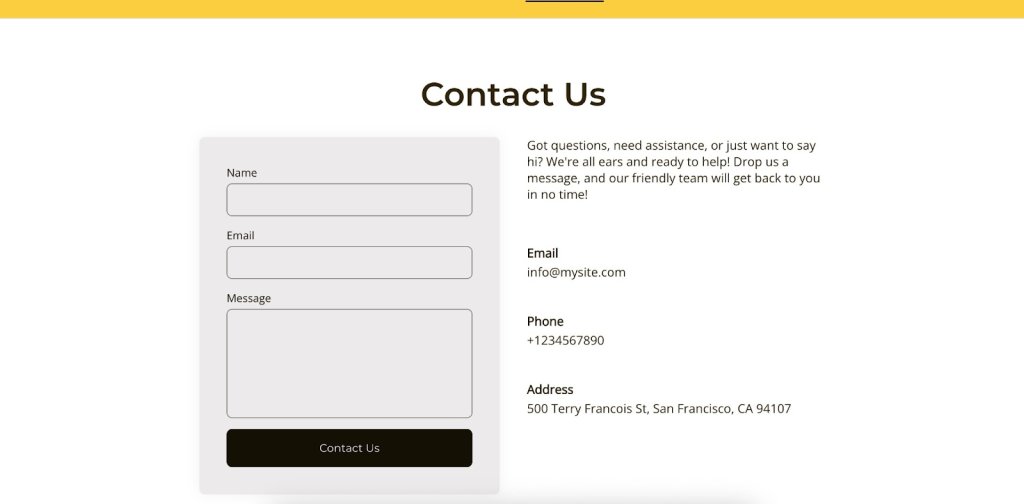
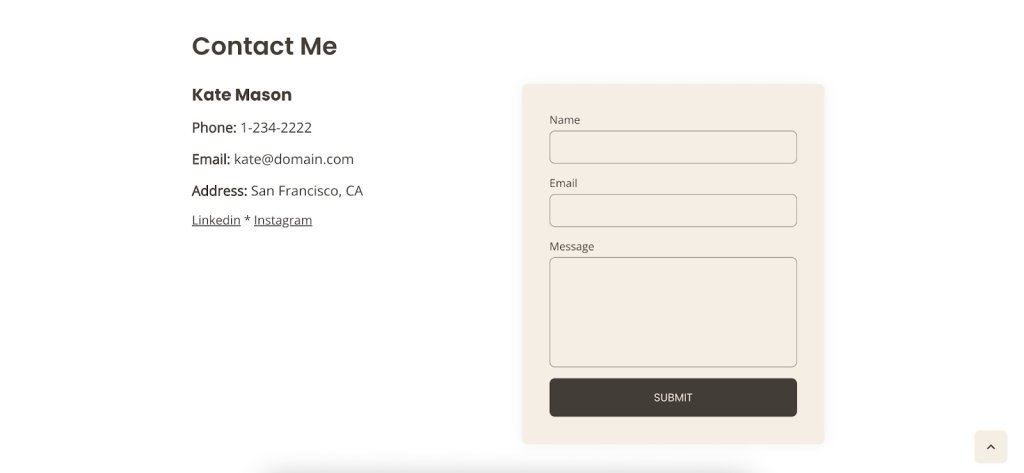
A Contact Us page with warm, conversational language, reflecting a friendly brand tone.

Why Is a Contact Us Page Important?

Think of your Contact Us page as your website’s conversation starter—it’s the inviting nudge that encourages visitors to reach out and engage with you. Whether they’re asking questions, sharing feedback, or just saying hello, this page is your chance to show that you’re approachable and eager to connect. 

But why exactly is it so important? Unlike other pages like the About Us or Homepage, which primarily provide information, the Contact Us page is all about interaction. It’s a direct line between you and your audience, offering them a personalized space to engage with your brand. A well-designed Contact Us page isn’t just about getting messages—it can turn passive browsing into a lively chat, helping you build relationships and earn some trust along the way. 

Ready to turn those casual browsers into enthusiastic customers? With SiteGround’s super user-friendly Website Builder, you can craft a killer Contact Us page in a flash! Dive in and watch the magic happen!

9 Mistakes on Contact Us Pages and How to Avoid Them

Alright, so you’ve got the basics down for your Contact Us page, but are you sure it’s hitting all the right notes? Even with the best intentions, some pages can slip up and send your visitors running instead of sticking around.

But don’t worry—we’ve got your back. Let’s check out some of the most common slip-ups businesses make on their Contact Us pages and, more importantly, how you can dodge them. With these tips, you’ll be on your way to crafting a page that’s not just working, but also gets your website visitors excited to reach out.

Mistake 1: Making the Contact Us Page Hard to Find

Let’s face it—if people have to go on a digital scavenger hunt just to get in touch, they’re likely to throw in the towel. That’s why this first mistake tops our list; making your Contact Us page hard to find is like hiding the key to your front door, leaving visitors feeling frustrated and ready to give up.

💡To avoid this, make sure your Contact Us page is easy to spot. Pop a link in your main menu, stick it in the footer, or even throw in a call-to-action button on important pages. The idea is to make it super simple to find and use, so people feel welcome and ready to connect whenever they need to chat.

If you’re going for a simple and minimalist website, make sure that the ‘contact’ option is right there in your menu. That way, as soon as someone lands on your homepage, they’ll know exactly how to get in touch with you.

A website navigation menu with a clearly visible Contact Us link, demonstrating easy accessibility.

Mistake 2: Overcomplicating the Design

Once visitors find your Contact Us page, you don’t want to lose them with a complicated design. So, keeping it simple is the way to go. Don’t cram it with too many bells and whistles, flashy graphics, or info that nobody really needs. This can totally overwhelm visitors and make it a real hassle for them to find what they’re looking for.

💡Instead, go for a clean and straightforward design that’s super easy to navigate. For example, if you offer services, focus on the info your potential customers really need, like your email, phone number, and address. Everything else might just end up being a distraction rather than a help.

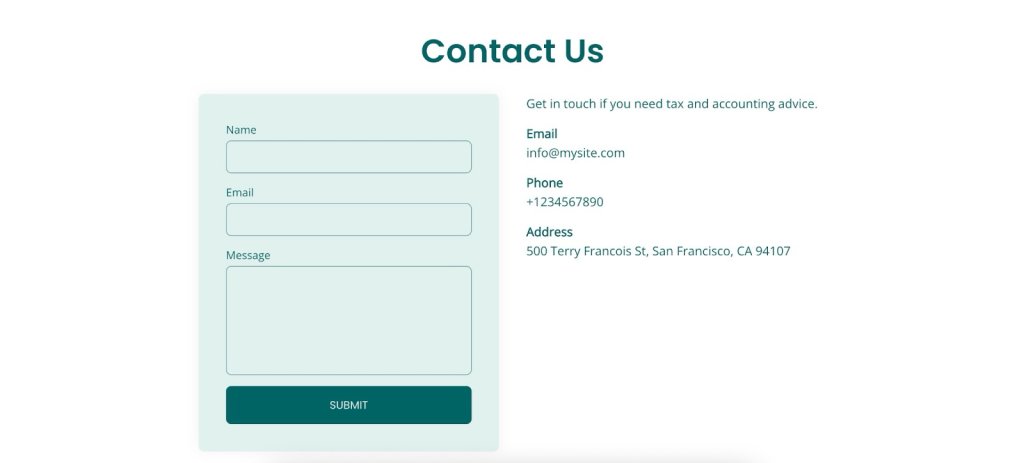
A Contact Us page with a minimalist and clean design, featuring simple navigation and essential contact information without unnecessary clutter.

Mistake 3: Offering Limited Contact Options

Imagine this: a visitor finally lands on your Contact Us page, ready to reach out—only to find a phone number and nothing else. What if they’re not into phone calls? They might just bail and never come back. That’s why mistake number three is not offering a mix of contact options. 

💡Make sure everyone can get in touch in a way that suits them. The usual go-tos are phone, email, and address, but depending on your business type and location, different platforms might be more popular. For example, Instagram is a hit in the US, while WhatsApp is the go-to in Spain. 

Just make sure those links make sense and serve a purpose—nothing’s more frustrating than being sent in circles, only to end up back at an email that keeps bouncing you around. Keep it straightforward and functional.

Pro tip: Keep your contact links in tip-top shape by clicking on them regularly to make sure they go where they’re supposed to. Check them out on different devices and browsers, and verify that emails actually land in the inbox.

And hey, let them know your average response time—it’s a nice touch that sets clear expectations.

A Contact Us page displaying various contact options, including phone, email, and social media links.

Mistake 4: Ignoring Mobile Optimization

Skipping mobile optimization for your Contact Us page? That’s a big no, especially with everyone glued to their phones these days. If your page isn’t looking sharp or working smoothly on mobile, visitors might just throw their hands up in frustration and peace out. Let’s make sure your page is ready to impress, no matter the screen size.

💡Give it a spin on different devices to make sure everything, from text to buttons, is easy to read and use. When your page is mobile-friendly, it means everyone, no matter what gadget they’re on, can easily reach out and connect with you.

Quick tip: Make sure your buttons are easy to tap, no matter what device folks are using. Whether they’re on their phone during a crowded train ride, sitting at their desk with a huge screen, or relaxing on the couch with a tablet, your page should be a breeze to navigate.

A Contact Us page displayed on a smartphone, showing a mobile-friendly design.

Mistake 5: Using the Wrong Tone or Language

Once you’ve got your Contact Us page working smoothly on mobile, it’s time to think about the words you’re using. If your tone doesn’t match your brand or feels too stiff, it might make your business seem a bit distant or off-putting.

💡Try using a tone that fits your brand and makes visitors feel like they’re chatting with a friendly guide. This makes your brand more relatable and keeps the experience enjoyable.

Here are some tips to nail your copy:

  • Reflect Your Brand’s Vibe: Whether you’re all about being chill, professional, or a little quirky, let that personality shine in your language. It helps create a consistent and welcoming experience.
  • Keep It Warm and Friendly: Use conversational language to make visitors feel at home. Phrases like “We’d love to hear from you” or “Drop us a line” can make things more inviting. Even small tweaks, like changing “Contact” to “Contact Me,” can work wonders by adding that personal touch and turning a generic page into a friendly invitation.
  • Look for Creative Inspiration: Check out brands that have nailed their Contact Us pages. Some use humor or storytelling to make their pages stand out and be more memorable.

Need a little help crafting that perfect message? The right ChatGPT prompts can give you a hand, but remember, nothing beats your own judgment and unique flair. After all, you’re the best at knowing what makes your brand shine.

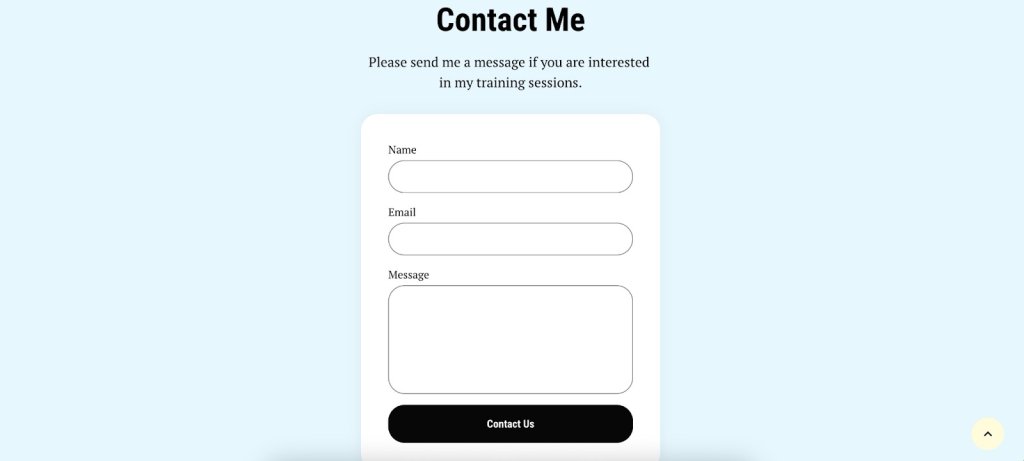
A Contact Us page with warm, conversational language, reflecting a friendly brand tone. The button is named "Contact Us".

Mistake 6: Using Weak or Unclear CTAs

Now that you’ve got the tone and language perfectly aligned with your brand, let’s make sure visitors know exactly how to take the next step. If your calls to action are unclear or not very inviting, visitors might not know what to do next and could just leave without reaching out. So, ditch those snooze-fest CTAs like “Submit,” “Click Here,” “Learn More,” or “Fill Out the Form.” They’re vague, lack context, and sound about as exciting as watching paint dry, leaving visitors scratching their heads instead of engaging.

💡Make sure your CTAs are clear and catchy so they stand out. Use simple, action-driven words like “Get in Touch,” “Send Us a Message,” or “Chat Now” to guide people on what to do. When your CTAs are easy to find and clear, it makes connecting with you super simple, giving visitors a smooth path from browsing to reaching out.

A Contact Us page featuring clear and inviting calls to action, such as 'Get in Touch' and 'Send Us a Message'.

Mistake 7: Providing Incomplete Business Information

Leaving out key details is like giving someone a map with missing pieces—totally confusing and frustrating. 

💡Make sure your business info is thorough and crystal clear so visitors can connect with you without any guesswork.

Here’s a quick checklist to keep things simple:

✅ Business address
✅ Operating hours
✅ Contact numbers
✅ Email address
✅ Social media links

And depending on your business, think about adding those extra details that save people from feeling lost. A few smart fields, such as dropdown menus for selecting the department or type of inquiry (like sales, support, or feedback), can be super handy. You don’t want to overload visitors, but these options can easily point them to the right team or service.

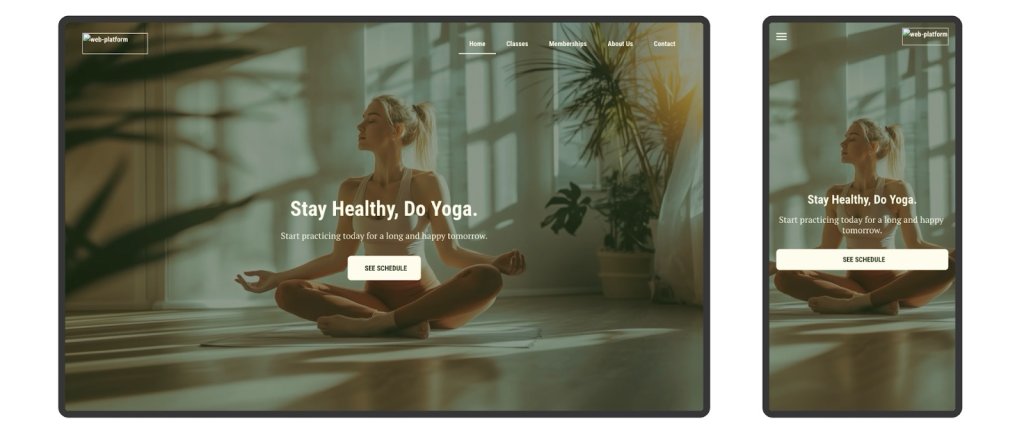
For example, if you offer yoga classes, maybe ask if they’re curious about classes types or pricing. It’s those little touches that make reaching out smooth and hassle-free. Take this studio, for example. They’ve nailed it by not only having a contact form and phone number but also giving folks a heads-up on how early they need to call to book a class.

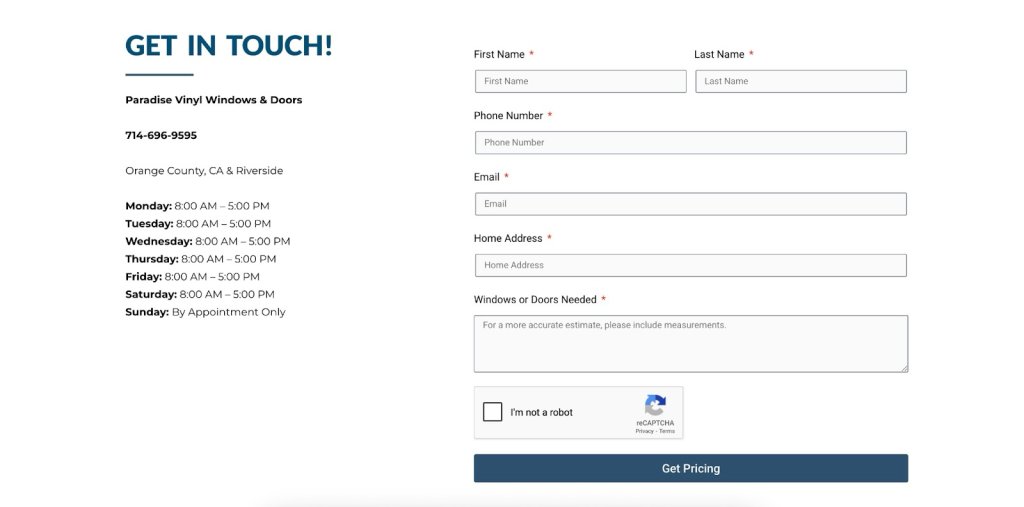
Check out this windows and doors shop. They’ve got it all sorted with a super handy form that asks if you’re after windows or doors and even nudges you to add measurements for a spot-on estimate. It’s those little touches that make reaching out hassle-free, so customers get exactly what they need.

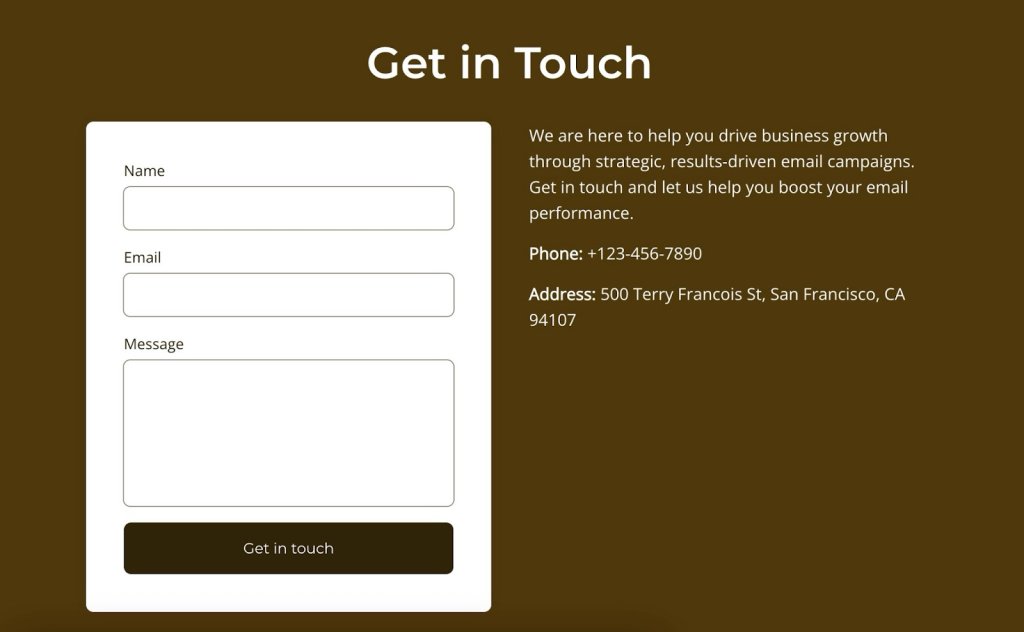
A Contact Us page with comprehensive business information, including address, phone number, service needed, and operating hours.

Mistake 8: Lacking a Follow-Up Process

Next up, it’s important to think about what happens after someone reaches out. Even if you’ve perfected all the other steps, it’s all for nothing if you don’t have a proper follow-up process to manage your inquiries. Make sure you have a system in place to respond promptly and keep the conversation going.

💡Instead, get a system in place to give inquiries a friendly nod and a speedy reply. Whether it’s a quick automated email that says, “Hey there, we got your message—you’re on our radar” or a friendly team member ready to dive in with a response, having a clear follow-up process shows you genuinely appreciate them reaching out.

SiteGround Email Marketing can really make things easier with its email automation feature. You can set up a series of automated emails that kick in as soon as someone subscribes or reaches out. This way, every inquiry gets a quick acknowledgment and follow-up without you having to do a thing. With triggers and automated responses, you can keep the conversation going smoothly and let your customers know how long they’ll be waiting for a reply—whether it’s 24, 48, or 72 hours.

This not only builds trust but also makes the experience feel more natural and approachable, encouraging visitors to reach out again in the future. Keep the tone aligned with your brand, and watch those connections grow.

The SiteGround Website Builder banner: Create Successful Email Campaigns with SiteGround Email Marketing. We've got everything you need to grow your subscriber list, design beautiful campaigns effortlessly, and quickly craft the perfect messages (thanks to our AI Assistant).

Mistake 9: Failing to Test and Optimize

After establishing a solid follow-up process, it’s essential to keep your Contact Us page in top shape by regularly testing and optimizing it. Neglecting to monitor your page’s performance means you might miss valuable opportunities to enhance user experience. 

💡Instead, use analytics to see how visitors interact with the page and spot areas that could use a little tweaking. Check metrics like time on page, bounce rates, or how often visitors reach out. Whether it’s adjusting the layout, refining the language, or simplifying the form fields, regular testing and optimization help keep your Contact Us page effective and user-friendly. This ongoing effort not only keeps your users satisfied but also makes it easier for them to engage with your brand, opening the door to better communication.

How to Add a Contact Us Page to Your Website

Creating a Contact Us page for your website is a straightforward process. Here’s a step-by-step guide to help you add it:

1. Navigate to Content Creation
Go to Content > Add Content > Basic Page to begin setting up your new page.

2. Enter Page Details
Fill in the necessary information for your Contact Us page, such as your contact details, a contact form, or any other relevant information you want to include.

3. Set the URL Alias
Before saving, expand the URL alias settings tab and specify a simple URL, like contact-us. This will make it easy to remember and access.

4. Add to Menu
Head over to the Menu Settings tab and check the box for Provide a menu link. This ensures your Contact Us page is easily accessible from the main navigation menu.

5. Save Your Changes
Once everything is set up, save your changes to create the page.

Start Building Trust with the Perfect Contact Us Page

You can transform your Contact Us page into a warm, inviting space that truly welcomes people in. Easy to find, simple to use, and full of personality—these are your secret ingredients.
Ready to give your page a little TLC? Try the SiteGround Website Builder, where you can easily craft your perfect Contact Us page and more. Here’s to building trust, sparking conversations, and creating lasting relationships with everyone who stops by!

The SiteGround Website Builder banner: Create Your Dream Website with SiteGround's Easy-to-Use Builder.

6 Social Proof Examples That Will Transform Your Marketing Strategy

Social proof examples header image

Social proof taps into our natural instinct to follow the crowd—because if others love it, it must be good, right? It’s one of the most powerful ways to influence buying decisions, showing potential customers that people just like them are already raving about your brand.

When you know how to make the most of social proof, it can take your advertising from “meh” to “must-have” magic. It helps you build trust and credibility with potential customers in a way that feels genuine and makes a real impact.

In this article, we’ll first explore what social proof means and the psychology behind it. Then, we’ll check out six practical examples that can totally revamp your marketing strategy and help you connect more authentically with your audience.
What Is Social Proof?

Social proof is when people check out what everyone else is doing to help them decide what to do when they’re not sure. It’s like saying, “Hey, if they’re doing it, it must be good.” In marketing, it means showing proof that customers are happy—like reviews, ratings, or testimonials—to help new customers trust your business.

The Psychology Behind Social Proof

Think of the last time you planned a vacation to a city you’d never visited before. As you searched for a hotel, you probably came across endless options. So to narrow things down, maybe you poked around in the review sections, checked all the ratings, and perhaps even asked friends for their tips and recommendations. In the end, you probably found yourself leaning toward the hotel with heaps of positive reviews accompanied by photos of happy guests. Why? Because, since others had a great experience there, chances are you will too. 

This is the perfect example of social proof. Indeed, if many people are into a product or service, others see it as trustworthy and something they should consider too.

Actually, social proof comes in two flavors: informational, where we trust what others know, and normative, where we just want to fit in. So, as a marketer, when you use social proof strategies, you’re tapping into people’s natural instinct to follow the crowd, helping them feel more confident about picking your business.

The 6 Types of Social Proof

Social proof comes in all shapes and sizes, and knowing the different types can help you win over customers. Each one has its own perks and can be cleverly used to up your brand’s game. By weaving these elements into your website layout, you can make sure they catch the eye and give your brand that extra boost of credibility.

1. Customer Reviews

These are one of the most powerful forms of social proof out there. They’re usually unfiltered and hopefully you’ve accumulated a lot of them, giving potential buyers a real sense of how happy people are with what you offer. Plus, they can help you spot any common themes or issues with your services or products. No wonder reviews are the go-to for getting the inside scoop on a product’s quality and reliability!

So how can you really tap into this? To add customer reviews, you can integrate a review system within your product pages or use third-party platforms like Google Reviews or Yelp. For a simpler way to gather feedback, try reaching out to customers with follow-up or re-engagement emails. Ask for their thoughts and, with their permission, highlight these reviews on your website. This approach not only boosts your conversion rates but also keeps happy customers coming back and spreading the word about your products.

For instance, if you’re searching for a hosting plan and look at SiteGround’s reviews, it’s hard to miss all the gushing reviews about customer service and reliable performance. This kind of feedback gives you that warm, fuzzy feeling that picking SiteGround is a really smart move. When other customers are singing your praises, it can seriously help tip the decision scale in your favor.

social proof example

2. Testimonials

Happy customers make the best hype team. A few personal stories or glowing shout-outs can go a long way. Testimonials are quick to read, easy to trust, and give people a real feel for what it’s like to be on the other side of “Add to Cart.”

Reach out to your happiest customers and ask them to share a few lines about their experience. It could be over email, through a quick feedback form on your site, or even by sending out survey emails. Just be sure to get their okay to share those testimonials publicly, especially if you’re using their names.
Once you’ve got those gold nuggets, show them off on your homepage or create a dedicated testimonial page. It’s a great way to win over new customers and keep the buzz going. When people see real stories from real customers, it builds instant trust. Positive vibes are contagious—reading how others loved their experience makes potential buyers feel like they’re making the right move too.

social proof example

3. Case Studies

And for those who love a deeper dive, we’ve got case studies. These detailed customer stories demonstrate how your product or service has tackled someone’s specific problems or needs. They provide comprehensive examples and insights, painting a clear picture of real-world results that highlight just how effective and valuable your brand really is.

Producing case studies is your chance to flex those creative muscles. Start by having a chat with your client, dive into their business story, and spotlight how your product came to the rescue. Share these compelling stories on your website and in your marketing materials to show off those real-world results.
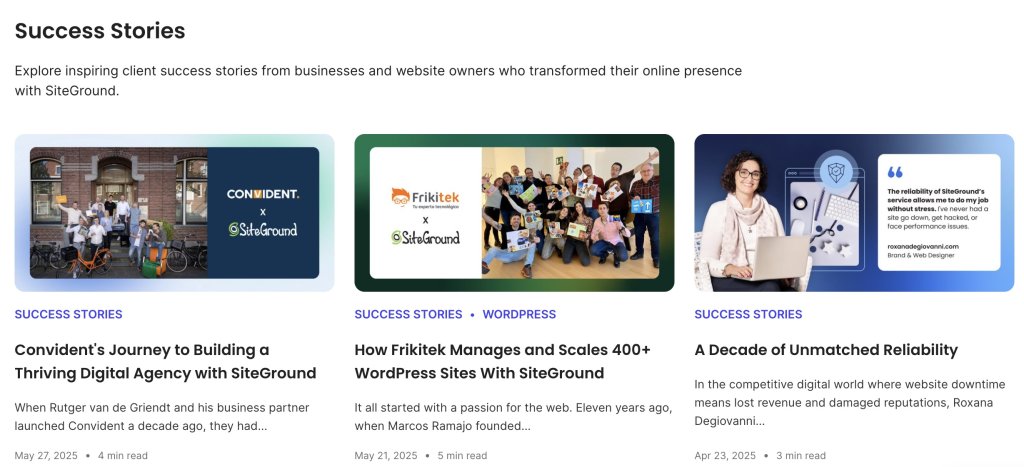
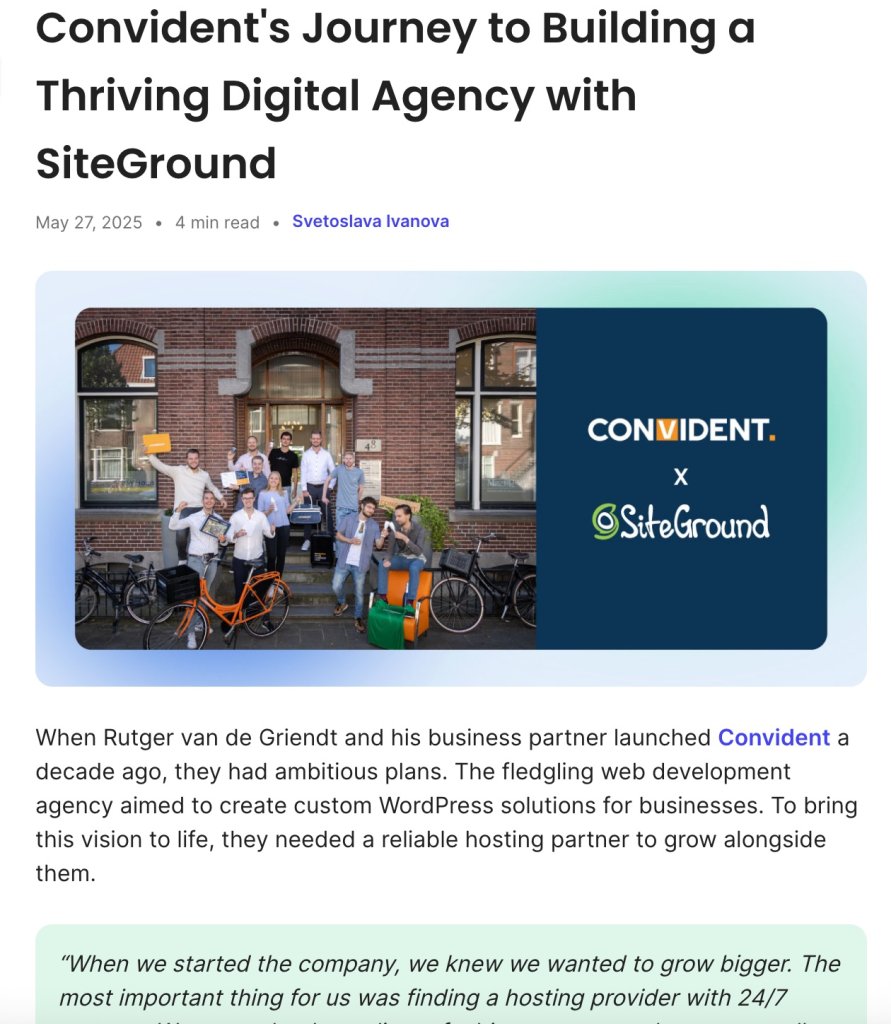
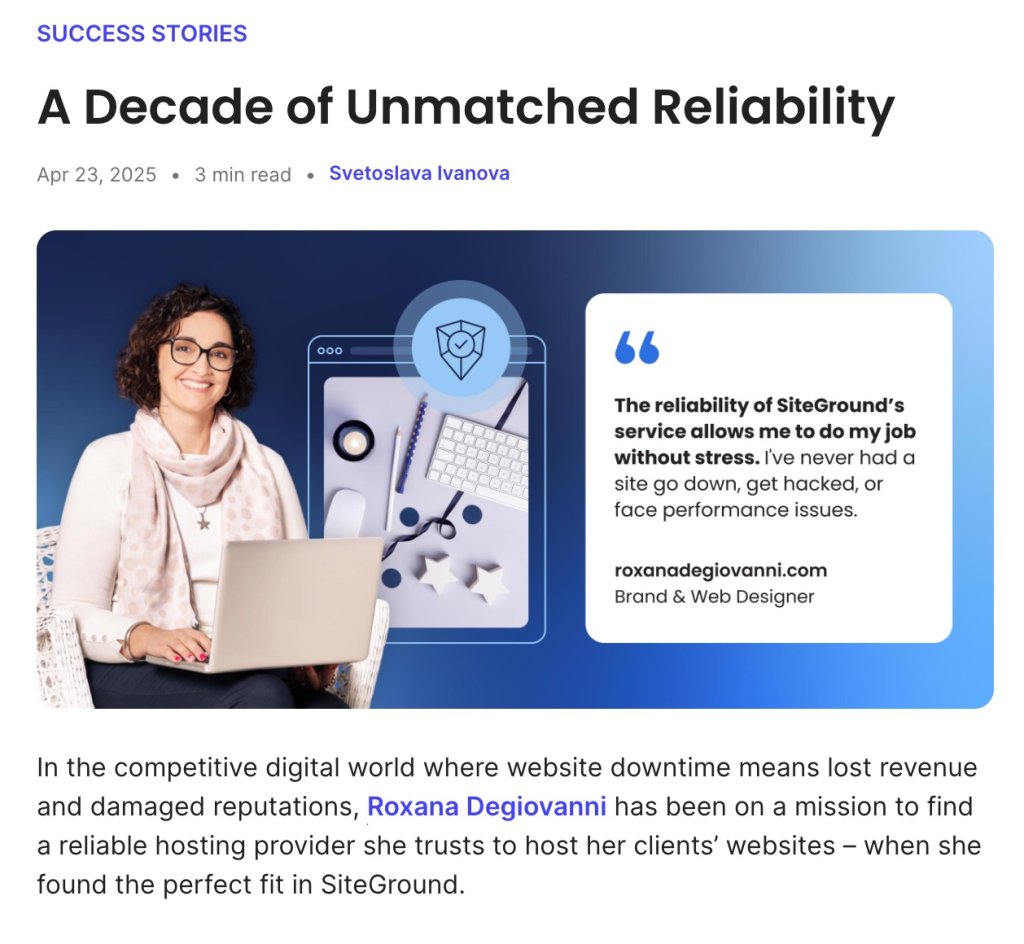
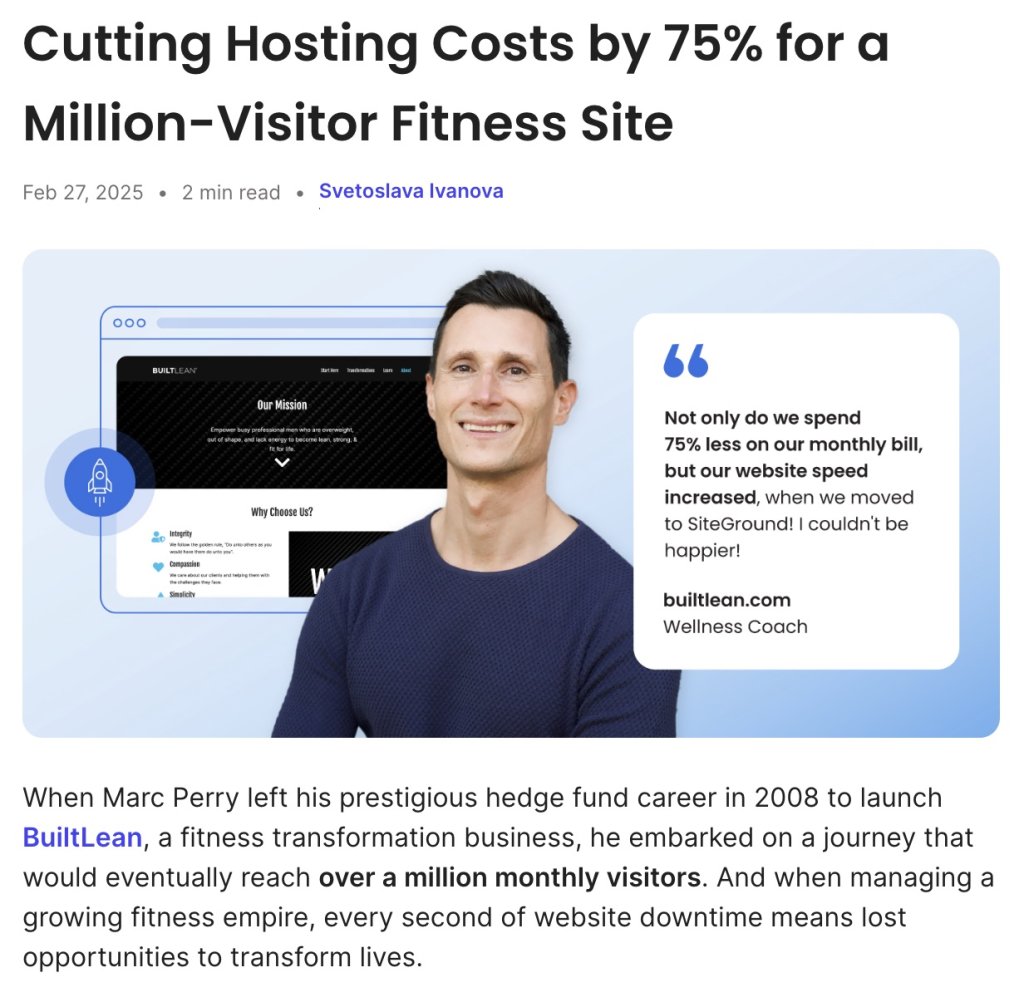
SiteGround Customer Success Stories, for instance, highlight how various businesses have improved their website performance and reliability using SiteGround’s hosting solutions. These stories don’t just demonstrate the real-world perks of what you offer—they also give potential customers a sneak peek into how others have struck gold with your help.

social proof example

4. Influencer Endorsements

Influencers, influencers—they seem to be everywhere these days, and for good reason. Teaming up with influencers is not just a hot trend; it’s a fantastic way to promote your site. Indeed, partnering with those who vibe with your brand can bring in a loyal audience that already trusts what they say. Their followers view these endorsements as personal recommendations, which can quickly spark interest and engagement with your brand.

Start by scouting out influencers whose fans are your kind of people. Slide into their DMs with a pitch to check out or shout out your product. Then, team up to whip up some authentic, creative content that truly makes it stand out. By tapping into the trust influencers have with their followers, you’re opening up a whole new way to introduce your brand. This can lead to more people discovering your products and, with any luck, clicking that “buy” button.

social proof example

5. User-Generated Content

Photos, videos, or social media posts—content created by your customers is virtual thumbs-up. It offers a real, unfiltered look at your brand. Plus, user-generated content is one of the top SEO trends right now and helps to get your brand noticed online.

Okay, but where do you start? Start by offering fun perks like discounts, loyalty points, or a chance to win a prize when they post photos on Instagram with your catchy hashtag. Encourage them to create short TikTok videos of your product in action by hosting a fun contest with prizes for the most creative content. You can also reach out directly through email or social media, inviting them to share reviews and unboxing videos on YouTube. Remember, the goal is a win-win: they get a chance to snag a prize, and you get awesome content that shows off how much they love your stuff.

Remember, the best platform depends on your business type. For example,TikTok is great for trendy fashion or beauty products, Instagram works well for visually appealing brands, and LinkedIn is ideal for B2B services. This way, your content reaches the right people.

Next, you can embed videos and social media posts right on your website or sprinkle screenshots into your marketing materials. Share user-generated content on your own social media and tag the creators to spotlight real customer experiences. This builds a sense of community and also gives you genuine proof of customer satisfaction to jazz up your marketing.

social proof example

6. FOMO Advertising

And let’s not forget about the power of FOMO Advertising. FOMO advertising isn’t your typical social proof, but it works on a similar idea. It doesn’t show people endorsing a product directly, but it makes you feel like everyone’s already in on it, pushing you to act fast so you don’t miss out.

FOMO ads tap into that fear of missing out, nudging people to act fast. It’s all about creating that ‘I gotta have it now’ feeling. This kind of advertising works wonders because it creates a sense of urgency and exclusivity that really gets people to take action.
Use landing pages, website banners, and social media posts to spotlight those limited-time offers, exclusive deals, or low-stock alerts. Throw in phrases like “only a few left” or “limited-time offer” to crank up the urgency. Keep the buzz alive with reminder emails and push notifications to keep your customers in the loop.

social proof example

Easy Social Proof Tips to Keep in Mind

As you mix social proof into your marketing strategy and website planning, here are a few handy tips to keep in mind for collecting and showing off these awesome testimonials.

social proof tips

🎯Find out what kind of social proof makes your audience go “Wow!” and share it where they spend their time online.

✅ Keep it real with customer feedback. Ask yourself if it’s genuine, can be verified, and is fresh to keep your credibility solid. Make it a habit to check in with recent customers for fresh testimonials, and use tools or platforms to make sure those reviews are the real deal.

🌟 Place your social proof front and center—make it easy to find and part of your overall message. Chances are, people won’t go looking for testimonials unless they’re right in their faces. Pop those review snippets or testimonials right next to your call-to-action buttons to build trust and give people that little nudge toward making a purchase when they’re ready.

social proof example

🎨 Let visuals do the talking—make your standout reviews and testimonials shine. People naturally gravitate toward eye-catching visuals, so take a page from web design tips and use bold fonts or splashy backgrounds to make those killer quotes pop. Throw in some customer photos or star ratings to grab even more attention and make your social proof impossible to miss.

social proof example

🚫 Keep it simple—don’t drown your audience in too much info, and steer clear of fake or misleading endorsements—they’ll only hurt your credibility. Focus on quality over quantity by choosing a few standout testimonials and again, refresh them occasionally to keep things relevant.

📊 Stay in the loop by tracking the feedback and engagement your ads are getting—this will clue you in on what’s hitting the mark and what might need a little tweak. Regularly dive into your analytics to see which social proof elements are making waves, and adjust your strategy based on those insights.

Ready to Add Social Proof Examples to Your Site? 

Social proof is a fantastic way to step up your marketing game and give potential customers that extra boost of confidence in choosing you. Whether it’s heartfelt reviews, genuine testimonials, success-packed case studies, or influencer shout-outs, each one has its own unique perks that can really shake up your marketing strategy. So, gear up to make your brand the go-to choice for your customers.

SiteGround’s got your back with a super easy-to-use Website Builder that’s perfect for small business owners. You can seamlessly weave in social proof examples—even if tech isn’t your thing. Explore our awesome templates and give your brand a push with fun drag-and-drop design and layouts you can totally make your own.

So, are you ready to sprinkle some social proof magic on your site and watch your brand shine? Dive into SiteGround’s Website Builder and see how easy it is!

siteground website builder

The only 9 rules of email etiquette you need to know

A woman smiling at her laptop, practicing email marketing etiquette while designing campaign templates, including a limited-time offer email and a welcome email with product imagery.

You land a promising lead, send what feels like a solid pitch, and hear nothing back. You follow up with a client and somehow the tone comes across as pushy, even though that wasn’t the intention. Small things: a vague subject line, a missing CTA, an overly casual opener, can work against you before the other person has even finished reading.

Email etiquette (the rules and best practices for writing clear, professional emails) is what separates messages that get results from ones that don’t. This guide covers the 9 email etiquette rules that actually move the needle, plus the 7 C’s framework to keep them in check, with examples you can use straight away.

Key takeaways:

  • Your email address is part of your professional image. Use your name and domain, not a generic provider.
  • Subject lines determine whether your email gets opened. Keep them specific and honest about what’s inside.
  • Get to the point fast. Busy readers skim, and they’ll drop an email that makes them work for the main message.
  • A clear call to action removes ambiguity and gets you faster responses.
  • Reply within 24 to 48 hours. Silence reads as disinterest, even when you’re just busy.

What is email etiquette?

Email etiquette is the set of guidelines for writing clear, respectful, and professional emails. It covers how you address someone, how you structure your message, and when you reply.

It’s basically the unwritten rulebook for business communication. Follow it, and people see you as reliable and easy to work with, plus it does wonders for your email engagement. Ignore it, and even a solid message can land the wrong way. In a world where so much of professional life plays out over email, those little details add up fast.

SiteGround Email Marketing Course

How to write professional emails: 9 etiquette rules + examples

The golden rule is keep it clear, to-the-point, and respectful. Every part of an email counts: from the subject line to the signature, and these nine tips, packed with examples, will help your emails pop.

1. Use a professional email address

Your email address shapes how people perceive you before they’ve read a single word. In a business context, that means using your name and your own domain name, not a generic provider like Gmail or Yahoo.

A good rule of thumb: If you wouldn’t put it on a business card, it probably shouldn’t be in your form field either. 

Stick with something like yourname@yourdomain.com and leave coolcat99@gmail.com in the past.

It sets the tone and shows you’re serious about your professional image right from the get-go.

2. Write a subject line people will open

Your subject line is the first thing people see in their inbox, and in most cases it’s the only thing they use to decide whether to open your email or skip it. Keep it short, specific, and true to what’s inside.

And don’t forget about the preview text. It’s the second line people see after your subject, so use it to add context rather than just repeating it.

Example of a clear and professional email subject line

3. Start with a proper greeting

The right email salutation sets the tone for everything that follows. Use the recipient’s name, check the spelling twice, and match the formality to the relationship. “Hi Sarah” works fine for a warm intro or an ongoing exchange. “Dear Ms. Thompson” is safer when you’re writing cold or to someone senior you’ve never met.

Not sure how formal to go? Look at how they signed their last email to you. People usually signal the tone they’re comfortable with.

Professional email greeting example using the recipient's name and formal title

4. Keep your email body concise and relevant

State your purpose in the first sentence, cover what’s necessary, and stop there. Nobody wants to dig through three paragraphs of email body to find out what you actually need.

Re-read your email and ask yourself: what do I want the reader to know, do, or decide? If that’s not obvious within the first few lines, trim it down until it is.

Example of a concise and relevant professional email body

5. Always proofread

Spell-check catches typos, but it won’t save you from sending “Hi Mark” to someone named Marc, or confidently misspelling a client’s company name. 

Give your email a proper read-through before sending, out loud if you can, since your ear catches things your eyes skip over. And pay extra attention to the three things autocorrect loves to get wrong: names, technical terms, and numbers.

Overwhelmed by email copywriting and avoiding errors? Let AI do the work. SiteGround’s AI Email Writer can help you craft error-free emails effortlessly.

6. Use the right formatting for your email

Email formatting is about making it easy for the reader to process. A two-line paragraph gets read. A six-line block gets skimmed at best. Use short paragraphs, break up distinct points with bullet points, and put the most important information where the eye lands first: at the top, in bold if needed, never buried in the middle of a paragraph.

Email formatting example with short paragraphs and bullet points

7. Include a clear email call to action

Every email call to action should make it obvious what happens next. Be specific about what you need, who needs to do it, and by when. That’s what turns a message into a response.

Good to know: One email, one ask. The moment you add a second request, your response rate drops. If you genuinely need two things, lead with the more important one and make the second feel like a quick add-on.

Example of a clear call to action in a professional email

8. Add a professional email signature

Your email signature is the last thing people see, and it should make it effortless for them to know who you are and how to reach you. At minimum: your name, role, company, and one direct contact method. Beyond that, keep it clean. A signature with five phone numbers, a motivational quote, and an animated banner does more harm than good.

email etiquette example

Match your sign-off to the tone of the email. 

  • “Best” and “Thanks” work for most situations.
  • “Warm regards” adds a personal touch for relationship-building emails.
  • “Cheers” is fine if that’s how you normally talk to someone.

Leaving no sign-off at all can read as abrupt even when you don’t mean it that way.

9. Respond promptly

A slow reply sends a message even when you don’t mean it to. 24 to 48 hours is the generally accepted window for professional email. Beyond that, people start wondering whether you saw it, or whether you’re avoiding them.

A small thing that makes a big difference: If you can’t give a proper response yet, a quick “Got this, I’ll get back to you by Thursday” buys you time without leaving anyone in the dark.

What are the 7 C’s of email etiquette

With the nine essential rules under your belt, it’s time to explore the seven C’s of email etiquette to complement your guide to effective personal or business communication.

The nine rules cover the structure of a good email. The seven Cs are about the quality of the writing itself.

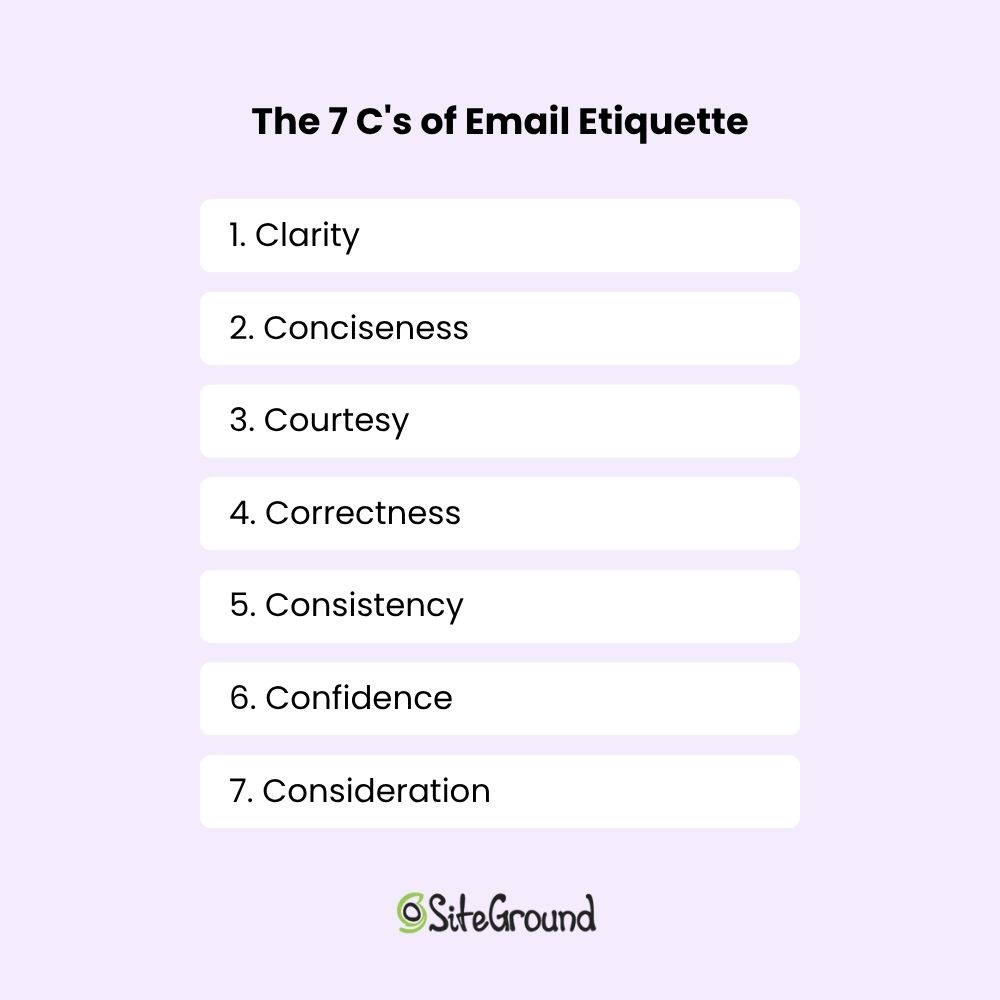
7 Cs of Email Etiquette

1. Clarity 

Clarity means your message can only be read one way. Organize your thoughts before you start typing, say what you mean in the order it makes sense, and cut anything that doesn’t move things forward. If you can’t state your ask in one sentence, the email probably needs another pass.

2. Conciseness 

The shorter your email, the more likely it gets read in full. Say what you need to say, then stop. Every extra line you add is another reason for someone to skim past the part that actually matters. 

Keep it short. That’s it. Like this paragraph.

3. Courtesy 

Email courtesy is the practice of communicating with respect and consideration for the person you’re writing to. Use their name, acknowledge their time, and say thank you when it’s warranted. A polite email doesn’t take longer to write, but it leaves a noticeably better impression than one that reads like a demand.

4. Correctness 

Email correctness means your spelling, grammar, and punctuation are accurate and your facts are right. A typo in a casual message is forgivable. A typo in a proposal, a cold outreach, or an email to someone you’ve never met says you didn’t care enough to check. And that’s enough for some people to question your credibility before they’ve finished reading.

5. Consistency 

Consistency builds familiarity, and familiarity builds trust, especially in ongoing professional relationships. Your tone and style say as much about you as your words do. If you’re warm and conversational in one email then stiff and formal in the next, it creates a subtle disconnect. 

6. Confidence 

Confident writing is direct and clear. It doesn’t over-apologize, hedge every statement, or bury the point under qualifiers. 

“I’d love to connect sometime if you’re not too busy and it’s not too much trouble” versus “Would you be open to a quick call next week?”: one of those gets a reply.

7. Consideration 

Put yourself in the recipient’s position for a moment. What questions might they have? What context are they missing? What are they actually trying to figure out from your message? The emails that get the best responses are usually the ones that answered those questions before they were even asked.

Together, the 7 C’s give you a practical filter for every email you send. Run your message through them before sending and you’ll catch most of the things that make emails easy to ignore  and keep more of what makes them easy to act on.

Up your email etiquette game with SiteGround’s Email Marketing

Good email etiquette gets you further than you’d think. Once it clicks, every email you send works harder: clearer, more professional, and a lot more likely to get the response you’re after.

To take it a step further by exploring SiteGround Email Marketing. We provide easy-to-use tools to help you keep your emails organized and respect privacy, ensuring your messages always hit the mark.

[58]

This article was originally published in July 2025, and then updated in April 2026.

Frequently asked questions about email etiquette

Why is email etiquette important?

Email etiquette matters because it directly affects how you’re perceived. A well-written email signals professionalism and respect for the recipient’s time. A sloppy one (wrong name, vague subject line, no clear ask) can cost you a reply, a deal, or a client relationship. In business communication, the way you write is often the first impression you make.

What is a proper email etiquette example?

A good email etiquette example is a cold outreach email that gets a reply. It has a specific subject line, opens with the recipient’s name, gets to the point in the first sentence, makes one clear ask, and closes with a direct CTA. No filler, no life story, no “I hope this email finds you well.” Just a respectful, well-structured message that respects the reader’s time.

What is a common mistake to avoid in email etiquette?

A common email etiquette mistake is burying the point. Most people write emails the way they think: context first, request last. But readers scan from the top, and if they don’t see why your email matters within the first few lines, many won’t get to the part where you finally ask. Lead with the point, then back it up.

How do you follow the email etiquette rules?

To apply email etiquette, start with the basics: a professional email address, a clear subject line, and the right greeting. From there, keep your message focused, format it so it’s easy to read, include one clear ask, and reply to others within 24 to 48 hours. The rules aren’t complicated — the hard part is being consistent about them when you’re busy and tempted to fire something off quickly.

How quickly should you respond to a professional email?

The generally accepted window is 24 to 48 hours. Within that timeframe, a reply signals that you’re attentive and easy to work with. If you need more time, a short acknowledgement like “Got this, I’ll get back to you by Thursday” is better than silence.

What makes an email unprofessional?

A few things consistently undermine an otherwise good email: a missing or vague subject line, the wrong level of formality for the relationship, spelling errors especially in names, no clear ask, and slow replies. Any one of these can affect how you’re perceived, even if the content itself is solid.

Product Detail Pages: Your Key to Maximizing Conversions

PDP

A product detail page (PDP) is the single most important page on your ecommerce site. It presents everything a shopper needs to decide—images, descriptions, pricing, reviews, and a clear call to action—and does the job of a physical sales floor: answering questions, building trust, and removing doubt before checkout. A strong PDP converts browsers into buyers; a weak one sends them elsewhere. In this article, we share eight proven best practices to help you build one that sells.

Key takeaways

  • A product detail page is a dedicated ecommerce page that combines images, descriptions, pricing, and reviews to help shoppers decide to buy.
  • High-quality images from multiple angles (including close-ups and 360° views) are one of the biggest drivers of purchase confidence.
  • Clear, audience-matched product descriptions work better than generic ones. Tech buyers want specs, lifestyle buyers want emotional benefits.
  • Transparent pricing, including visible discounts and free shipping, reduces checkout drop-off and builds trust.
  • Prominent, action-oriented CTAs like “Buy now” or “Add to cart”—placed where shoppers can’t miss them—directly increase conversions.
  • Customer reviews and ratings add social proof that often provides the final nudge a hesitant buyer needs.

What Is a Product Detail Page and Why Is It Important?

A PDP typically includes product images, a description, pricing, available variants, and customer reviews. They all work together to answer every question a shopper might have before buying. For ecommerce businesses, it’s the web page where the customer journey moves from consideration to decision, making it one of the highest-leverage pages on your site.

What’s the Difference Between a PDP and a PLP?

A product listing page (PLP) shows multiple products side by side for browsing and comparison, while a product detail page goes deep on a single product to help the shopper decide to buy. The PLP attracts and filters, the PDP converts. Slam dunk.

Think of shopping online as a two-step buying process. First, you have the PLP, which is like scrolling through a digital catalog. It shows your site visitors a variety of products with brief descriptions and images, making it easy for them to compare and spot something they like.

Example of a product listing page with multiple product options and CTAs

Once something catches your customer’s eye, they click through to the product detail page. This is where they get all the nitty-gritty details about that specific item—detailed product descriptions, high-quality photos, reviews, and pricing. The PDP is designed to answer any questions an online shopper might have and help them decide if they want to buy.

Example of a product page with an image title description and CTA

Together, these web pages work like a team: the PLP draws people in, and the PDP assists customers in selecting the right products. Knowing how each product page plays its part can really help you create a smoother customer experience and strengthen your business.

How Do You Create a Product Detail Page That Converts?

An effective PDP combines high-quality visuals, clear descriptions, transparent pricing, and strong calls to action, each optimized for the specific audience you’re selling to. The eight elements below cover everything you need to know to get this right, building a PDP that turns browsers into buyers.

Pro tip: If you’re using an ecommerce platform like SiteGround Ecommerce, many of these best practices are already built into your product detail pages. PDP layouts are pre-designed according to conversion and usability best practices so you can focus on adding great content rather than worrying about structure or technical setup.

Alright, ready to get attention and encourage those all-important conversions? Let’s start selling!

1. Capture High-Quality Product Images 

High-quality images from multiple angles are one of the most direct drivers of purchase confidence. They replace the in-store experience of picking up and examining a product.

Including real customer photos or letting buyers upload their own images in reviews adds a layer of authenticity that studio shots alone can’t provide. Shoppers get a better sense of how the product looks and performs in real life, which leads to more confident purchases and fewer returns.

Consider a bike retailer that shows the full bike from multiple angles, includes close-ups of key components like the gears, brakes, and frame joints, and features customer photos of the bike out on the road or trail. That combination gives a prospective buyer far more confidence than a single studio shot ever could.

Example of a product page with multiple product images from different angles

✅ Do: Use clear, high-resolution images to highlight product features. 

❌ Don’t: Overlook the importance of showing multiple angles and important details.

2. Craft Clear Key Feature Descriptions

A good product description highlights the features and benefits that matter most to your specific buyer, and not necessarily every last detail about the product.

An electronics store, for instance, might need to list specific specs, technical features, and performance comparisons, because that’s the kind of product data tech-savvy shoppers are looking for. 

On the other hand, a toy aimed at parents should focus more on the emotional experience—how their kids will feel using it, the fun they’ll have, and the kind of memories it might create. It’s really about adapting the message to what matters most to each type of buyer.

Example of product page with feature copy catered to the audience

With platforms like SiteGround Ecommerce, product detail pages already include clearly structured sections, making it easier to present information in a way that’s scannable and conversion-friendly.

✅ Do: Use bullet points for clarity and quick reading.

❌ Don’t: Overload descriptions with unnecessary details and long paragraphs.

3. Display Transparent Pricing

Transparent pricing is one of the simplest ways to reduce checkout drop-off. This means showing the full cost upfront, including any discounts and shipping. Everything is clear from the get.

An important thing worth considering: Try to offer free shipping, even if you’re technically including it in the total price. It’s a small shift, but it can make a big difference. People are much more likely to complete their purchase when they don’t see an extra shipping charge added at checkout. It helps reduce drop-offs right at the final step.

Imagine a shopper finds a coffee table listed at $150. They’re happy with the price, add it to their cart, and head to checkout—only to be hit with shipping costs they weren’t expecting. That surprise is often all it takes for someone to pause, close the tab, and never come back. Now imagine the same table listed at $169 with free shipping. The shopper weighs it up, decides they’re into it, and completes the purchase. Same cost to them, very different outcome.

✅ Do: Ensure all pricing information, including discounts and shipping costs, is prominently displayed and easy to understand. Try to offer free shipping even if it means you have to bump up the price.

❌ Don’t: Hide or obscure extra costs such as shipping information, as this can lead to customer frustration and loss of trust.

Example of a product page with clear pricing including free shipping

4. Feature Prominent Call-to-Action Buttons

Your call-to-action (CTA) button is the single most important conversion element on the page. It needs to be impossible to miss and unambiguous about what happens next. Labels like “Add to cart” or “Buy now” work best—they’re direct, action-oriented, and leave no room for confusion.

A few things make a CTA button work harder: placement, color, and size. It should sit above the fold so shoppers never have to scroll to find it, use a color that contrasts with the rest of the product detail page, and be large enough to tap comfortably on mobile devices (also important for accessible web design). On smaller screens especially, a CTA that’s hard to tap is a conversion you’ve already lost.

Imagine a shopper who’s already convinced. They’ve looked at the images, read the reviews, and decided they want it. But then they can’t immediately find the button to buy it. That moment of friction, however small, is often enough to break the spell.

Example of a product page with a clear and noticeable CTA button

Many modern ecommerce builders, including SiteGround Ecommerce, place CTAs like “Add to cart” and “Buy now” front and center by default, so your product pages naturally guide users toward purchase without extra customization.

✅ Do: Use bold colors and clear text for call-to-action buttons to make them stand out.

❌ Don’t: Bury call-to-action buttons in cluttered or hard-to-find areas of the web page.

5. Design for a Clear Page Layout

A well-structured PDP guides the shopper’s eye naturally from product images to key details to the call to action—without them having to think about where to look next. Getting your website layout right is one of the most impactful things you can do for conversions—when it’s unclear, shoppers lose their place, miss important information, and are less likely to buy.

Visual hierarchy is what makes this work. Most successful PDPs use a two-column layout—product images on the left, key details on the right. The shopper’s eye moves naturally from the images across to the product name, price, variant selectors, and CTA. Use size and weight to signal importance: a large, bold product title and a clearly styled CTA button should stand out immediately, while secondary information like shipping details or specifications sits further down the product detail page.

Breadcrumb navigation is a small but valuable addition. It creates a simple trail like Home > Living Room > Coffee Tables, which tells shoppers exactly where they are on your ecommerce site and makes it easy to jump back to the PLP without hitting the back button.

Visual example of breadcrumb navigation on a webpage

On mobile devices, layout becomes even more critical. A sticky add-to-cart bar (that is, a fixed strip at the bottom of the screen that stays visible as the user scrolls) ensures the CTA is always one tap away, no matter how far down the product detail page a shopper has read. Without it, mobile shoppers often have to scroll all the way back to the top to buy, and many won’t bother.

✅ Do: Use visual hierarchy to lead shoppers naturally toward the CTA, and keep it accessible on mobile with a sticky add-to-cart bar. 

❌ Don’t: Bury key information like price or CTA below the fold or treat desktop and mobile web design as the same thing.

6. Incorporate Customer Reviews and Ratings

Most shoppers don’t fully trust a brand talking about its own product. They trust other shoppers. A review from someone who actually bought the product, used it, and came back to share their experience carries a weight that even the best product description can’t match.

A quick idea to collect customer reviews: some online stores offer a small discount or a reward (like points or free shipping on the next order) in exchange for leaving a review. It’s a simple incentive that can help increase the number of reviews and add more social proof to your product detail pages.

One more thing worth keeping in mind: don’t filter out negative reviews. A page of exclusively five-star ratings feels curated and raises suspicion. A mix of positive and constructive feedback actually builds more trust, shows the reviews are real, and gives you valuable insight into customer satisfaction that can help you improve.

✅ Do: Highlight both positive and constructive reviews to provide a balanced perspective. 

❌ Don’t: Filter out all negative reviews, as this can appear inauthentic and reduce trust.

Example of product detail page with testimonials from happy customers

7. Offer Additional Information

Anticipating and answering common shopper questions directly on the PDP removes the friction that causes people to leave and search elsewhere. The goal is to make sure no buyer has an unanswered question by the time they reach the CTA.

Think beyond the product description itself: a size guide, compatibility notes, care instructions, shipping costs and shipping options (standard, express, free over a certain threshold), returns information, related product suggestions, and customer FAQs all serve a purpose. Each one removes a reason to hesitate.

Consider a shopper buying a winter jacket. They love it but they’re between sizes—and there’s no size guide. They guess, order it, it doesn’t fit, and they return it. Now imagine the same page includes a size guide and a note saying “this style runs slim, size up if in doubt.” The shopper sizes up confidently, the jacket fits, no return needed. A small addition that saves everyone time and money.

✅ Do: Provide clear and accessible resources to enhance customer understanding and confidence. 

❌ Don’t: Overwhelm new customers with excessive or irrelevant information that can lead to confusion.

Example of FAQs on a product detail page

8. Optimize for Performance

Page speed is a direct conversion factor. Yep. A slow-loading PDP loses shoppers before they even see the product. According to Google research, 53% of mobile visitors will abandon a page that takes longer than 3 seconds to load—and that’s a threshold most unoptimized sites fail to meet.

The good news is that most performance gains come from a handful of practical steps: compressing images without sacrificing quality, choosing a reliable hosting provider, and keeping your code lean.

If your ecommerce platform handles performance optimization at the infrastructure level (like SiteGround Ecommerce does) features such as image optimization, fast loading, and reliable hosting are already baked into your product detail pages.

✅ Do: Focus on fast loading times to keep shoppers engaged and reduce bounce rate.

❌ Don’t: Ignore performance issues—a slow PDP costs you sales regardless of how good the product is.

Wrapping It Up: How to Make the Most of Your Product Detail Page

The best product detail pages are built around customer expectations. When shoppers find everything they need, presented clearly and without friction, the decision to buy becomes easy. 

With these best practices at your fingertips, you’re ready to create an effective product detail page that improves both conversions and customer satisfaction. Try out these tips, and you might just see your conversion rates climb.

And if you want to put these ideas into action without building everything from scratch, SiteGround Ecommerce makes it easier. Product pages are already designed according to ecommerce best practices, so layouts, calls to action, and key elements are in place from the start. That means you can focus on your products and content, while the platform takes care of the structure behind the scenes.

FAQs About Product Detail Pages

What should a product detail page include?

A great product detail page should include high-quality images, a clear product description, transparent pricing, available variants (such as size or color), customer reviews, and a prominent call-to-action button like “Add to cart” or “Buy now.”

What’s the difference between a PDP and a PLP?

A product listing page (PLP) displays multiple products for browsing and comparison, while a product detail page (PDP) focuses on a single product and provides all the information a shopper needs to make a purchase decision.

How do product detail pages affect conversion rates?

A well-optimized PDP directly improves conversion rates by removing doubt and answering every question a shopper might have before buying. Poor PDPs (with low-quality images, hidden fees, or unclear CTAs) push buyers toward competitors.

How long should a product description be?

There’s no fixed length, as it depends on the product and audience. Complex products like electronics benefit from detailed specs, while simpler or lifestyle products need only a few sentences focused on benefits and emotional appeal. The key is to include exactly what your buyer needs, nothing more.

How do I do SEO for ecommerce product pages?

Use your primary keyword naturally in the product title, H1, description, and image alt text. Add structured data markup, encourage customer reviews for fresh content, and ensure the product detail page loads fast, especially on mobile.

Do customer reviews really make a difference on a PDP?

Yes! Reviews are one of the strongest trust signals on a product detail page. They provide social proof that reassures hesitant buyers, and a mix of positive and constructive reviews tends to build more credibility than a page of exclusively five-star ratings.

This article was originally published in June 2025 and then updated in May 2026

Lead Magnets That Work: Trends and Tips

Lead magnets

A lead magnet is your secret weapon for capturing attention and building meaningful connections. If you’re a small business owner or an agency eager to shine, offering something valuable in return for contact details is your ticket to attracting leads and nurturing lasting relationships.

These days, top lead magnets are all about personalization and staying ahead of the curve. Whether it’s interactive content or AI-powered experiences, we’re here to explore how you can craft lead magnets that genuinely connect with your audience.
So, gear up to revamp your marketing approach and watch your business thrive like never before!

What Is a Lead Magnet?

lead magnet definition

A lead magnet is a strategic marketing tool designed to attract potential customers by offering them something of value in exchange for their contact information, typically an email address. The primary purpose of a lead magnet is to target the right website visitors and nurture them through the customer journey, ultimately converting them into loyal customers. 

There are various types of lead magnets, such as eBooks, webinars, and free trials, each serving to address specific needs and interests of the target audience. Now that we know what a lead magnet is and the different forms it can take, let’s explore how these powerful tools work.

Do Lead Magnets Work?

Yes, lead magnets work! Suppose you’re browsing online and come across a free guide that promises to solve a problem you’ve been struggling with—wouldn’t you be tempted to download it? What lead magnets do is tap into basic human psychology, particularly the principle of reciprocity. 

When people receive something valuable for free, they often feel inclined to give something back, like their contact information. Additionally, lead magnets satisfy our natural curiosity and desire for useful information, making them hard to resist. 

However, the success of a lead magnet depends on precise targeting and relevance to the audience’s needs, which are important steps in the segmentation, targeting, and positioning process.

When you truly understand your audience and offer them solutions that fit their needs, your business can create lead magnets that grab attention, spark genuine interest, and help build strong, lasting connections.

Best Lead Magnet Ideas to Inspire You

Discover a variety of lead magnet examples that can transform your marketing strategy and captivate your audience. From informative eBooks to interactive quizzes, explore these creative ideas to find the perfect fit for your business and start attracting potential customers today.
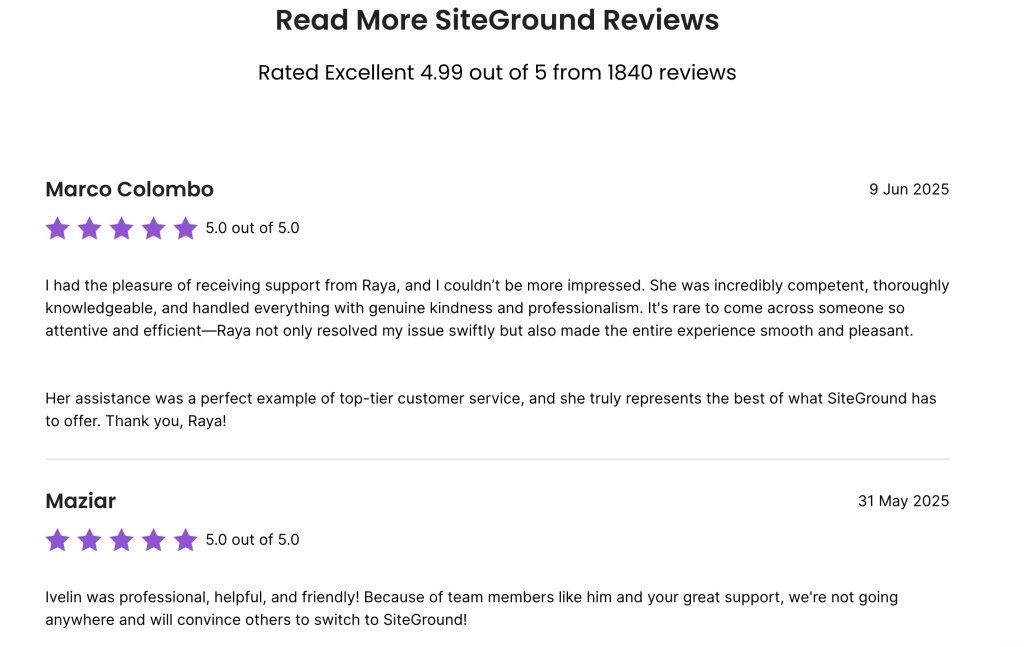
1. eBooks, Guides, and Whitepapers

These formats allow people to learn from experts at their own pace, building trust and engagement by offering valuable insights and the opportunity for deeper understanding through comprehensive content. 

For example, a guide on how to start and grow your online presence can be incredibly handy if you own a small business. It helps you navigate the digital landscape, attract more customers, and build a strong, lasting brand.

How to Start and Grow Your Successful Online Presence

2. Webinars, Workshops, and Video Tutorials

These formats allow people to learn from experts in an interactive way, delivering meaningful information and the opportunity to ask questions on the spot. For example, our video on “How to Point a Domain to SiteGround Servers” offers step-by-step instructions, allowing viewers to follow along easily and ask questions in the comments for further clarification.

3. Checklists, Cheat Sheets, and Free Templates

Checklists, cheat sheets, and templates offer straightforward, actionable resources that help people accomplish tasks efficiently. Take, for instance, SiteGround’s website planning checklist. This is a helpful tool for anyone looking to build a website, as it guides users through each step of the process, making it easier and less overwhelming to get started.

[18]

4. Free Trials, Product Demos, and Samples

lead magnet example

Free trials, product demos, and samples offer a risk-free way for people to experience a service or product firsthand. Consider a law firm offering a free consultation that allows potential clients to understand the firm’s expertise and build trust before committing, making it easier for them to decide whether to proceed with legal services.

5. Quizzes, Assessments, and Surveys

lead magnet example quiz

Quizzes, assessments, and surveys draw in users by offering personalized insights and gathering feedback. One example is this quiz titled “Which Bag Is Right for You?” It helps a fashion brand connect with customers by recommending products that match their style and needs, enhancing the shopping experience.

6. Discount Coupons, Special Offers, and Giveaways

lead magnet discount

Discount coupons, special offers, and giveaways provide incentives that encourage purchases and engagement. For example, a clothing store offering a limited-time 20% off coupon can attract new customers and elevate sales, creating a sense of urgency and rewarding loyal shoppers.

7. Case Studies and Success Stories

lead magnet success stories

Case studies and success stories showcase real-life examples of how products or services have made a positive impact. For instance, SiteGround’s success stories highlight customer achievements using their hosting services, demonstrating reliability and effectiveness, and helping potential clients envision similar results for their own projects.

8. Email Courses and Educational Series

lead magnet course

Email courses and educational series provide structured learning experiences by delivering lessons and insights directly to participants’ inboxes over a set period. This method keeps subscribers interested by providing regular, easy-to-understand content that gradually deepens their knowledge. SiteGround’s Email Marketing Course exemplifies effective engagement by delivering informative content over time, helping participants learn progressively without feeling overwhelmed.

9. Infographics and Visual Content

lead magnet map

A picture is worth a thousand words. Infographics and visual content do just that, presenting information in an easily digestible and engaging format. For example, a map showing global performance and connectivity by SiteGround visually highlights network strengths, making complex data accessible and helping users quickly grasp the company’s reach and reliability.

10. Podcasts and Audio Content

lead magnet podcast

Podcasts deliver information in a convenient format, making it easy for people to absorb content while on the go, providing flexibility and accessibility. Let’s say you have a landscaping business. You could create a podcast on DIY landscaping, and through that gain leads for your not-so-DIY services.

11.     Exclusive Content and Membership Access

lead magnet membership

Exclusive content and membership access offer premium resources and community interaction. For example, these membership packages provide various levels of access to sessions and resources, encouraging commitment and offering tailored benefits to suit different needs and preferences.

12. Interactive Tools and Calculators

lead magnet calculator

These tools provide users with customized insights, offering immediate value and practical assistance, such as helping with financial planning through personalized calculations.Take, for instance, SiteGround’s free lead evaluation tool. If you’re new to lead scoring and unsure where to begin, this tool provides customizable and easy-to-use spreadsheets to help you create your scoring model.

How to Create a Lead Magnet

Creating an effective lead magnet involves a strategic approach to understanding and engaging your audience. Learn how to create a lead magnet that really connects with people, encourages interaction, and builds lasting relationships—from identifying your audience to measuring your success. 

Just follow these key steps, and you’ll be able to create a lead magnet that grabs attention and genuinely offers value.

1. Identify Your Target Audience

Understanding who your audience is and what they need is the first step in creating an effective lead magnet. Use techniques like audience analysis and segmentation to gather insights about demographics, interests, and pain points. When you understand your audience deeply, you can craft lead magnets that directly address their unique challenges and desires, making them more attractive and relevant.

2. Define Your Unique Value Proposition

Your lead magnet should offer something unique that sets it apart from others. Craft a compelling value proposition that clearly communicates the benefits your audience will receive. Focus on what makes your offering special and why it’s worth their attention. A strong value proposition will entice potential customers to engage with your lead magnet.

3. Choose the Right Type of Lead Magnet

Selecting the appropriate type of lead magnet is crucial for meeting your audience’s needs and preferences. Consider what format will best deliver the value you’re offering, whether it’s an eBook, webinar, checklist, or something else. Matching the lead magnet type with what your audience finds useful and engaging will increase its effectiveness.

4. Create Engaging and Valuable Content

Your lead magnet’s content should be engaging and valuable to your audience. Focus on delivering high-quality information or resources that address their needs or solve their problems. Use clear, concise language and a visually appealing design to make your lead magnet easy to consume and share.
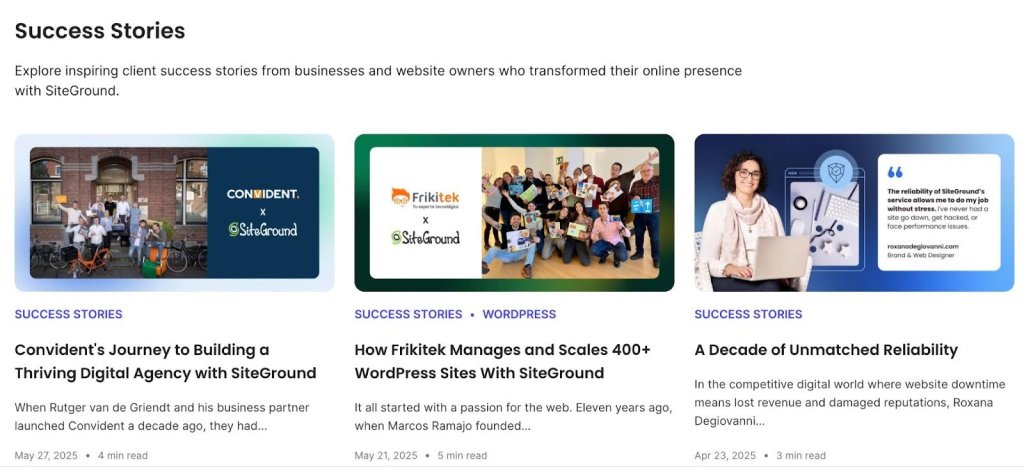
5. Promote Your Lead Magnet

Once your lead magnet is ready, it’s time to get it in front of your audience. Utilize various effective promotion and distribution strategies, such as social media, promotional emails, and partnerships. Make sure to highlight the value proposition and benefits to encourage people to take action and engage with your lead magnet.

6. Measure and Optimize

To ensure your lead magnet’s success, track key digital marketing metrics such as conversion rates, engagement, and feedback. Use this data to identify areas for improvement and optimize your lead magnet’s performance. Continuously refining your approach based on insights will help you create even more effective lead magnets in the future.

Emerging Trends in Lead Magnets

To stay in the game and keep your marketing fresh, you need to be on top of the latest lead magnet trends. As consumer preferences evolve, interactive content, AI-driven personalization, and sustainability-focused offers are becoming go-to strategies. Let’s explore how these creative approaches can grab your audience’s attention and match your brand with their values, making sure your marketing stays fresh and meaningful.

Interactive Content

Interactive lead magnets are gaining popularity, as they engage users in a more dynamic and personalized way. These can include quizzes, assessments, and interactive infographics that not only share meaningful knowledge but also make the experience enjoyable and memorable. 

For example, a fitness brand might offer an interactive workout planner that adapts exercises to individual fitness levels and goals, encouraging users to connect more deeply with the brand.

AI-Driven Personalization

It seems like everyone is talking about AI these days, and for good reason! Artificial intelligence is shaking up lead magnet strategies by making it possible to create highly personalized experiences.

AI can analyze user data to deliver personalized content that connects with individual preferences and needs. For instance, an online retailer could use AI to recommend personalized product guides based on a customer’s browsing history. These techniques make it more likely that people will take action because they provide solutions that are spot-on and right when you need them.

Sustainability-Focused Offers

As consumers become more environmentally conscious, sustainability-focused lead magnets are gaining traction. These lead magnets highlight eco-friendly practices or offer sustainable products and services. 

A company might provide a guide on reducing carbon footprints or offer a free sample of a sustainable product, appealing to environmentally aware customers and aligning the brand with values that are important to the audience.
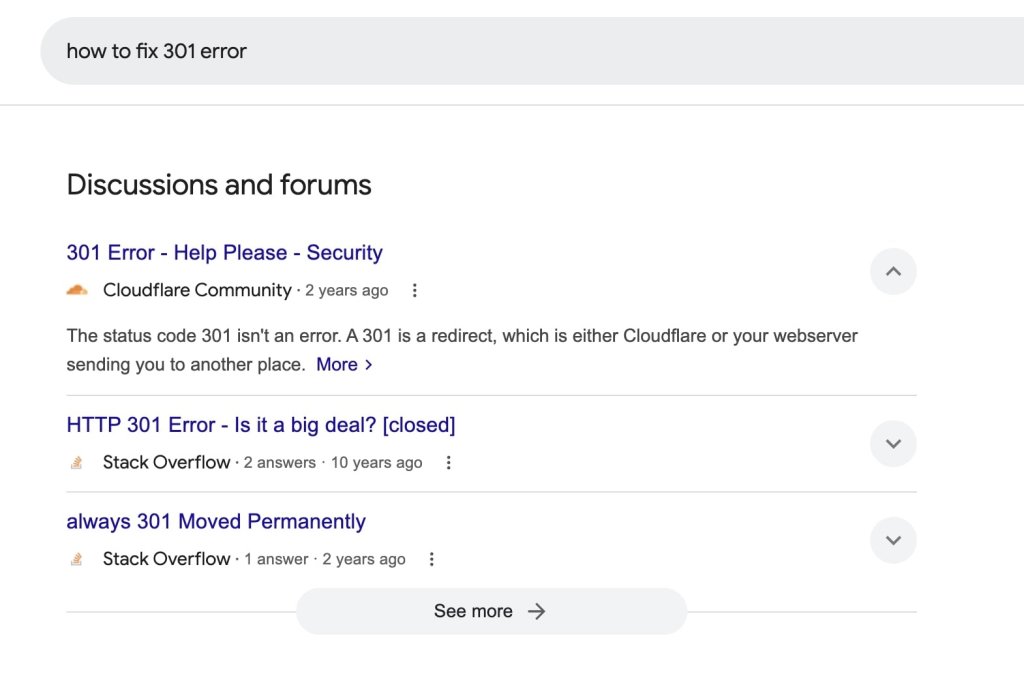
The Future of Lead Magnets

Looking ahead, it’s clear that technology and personalization are going to shape the future for lead magnets. With everything we’ve discussed about the latest trends, it’s no surprise that AI and interactive content are paving the way for lead magnets to become even more tailored and engaging. 

These tools are set to offer experiences that genuinely connect with each individual, making your marketing efforts more impactful than ever. This shift won’t just make lead magnets work better; it’ll also help businesses connect more closely with their audiences.

Lead magnets are definitely still key—they’re great for bringing in leads and building solid customer relationships. As the market shifts, it’s important to try out new strategies and stay adaptable to keep your competitive edge.

To create the perfect lead magnets, take advantage of SiteGround’s various templates that make the process a breeze. Try it today and see how easy it is to craft engaging content that truly connects with your audience!

Case Study Examples and Proven Strategies

case studies siteground

People connect through stories — and case studies are one of the best ways to tell yours. They give potential clients a window into your process, your results, and the value you bring to the table.

In this article, we delve into the significance of case studies and offer proven strategies for crafting impactful narratives. 

Examining different types of case studies and learning best practices can provide you with valuable insights to improve your business strategies and craft inspiring success stories.

What is a Case Study?

what is a case study

A case study is a real-life example that highlights how a business effectively helped a customer solve a problem or achieve a specific goal. It gives you a clear picture of the challenge tackled, the solution put in place, and the measurable results and benefits that came out of it. Why is this important? It helps potential customers see just how effective the business’s offerings can be.

If you’ve come across terms like “impact report,” “success story,” or “business analysis,” you’re essentially looking at different types of case studies. These labels each shine a light on different aspects of the customer experience—whether it’s the results achieved, the strategic insights gained, or the overall impact of a particular initiative.

So, let’s talk about the four main types of case studies: Descriptive, Explanatory, Exploratory, and Intrinsic. Each one has its own unique purpose, whether it’s detailing specific situations, examining causes and effects, exploring new questions, or focusing on unique cases. Stick around as we explore each of these types in the next section!

What are the Four Types of Case Studies? + Best Examples

Understanding the different types of case studies allows you to choose the right approach for your goals—that could be exploring a new topic, explaining a process, describing a situation, or focusing on a unique scenario. While these categories can sometimes overlap, knowing the distinctions helps clarify your research strategy. In this section, we’ll introduce the four main types of case studies and give examples to show how they’re used. 

1. Exploratory Case Studies

Exploratory case studies help identify key questions and discover ways to improve different parts of a business. They gather initial data to understand how people behave and what they prefer. These studies look into new topics and help organizations tackle complex problems. This approach gets you ready to explore how to improve your processes, systems, and overall experience.
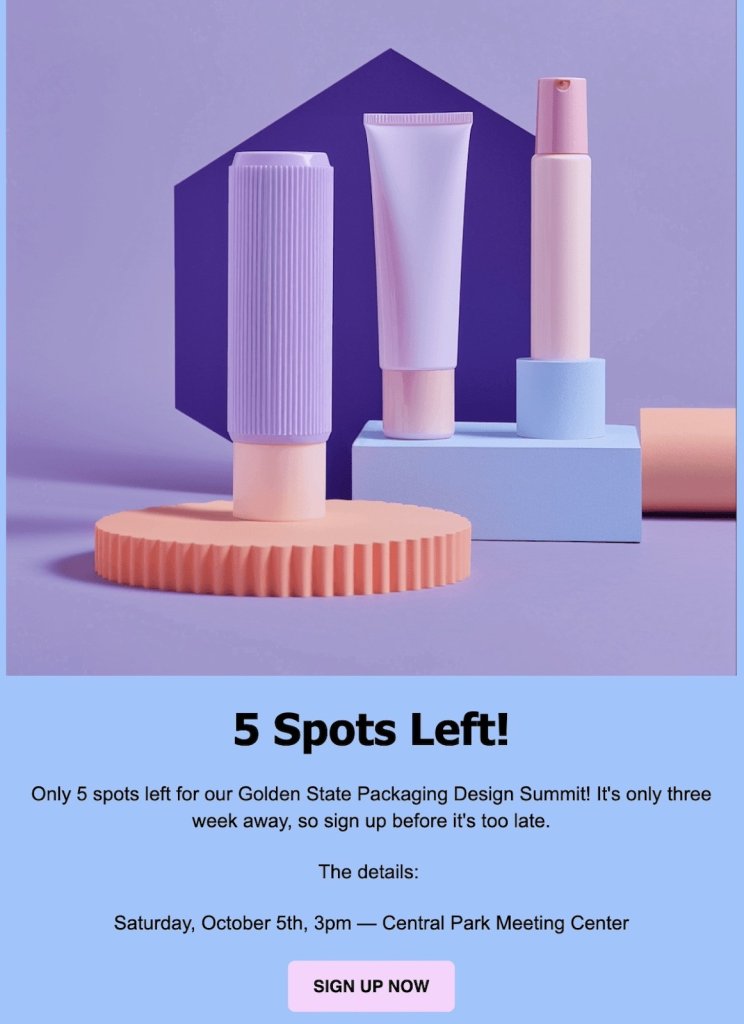
Case Study Example Convident

Let’s take a look at Convident’s journey with SiteGround, which is a fantastic example of an exploratory case study. This one examines the early steps and decisions that paved the way for the agency’s success. It zooms in on the key questions and challenges they faced when picking a hosting partner, showing why reliable support and standardized operations were so crucial. Through this study, you’ll see how Convident tackled big issues like scalability, efficiency, and building client trust, revealing the nuts and bolts of how they made it all work.

This exploratory case study demonstrates how smart choices and strategic partnerships can shape a small business’s journey. It’s a great resource for agencies looking to optimize and grow sustainably. Convident’s story highlights how these key decisions can make all the difference.
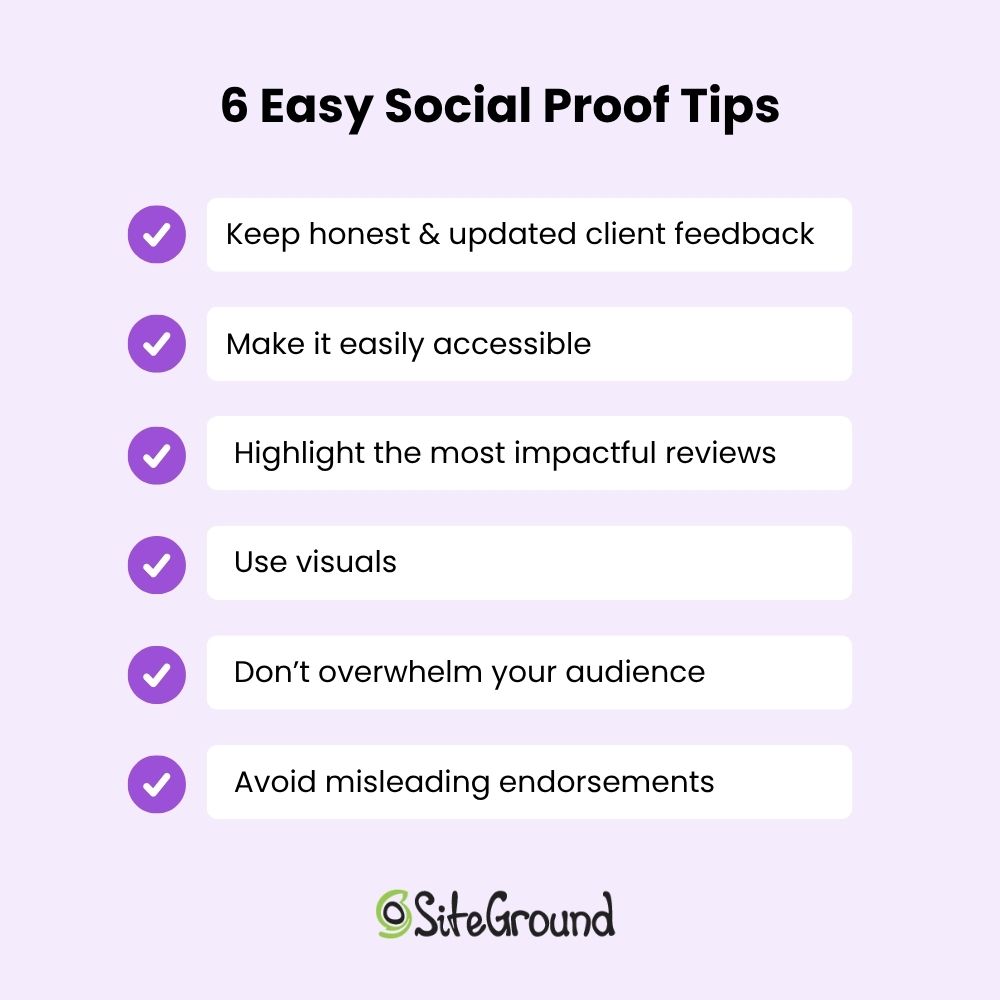
2. Descriptive Case Studies

Unlike exploratory studies, which are more open-ended, descriptive case studies provide a detailed account of a specific subject or phenomenon in its real-life context. They really get into the nitty-gritty, capturing all the details and unique aspects of the subject. These studies paint a clear picture of the situation, setting the stage for further analysis. As we look closer, they give us the context we need to understand how different factors are connected.

Descriptive Case Study example

Let’s explore Roxana Degiovanni’s journey with SiteGround, a perfect example of a descriptive case study. It details how she found a reliable hosting provider that revolutionized her business operations. As a brand and web designer, Roxana faced technical hurdles until she stumbled upon SiteGround at a WordCamp event. 

The study highlights how features like 1-click WordPress installation and strong security were just what she needed. The focus on reliability and performance enabled her to improve client satisfaction and propel business growth.

This case study offers a clear look at the benefits of SiteGround’s hosting solutions, making it a valuable resource for other creative professionals looking to upgrade their workflows and improve client outcomes.

3. Explanatory Case Studies

Explanatory case studies take things a step further than descriptive ones by examining the cause-and-effect dynamics of a specific event or outcome. They’re all about uncovering the reasons and mechanisms behind the results. 

While descriptive studies lay out the situation, explanatory ones look closer, aiming to give you insights into what makes everything tick.

Explanatory case study example

The case study of Frikitek’s experience with SiteGround is a standout example of an explanatory case study. This story shows how Frikitek, a web development agency, tackled the challenge of managing over 400 WordPress sites by switching to SiteGround’s hosting services. 

The case study highlights their need for better performance, security, and scalability. With SiteGround’s resource isolation, security infrastructure, and automation tools, Frikitek’s operations saw significant improvements. 

This study really shows how adopting SiteGround’s services made a big difference by tackling specific challenges. If you’re an agency looking to make similar improvements, this resource can be incredibly helpful.

4. Intrinsic Case Studies

Finally, intrinsic case studies stand apart by focusing on a specific case, rather than as a representative of other cases. They are all about those unique or unusual cases that really catch a researcher’s eye because of their distinct characteristics. They explore these one-of-a-kind situations, offering specific insights that might not apply to every situation but are fascinating and valuable on their own.

Case study example

Jonathan Sophie’s experience with SiteGround demonstrates an intrinsic case study example in action. What makes this case so ideal is how it explores his unique path, highlighting the specific challenges and triumphs he encountered as a designer. It focuses on his personal growth and how SiteGround’s services helped him manage creative projects and overcome technical hurdles. 

The study shows how SiteGround supported Jonathan’s work and sheds light on his specific challenges and successes. This case is particularly insightful because it takes a close look at a special situation, providing lessons that, while specific, can inspire others facing similar challenges.

Instrumental Case Studies

In addition to the four main types, there are several other common case study approaches that serve different research goals and needs.

Let’s explore instrumental case studies, which offer a different angle compared to the main types we’ve talked about. These studies use a specific case to examine a bigger issue or fine-tune a theoretical framework. Unlike intrinsic case studies that focus on what makes a particular case unique, instrumental studies use the case to get a better grasp of a larger phenomenon. 

Looking at a specific instance helps researchers find lessons with wider impact. This approach makes instrumental case studies incredibly valuable for developing theories and understanding how individual cases relate to larger trends.

case study example builtlean

The story about Marc Perry and his fitness site, BuiltLean, serves as an instrumental case study. Marc’s story is all about how SiteGround’s hosting services helped him slash costs while managing a huge amount of web traffic. 

What makes this example so relatable is how it highlights the real-world benefits of cost-efficiency and scalability, offering practical tips on how to optimize your hosting expenses if your business has big online audiences. You’ll find valuable lessons here about discovering cost-effective solutions that truly make a difference. It’s a great reminder of how the right hosting choice can help you grow without breaking the bank.
Collective Case Studies

Next, we have collective case studies, which focus on examining a group of cases, either simultaneously or one after another. This method allows researchers to compare and contrast different situations to identify patterns and differences. 

When you look at multiple cases, you get a fuller picture of what’s going on, revealing details that might be missed if you only focused on one case. This method is especially helpful for analyzing complex issues that can show up in different ways depending on the situation.

collective case study example

Let’s take a look at the stories of David Chastain and Holly Boothroyd, which together make for an interesting collective case study. Both are web developers who manage multiple client websites using SiteGround, and their experiences offer a rich knowledge source.
Comparing how they handle hosting for different types of websites helps us uncover patterns and best practices that are helpful for developers and agencies looking to streamline their operations. 

What makes these examples so intriguing is how they demonstrate ways to improve client satisfaction with reliable hosting solutions. Their stories provide practical, real-world examples of how effective hosting can make a big difference in managing multiple sites efficiently.

Key Elements of a Case Study Design + Template

Crafting a case study that really hits the mark takes some careful thought and attention to detail. In this section, we’ll walk through the key elements that make a case study truly engaging. We’ll look at everything from pinpointing the challenge to highlighting the results. Let’s jump in and see how to make your case study stand out!

With the right tools, adding your case studies to your website can be simple and effective. The SiteGround Website Builder is not only easy to use, but makes adding case study sections to your website effortless. Start today and make your achievements shine!
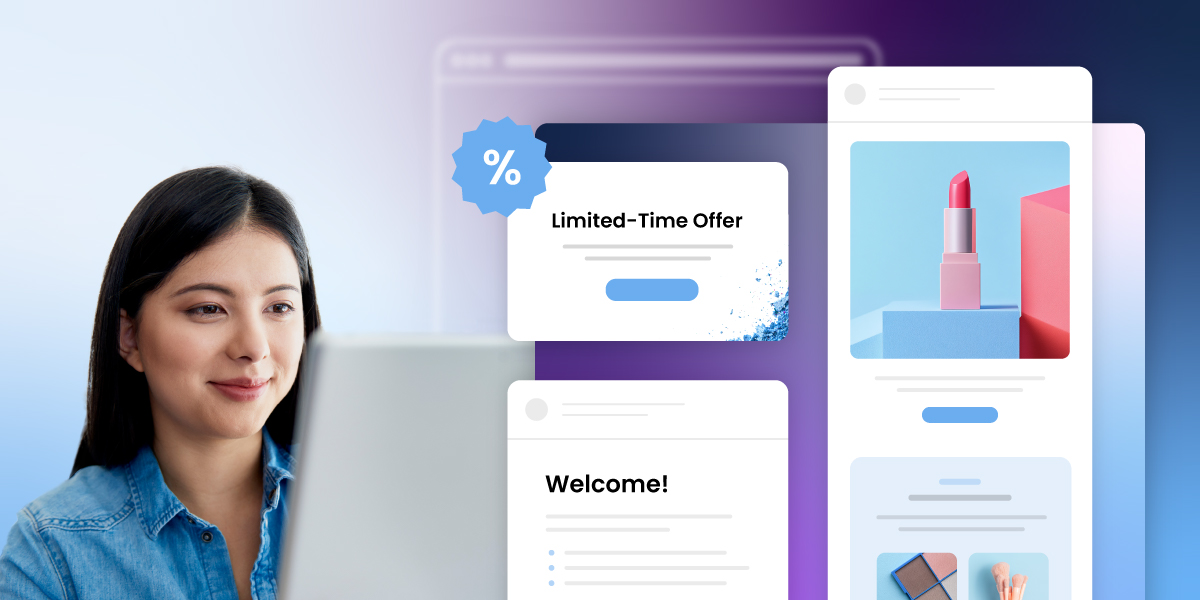
Caste study example template + key elements

1. Cap It Off with a Great Title

Pick a title that’s short, sweet, and to the point, capturing what the case study is all about. A great title grabs attention and clearly highlights the customer’s journey and the key takeaways. 

For instance, “Transforming Business: How SiteGround Boosted Frikitek’s Efficiency” gets right to the heart of the story.

2. Start with A Defined Challenge

Kick things off by pinpointing the common problems or challenges your audience deals with. This helps set the stage for your case study, showing readers that you get where they’re coming from. 

For example, if a small café is having trouble with low afternoon traffic, make that the starting point of your story to connect with other businesses facing similar issues.

3. Tell the Story of Your Customer’s Experience

Bring the narrative to life by sharing it through the eyes of your customer. Talk about their journey, emotions, and experiences along the way, so readers can connect on a personal level. 

Picture a local artist feeling overwhelmed by managing online sales until they discovered an ecommerce platform that made everything so much easier.

4. Show Your Solution

Highlight how your product or service effectively addressed the customer’s problem. Focus on showcasing your solutions and the unique value you provide, helping potential customers envision how you can assist them, too.

For instance, explain how a cleaning service reduced a hotel’s maintenance costs by implementing eco-friendly cleaning solutions.

5. Give Your Customer a Voice

Highlight the ways your product or service tackled the customer’s issue head-on. Emphasize the unique value you offer, helping potential customers see how you can help them, too. 

Include a quote from a satisfied client who says, “Thanks to their marketing strategy, our customer inquiries have tripled!”

6. Show Some Results!

Share specific, measurable outcomes to prove how effective your solution is. Highlight the tangible results, giving potential customers a peek at the benefits they can expect from working with you. 

For instance, illustrate how a bakery boosted its weekly sales by 25% after rolling out a new loyalty program.

7. Engage Readers Visually

Incorporate visual elements like photos, diagrams, infographics, or videos to make your case study more engaging and easier to understand. These visuals can break down complex topics and help create a stronger emotional connection with your audience. 

For example, show before-and-after photos of a renovated kitchen to highlight the amazing transformation a home improvement company achieved.

How to Write a Case Study: Dos and Don’ts

Once you know what the key elements of a case study are, it’s important to focus on best practices to ensure your case study is both compelling and informative. 

Here’s a quick rundown of dos and don’ts for crafting a story that connects with your audience and highlights the benefits of your solutions.

✅ Dos:

  • Thoroughly research to fully understand the client’s problem and pain points, making sure you have a clear picture of their situation.
  • Set clear goals to shape your story, keeping in mind the client’s challenges and what they hope to achieve.
  • Back up your claims with solid data to show credibility, demonstrating how your solution tackled the client’s issues and achieved results.

❌ Don’ts:

  • Don’t let bias or oversimplification creep in, as they can make your story feel less genuine and overlook the complexity of the client’s situation.
  • Don’t use technical jargon that might confuse readers; keep your content simple and relatable to help them connect with the client’s challenges and solutions.
  • Don’t lose sight of your target audience; ensure your content focuses on the client’s specific issues and highlights how your solution offers real, tangible benefits.

Wrap-Up: Mastering Case Studies Examples

We’ve covered the key ingredients for crafting effective case studies, like pinpointing challenges, sharing results, and using best practices such as engaging storytelling and solid data analysis.

Understanding and utilizing case studies effectively can significantly improve your ability to communicate value. Now, it’s time to put what you’ve learnt into action. 

Start creating impactful case studies today and watch your audience engagement soar!

SiteGround Website Builder

Master STP Marketing to Grow Your Business

STP marketing

Ever wonder how some brands just seem to “get” their customers? The secret is STP marketing—Segmentation, Targeting, and Positioning. Crafting campaigns that genuinely connect starts with recognizing the distinct characteristics and preferences of various audience segments.

As competition intensifies, mastering the art of reaching your audience is key to standing out and making a lasting impression. Ready to see your brand shine? Let’s dive into how the STP marketing model can make it happen!

What is STP Marketing?

what is STP marketing

Segmentation, Targeting, and Positioning (STP) is a strategic marketing model that involves segmenting the market, targeting specific customer groups, and positioning your product or service to effectively meet those groups’ needs.

This marketing process includes selecting market segments that best align with your brand’s objectives and positioning your brand to make those specific consumer groups feel understood and valued.

The concept of STP marketing has evolved as consumers become more complicated and tech-savvy. Understanding the STP meaning in marketing equips you with a strategic advantage, enabling your brand to cut through the noise and make your brand actually matter to the people who count. 

The Importance and Benefits of STP Marketing

One-size-fits-all solutions no longer cut it; STP marketing is a key strategy for businesses looking to meet the varied needs of their customers. A more personalized touch attracts new customers and strengthens brand loyalty, and ensures your business remains a trusted choice in a competitive market. 

Now, let’s explore the core components of STP marketing and discover how they can transform your small business marketing efforts.

  • Segmentation, or dividing the broad market into smaller, more defined segments, allows companies to fit their marketing strategies to address the specific needs and preferences of different customer groups. This approach increases the relevance and impact of marketing activities, leading to better engagement and satisfaction.
  • Targeting the most attractive segments allows businesses to focus their resources on areas with the highest potential for profitability and growth. This strategy ensures that marketing messages resonate with the intended audience, improving the efficiency and effectiveness of campaigns.
  • Positioning is important for establishing a strong brand presence in the minds of consumers. With clear communication about what makes the brand unique and valuable, businesses can differentiate themselves from competitors. A well-executed positioning strategy ensures that the brand occupies a distinct and memorable place in the market, building customer loyalty and driving long-term success.

Use STP Marketing in Your Strategy in 5 Simple Steps

Implementing STP marketing involves a series of steps that enhance market understanding and optimize marketing efforts. These steps make certain that your strategies are precisely adjusted to meet the needs and preferences of your target audience. Here’s how to effectively incorporate STP into your approach:

STP marketing

1. Conduct a Thorough Market Analysis

To effectively implement STP in your strategy, gather data from various sources such as CRM systems, social media analytics, surveys, and market research reports. Collect detailed insights such as impressions, engagement, purchase history, customer preferences, and other behavioral patterns.

These insights can reveal which products customers are interested in, how often they make purchases, and the best times and channels to reach them. For example, you might discover that a significant portion of your audience engages more with email marketing on weekends, indicating a preference for receiving communications during this time. 

This insight lets you tweak your campaign schedules to match when your customers are most active.

2. Segment Your Market

To segment your market, begin by choosing criteria like demographics and behaviors. Then, create customer personas to understand their needs. 

For instance, SiteGround customer Samantha Remer targets fashion-conscious women, specifically over 40, seeking perfectly fitting jeans. She shares that focusing on these specific groups allows Samantha to tailor her marketing strategies to effectively meet their unique needs.

3. Select Target Segments

Selecting target segments requires an evaluation of each segment’s attractiveness. Consider factors such as segment size, growth potential, competitive intensity, and how well each segment aligns with your business objectives. 

For example, a company making plant-based protein snacks might target health-conscious millennials in cities. This segment is large and growing quickly as more people choose healthy foods. It also aligns with the company’s sustainability goals and has moderate competition.

Once you understand your audience, decide whether to target a broad group or a more specific niche. A broad targeting approach is useful when your product or service appeals to a wide range of people, like a popular streaming service that offers something for everyone. It’s best when you have the resources to reach a large audience and want to build widespread brand awareness.

Focus on a specific group with unique needs when you have limited resources or when your product is highly specialized. For example, if you produce artisanal dog treats made from organic ingredients, focus on pet owners who prioritize health and wellness for their pets. This allows you to connect deeply with a smaller, dedicated audience.

Choosing the right approach helps ensure your marketing efforts are effective and reach the people most likely to be interested in what you offer.

4. Develop Positioning Strategies

Create a clear message for each target group that highlights what makes your brand special. For example, if you’re targeting budget-conscious consumers, position your smartphone as an affordable yet feature-rich option.

Ensure your product features, pricing, availability, and advertising all support this message. For instance, offer competitive pricing and advanced features to reinforce your value proposition.

This consistency helps your brand stand out and connect with your audience, making it easier for them to see why they should choose you over competitors.

Stp marketing positioning

5. Execute, Adjust, and Improve

Kick things off by rolling out campaigns designed to match the preferences and behaviors of each segment. Create marketing campaigns that connect with these groups to maximize engagement. For example, a fitness brand could create a series of Instagram stories featuring quick workout tips and user-generated content from customers sharing their fitness journeys.

Set clear marketing performance metrics like conversion rates, average order value, and customer lifetime value to measure the success of your campaigns. Use A/B testing to continuously test different elements and optimize your campaigns for better performance and engagement. 

Gather customer feedback and stay updated on industry trends and market changes to refine your approach. For example, if analytics show a drop in mobile app usage, enhance the app’s features or user experience to re-engage users.

STP Marketing Examples

Here are some great examples of how companies cleverly use segmentation, targeting, and positioning to connect with their diverse customers and meet their needs.

Coca-Cola

Coca-Cola segments its market by demographics (age, gender, income), psychographics (lifestyle, values), and geographic regions. They also consider behavioral factors like consumption habits and brand loyalty.

The company targets specific segments with a variety of products and brands. For example, they offer Coca-Cola Classic for traditional cola lovers, Diet Coke for those seeking a sugar-free option, and Dasani for consumers looking for bottled water.

All Coca-Cola brands are positioned to meet the specific needs and preferences of their target segment. Coca-Cola Classic is positioned as a timeless and refreshing choice, while Diet Coke is marketed as a no-calorie alternative with a distinct taste. Dasani is positioned as a pure and clean hydration option.

Coca-Cola’s strategic use of segmentation, targeting, and positioning enables it to effectively address a wide range of consumer preferences and maintain a strong presence in the global beverage market.

STP MArketing Coca Cola example

Procter & Gamble

Similarly, P&G segments its market by demographics (age, income, family size), psychographics (lifestyle, values), and geographic regions.

The company focuses on specific segments with different brands and products. For example, they offer Pampers for parents with infants, Tide for households needing effective laundry solutions, and Gillette for men seeking quality grooming products.

Every P&G brand is positioned to meet the specific needs and preferences of its target segment. For instance, Pampers is positioned as a reliable and gentle choice for baby care, while Tide is positioned as a powerful and trusted laundry detergent.

STP marketing procter and gamble example

Unilever

Unilever segments its market and also consider behavioral factors like purchasing habits and brand loyalty.

The company reaches different consumer segments with a diverse portfolio of brands. For example, they target health-conscious consumers with brands like Knorr and Hellmann’s, while targeting beauty and personal care segments with brands like Dove and Axe.

Each Unilever brand is positioned to meet the specific needs and preferences of its target segment. Dove is positioned as a brand that promotes real beauty and self-esteem, appealing to consumers seeking gentle and nourishing personal care products. Axe, on the other hand, is positioned as a brand that appeals to young men, focusing on confidence and attraction.

Unilever’s approach to segmentation, targeting, and positioning allows it to successfully address a wide array of consumer needs in different markets.

STP marketing unilever example

The Future of STP Marketing

As we look to the future of STP marketing, it’s clear that technological integration will play a pivotal role. AI tools for businesses, along with machine learning and big data, are transforming how businesses segment, target, and position their products and services, making marketing efforts more precise and effective. 

At the same time, sustainability and ethics are becoming increasingly important, ensuring that segmentation and targeting are not only profitable but also responsible and in tune with what consumers value.

In wrapping up, remember the key takeaways from this article: STP marketing is essential for understanding and reaching your target audience effectively. Adopting the STP marketing model can significantly strengthen your business success. 

So, why wait? Elevate your business with STP marketing! Let SiteGround’s email marketing platform assist you in segmenting, targeting, and positioning your brand to connect with your ideal audience.