
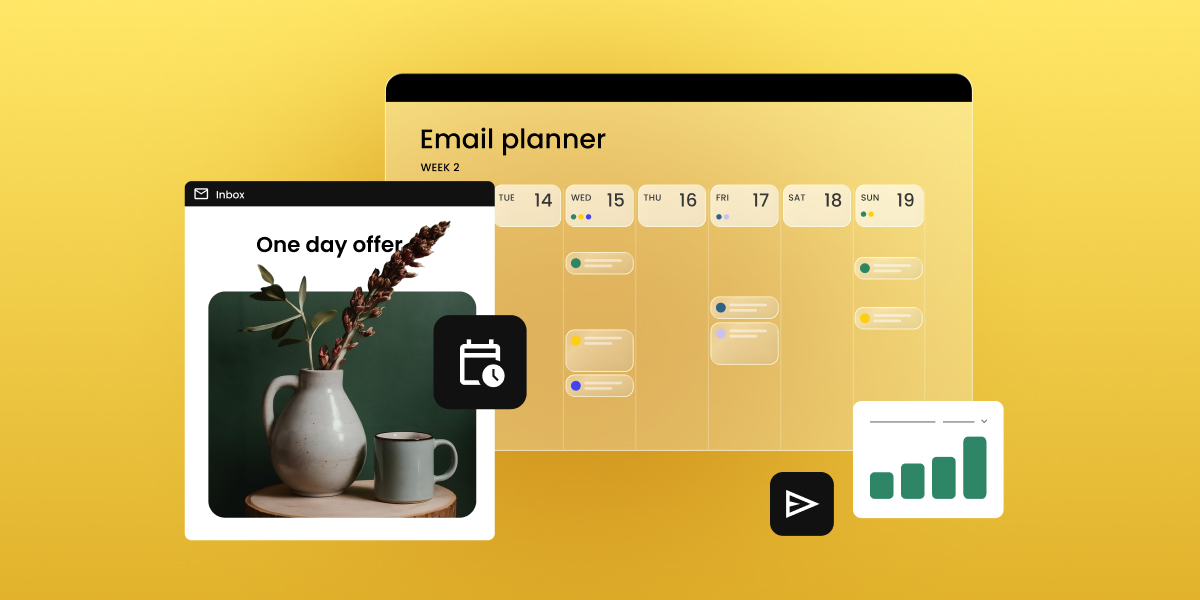
Your email marketing calendar is tied to real send dates, your list, and your own cadence, and not just vibes. By the end of this guide, you’ll have one built for your business, plus a free template to run it from.
Key takeaways:
- An email marketing calendar tracks send dates, campaign type, ownership, and subject lines, not just topics.
- Most small businesses send 2 to 4 marketing emails a month; ecommerce brands often go weekly or more.
- Cadence should follow your list’s tolerance and your content supply, not a fixed rule applied to every month equally.
- Mapping seasonal moments before regular content prevents your busiest sales periods from being an afterthought.
- A free email marketing calendar template, ready for you to copy and paste, is included further down this page.
What is an email marketing calendar?
An email marketing calendar is a schedule of your planned sends: the date, campaign type, owner, and status, all in one place. Unlike a general content calendar, it exists for one job: keeping each send tied to a clear email marketing goal.
The tool doesn’t matter, a spreadsheet, a project board, or your email platform’s own scheduling view all work. What matters is whether the four fields covered below (send date, campaign type, owner, subject line) are filled in before the month starts, not backfilled the day of the send.
Why you need an email marketing calendar (even with a small list)
An email marketing calendar matters at any list size. Without one, most small lists run into the same handful of problems, all preventable once you can see the whole month at once.
- Going quiet, then bursting. Weeks with no send, then three emails in five days because someone remembered a launch was coming up.
- Clustered, unrelated sends. A promotion, a newsletter, and a product update all land in the same week, competing for the same inbox slot.
- Slipping deliverability. Clustered, low-engagement sends read as unwanted to mailbox providers, chipping away at your sender reputation. A rising unsubscribe rate is the visible symptom; shrinking deliverability is the real cost.
- Uneven segment coverage. One group gets three campaigns in a week, another hears nothing, simply because there’s no full-month view to catch the imbalance.
Each of these is a sequencing problem, not a volume one, and a calendar is what puts the whole month in view so you catch them before they ship.
What to include in your calendar
Four fields turn a list of dates into a working calendar. Skip any one of them and the calendar stops doing its job.
Send dates and cadence
Cadence means how often you send, logged as a specific field, not a vague plan. Weekly, biweekly, and event-triggered are the three practical options: weekly and biweekly are fixed slots on the calendar, while event-triggered sends (cart abandonment, post-purchase follow-up) run on their own schedule, driven by email automation rather than a calendar date.
Match cadence to what your list will tolerate and what you actually have to say. Not confident you have enough to say every week? Biweekly with more substance beats weekly with filler.
| Week | Type | Cadence | Send time |
| Week 2, March | Newsletter | Biweekly | Tuesday, 10 a.m. |
| Week 3, March | Promotional | Monthly | Thursday, 9 a.m. |
| N/A | Cart abandonment | Event-triggered | 2 hours after cart is left |
If your platform supports scheduling, like SiteGround Email Marketing does, this field doubles as your real send schedule. Set the date once, and the send is queued.
Email campaign type and goal
Four core types cover most calendars: newsletter, promotional, transactional, and seasonal, each mapped to a specific goal.
| Type | Goal |
| Newsletter | Retention, keep the list warm |
| Promotional | Conversion, drive a specific sale or offer |
| Transactional | Order confirmation, delivery updates |
| Seasonal | Timely relevance around a key date |
The right mix isn’t universal. It shifts by industry:
- Ecommerce: promotional and transactional-heavy.
- Service businesses: newsletter and seasonal-heavy.
- Restaurants and fitness studios: seasonal-heavy with occasional promotional pushes.
- Real estate and education: newsletter and nurture-heavy.
Weight your calendar toward whichever two or three types actually match how your business makes money.
Owner and status
Two fields, both simple: who’s responsible for drafting and reviewing each send, and a status marker.
| Send | Owner | Status |
| Week 2, March newsletter | Ana | Drafted |
| Week 3, March promotion | Marco | Reviewed |
| Spring sale seasonal send | Ana | Not started |
Without an owner attached, “send a spring newsletter” is an idea. With one, it’s a task with a deadline.
Subject line/preheader notes
A field to draft subject lines ahead of time, so send day isn’t also writing day.
| Send | Subject line | Preheader |
| Week 2, March newsletter | “What’s new this March” | A quick roundup before the month gets busy |
| Week 3, March promotion | “Spring sale starts today” | 20% off through Sunday |
You’ve seen the individual pieces, cadence, campaign type, ownership, subject lines. Now it’s time to put them together into an actual calendar.
How to build your yearly email marketing campaign calendar
Four steps, done once and then repeated each quarter.
Step 1: Audit your current sends
Look back at your last 3 to 6 months of sends: what went out, what got skipped, and what actually performed.
- Pull three numbers for each send: open rate, click rate, and unsubscribe rate.
- Look for a pattern, not a single winning email, like a day of the week that consistently underperforms, or a campaign type that quietly drives more unsubscribes than the rest.
- If you skipped sends, note why. No content is a supply issue Step 3 should account for. No owner is a gap Step 4 exists to close.
Step 2: Map key dates and seasonal moments
Plot major seasonal moments before you fill in regular content: Black Friday, back-to-school, and whatever else is relevant to your business.
- Not every date is worth a campaign. A seasonal marketing framework helps you filter which moments earn a full send versus a single line in your regular newsletter.
- Once you know which moments matter, this step is about scheduling around them: lead time needed, and how many emails to build around each one.
Step 3: Set your cadence by month
Decide send frequency per month based on your audit and seasonal load, not a flat rule for the whole year.
Heavier months (seasonal peaks, launches) earn more sends. Quieter months pull back.
How SiteGround Email Marketing’s scheduling makes this easier
Sends can be scheduled in advance, so the monthly cadence you just planned becomes a real, locked-in schedule instead of a to-do list someone has to remember to act on each week.
Step 4: Assign ownership and review steps
Lock in who drafts, who reviews, and when.
A calendar with dates but no named owner tends to slip the first time someone gets busy.
Free email marketing calendar template
The template below covers all four fields: date and cadence, campaign type and goal, owner and status, and subject line notes, as a month-by-month grid you can duplicate each month. Copy it straight into Google Sheets or an email marketing calendar template for Excel, whichever you already have open ten times a day.
| Date | Campaign type | Goal | Owner | Status | Subject line |
| [Date | Newsletter/ Promotional/ Seasonal | [Goal] | [Name] | Not started/ Drafted. Reviewed | [Subject line] |
Fill in seasonal moments from Step 2 first, then work backward with your regular cadence. Once you’re sending consistently, tracking your email open rate tells you whether the plan is working.
What can vary in each field
- Campaign type: Newsletter, promotional, transactional, seasonal, or event-triggered (cart abandonment, post-purchase).
- Goal: Retention, conversion, order confirmation, timely relevance, whatever matches the campaign type in that row.
- Owner: Whoever is drafting that specific send, can rotate by month or stay fixed depending on your team size.
- Status: Not started, drafted, reviewed, or sent, a simple four-stage progression rather than a custom workflow.
- Subject line: Draft version is fine here. It just needs to exist before send day, not be final.
Keep your calendar sustainable long-term
Review it monthly, quarterly at a deeper level. Adjust cadence and campaign mix based on what performed, not what you guessed would.
That review is where the calendar earns its keep. Line performance up against your email marketing ROI to see whether the planning time is actually paying off, or just making your spreadsheets look tidier.
A calendar is only as good as whatever’s executing it. SiteGround Email Marketing handles the scheduling and contact management, so your carefully planned Tuesday send doesn’t depend on someone’s memory. Set it up alongside the calendar from day one, and the plan and the actual sends live in the same place instead of you syncing two systems by hand like it’s 2010.
[58]
Frequently asked questions about email marketing calendar
Plan a full quarter at a time, with seasonal moments locked in about a month ahead of when they need lead time. Trying to plan too many subject lines up front usually means the details go stale before you get there.
An email marketing calendar tracks scheduled sends specifically: dates, cadence, and ownership tied to your email platform. A content calendar is broader and often includes blog posts or social captions that don’t carry the same fixed-date pressure an email send does.
There’s no fixed number, but clustering multiple unrelated campaigns into the same week is the more common problem than raw volume. If a promotion, a newsletter, and a product update all land within days of each other, that’s a clustering problem worth fixing before it shows up as a rising unsubscribe rate.
Run them alongside it for most businesses. A seasonal campaign is a spike on top of your baseline cadence, not a replacement for it. Pausing your regular newsletter to make room for a seasonal push usually costs you more consistency than it gains you in relevance.
Yes, if your platform supports advance scheduling. Set each send’s date and time once, and they go out automatically, which is what turns a calendar from a planning document into an actual production schedule.
A service business (an agency or consultancy, for example) can often sustain a solid calendar on 2 to 4 sends a month. An ecommerce store, with more to promote and a shorter buying cycle, often sends weekly or more without overwhelming subscribers, provided each send has a distinct purpose.