To create a personal website, you decide what it’s for, pick a platform, claim a domain, plan a handful of pages, write copy that says who you are and what you do, and hit publish. That’s the whole recipe. The hard part is making it worth a visit, which is where the seven real examples below come in.
Key takeaways:
- Creating a personal website takes six steps: decide what it’s for, choose a platform, claim a domain, plan your pages, write your copy, and publish. With a website builder, you can start from a template, an AI prompt, or both, and have the site live in a few hours.
- A strong personal website starts with a clear purpose and messaging that instantly tells visitors who you are and what you offer.
- Focused calls to action and thoughtful structure guide visitors smoothly toward the next step.
- Social proof, experience, and real examples build trust faster than claims alone.
- Consistent branding and storytelling make your site feel personal, credible, and memorable.
- Performance matters: a great personal website must be fast, mobile-friendly, accessible, and easy to use.
What is a Personal Website?
A personal website is your own corner of the internet—built to reflect your work, your voice, your goals, and your offerings. It brings together your expertise, experience, and personality in one clear, professional space you control, helping you make the right impression and move your work forward.
Use this online space to showcase your skills, win new clients, and launch fresh ideas. Far beyond an online resume, it’s a living asset that powers your business, career, and creative work every day.
How to Create a Personal Website
With a website builder, you can have a personal website live in a few hours. The steps below are in the order that saves you the most rewrites.
1. Decide What It’s For
Before you pick a template, give the site a job. Getting hired, landing clients, selling a service, and showing off your work each lead to a different homepage. Write one sentence that says who you help and what you want visitors to do next. That sentence becomes your headline and your main call to action, and it’s the backbone of a strong unique selling proposition.
2. Choose a Platform
You have three realistic options:
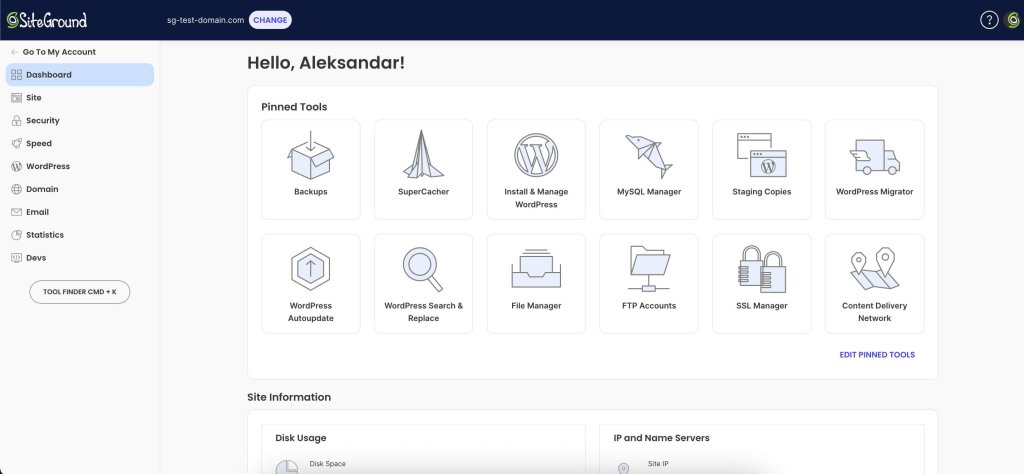
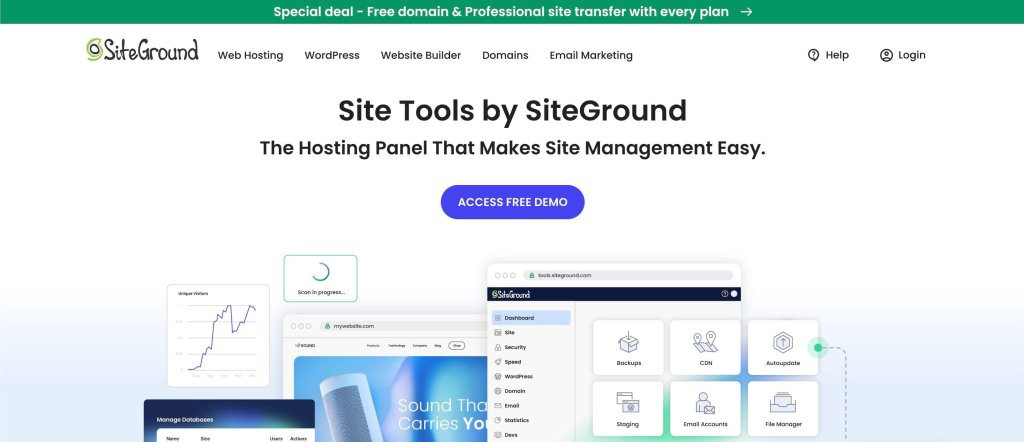
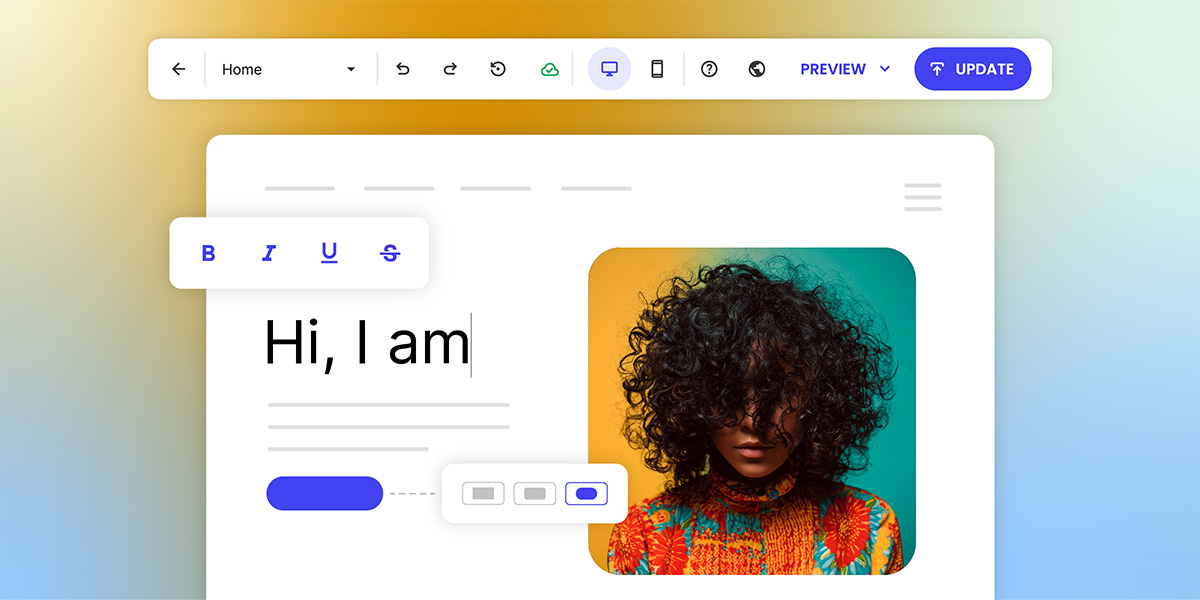
- A website builder: Hosting and editing in one place, with no code. Depending on the builder, you can start from a template and drag and drop blocks into place, describe your site to an AI that builds it from your prompt, or mix the two. The SiteGround Website Builder, for example, offers both: an AI Wizard that builds your site from a prompt, and templates you can customize with drag and drop. Pick whichever path suits you, or use AI for the first draft and fine-tune it by hand. It also comes with a 14-day free trial, no credit card required.
- WordPress: More flexibility and plugins, but more upkeep. It’s a good fit if you plan to blog a lot or need custom features. Not sure which way to go? Compare a website builder vs. WordPress.
- Coding it yourself: Full control, and if you’re a developer, the site doubles as a portfolio piece.
For most personal websites, a builder covers everything you need.
3. Claim a Domain Name
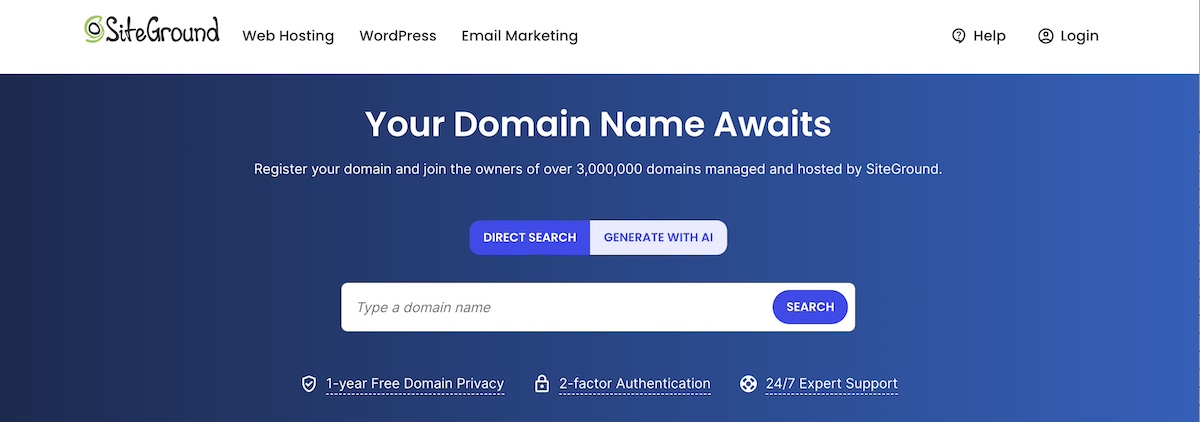
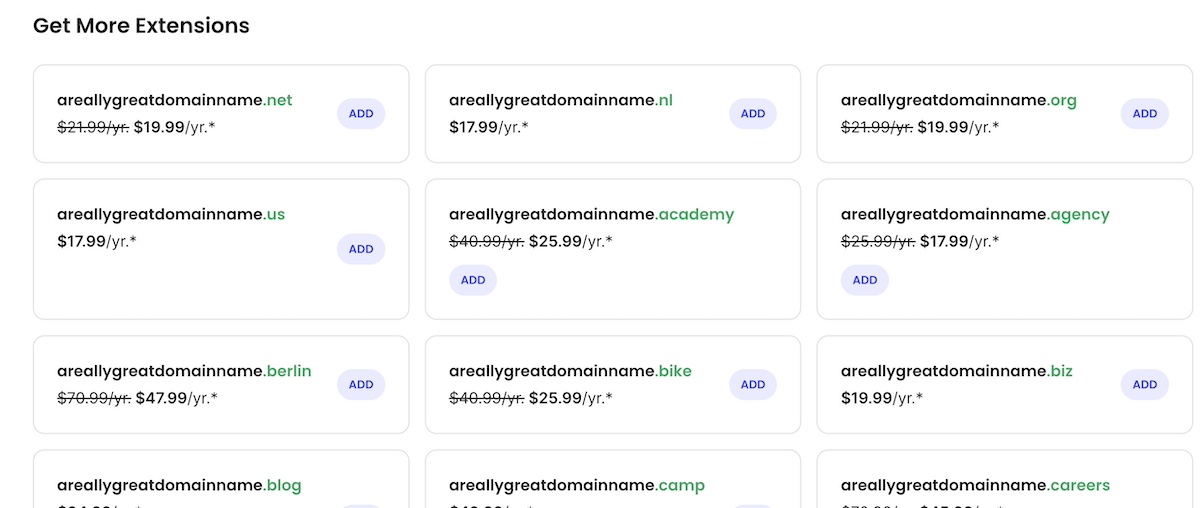
Your domain is your address, so make it easy to say out loud. Your full name (yourname.com) is the safest bet for a personal site, since it still fits if your job title changes. If it’s taken, add a middle initial or your profession (janedoedesign.com), or try an extension like .me or .co.
4. Plan Your Pages
Most personal websites need four or five pages:
- Home: Who you are and what you do, in one screen.
- About: Your story and why you do the work.
- Work or portfolio: Projects, case studies, or results.
- Services: What you offer and how to work with you, if you’re selling something.
- Contact: A form or email address, plus links to your profiles.
A one-page site works too, as long as each of those jobs gets a section. Website planning before you build saves you from rearranging everything later.
5. Write Your Copy and Add Proof
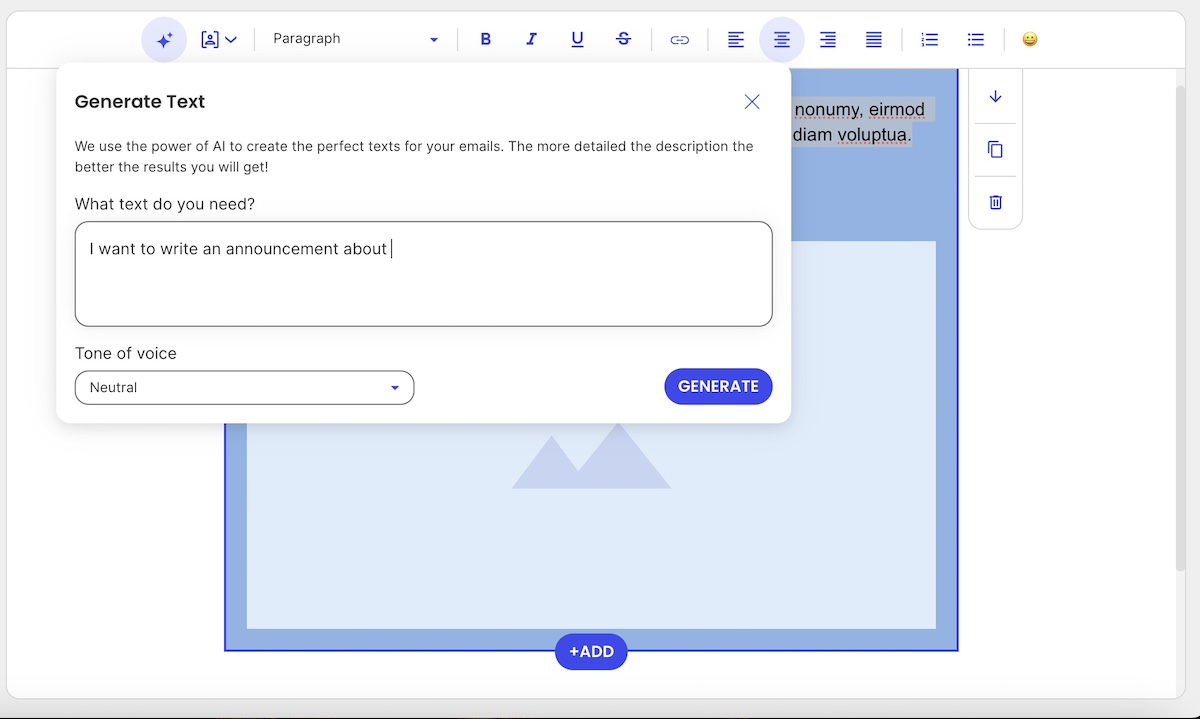
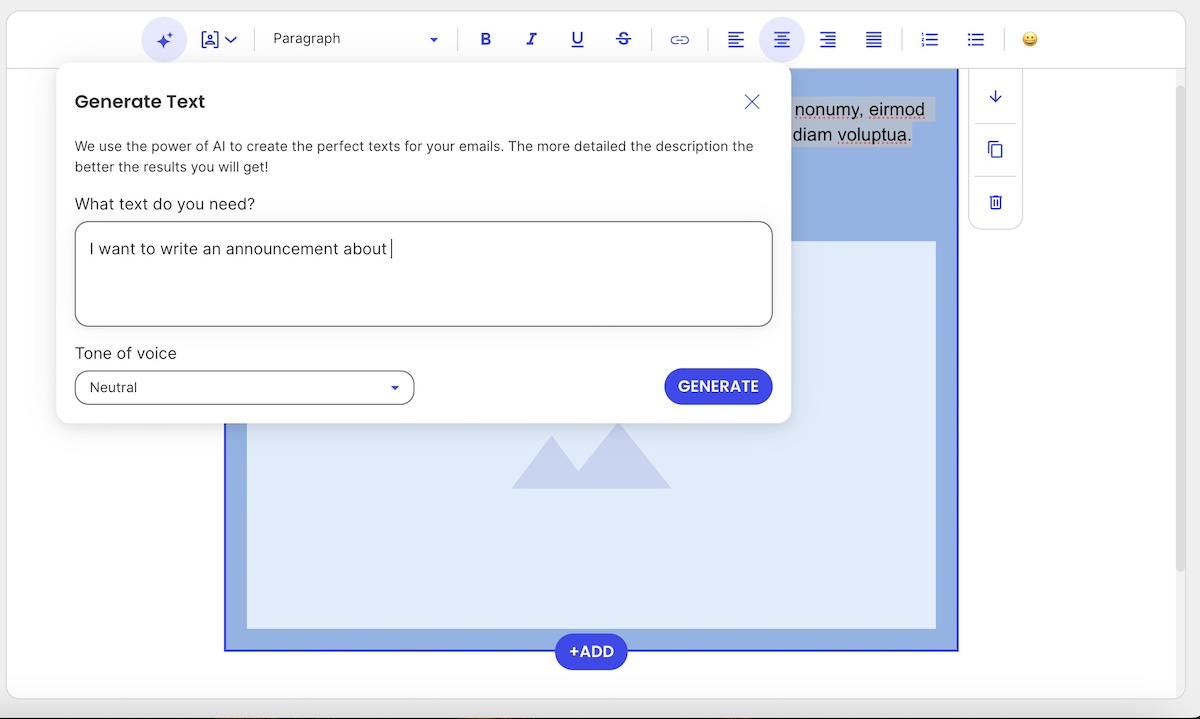
Lead every page with what the visitor gets, not a list of your job titles. Keep sentences short, use the words your clients use, and back up every claim with proof: testimonials, numbers, client logos, or published work. Stuck on a blank page? An AI writing assistant can draft a first version that you then edit into your own voice.
6. Publish, Then Keep It Current
Before you go live, check every page on your phone, test your contact form, and give each page its own title and meta description so search engines know what it covers. Then put the link everywhere: your email signature, LinkedIn, and your social bios. A personal website isn’t a one-time project. Add new work every few months so it shows where you are now, not where you were when you built it.
Best Personal Website Examples and What They Teach Us
Let’s take a look at some standout personal website examples and ideas, and break down what they do well so that you can apply the same principles to your own.
Takeaway #1: Start With a Crystal-Clear Purpose
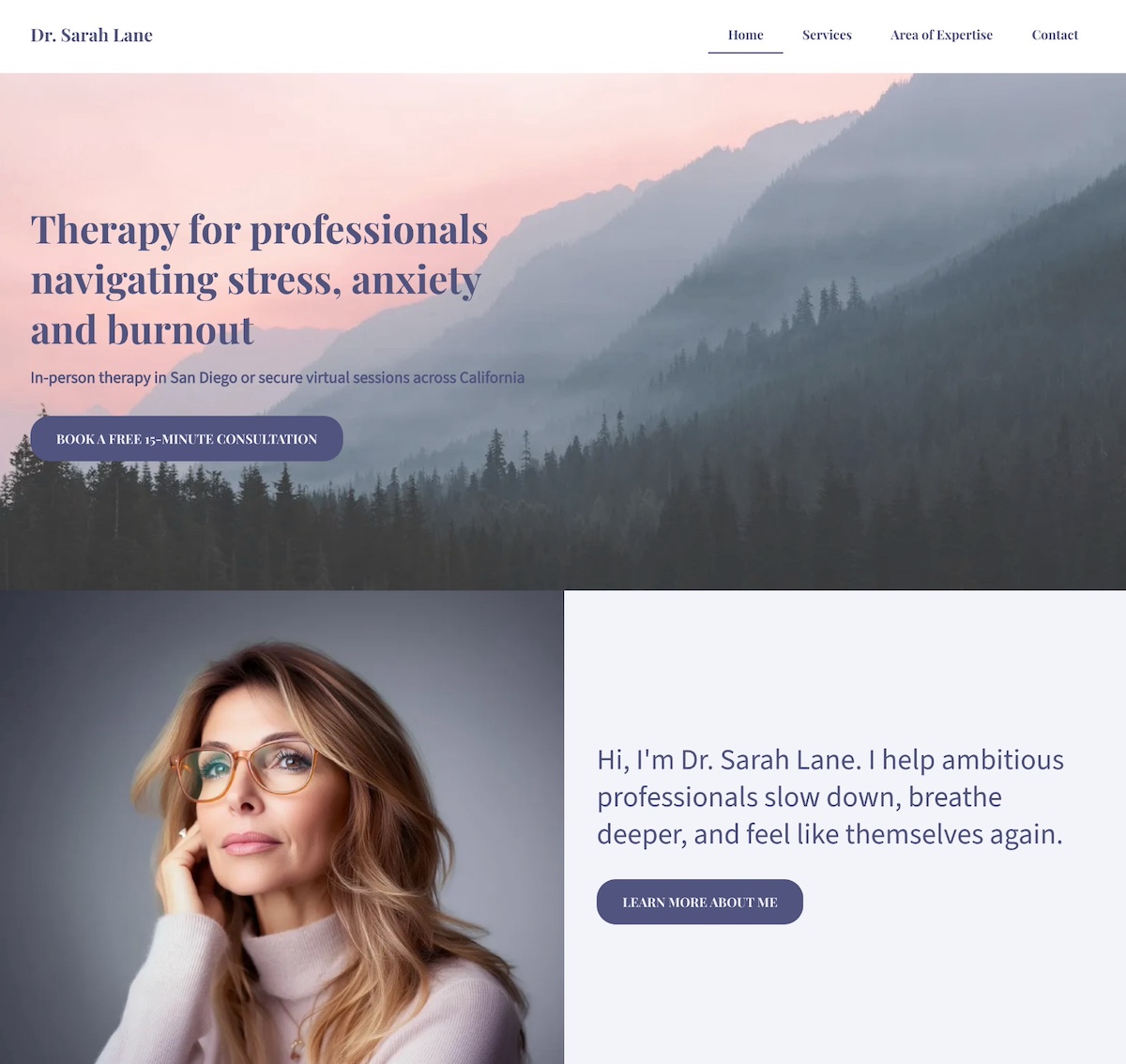
When your unique selling proposition is crystal clear and consistently reinforced, your personal website becomes more than a bio, and instead becomes a magnet for the right audience.
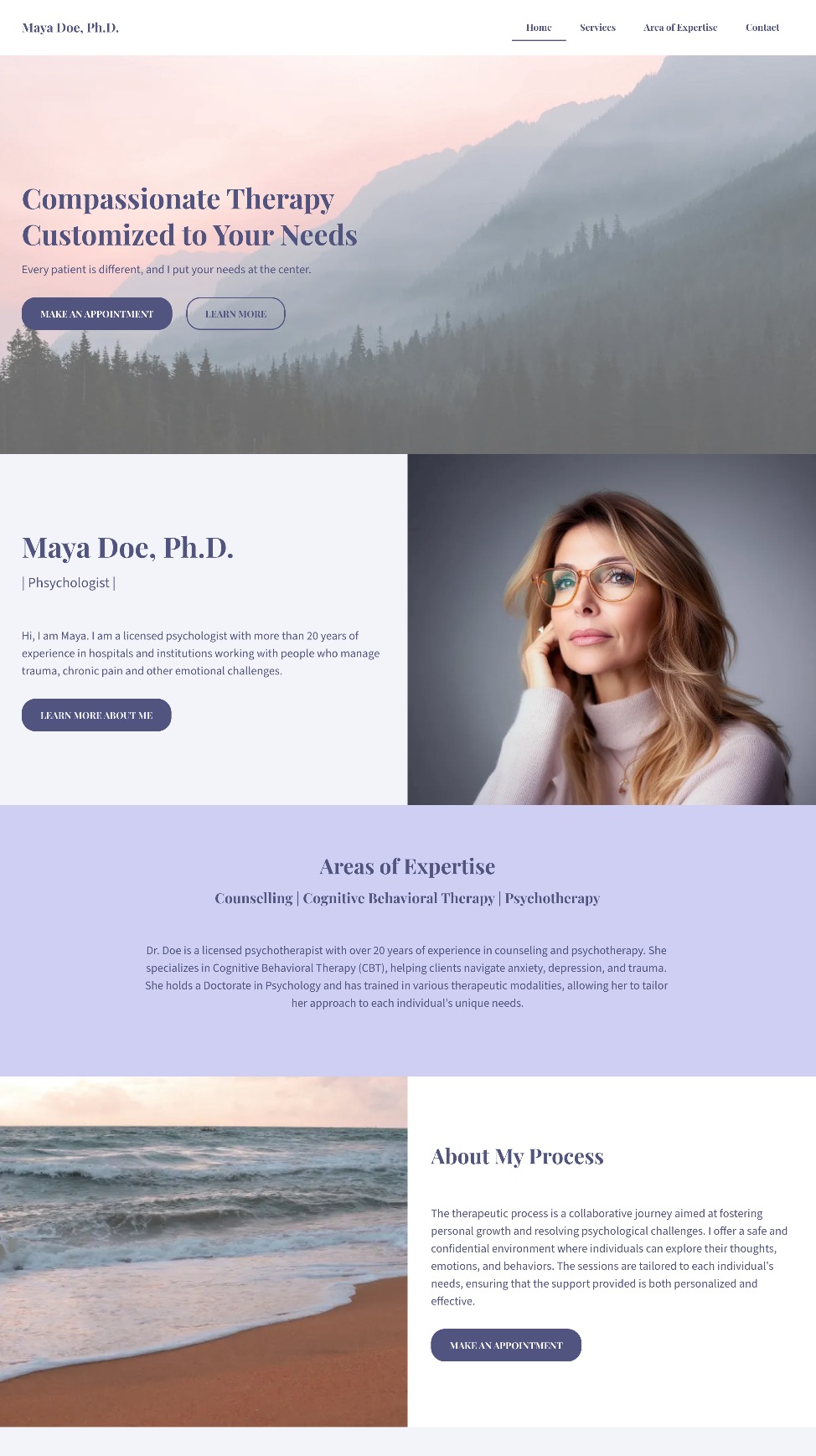
The personal website example above shows exactly what it looks like to put your unique selling proposition front and center. As you can see, it’s clear, consistent, and built to connect with the people she’s best equipped to help. Let’s examine.
Leads With a Clear, Specific Promise
The homepage opens with confidence and clarity: “Therapy for professionals navigating stress, anxiety, and burnout.” There’s no ambiguity: the unique selling proposition is immediately obvious, letting visitors know exactly who the professional helps and how.
Defines the Audience and Approach
Within seconds, the site communicates three essentials:
- Who she helps: Ambitious professionals
- What she helps with: Stress, anxiety, and burnout
- How and where: In-person in San Diego or virtually across California
This specificity builds trust fast, especially for busy people looking for someone who truly understands their reality.
Backs It Up With Consistent Visuals and Language
From the calming color palette to the warm, welcoming copy, and easy-to-scan website layout, everything reinforces the core message. Additionally, a friendly photo appears alongside this line: “I help ambitious professionals slow down, breathe deeper, and feel like themselves again.” It’s approachable, empathetic, and immediately relatable.
The Final Takeaway
This website doesn’t just say the person helps overwhelmed professionals, rather it shows it, through focused messaging, calming design, and a seamless user experience. The unique selling proposition is consistent, visible, and deeply aligned with the ideal client’s needs. Ultimately, this personal website feels reassuring, credible, and completely representative of the person behind it.
Overwhelmed by having to tackle effective copywriting that really conveys your purpose? With the SiteGround Website Builder’s AI writer, you can craft great copy as you create your site, no hassle. Plus, you get reliable hosting, excellent support, and a free domain for the first year — everything you need to launch a polished, professional website with ease.
Get started today>>
Takeaway #2: Add a Focused Call to Action
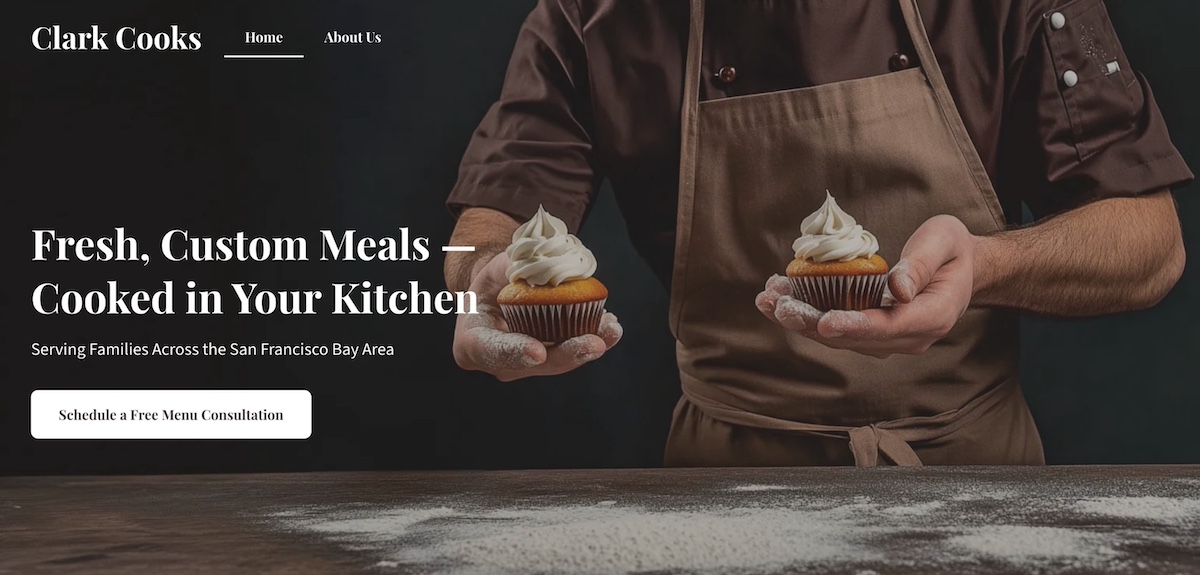
This personal chef keeps his homepage design and message simple and sharp. It keeps visitors focused on one clear next step: booking a free, customized menu consultation. Right from the start, the site shows that his services are personal, convenient, and ideal for busy families who want to eat well without the hassle. How can you replicate this?
A Headline That Sets Up the Next Step
The homepage headline—“Fresh, Custom Meals — Cooked in Your Kitchen”—does more than describe the service. It frames the offering clearly and compellingly, making it easy for visitors to understand what’s next and why they should take action.
A Focused, Repeated CTA
The real strength lies in the effective call to action (CTA): “Schedule a Free Menu Consultation.” It’s the only CTA above the fold and repeats throughout the page—no competing buttons, no distractions. Just one confident invitation that feels valuable and low-pressure.
A Consistent Closing Prompt
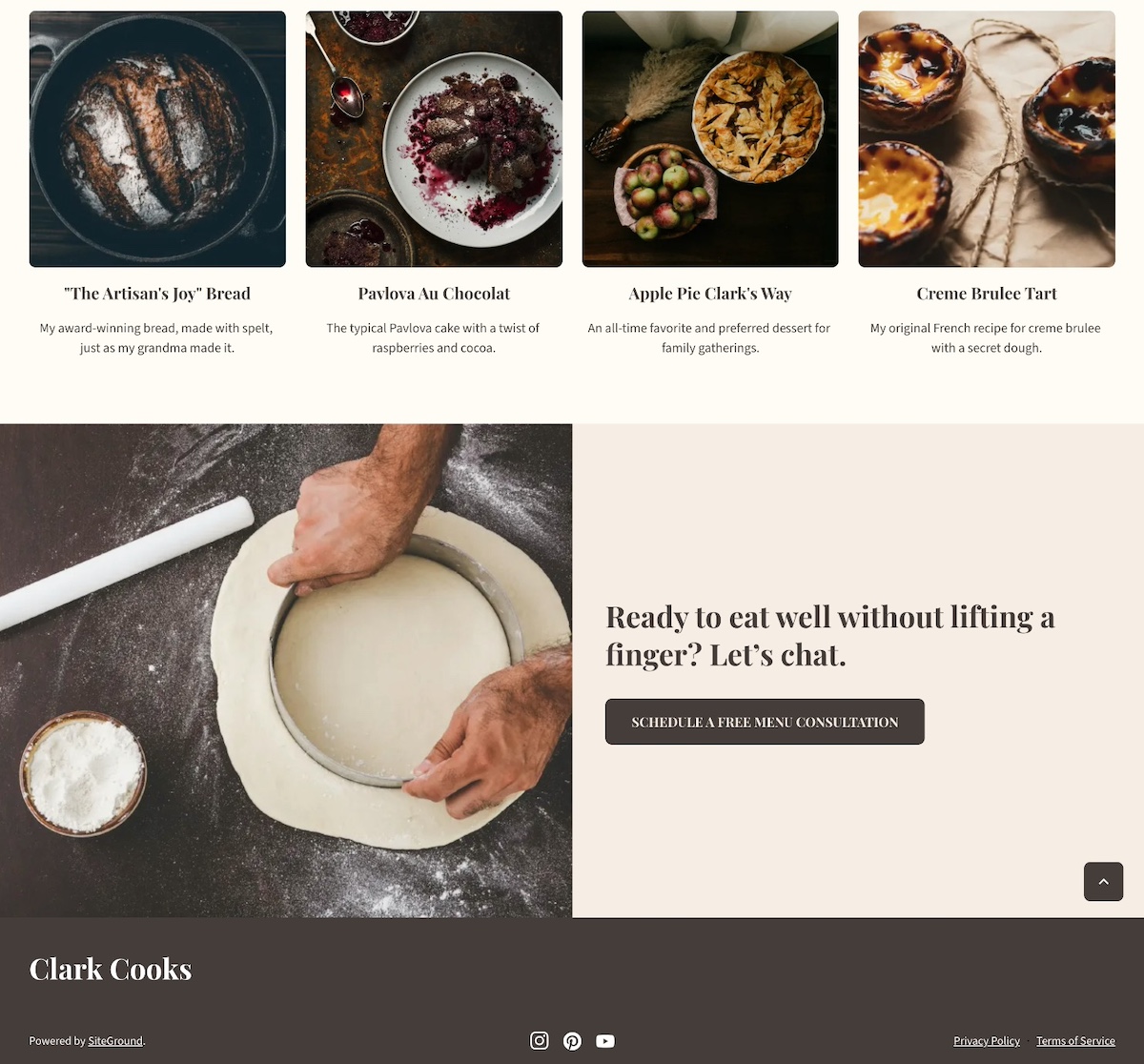
Near the footer, a friendly line ties it all together: “Ready to eat well without lifting a finger? Let’s chat.” The same CTA button appears again, keeping the next step super clear.
The Final Takeaway
This website is a great example of how one well-placed call to action is more powerful than a dozen scattered options. The visual hierarchy leads with clarity, delivers value, and keeps visitors focused—all while making the process feel personal, simple, and stress-free.
Takeaway #3: Include Testimonials & Social Proof
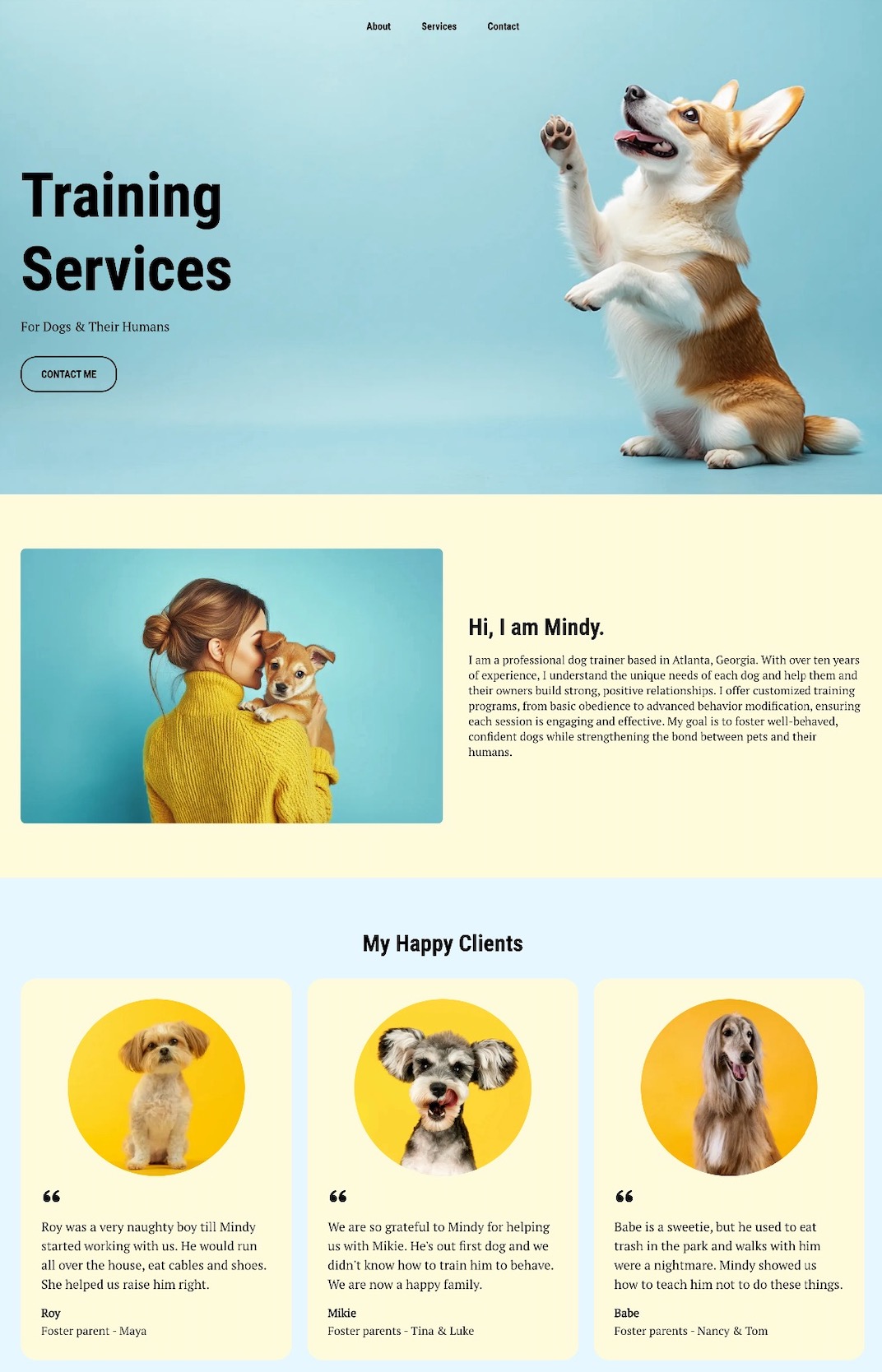
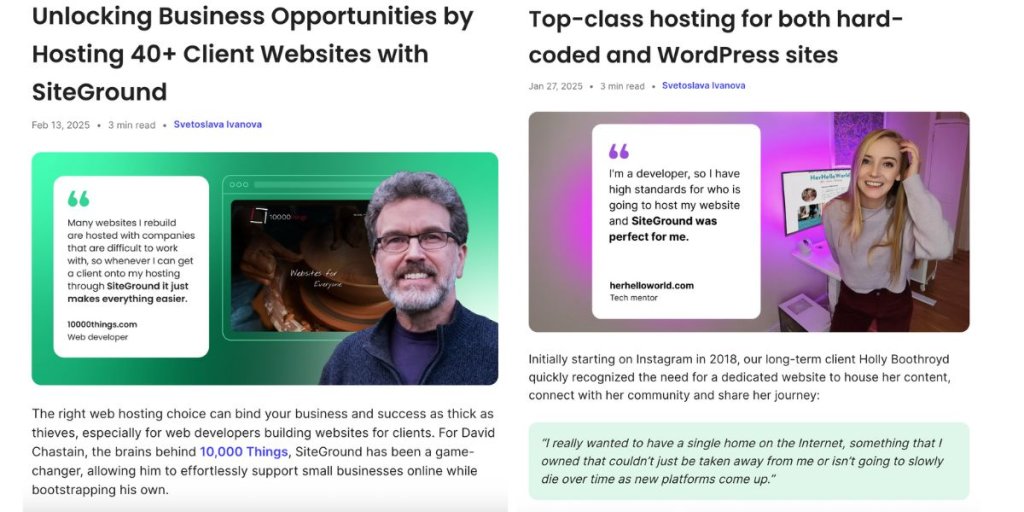
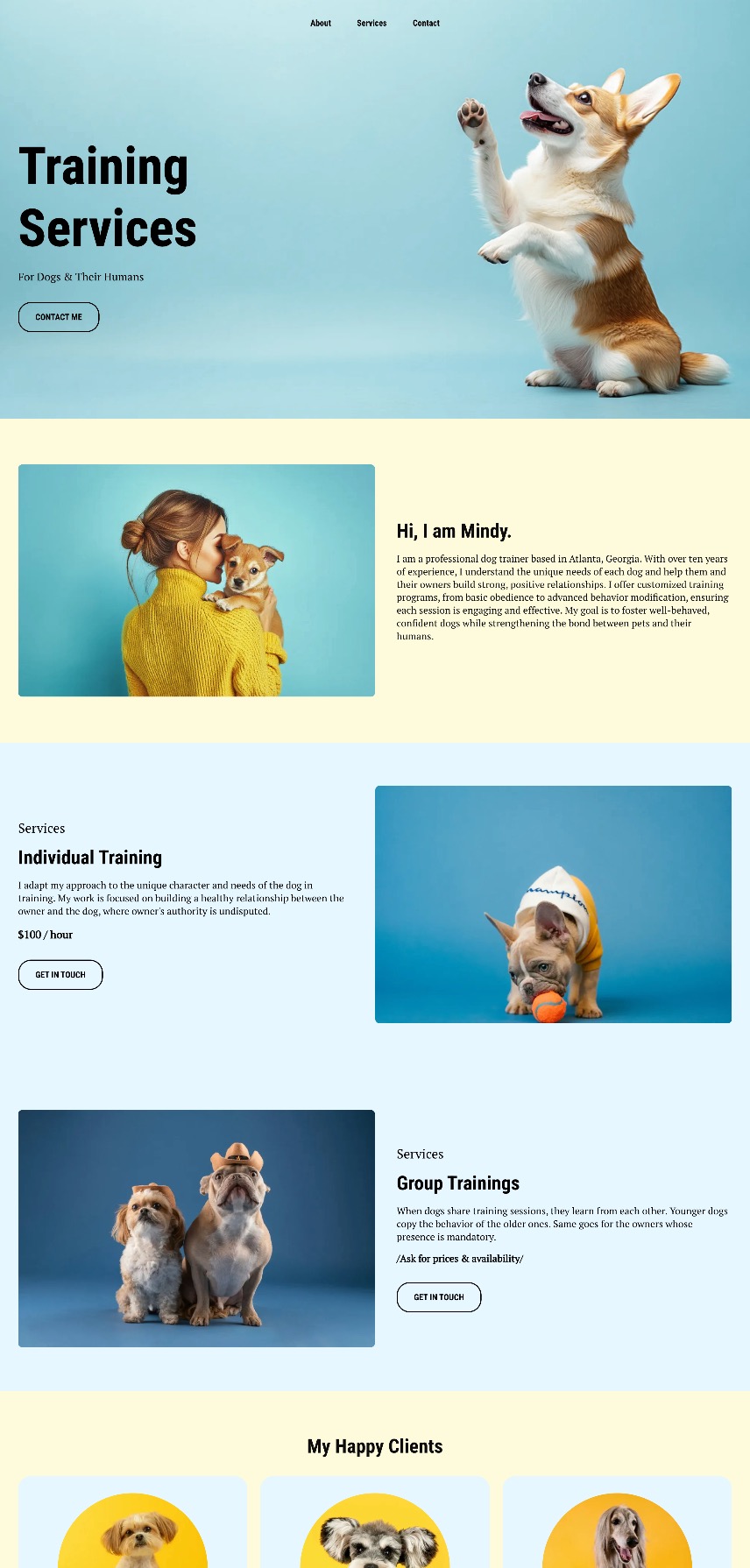
This dog walking website shows—rather than just tells—this person is great with dogs. Right below the hero section and introduction, glowing testimonials from local clients take center stage, complete with names and happy-dog photos that add authenticity. Indeed, including social proof like this is an essential website design tip.
Specific, Relatable Testimonials
These reviews go beyond generic praise. One client shares how Mindy helped their dog curb a habit of eating everything in sight. Another highlights how Mindy guided a new dog owner through training basics. The stories feel genuine and relatable.
Visual Proof That Builds Trust
Alongside the testimonials, in-brand photos of happy dogs create a warm, trustworthy vibe that visitors can connect with instantly.
Opportunities to Boost Social Proof
While this site nails testimonials and visuals, it could go a step further by adding logos from past clients like local vets or shelters, quick case studies (“Max went from leash-puller to walking pro in 3 weeks!”), or result-focused blurbs (“95% of repeat clients rebook within the first month”).
The Final Takeaway
This personal website example doesn’t rely on clever sales copy; it lets happy clients (and their even happier dogs) do the talking. Social proof is front and center, building trust without a single hard sell. The result is a site that feels friendly, credible, and totally walk-worthy.
Takeaway #4: Infuse Your Personal Brand
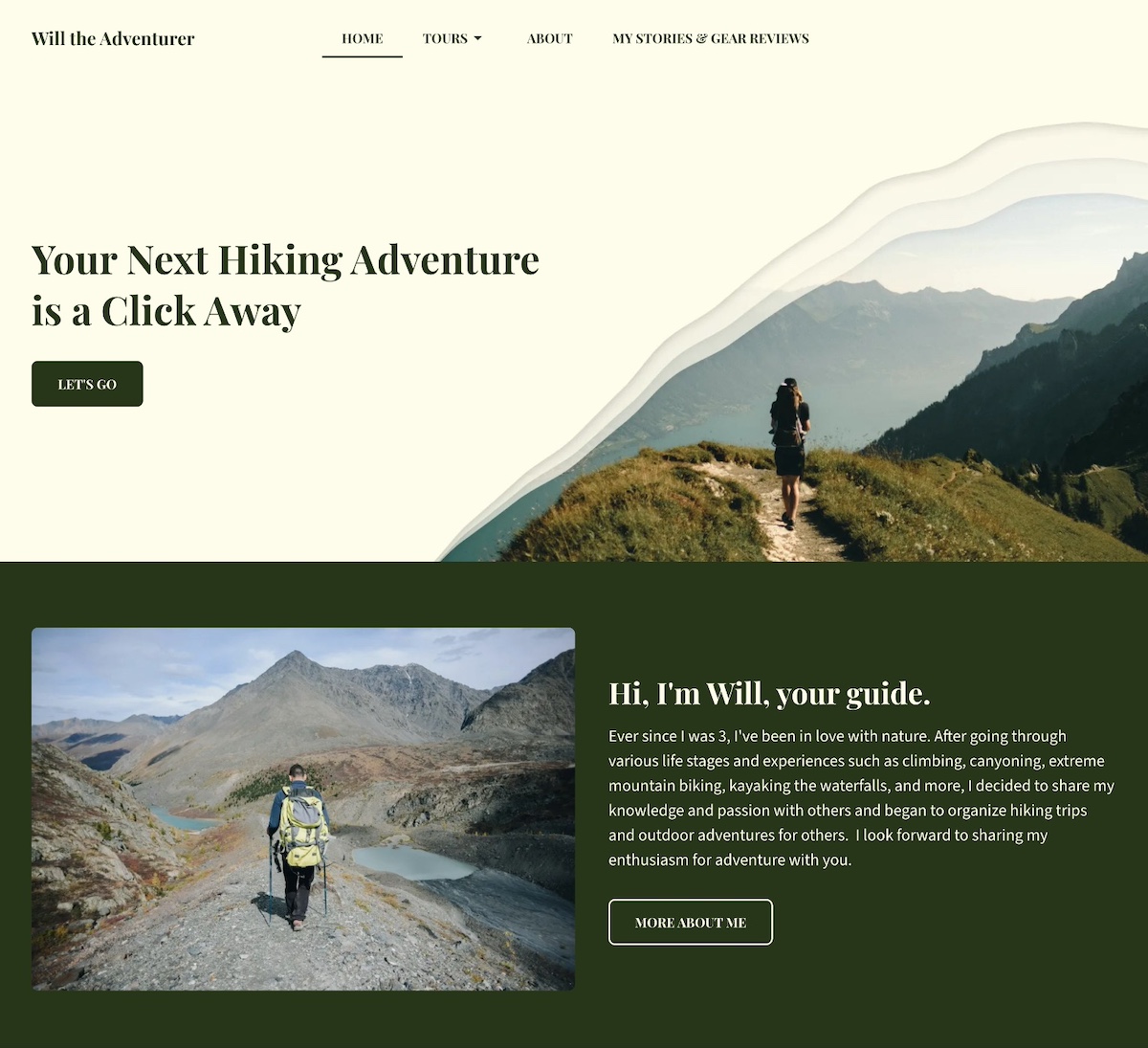
This personal website example doesn’t just talk about outdoor adventure, it feels like one. Every detail reinforces the site owner’s personal brand as a trusted, nature-loving guide who leads unforgettable experiences in the wild.
Visual Branding That Speaks to Nature
The color palette sets the tone immediately. Rich, earthy dark green paired with off-white backgrounds evokes forests, maps, and classic outdoor gear. The hero section features bold text and a design inspired more by topography than technology. It’s rugged, grounded, and distinct.
Authentic, On-Brand Photography
The site is filled with striking, on-brand photos of people hiking alpine meadows, summiting peaks, and journeying through wild terrain. These images aren’t generic stock shots but instead lived-in moments that reinforce the connection to nature and adventure.
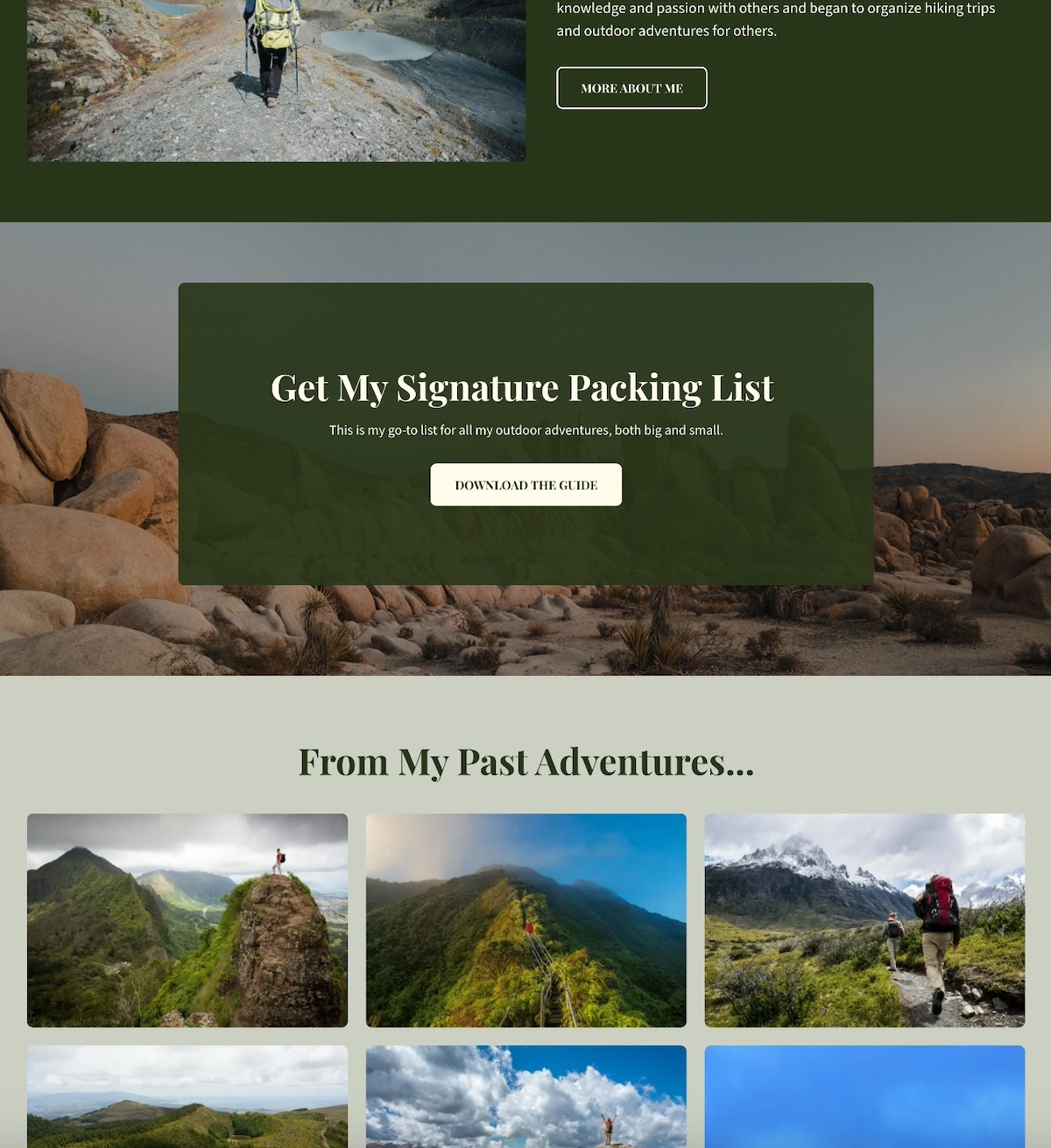
Personal Brand Elements That Elevate
The design of this site goes the extra mile with added elements to build the brand, including:
- A signature packing list offered as a downloadable PDF (which is also great for lead generation)
- A journal-style blog sharing gear reviews and stories from past hikes (a bonus for getting started with SEO)
- A warm, welcoming intro that sets the right tone
These features aren’t flashy add-ons; they’re thoughtful choices that tell a clear, cohesive story about who this person is, and what kind of experience visitors can expect.
The Final Takeaway
This website example feels extra personal and professional, as every visual, word, and detail reflect the brand with clarity and consistency. Strong personal branding basics don’t need anything fancy—just a clear point of view and thoughtful execution.
Takeaway #5: Create a Memorable About Section
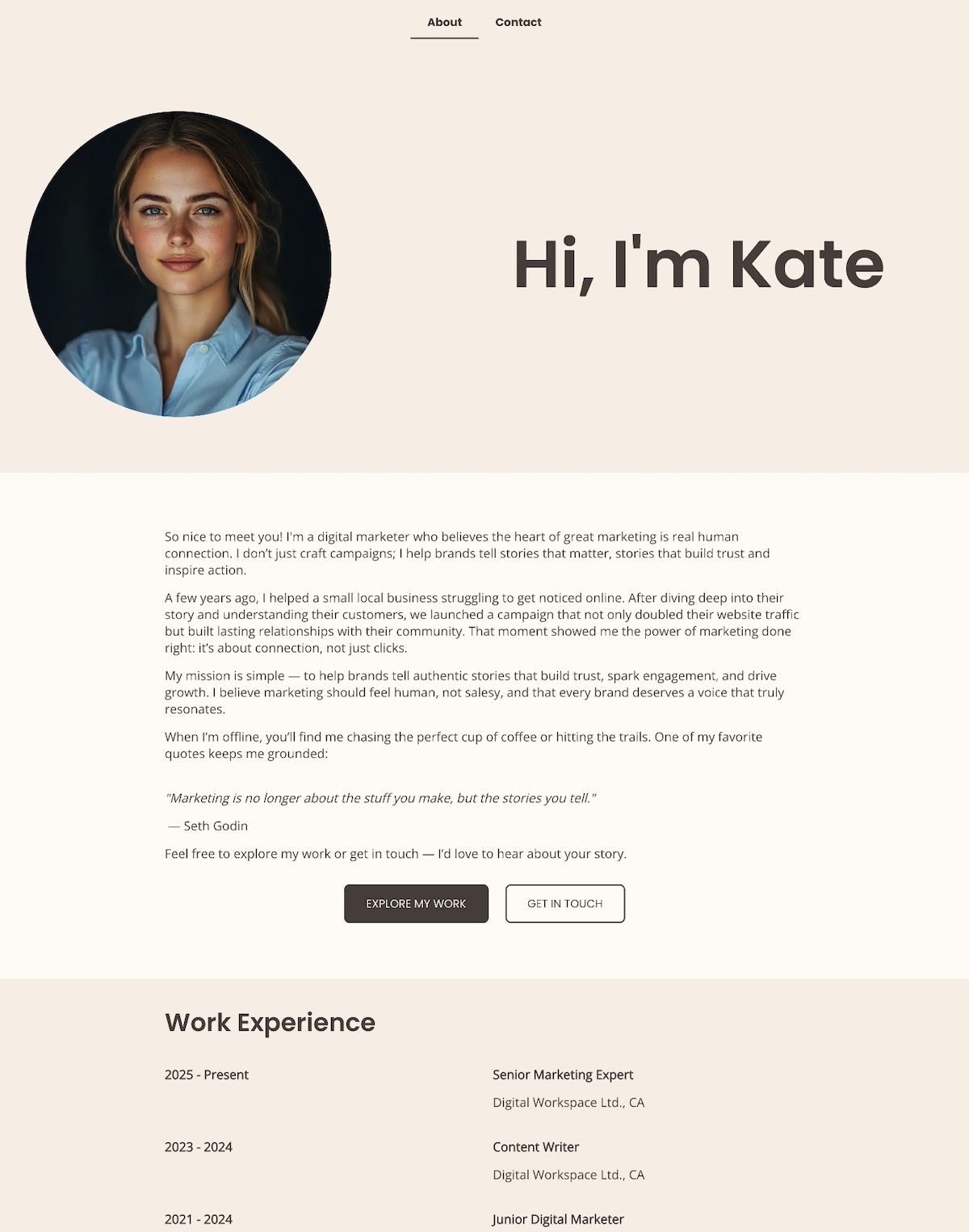
A memorable personal website About page does more than share facts—it connects with visitors on a human level and clearly communicates who you are and why you do what you do. The above About page is a great example of how to make that connection with warmth right from the start.
Opens With Heart and Clarity
This About page opens with heart: “Hi, I’m Kate Mason — a digital marketer who believes the heart of great marketing is real human connection.” That one line instantly sets the tone—warm, confident, and personal.
Leads With a Story, Not a Résumé
Rather than listing qualifications or jargon, this example leads with a real-world story: helping a struggling local business grow by focusing on connection over clicks. It’s a powerful way to show what the person offers and why it matters—and without ever saying, “I’m results-driven.” The results speak for themselves.
States a Human-Centered Mission
The mission is clearly stated and refreshingly human: “To help brands tell authentic stories that build trust, spark engagement, and drive growth.” It’s simple, direct, and immediately tells you what they are all about.
Adds Personality With Light Touches
Light personal touches are also weaved in—a love of hiking, coffee, and a favorite quote from Seth Godin—that make the page feel approachable and real without straying from the brand voice.
Closes With a Warm Invitation
The About section closes with a low-pressure, inviting CTA: “Feel free to explore my work or get in touch — I’d love to hear about your story.”
Everything you see on this About page feels intentional, honest, and connection-focused.
The Final Takeaway
This personal website About page doesn’t try to impress with credentials alone. Instead, it invites visitors into the person’s world with a relatable story, a clear mission, and a human touch. It builds trust, creates connection, and mirrors exactly what is being offered as a marketer—genuine, people-first storytelling.
Takeaway #6: Show Your Experience
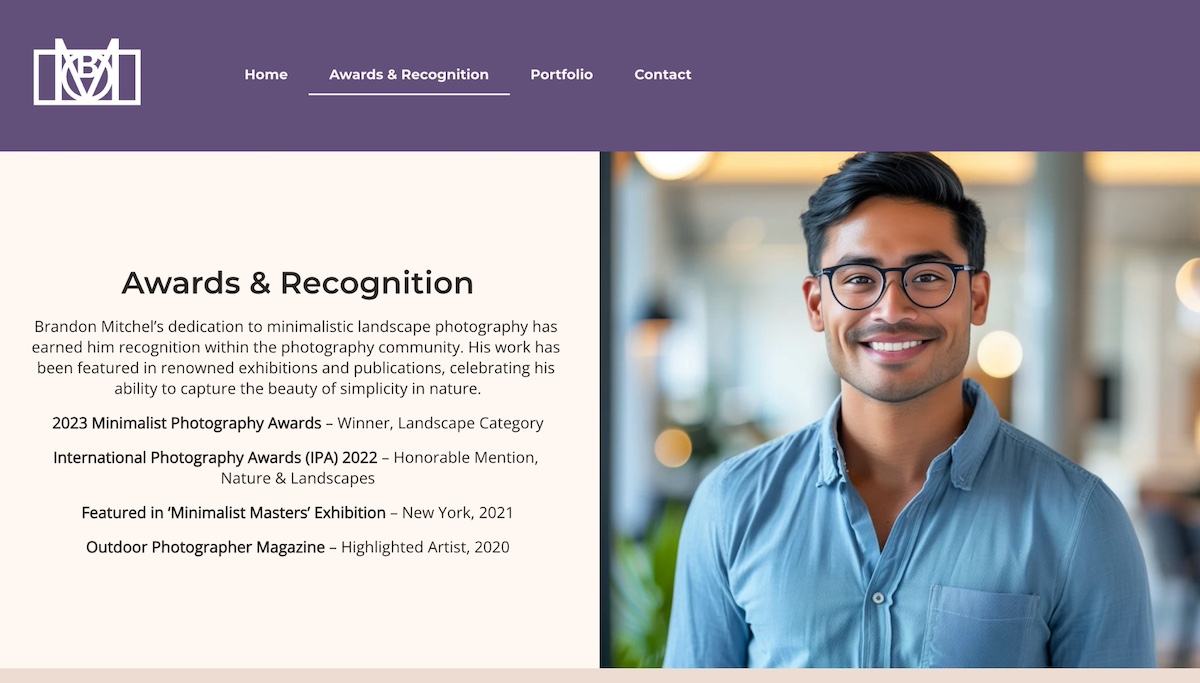
This personal website example makes one thing clear: this isn’t just a photographer—it’s a seasoned creative with real credentials, published work, and a proven eye.
Credibility Highlighted With Purpose
More than just an About page, this personal website includes an Awards & Recognition page. It highlights notable awards, major exhibitions, and editorial features that immediately build trust. Each accolade signals that his work isn’t just beautiful—it’s respected and recognized in the industry.
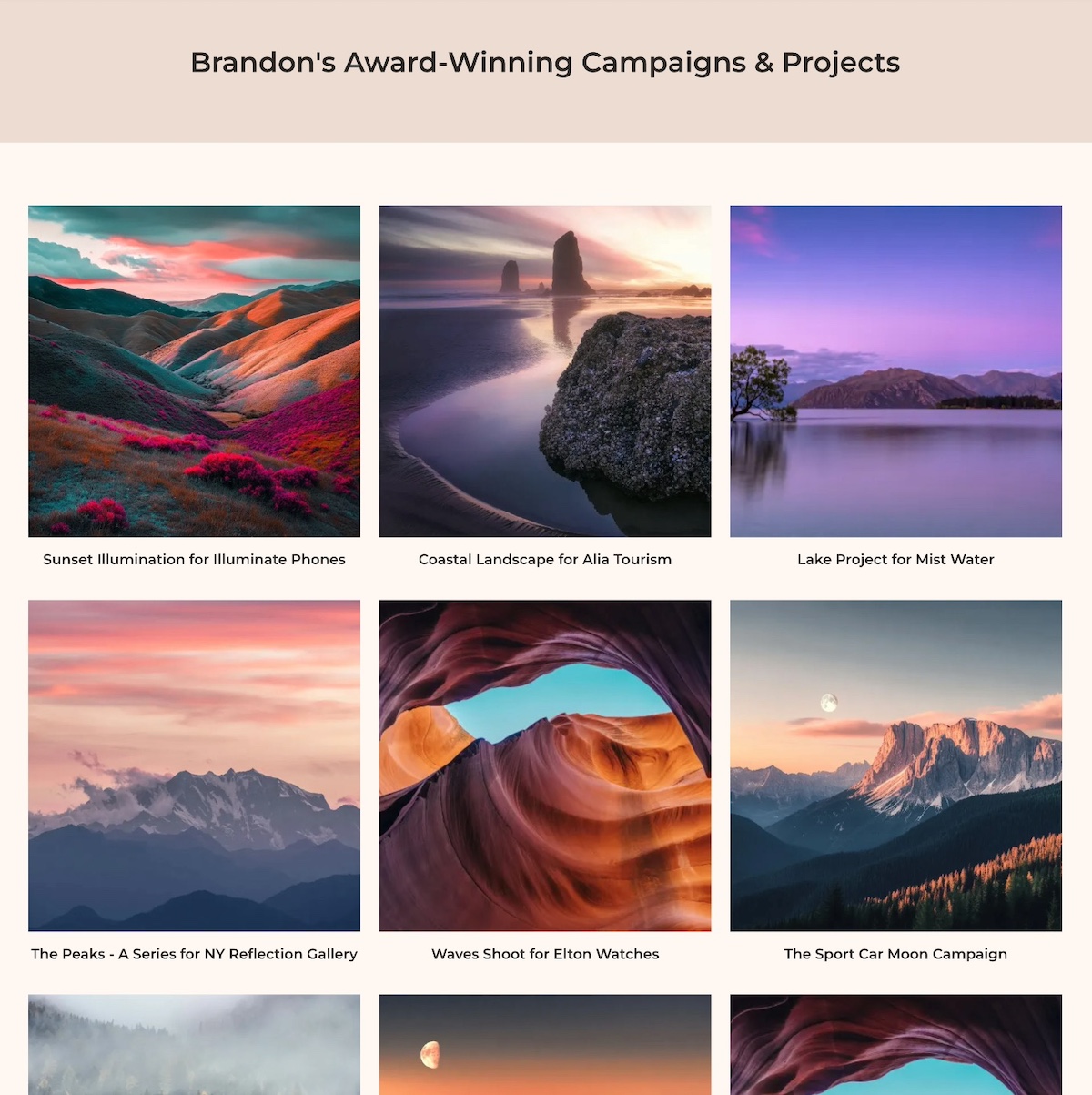
Showing Experience Through Work
Experience isn’t just something you say—it’s something you show. Brandon’s portfolio features a curated grid of campaigns and photoshoots, presented cleanly and intentionally to let the work speak for itself.
Context That Adds Meaning
Each project links out to a brief description outlining not just the shoot, but the client, creative direction, and how the visuals supported the brand. This context helps visitors understand why his work matters, not just what it looks like.
The Final Takeaway
This example website doesn’t just claim experience—it proves it. By showcasing awards, exhibitions, and thoughtful project details, it builds credibility without any hard selling. If you’ve done great work, let it show. Evidence earns trust far faster than adjectives ever could.
Takeaway #7: Make it Mobile-Optimized & High-Performing
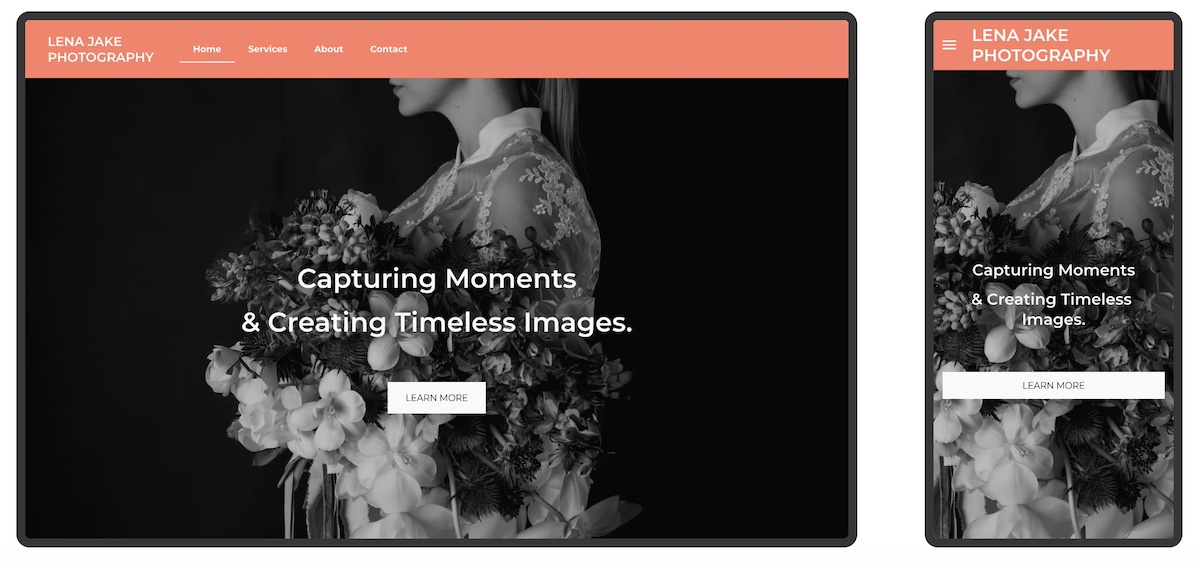
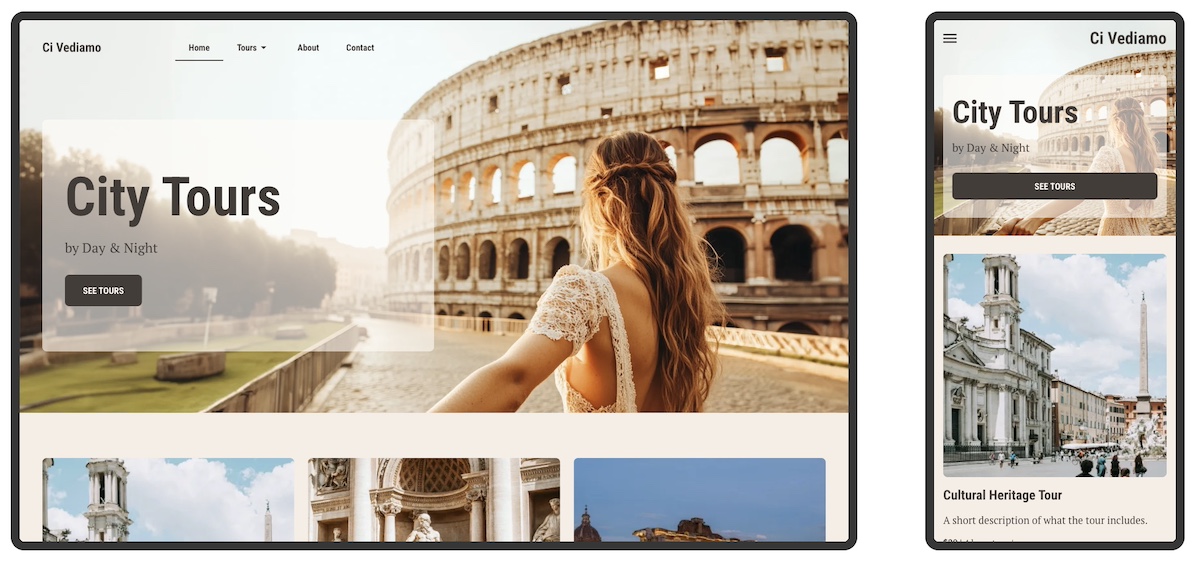
This photographer’s website goes beyond looking great on desktop, and also performs beautifully on mobile. And that makes all the difference.
Seamless Mobile Experience
From the moment visitors arrive, the hero image resizes perfectly to fit smaller screens without cutting off important details. The headline stays crisp and readable, while the call to action—“Book a Session”—remains easy to find and tap. Even the navigation menu adapts, collapsing into a clean, user-friendly mobile version.
Built With Mobile in Mind
This site wasn’t adapted for mobile after the fact. It was designed for every screen size from the start. That matters because more than half of web traffic worldwide now comes from mobile devices, according to StatCounter, so a mobile-optimized site isn’t optional. A site that breaks, hides buttons, or loads slowly on a phone risks losing those visitors immediately.
Beyond Mobile: Fast, Secure, and Accessible
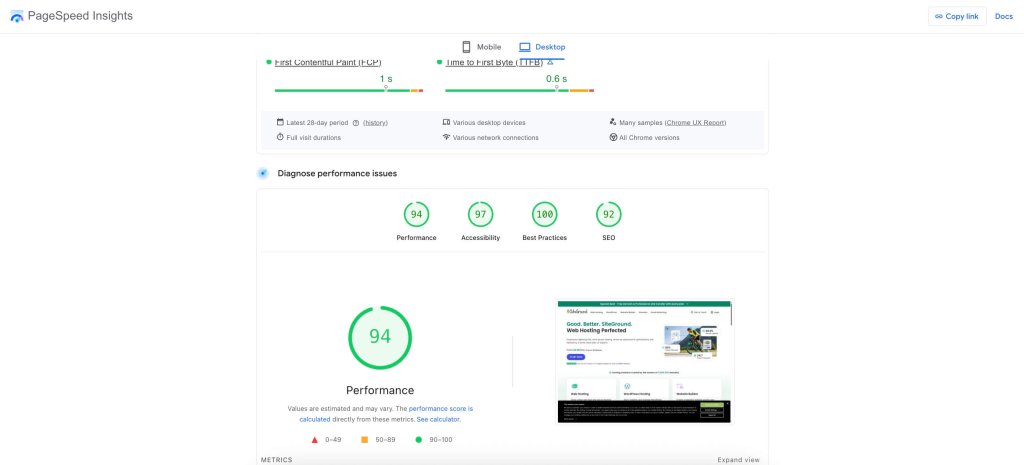
This site also loads quickly and runs securely—no delays, no warnings, no frustration. But performance goes beyond speed and security. Accessible web design choices—like clear typography, strong color contrast, and intuitive website navigation—make the site easier to use for everyone, including visitors with visual, motor, or cognitive impairments. Together, these elements build trust and ensure more people can comfortably interact with the site.
Hosting and Site Building Made Easy
A reliable hosting provider like SiteGround not only delivers blazing-fast speeds and built-in security but also offers a site builder that automatically makes your site mobile optimized. That means your website will look great and perform well on any device without extra hassle.
The Final Takeaway
A great-looking website is only part of the equation. To truly succeed, your site needs to perform flawlessly everywhere—fast, secure, and mobile-optimized. That’s the foundation of a professional, user-friendly online presence.
Put Your Personal Website to Work
Creating a personal website isn’t just about putting your name on a webpage. It’s about building an online experience around your story and what you offer so that you can connect and create opportunity. The most effective personal websites are purposeful, focused, and easy to navigate. Use the examples above as inspiration, and always keep your core purpose front and center as you build your own.
If you want to make the process easier from start to finish, the SiteGround Website Builder has you covered. With built-in AI to help you write your site copy, mobile-optimized design, fast and secure hosting, and expert support when you need it—plus a free domain for your first year—it’s everything you need to build a polished personal website, no stress required.
FAQs About Creating a Personal Website
It depends on how you build it. A fully custom site from a designer can run into the thousands. With a website builder, you mostly pay for hosting and a domain, which keeps it to a modest yearly cost. The SiteGround Website Builder lets you build free for 14 days with no credit card, and you only choose a plan when you’re ready to publish.
You can build one for free, but keeping it online usually costs something. Many builders’ free plans add their branding to your site and give you a subdomain (yourname.builder.com) instead of your own domain. That’s fine for testing an idea. For anything you’ll share with clients or employers, your own domain looks far more credible. A free trial is a good middle ground: build the whole thing first, then pay only once you’re happy with it.
If people look you up before they hire you, book you, or buy from you, yes. A personal website is the one place online where you control the message, the design, and what people see first. Social platforms change their rules and algorithms whenever they like. Your site stays exactly how you left it.
Not very, if you use a website builder. You don’t need to write code or set up hosting separately, and AI tools can draft the layout and copy for you. Most of your time goes into the words, not the tech. Deciding what to say about yourself is usually the hardest part.
This article was originally published in June 2025 and updated in October 2026.