

A sudden overnight jump in subscribers isn’t always the good news it looks like. It could be list bombing: bots or bad actors flooding your signup form with fake or non-consenting emails until your bounce rate, spam complaints, and sender reputation take the hit. Before you get excited about the growth chart, check where those signups actually came from. The fix starts with catching the spike.
Key takeaways:
- A sudden spike in subscribers with no matching signup campaign is the clearest sign of list bombing.
- List bombing floods your own list with fake signups; email bombing floods someone else’s inbox by subscribing their address to hundreds of unrelated lists.
- Mailbox providers treat a 0.1% spam complaint rate and a 2% bounce rate as red lines for sender reputation, and list bombing pushes both fast.
- Fake profiles created during an attack can inflate your billed contact count
- Double opt-in is the single most effective form-level defense: it turns a bot’s submission into an unconfirmed profile instead of an active subscriber.
- Pause sending before you clean the list. Cleaning first just means you’re still sending to fake addresses while you work.
What list bombing actually is (and how it differs from email bombing)
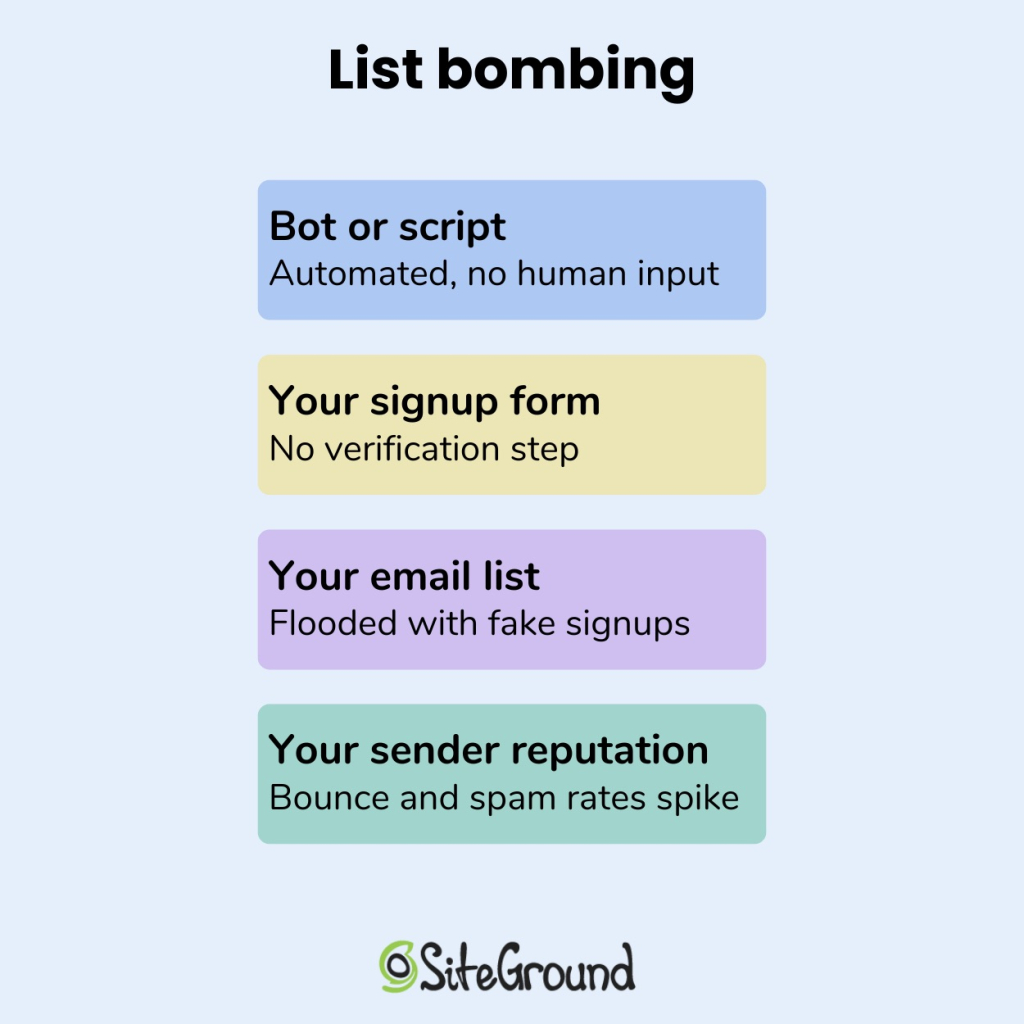
List bombing is when someone, or something, submits a large volume of fake, invalid, or non-consenting email addresses through your own signup form or checkout page, usually within minutes. The goal is to pollute your list with contacts who never opted in, so your next send trips spam filters and damages your sender reputation.
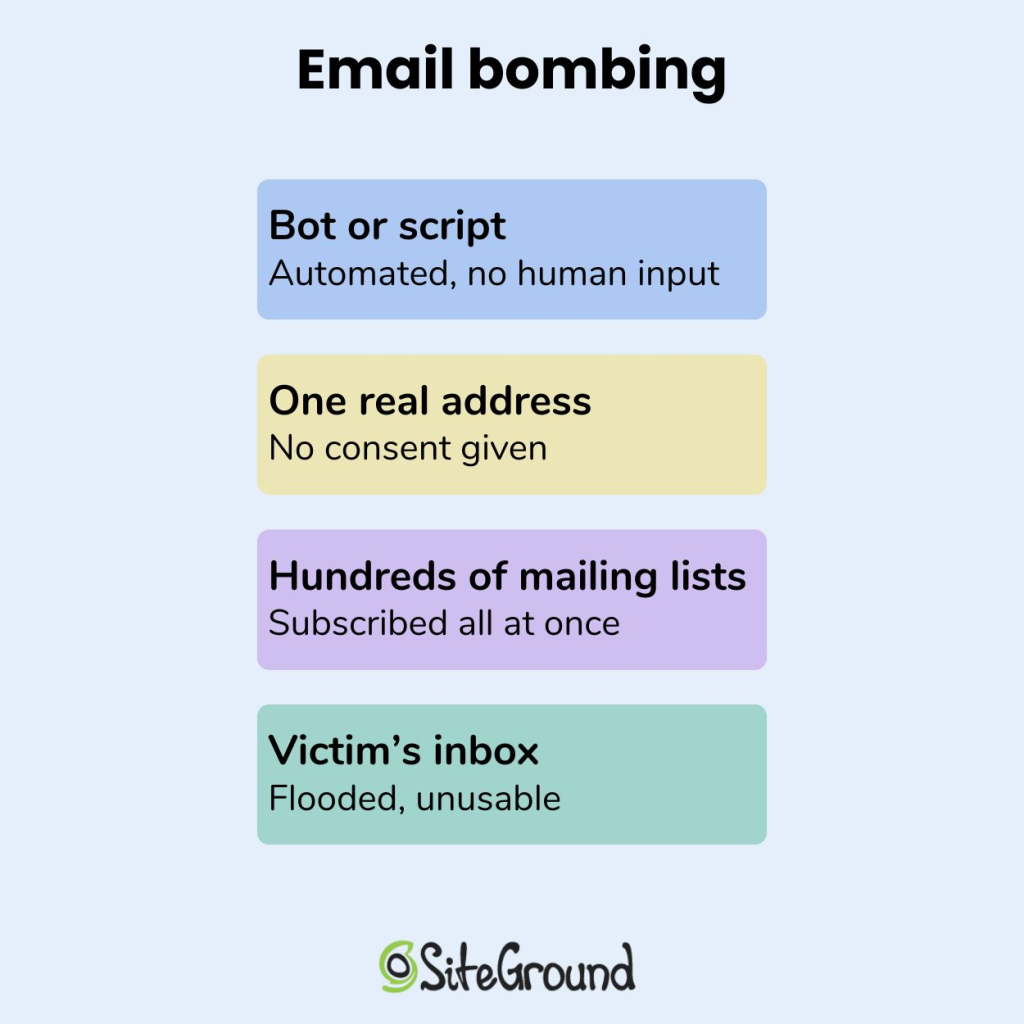
Email bombing runs in the opposite direction. It takes one real person’s address and subscribes it to hundreds or thousands of unrelated mailing lists at once, burying their inbox in confirmation emails until it’s unusable. If list bombing turns your list into the crime scene, email bombing turns someone else’s inbox into one.
| List bombing | Email bombing | |
| Target | Your email list | Someone else’s inbox |
| Method | Bots submit fake or invalid addresses to your signup form | Bots subscribe one real address to hundreds of unrelated lists and services |
| Who gets hurt | You: your sender reputation, deliverability, and contact count | The victim: their inbox becomes unusable |
| What lands in the inbox | Nothing (the addresses are usually fake) | A flood of confirmation and welcome emails from services the victim never signed up for |
| Your role | Target | Unwitting accomplice, since your confirmation emails are part of the flood |
Subscription bombing is another name for this same email bombing technique. The U.S. Department of Health and Human Services flagged it as a denial-of-service threat in a 2024 sector alert aimed at healthcare organizations, where the goal is usually to bury a legitimate message, like a fraud alert or account sign-in notice, under the noise.
The warning signs you’re being list bombed
Three signals show up together when you’re being list bombed, and none of them show up in isolation during normal list growth.
A subscriber spike with no matching campaign
A normal spike in subscribers can usually be traced to something: a promotion, a piece of content that took off, a signup form placed somewhere new. A list bombing spike has no source. You’ll see 50, 200, or 2,000 new contacts appear within an hour with nothing on your side to explain it: no campaign launch, no partnership, no post that suddenly went viral. Check the timestamps first. Legitimate signups cluster around whatever drove them, like a send time or a social post. Bombed signups cluster around nothing except each other.
A same-second wave of signups from one form
Look at the entry point next. Real subscribers trickle in from different pages, campaigns, and referral sources. A list bombing attack usually funnels through a single unprotected form, often a checkout page or newsletter box, with dozens of submissions landing within the same second or two: the telltale sign of a script rather than a person typing. Names repeat in odd patterns too, the same first and last name over and over, or obvious placeholder text where a real name would go. If your signup form doesn’t already ask for more than an email address, that single field is the door the attack is using.
What list bombing actually looks like: a real case
It didn’t arrive with a label. It happened to SiteGround’s website builder and ecommerce expert Erin Ridley:
“I can’t remember if the warning came from Google or my ESP. All I know is that my emails were all going to spam.”
That’s usually how list bombing shows up first. Not as an alert that names the attack, but as a deliverability problem with no obvious cause. A sender score drops. A domain lands in spam. Nothing on the sending side has changed to explain it.
The cleanup turned out to be the harder part. Without a reliable way to tell the fake signups from the real ones, Erin ended up cutting subscribers who’d done nothing wrong:
“Cleaning up my list was a total disaster. I had no great way to filter out the fakes and ended up having to delete probably loads of valid emails.”
Over 15,000 bogus signups had been added straight to the list, and in Ridley’s words, that’s “partly why they all bounced too.” The fake addresses didn’t just sit there. They pushed the bounce rate up right alongside the spam complaints, the same two metrics that decide whether a mailbox provider trusts you next time.
Cases like this aren’t rare, and they follow the same shape: fake signups overwhelm the list before anyone’s confirmed the cause, and a routine dashboard check turns into a multi-day cleanup. Nobody sets out looking for this. They notice the number first, which is why monitoring your sender metrics routinely matters more than reacting after the fact.
What list bombing costs you
A list bombing attack hits your sender reputation and sending eligibility on one side, and your bill on the other. Here’s how each one breaks down.
The spam-complaint and bounce-rate thresholds mailbox providers watch
Mailbox providers judge your sender reputation against two numbers, and list bombing pushes both in the wrong direction fast.
- Spam complaint rate: 0.1% (one complaint per 1,000 emails sent). Treated as high across the email marketing industry, and SiteGround Email Marketing uses that same line as the point where a campaign gets suspended.
- Bounce rate: 2%. Fake or invalid addresses created during an attack bounce at a much higher rate than real subscribers, since a chunk of them were never valid inboxes to begin with.
Cross either line and Gmail, Yahoo, and Outlook start routing your legitimate sends to spam right alongside the fake ones.
The real risk: a suspended sending account
The real risk is a stopped campaign.
- Campaign-level suspension. If you’re using SiteGround Email Marketing, a campaign that breaches its bounce or spam-complaint limit gets suspended on the spot.
- Account-level suspension. Repeated or excessive breaches can get your whole Email Marketing service suspended.
A list bombing attack you haven’t caught yet can turn into a paused email program on launch day, with nothing to signal it beforehand except the campaign status changing. Getting reinstated means proving the list is clean first, a slower process than catching the spike before you ever hit send.
What list bombing does to your bill
This part isn’t gated by thresholds at all. Every fake profile that gets even a single confirmation email counts as an active contact for that billing cycle. Some platforms, like SiteGround Email Marketing, price plans by active contact limits rather than total list size, but a flood of bogus signups can still burn through that allowance fast if each one triggers an initial send. SiteGround won’t upgrade your plan automatically, you’ll get a warning and have to raise the limit yourself, and deleting the fake contacts afterward won’t lower that count until the next billing cycle.
How to respond the same day you spot list bombing
Once you’ve confirmed the spike is list bombing and not organic growth, the order of operations matters.
- Pause sending before you clean anything
Stop any scheduled or automated sends the moment you confirm the spike, even routine ones like welcome emails or order confirmations. Every email sent to a fake or unconfirmed address before the list is clean adds another bounce or complaint to metrics that are already climbing.
If you’re using SiteGround Email Marketing, check Client Area > Services > Email Marketing > Analytics first: it breaks bounce rate and spam rate down per campaign, so you can see exactly which send the fake signups are hitting before you decide what to pause.
Say your weekly newsletter always bounces under 1%, and this week it’s at 6%. That jump tells you which campaign to trace back to which list, and from there, which signup form on your site fed that list. A short pause, a day at most, costs you almost nothing. Continuing to send into a bombed list can cost you the sending privileges you’re trying to protect.
- Segment and suppress the fake profiles
Build a segment around what the fake profiles have in common rather than deleting them one at a time. Where engagement-based filtering is available, signed up in the same 10-minute window, zero opens, zero clicks, no purchase history in 30 days catches most fakes without touching real subscribers.
SiteGround Email Marketing doesn’t support that directly, but tagging the batch with a Custom Field the moment you spot it works as a substitute, then mark that batch as Unsubscribed rather than deleting it outright. Suppressed is a status SiteGround assigns automatically for delivery problems, not one you can apply yourself, so Unsubscribed is the manual equivalent, and it keeps a record of who was excluded and why, which matters if you need to explain an inflated contact count later.
- Re-enable or tighten double opt-in
Double opt-in is the single change that stops most of this at the form, not after the fact. Instead of adding a submission straight to your active list, it sends a confirmation email first and only activates the contact once a real person clicks it, something a bot filling out a form has no way to do. In SiteGround Email Marketing, the toggle lives at the group level, not the account level: go to Contacts > Groups, open the group tied to the form that got hit, and turn on double opt-in there. Any group you haven’t switched on is still exposed.
If your form runs through a separate builder like WPForms or Elementor, add it there instead. If you’re on SiteGround’s own form and don’t want to switch builders, an Expert Care request can get CAPTCHA added manually. Either way, treat double opt-in as the default for every group going forward, not just the one that got hit.
Don’t let list bombing catch you off guard again
List bombing isn’t a one-time event for most of the brands it hits. Once a signup form has been targeted, it tends to get targeted again. Bot networks reuse target lists, so the form that got hit once is likely still on one. The forms differ, the volume differs, but the pattern (a spike with no source, clustered timestamps, repeated name patterns) stays the same every time.
SiteGround Email Marketing builds in the two defenses that actually work here. Double opt-in blocks fake signups at the form, and campaign performance monitoring catches a rising bounce or complaint rate before it becomes a suspended campaign. Both are already part of the account, nothing to configure from scratch.
[58]
Frequently asked questions about list bombing
List bombing sits at the edge of a few laws rather than squarely inside one. The CAN-SPAM Act’s false-header provisions and the Computer Fraud and Abuse Act’s unauthorized-access rules have both been used against bulk-signup abuse in general, but most enforcement targets attacks on a person’s inbox, not a business’s list. Whether it gets prosecuted is a separate question from whether it’s illegal: most cases go unreported because the damage (a bad sender reputation and a cleanup project) doesn’t look like the kind of harm law enforcement typically pursues. Treating it as a security incident to contain is usually the more useful response than waiting on legal action.
The two clearest signs are a subscriber spike with no matching campaign, promotion, or referral source, and a cluster of signups landing within the same second or two from a single form. If your bounce rate or spam complaint rate jumps at the same time, that’s a third confirming signal.
Double opt-in is the strongest single defense, since it requires a real person to confirm a signup before it becomes an active contact. That alone handles the vast majority of cases. In the rare case where a bot clears the confirmation step too, a CAPTCHA or honeypot field on the form is the next layer, though the SiteGround Email Marketing plugin doesn’t support this natively; you’d need to add it through a separate form builder like WPForms or Elementor.
Yes, directly. The fake and invalid addresses a list bombing attack adds to your list bounce and generate spam complaints at a much higher rate than real subscribers, and both metrics feed straight into how mailbox providers score your sender reputation.
List bombing floods your own email list with fake signups through your own forms. Email bombing, or mail bombing, does the opposite: it takes someone else’s real address and subscribes it to hundreds of unrelated lists and services, flooding their inbox instead of yours.