Make them laugh: Adding humor in email marketing

When you plan an email, it’s easy to focus on the offer, the segment, and the subject line. It’s also easy to forget there’s a real person on the other side deciding, in a second, whether they feel like reading any of it.

Humor is one of the few tools that can change that feeling quickly, even though it’s not always easy to pull off. In this article, we’ll look at a handful of humor styles that work in email and how to use them intentionally. For small businesses, that can lead to higher opens, more clicks, and a brand people actually remember when they need what you sell.

Key takeaways:

  • Humor works when it mirrors your reader’s actual life and frustrations, so the email makes people feel understood, not marketed at.
  • Choose one humor style per email (self-own, pain point, pun, inside joke, or twist) and make sure it points back to a clear message or offer.
  • Don’t sacrifice clarity for cleverness, if the joke makes the point harder to understand, cut the joke.
  • Measure if humor works by tracking opens, clicks, replies, unsubscribes, and forwards against your normal benchmarks.

Why humor actually works in emails

When an email makes you smile, you don’t experience it as “marketing” first but as a human moment. But the deeper reason humor works has nothing to do with comedy. It’s about recognition.

When you make someone laugh, you’re proving you understand them: their day, their frustrations, their industry, the specific kind of tired they are on a Tuesday afternoon. As conversion copywriter Lianna Patch puts it: “People don’t buy products. They buy feelings that come with them.” Laughter is one of the fastest ways to create that feeling.

According to Oracle’s Happiness Report, 72% of people would choose a brand that makes them laugh over a competitor. That’s a majority of your potential customers actively rewarding brands that don’t take themselves too seriously.

That’s the emotional core of good email marketing, humor or not. Laughter is just the shortcut.

The key insight

Humor is an emotional signal. It tells your subscriber: I wrote this for you specifically, not for a generic person who might be on my list. That signal is what builds the kind of loyalty no discount code can buy.

5 types of humor that work in email marketing

Not all humor is equal. Different styles work for different audiences and moments.

1. Self-deprecating humor (the safest kind)

Poking fun at your own product, your team, or your industry is low-risk and high-reward. It signals confidence, honesty, and humanity, three things marketing copy is usually missing.

The structure is simple: admit something true that’s slightly unflattering, then own it completely. A re‑engagement email that says, “We noticed you haven’t opened lately. We cried a little, ate a cookie, and decided to win you back” injects vulnerability and charm into what’s usually a dry message. Humor makes the outreach feel personal.

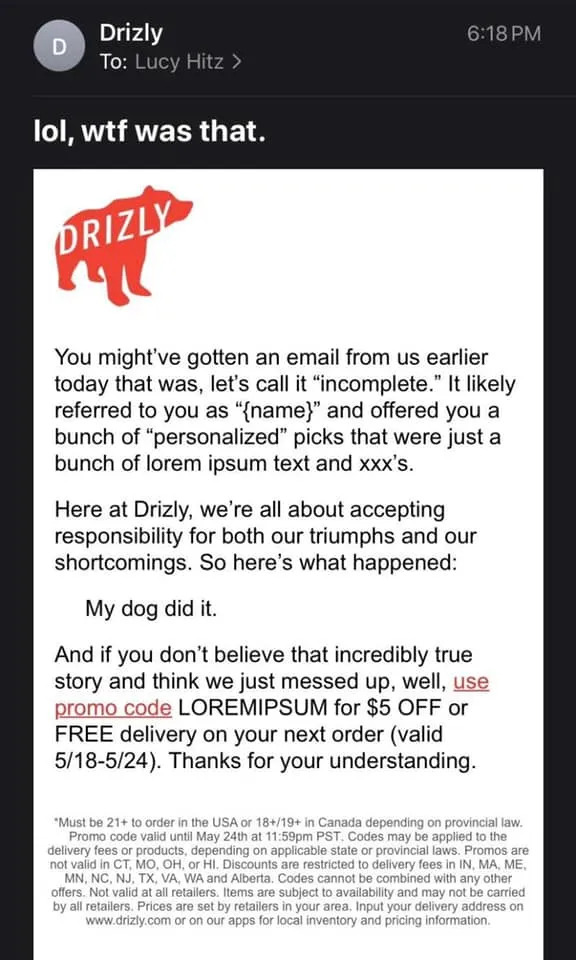
Online liquor store Drizly once sent an email full of lorem ipsum by mistake, then followed up with “lol, wtf was that” and a discount code called LOREMIPSUM. They turned an error into a self-deprecating moment that actually made subscribers like them more.
2. Pain-point humor (the most effective kind)

Take a real frustration your audience lives with and exaggerate it until it becomes absurd. This works because of recognition. When someone reads a copy that names their exact problem — not a vague approximation of it, the specific Tuesday-at-4pm version of it — they feel seen. And feeling seen is the fastest path to a click.

A fitness coach can mock the gap between January gym motivation and February reality. A web designer can joke about exported files named “FINAL” and “FINAL FINAL v3”. If your audience has felt it, you can joke about it.

Death Wish Coffee has framed running out of coffee like a horror movie plot, riffing on Friday the 13th in their emails. It’s funny because the fear is real for their audience: they’re exaggerating a genuine pain point, not inventing one.

3. Puns and wordplay (use sparingly, but use them)

Everyone rolls their eyes at puns. Everyone secretly enjoys them. That little eye-roll? It means the pun worked. It caught their attention, made them react, and that’s what makes it memorable.

Research consistently shows pun-based subject lines outperform generic ones (even the obvious ones) because they create a micro-moment of surprise that breaks the monotony of the inbox.

Subject line examples that work:

  • Florist: “We’re rooting for you 🌱”
  • Coffee brand: “Espresso yourself.”
  • Pet shop: “Pawsome deals end Sunday.”

The rule: a pun earns its place when it connects to something real in the email. A pun that exists just for the joke misses the point. A pun that bridges your subject line to your actual offer is a hook.

4. Inside jokes (the most bonding kind)

Nothing signals “I’m one of you” faster than a joke only your audience would get. Industry-specific humor: references to shared tools, shared nightmares, shared jargon — creates a sense of belonging that generic content never can.

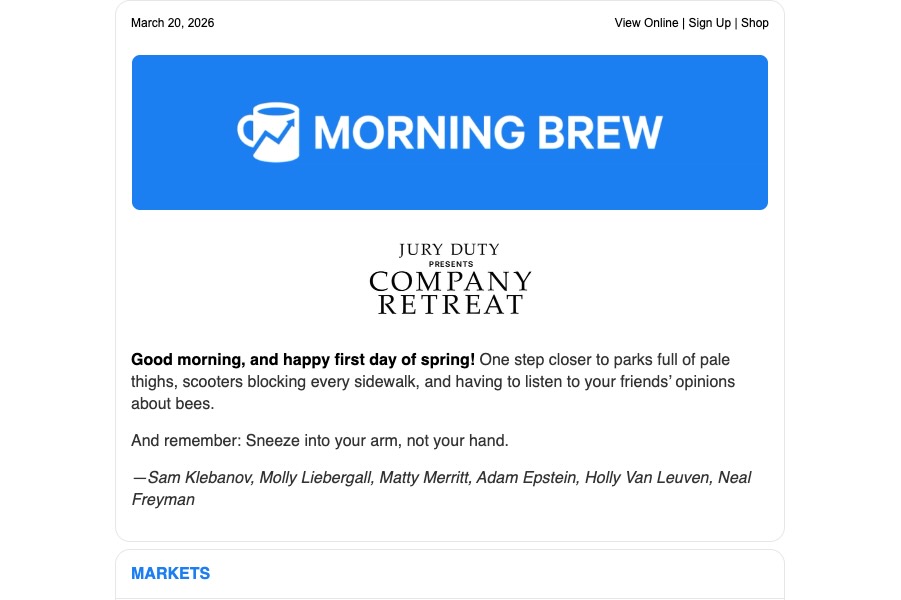
Morning Brew, for example, constantly winks to finance in-jokes, niche business memes, and recurring “characters” in the news cycle, jokes that make no sense unless you’ve been following along.
And Cards Against Humanity has turned ridiculous Black Friday stunts into a tradition their audience feels part of: charging more, selling nothing, or listing ridiculous items. Both have built cult-level loyalty partly because of it.
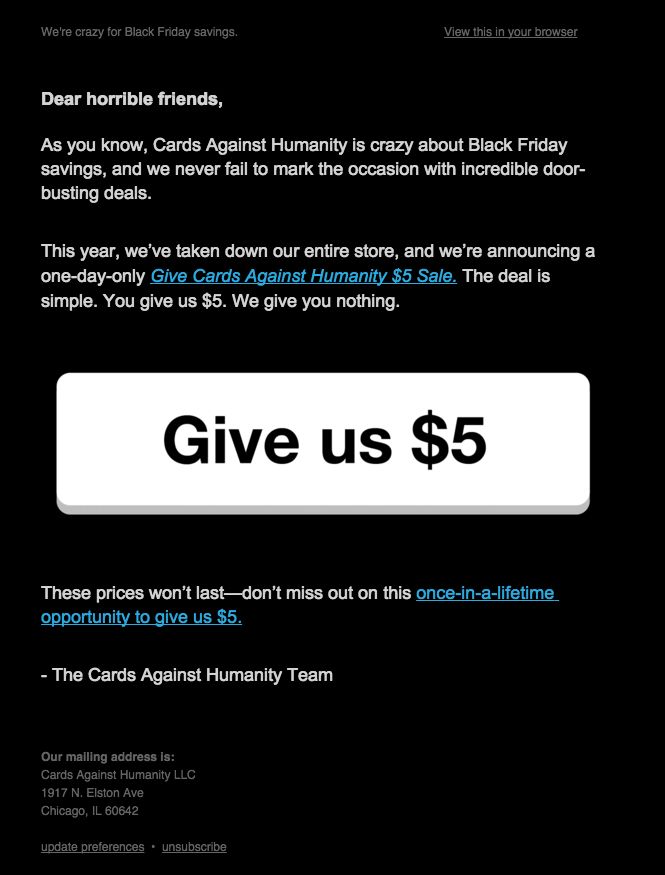
For small business owners: what’s the joke only your customers would get? The one that’s so niche it would mean nothing to anyone outside your world? That’s the joke worth putting in an email.

5. The unexpected twist (the most shareable kind)

Set up an expectation. Break it.

The twist works because it rewards attention. Subscribers who read all the way through feel like they got something: a joke, a reveal, a moment of surprise. That feeling makes them more likely to click, more likely to remember you, and significantly more likely to forward the email to a friend.

Think: a “50% off” subject line that turns out, in the body copy, to be “50% off… your stress, because this tool now does the boring part for you,” then smoothly pivots into the actual (smaller but still real) discount.

Subject line humor vs. body copy humor: Two different skills

Most advice on funny emails treats subject lines and body copy as the same thing. They’re not. Getting one right doesn’t automatically mean you’ll get the other right and mixing up the approach is one of the most common reasons a “humorous” email falls flat.

Subject line humor

A subject line has roughly 40–50 characters to do everything: earn the open, set a tone, and create enough curiosity or recognition that clicking feels like the obvious next move.

This means subject line humor needs to be immediate. The joke has to land on the first read, without setup. The formats that work best here are:

Bluntly honest confessions

“This is a shameless bribe to open” or “Yes, this is a sales email” call out what’s happening and disarm skepticism in one line.

Broken clichés and flipped phrases

Take something familiar and twist it once, like “New year, same beautiful chaos” or “Limited-time offer (for real this time).”

Exaggerated overreactions

Lines like “Everything is under control (we think)” or “We need to talk about your cart” heighten a small situation just enough to be funny, not confusing.

What doesn’t work: jokes that require context to land, references that only make sense if you already know what the email is about, or wordplay so layered it needs a second read. In a subject line, if someone has to think, you’ve already lost them.

Body copy humor

Email body copy humor has the opposite problem. You have room which means you have enough rope to hang yourself with. The risk isn’t that the joke won’t land, it’s that you’ll keep going after it lands, explaining it into the ground, and arriving at your email CTA with no momentum left.

Good body copy humor follows a three-beat structure:

  1. Setup: Establish the bit. Name the pain, the absurdity, or the premise. Keep it short, one or two sentences maximum.
  2. Payoff: The punchline, the reveal, or the escalation. This is the moment the reader rewards you with a smile. It should arrive before they expect it.
  3. Pivot: The clean turn toward your actual point. This is where most brands lose the thread. They stay in the joke too long and the CTA doesn’t feel like the obvious next step anymore. The pivot should feel like the natural conclusion of the joke.

Map your humor to the right moment

Humor is an emotion, and emotions belong in specific places in your marketing funnel.

  • Welcome emails: Self-deprecating humor sets your voice immediately. It tells subscribers what kind of relationship this is going to be.
  • Promotional emails: Pain-point humor makes the problem feel real before your solution feels necessary. The joke is the setup, your offer is the punchline.
  • Re-engagement campaigns: Unexpected twists and a light tone work best here. Your subscriber has gone quiet — a funny email feels lower-stakes to respond to than a serious one.
  • Post-purchase follow-ups: The customer is happy, their guard is down. A funny follow-up deepens loyalty without asking for anything.
  • April Fools (and cultural moments): The rare occasion when everyone expects something different from their inbox. Your subscribers are primed. The bar is lower. Use it.

Priming your audience for humor

Humor lands differently depending on what your subscribers expect from you. If your tone has always been polished and professional, going playful without warning can feel jarring — like a stranger cracking a joke in a business meeting.

The solution is a permission layer: a few small signals that tell your audience your voice is loosening up, before it actually does:

  • Add a PS line with a light touch. A single line at the end of an otherwise normal email — something like “PS. We’re working on something a little different for next week. Just saying.” — plants a seed without committing to anything. It also gets opened: PS lines have disproportionately high read rates because they feel personal.
  • Let one sentence breathe. In your next regular email, swap one stiff, formal sentence for something slightly more human. “Honestly, this one took us a while to get right.” That’s enough. It starts recalibrating what subscribers expect from your voice.
  • Reference your audience’s reality, not just their goals. Most marketing emails speak to where subscribers want to be. One sentence about where they actually are: the frustration, the Monday morning feeling, the thing that’s not working yet, builds the kind of recognition that makes humor land when it arrives.

The permission layer matters most for two groups: new subscribers (who haven’t established a relationship with your voice yet) and long-term subscribers who joined during a more formal era of your brand. For everyone else who already expects warmth and personality from you, you can skip it.

The timing principle

You don’t need to warm up your entire list before one April Fools email. But if humor is going to become a regular part of your email marketing strategy, not just a one-off, the permission layer is what prevents the tonal whiplash that increases unsubscribes over time. Build the relationship first. Then make them laugh.

5 rules to not make it weird

1. Anchor every joke to something real

Every joke should connect to a real pain, a real product, or a real benefit. If you removed the humor, the email should still make sense.

2. Don’t sacrifice clarity for cleverness

If a subscriber has to decode the joke to understand what you’re selling, you’ve lost them. Funny subject line, clear email body. Never the other way around.

3. Know what your audience finds funny

A meme that lands with 25-year-old freelancers may confuse a 55-year-old dentist. Test with a small segment first.

4. Humor is hot sauce, not the main course

One strong humor moment per email. If every line is a gag, the offer disappears. The joke is the hook; the value is why they stay.

5. Test on 3 real humans before sending

If they don’t immediately “get it” — rewrite. Explained humor is dead humor. Always test outside your own bubble.

What to avoid (seriously)

✓ Do this

  • Joke about your failures, not your customer’s
  • Use humor in the subject line, then deliver value in the body
  • Lean on audience-specific references (insider jokes)
  • Use a warm, honest disclaimer when it’s a prank
  • A/B test your humorous vs. standard subject lines

X Avoid this

  • Cultural, political, or religious references
  • Humor that punches at a group (even lightly)
  • Sarcasm without a clear signal — it reads as rude in plain text
  • Over-explaining the joke (this is worse than the joke itself)
  • Humor that has nothing to do with your offer
  • Forcing humor in genuinely serious communications

How to measure if your humor is working

You don’t just want laughs, you want conversions. Here’s the email marketing benchmarks to watch:

  • Email open rate: Did the funny subject line work? Compare against your average.
  • Click-through rate: Did they engage, or just laugh and close? A spike in opens with flat CTR means your humor didn’t connect to the offer.
  • Reply rate: Positive replies are the strongest signal. Humor makes people respond.
  • Unsubscribe rate: A small spike is normal for anything unusual. A big spike means you missed the mark.
  • Forward/share rate: The ultimate proof, did subscribers share it?

Where to start with humor in your emails

At the end of the day, “funny” isn’t the goal. “Remembered,” “clicked,” and “bought again” are the goals, humor is just one way to get there.

A line that makes them smile, a subject line that surprises them a little, that’s often enough to tip the balance toward an open or a click.

Start small. Test one funny subject line against your usual one. Add a single joke to your next welcome email and see how people respond. Over time, you’ll figure out what your audience actually laughs at, not what a marketer on the internet told you should be funny.

Your subscribers are people. They have a sense of humor. Give them credit for it.
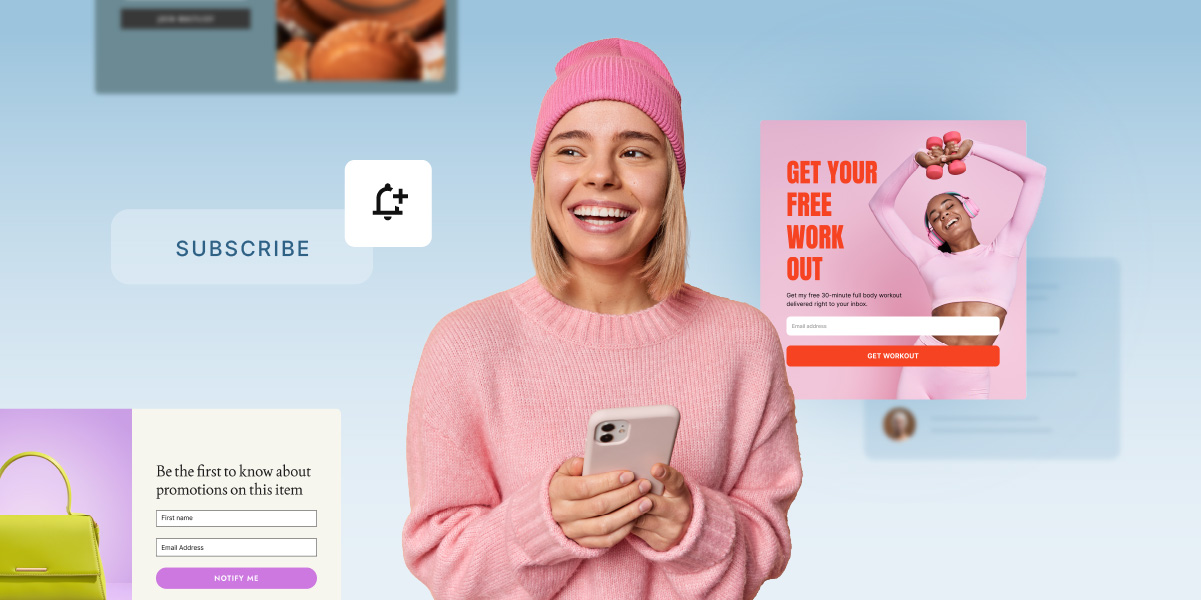
10 ways to get more leads from your email signup forms

On paper, growing an email list sounds simple. In practice, you add a signup form, check your stats, and still see only a handful of new subscribers each month.

That’s because, people rarely hand over their email address without getting something useful in return.

In this guide, we’ll look at 10 practical ways to make your signup forms attract more subscribers: from improving what they offer to placing them where visitors are most likely to act. Along the way, you’ll also see how small tweaks can help you attract subscribers who are genuinely interested in what you sell.

Key takeaways:

  • Use forms not just to “get subscribers,” but to capture leads with clear buying signals.
  • Add one or two custom fields so you know what each person wants and how to follow up.
  • Connect forms to simple automations so every signup receives relevant emails instead of one generic sequence.

The 10 forms covered in this guide:

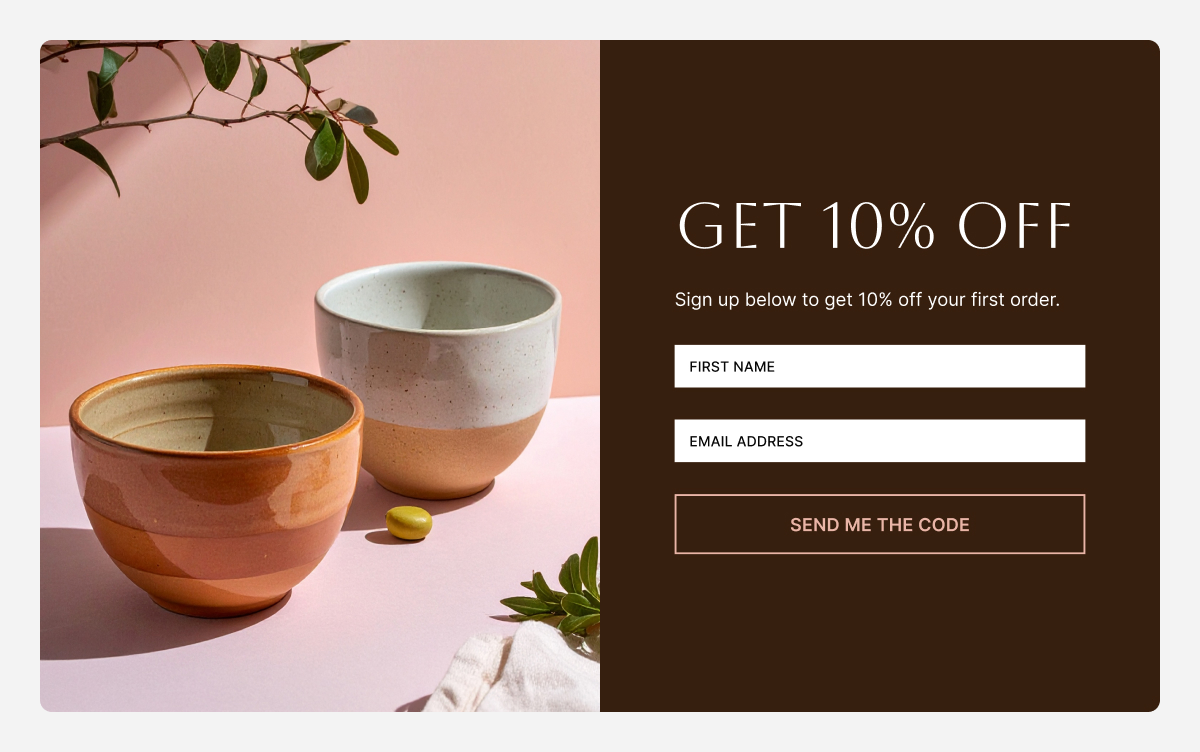
  1. Welcome discount form: for visitors close to buying
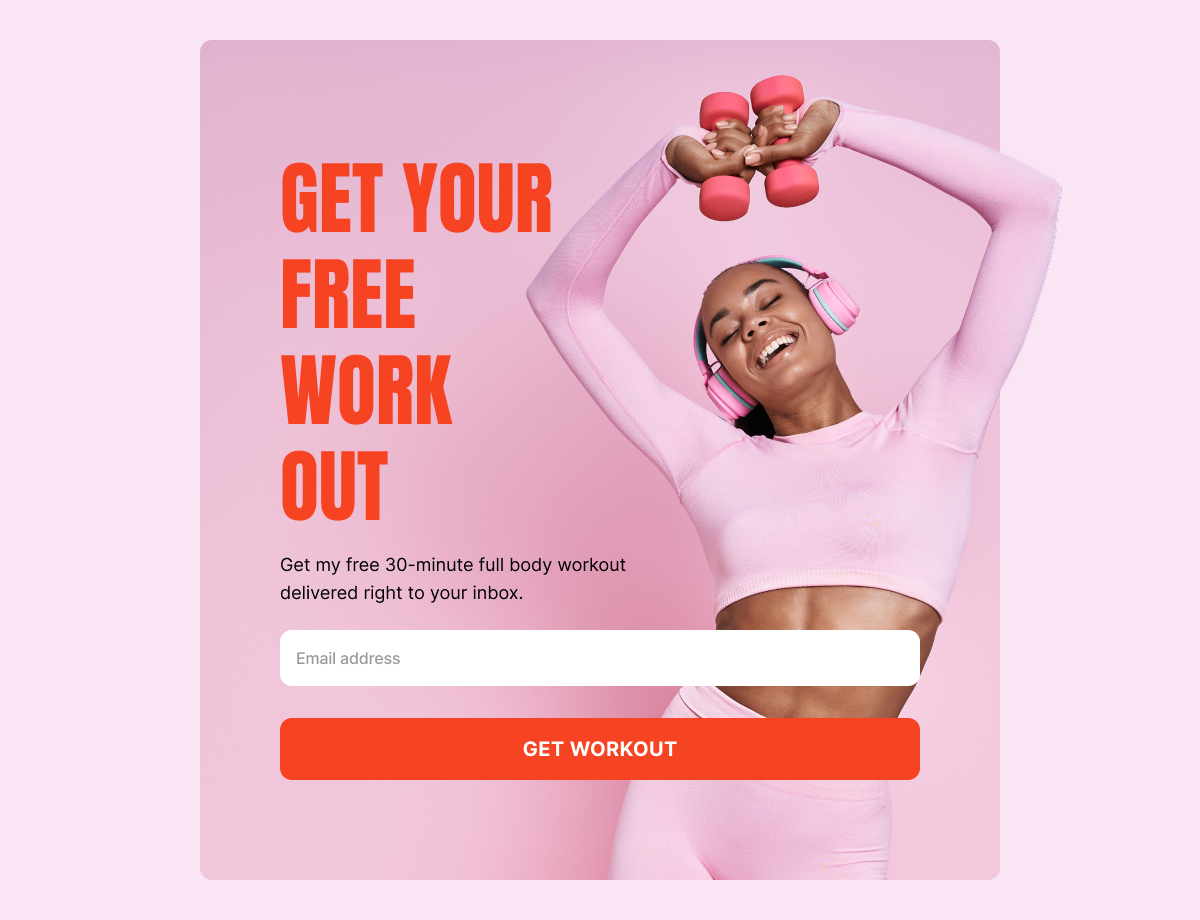
  2. Lead magnet form: for people researching a problem
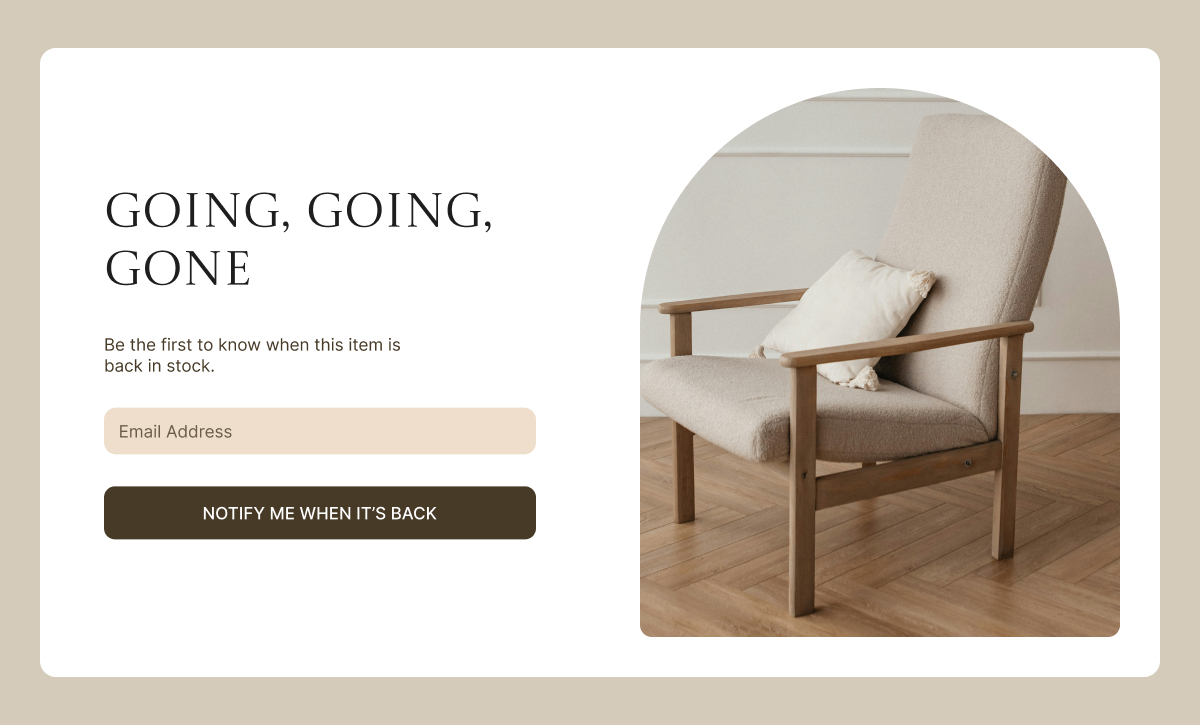
  3. Back-in-stock notification: for products that sell out
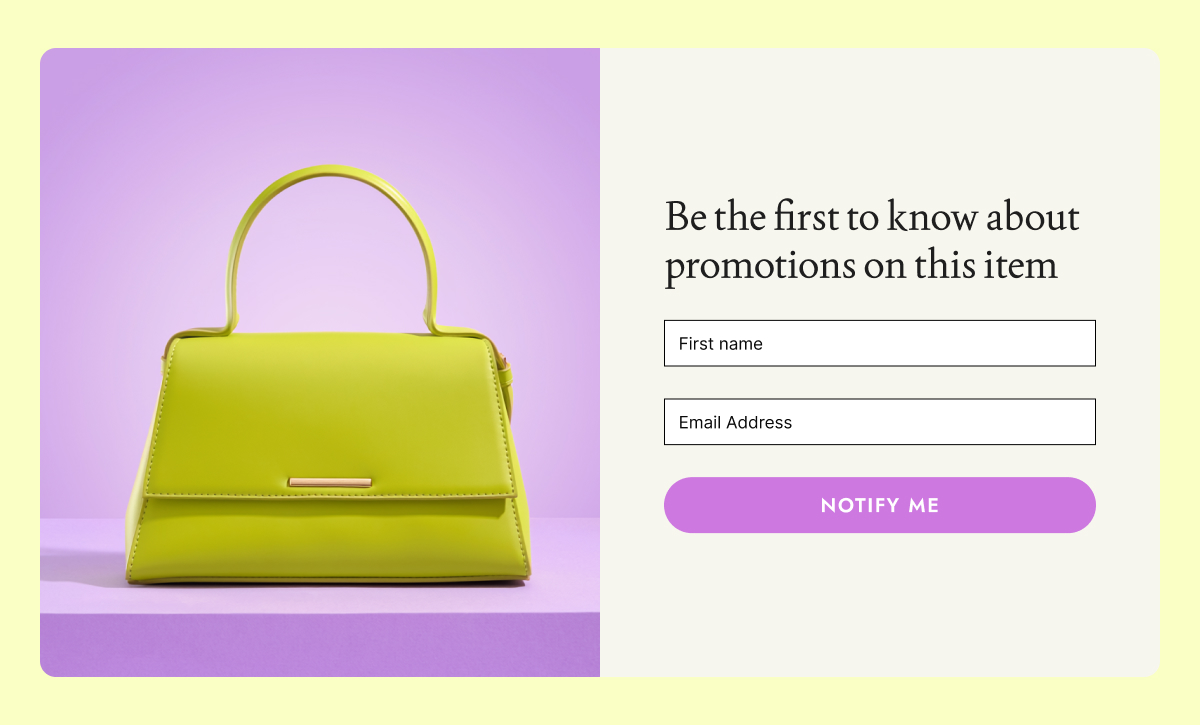
  4. Price drop alert: for price-sensitive shoppers
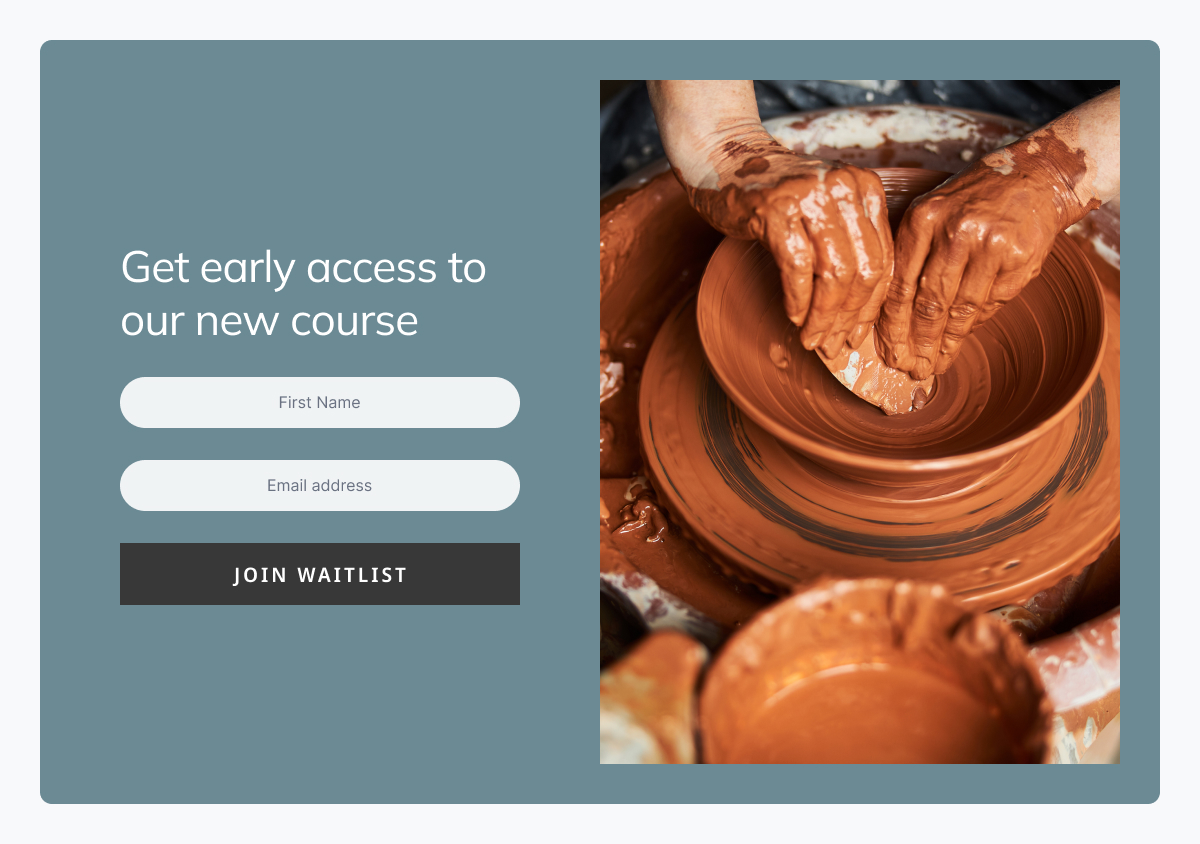
  5. Waitlist form: for launches and fully booked services
  6. Webinar or event registration: for topic-specific audiences
  7. Challenge or course signup: for people who need structured help
  8. Interest-based form: so subscribers self-select what they care about
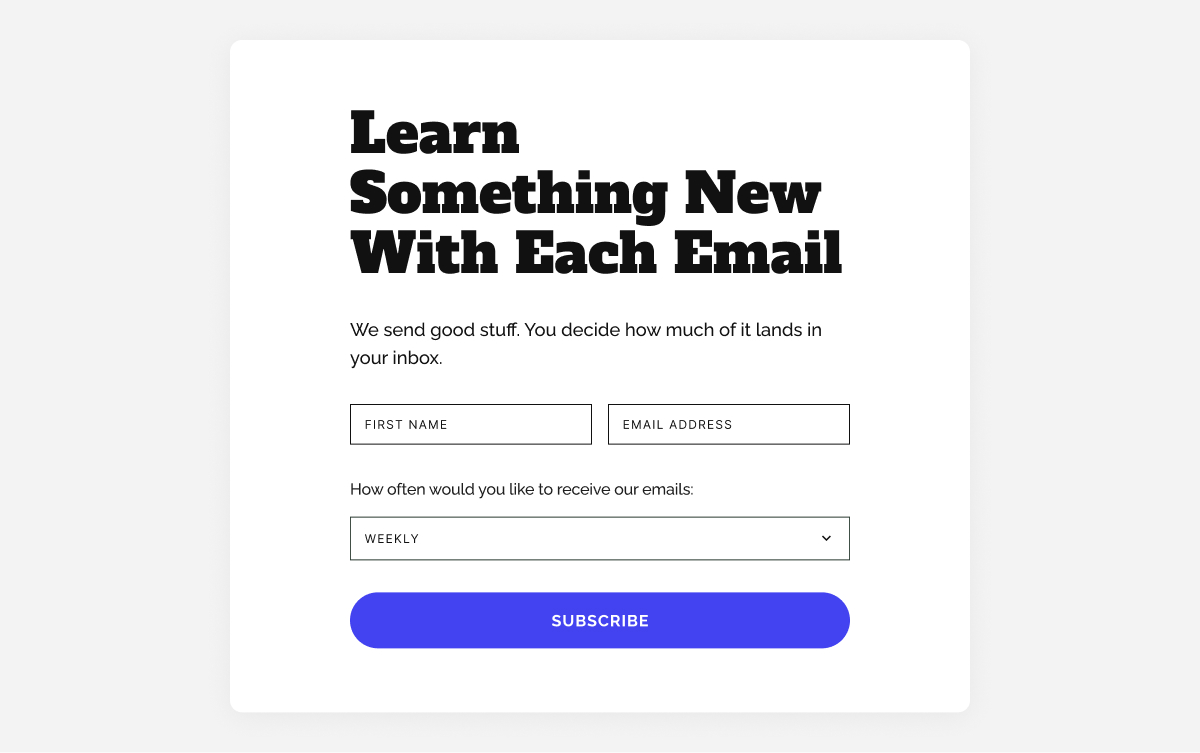
  9. Frequency preference form: so people choose how often they hear from you
  10. Forms for specific roles or audiences: for businesses with different customer types

Use more specific offers on your forms to get higher‑intent leads

Sometimes the only thing standing between you and more leads is what you offer on your signup forms. A “join our newsletter” call to action is too broad to attract qualified subscribers. The people who sign up for it are curious at best, not motivated. The ones who are actually close to buying need something more specific to stop and hand over their email.

Here are two form types that attract people who are already leaning toward action.

1. Lead with a welcome discount code

Best for: ecommerce, services, coaches
The job: “I’m interested in buying, but I need a small push to commit.”

This is the most straightforward value exchange: someone is considering a purchase, and you offer a discount in exchange for their email. You get a subscriber who has already shown buying intent, and they get a reason to act now instead of “someday.”

What makes it work

  • The visitor gets tangible value (10% off, free shipping, a bonus session, or a free sample).
  • You get a lead who is actively browsing your product or service and is likely to be interested in future emails and offers.
  • The email you send next has a clear purpose: “Here’s your discount code, here’s how to use it.”

If you sell services, this can be “X% off your first session,” “free audit,” or “bonus 30‑minute consultation” instead of a product discount.

Where to place it

  • Product or service pages, where purchase intent is highest.
  • Your homepage, for new visitors who are just discovering you.

What to ask for

  • Email (essential)
  • First name (optional but recommended, for personalizing subject lines and intros),

What to send next (simple 3‑email flow)

  • Email 1: Discount + how to use it
  • Email 2: Social proof (reviews, before/after, testimonials) for that category.
  • Email 3: Reminder before the discount expires, with one clear call to action. (if applicable)

2. Add a lead magnet for people actively looking for a solution

Best for: almost any business
The job: “I have a problem and I want a resource that helps me solve it right now.”

A lead magnet is a small, focused resource you give away so people are willing to give you their email and keep hearing from you. It might be a checklist, a short guide, a mini‑course, or a simple tool that helps them solve one specific, annoying problem without much effort.

Good lead magnet ideas

  • Checklists (people love checking things off).
  • Templates (saves them from starting from scratch).
  • Mini‑courses delivered by email (spreads the value over time).
  • Calculators that give a personalized result.

If you sell services: a website budget planner, or a “5 questions to ask before hiring a [type of service]” resource works well in place of product‑focused magnets.

Why this is a lead, not just a subscriber

  • They’re telling you exactly what problem they’re trying to solve.
  • They’re open to learning from you, which makes later offers feel natural.
  • Their behavior (what they download, what they click) helps you decide what to send next.

Where to place it

  • Blog posts on related topics (“Want the full checklist? Get it here.”).
  • Resource or academy pages.
  • Landing pages you share on social media.

What to ask for

  • Email and first name.
  • One short, multiple‑choice question like “What’s your biggest challenge right now?”

What to send next

  • Email 1: Deliver the resource and show them how to use it quickly.
  • Email 2: A story or case study that matches the challenge they selected.
  • Email 3: A soft offer (free consult, audit, discovery call, or product recommendation) that helps them go further.

Catch the leads who were ready to buy, but couldn’t

Some visitors don’t need convincing. They’ve already decided they want what you sell. The only thing stopping them is timing: the product is out of stock, the price is out of reach right now, or you haven’t launched yet.

Back in stock and price drop alerts are features many ecommerce platforms offer natively but usually on higher-tier plans. If you’re on a leaner setup, both can be replicated manually with a signup form and a targeted email when the moment comes. Less automated, but it works.

3. Use forms for “back in stock” notifications

Best for: ecommerce
The job: “I want this specific product and I don’t want to miss it when it’s available.”

A back-in-stock form on sold‑out product pages turns a missed sale into a queue of ready‑to‑purchase customers for when inventory returns. 

If your shop platform doesn’t have built‑in back‑in‑stock alerts, you can still collect these leads with a basic form connected to your email tool. It won’t update stock automatically, but it will give you a list of people to notify the moment you restock.

How to set it up

  • Add a simple form on out‑of‑stock product pages asking for an email to be notified when it’s back.
  • Assign subscribers to a dedicated Group like “Back‑in‑stock: Product X”. Groups act like tags you can use to send targeted emails or trigger automations later.
  • When you restock, send a focused email to everyone who signed up for that item.

Pro tip: Include a small checkbox like “Also tell me about similar products.” Everyone who checks it becomes a lead for recommendations in that category, not just that one product.

If you sell services instead of products, you can adapt the same idea as a waitlist for fully booked services or upcoming new events (see the waitlist section below).

With SiteGround Email Marketing, you can create custom forms, assign Groups when someone signs up, and trigger automated email sequences from those groups, all without much effort.

4. Use forms for price drop alerts

Best for: ecommerce, services, learning platforms
The job: “I want this, but not at this price. Let me know when I can afford it.”

A price drop alert form captures price‑sensitive leads who would otherwise leave and forget about you. They’re interested, they just need the right timing or a better deal. Even without a built‑in price‑drop feature in your shop, you can let visitors leave their email and later email that group specifically when you run a promotion.

This works especially well for

  • Higher‑priced items where people need time to decide.
  • Seasonal businesses (outdoor furniture, winter gear).
  • Products that regularly go on promotion.
  • Courses or programs with occasional sales.

For services, think “Notify me when there’s an early‑bird price.”

What to send next

  • An email when the price changes or a promotion starts, highlighting the new price clearly.
  • A reminder before the promotion ends.

5. Use waitlist forms to build demand before launch

Best for: ecommerce, courses, creators, services, events, restaurants
The job: “I want to be first when this becomes available.”

Waitlist forms let you start marketing something before it’s ready and build an audience around it early. Instead of starting from zero on launch day, you launch to a group of people who already asked to hear from you.

This is especially powerful for service‑based businesses: think of an upcoming workshop, a new program, a seasonal offering, or next seasonal menu.

What to ask for

  • Email (essential).
  • First name (optional).
  • One simple question like “What excites you most about this?” or “What describes you best?” to shape your launch messaging.

What to send before launch

  • A welcome email explaining what they joined and when to expect news.
  • A launch day email with a clear offer, plus a reminder email near the end of the launch window.

Build your email list with webinars, challenges, and email courses

Not every lead is ready to buy today. Some need to learn, compare options, or get to know you first. Forms connected to content and events help you group people by interest so you can follow up with emails that make sense for where they are.

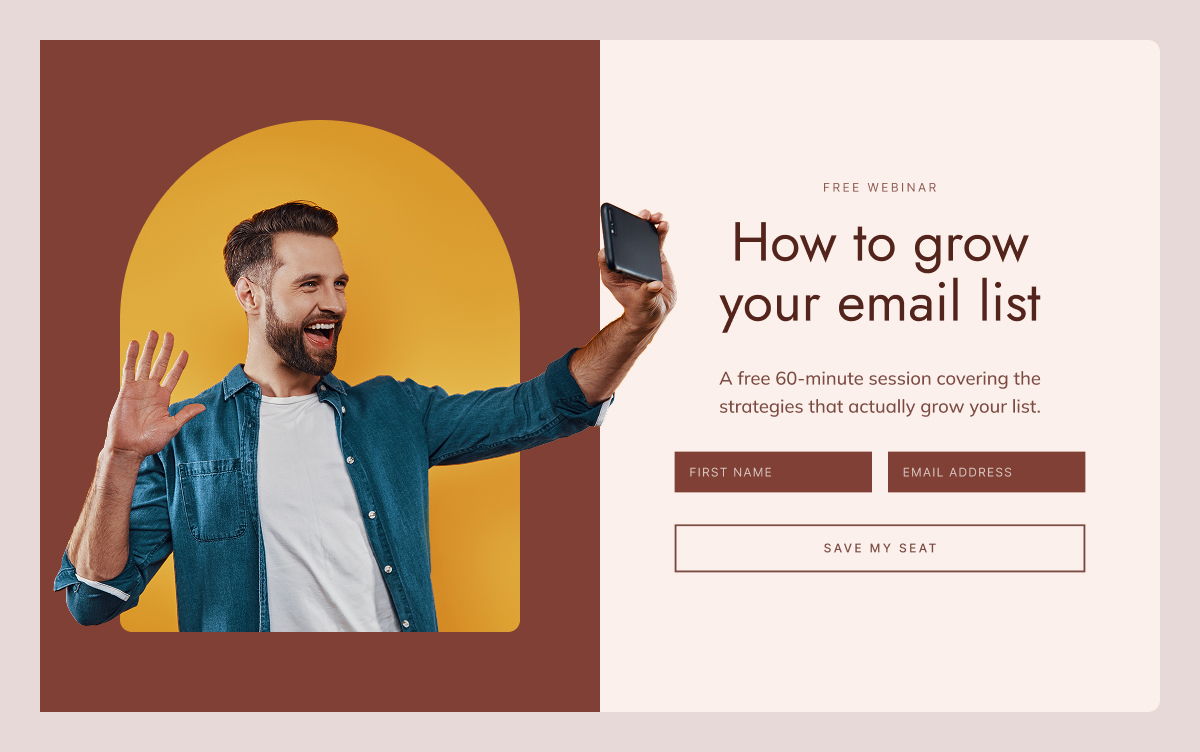
6. Webinar or event registration forms

Best for: education, services, ecommerce, creators, B2B
The job: “I want to attend this event and learn about this topic.”

An event registration form lets you promote a specific topic while collecting an audience that’s explicitly interested in it. Everyone who signs up for a webinar or event about topic X is essentially telling you “I care about X.”

What to include

  • Email and name.
  • Optional: “What question do you hope we cover?” or “What’s your main goal with this?”

What to send

  • Confirmation email
  • Reminder emails before the event.
  • A “thank you + replay” email after, with a call to action.
  • A short sequence with related content and a relevant offer.

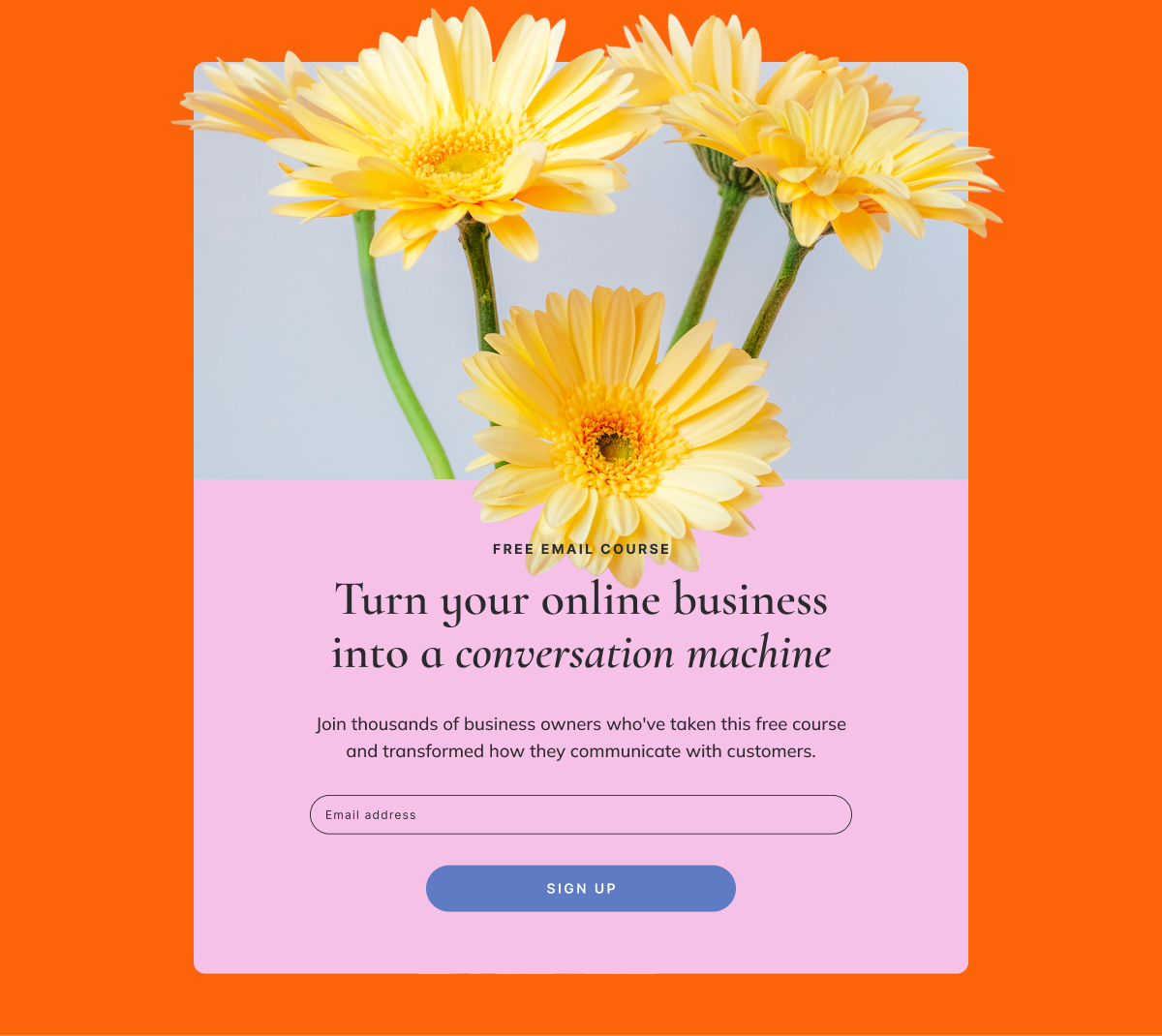
7. Challenge or course registration forms

Best for: education, coaching, wellness, creators, services
The job: “I want structured help making progress on this goal.”

Challenges and email courses are a way to keep people engaged over several days or weeks. Instead of a one‑time download, they sign up for a series of emails that move them step by step toward a result. This can be very easy to create if you repurpose content you already have.

These work especially well for

  • Habit‑building goals (fitness, productivity, learning, wellness).
  • Complex topics that benefit from step‑by‑step guidance.
  • Warming people up before a bigger, paid offer.

What to send next

  • A welcome email setting expectations (how long, how often, what they’ll achieve).
  • A series of short, actionable lessons or prompts.
  • A final email summarizing progress and offering the next step (paid program, service, product).

Ask the right questions and your list segments itself

Most businesses wait until someone unsubscribes to wonder what went wrong. A better approach is to find out what people want at the moment they sign up and use that to send emails they actually want to open.

A small number of well‑chosen custom fields can transform a generic list into clear segments you can sell to more effectively.

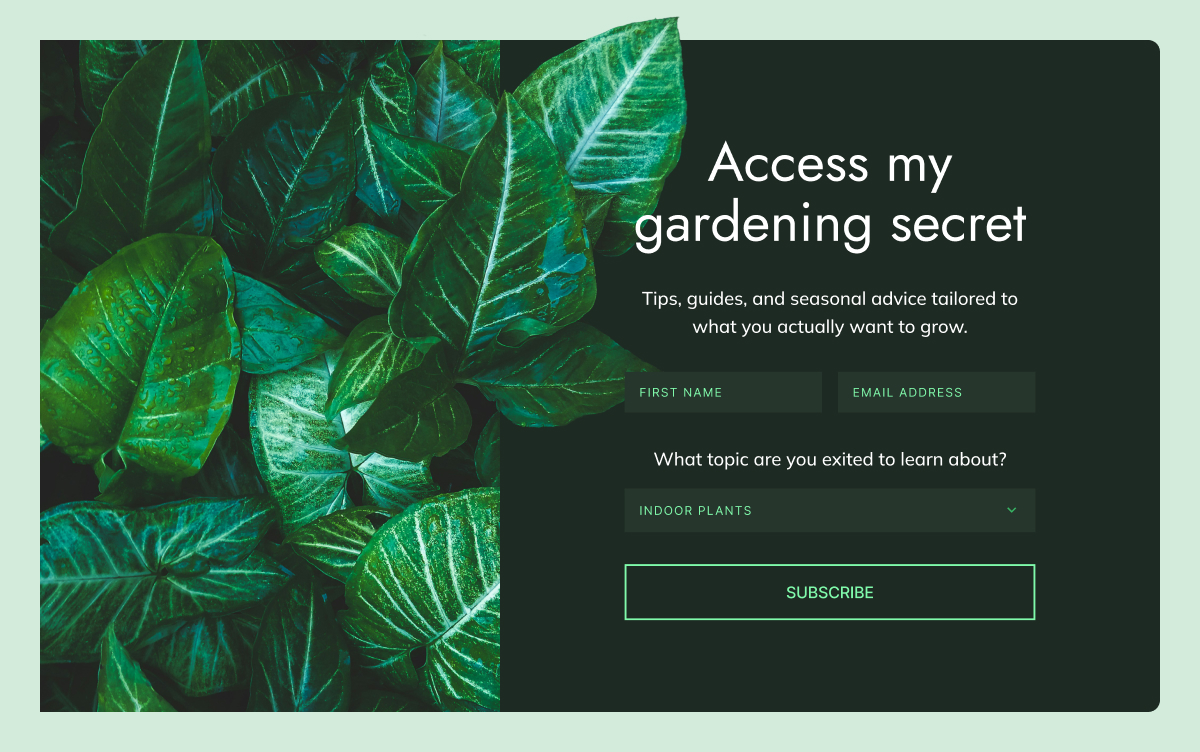
8. The interest‑based signup form

Best for: ecommerce, content, services
The job: “I want to hear about things that matter to me, not everything you sell.”

Interest‑based signup forms help you understand what new subscribers care about right at the moment they join. Instead of putting everyone into the same newsletter, you ask one simple question and use the answer to decide what content they receive.

Examples

  • Content business: “What topics interest you?”
  • Ecommerce: “Which product categories should we keep you updated on?”
  • Services or coaching: “What’s your primary goal?”

How this creates better leads

  • You send emails that match their interests, so engagement stays high.
  • When you make an offer related to that interest, it feels natural.
  • You avoid blasting everyone with everything, which reduces unsubscribes.

9. The frequency preference form

Best for: any business that sends regular emails
The job: “I want to stay connected but not overwhelmed.”

Frequency preference forms set expectations about how often you’ll email. By letting people choose their cadence at signup, you make it easier to stay in their inbox longer — crucial if you want time to turn leads into customers.

Options to offer

  • Weekly digest.
  • Monthly roundup.
  • Only big announcements.
  • “Everything” for people who want it all.

10. Forms for specific roles or audiences

Best for: products and services that serve different types of customers
The job: “I want content that’s relevant to my situation.”

Unlike interest‑based forms that focus on what someone wants to hear about, role‑based fields focus on who they are. When the same product or content can serve very different customer types, this helps you adjust the message for each one. A quick role question at signup lets you send people into a version of your emails that fits their situation from the very first message.

How to implement

  • Add a dropdown to your signup form.
  • Keep it to 3–4 options so it doesn’t feel like a survey.
  • Use the answer to trigger different welcome emails or recommend different products.

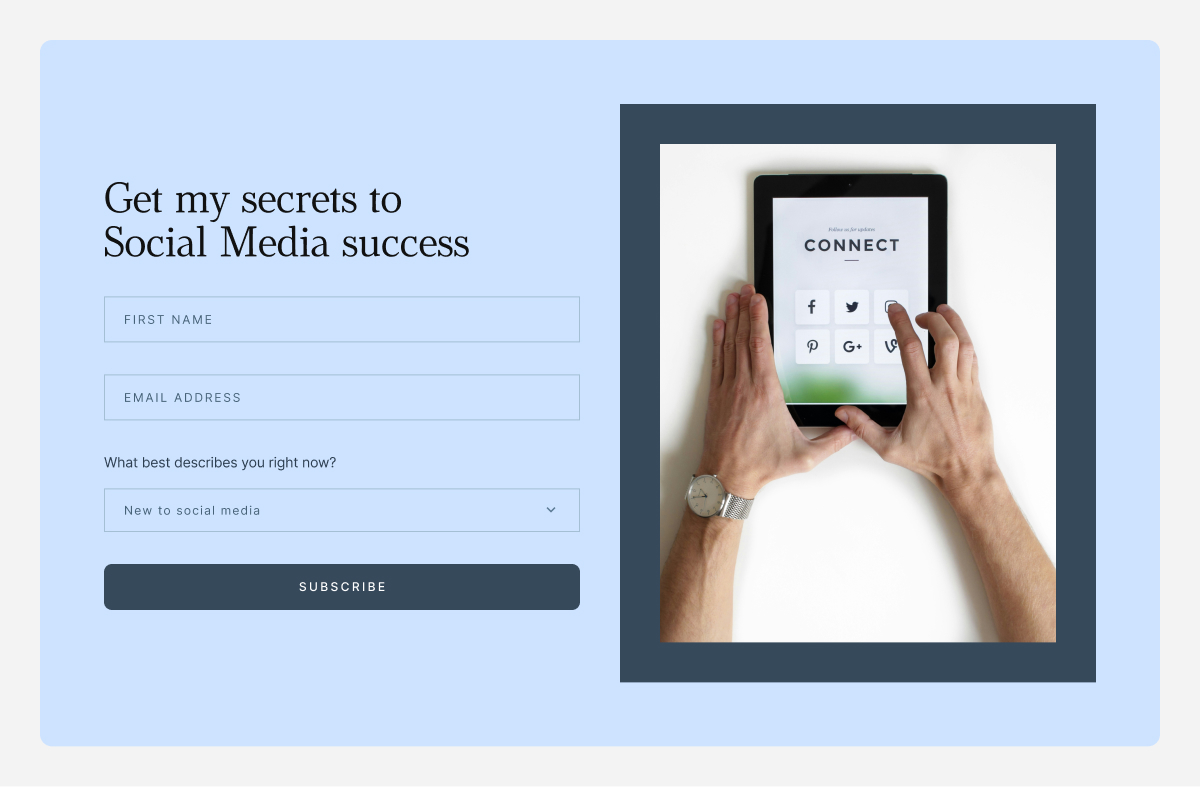
A form that asks “What best describes you?” with options like “New business,” “Growing business,” and “Established business” lets you send very different emails and offers to each segment.

A few things to keep in mind

No matter which forms you use, a few small choices can make the difference between “more contacts” and “more and better leads.”

Keep forms simple

The research is clear: simpler forms convert better, especially on mobile. If you’re not going to use a field in your emails or segmentation, don’t ask for it.

  • Start with 1–2 fields (email + one more).
  • Add a third only if you know exactly how you’ll use it.

Match the form to the intent

A homepage visitor, a blog reader, and a product page browser are in different mindsets. Your form copy and offer should reflect that.

  • High intent (product pages, pricing): Direct offers work best. “Get 10% off your first order.”
  • Medium intent (blog, resources): Value‑focused offers work. “Get the complete checklist.”
  • Low intent (homepage, general browsing): Curiosity‑driven offers work. “See what our subscribers get every week.”

Make every field earn its place

Each form field should have a job:

  • First name →  personalize subject lines or intros.
  • Location → send localized offers or event invites.
  • Interest/role → send different content and offers.

If you’re collecting data but never using it to segment, personalize, or trigger automations, it’s just friction.

Whatever forms you use, make sure each one includes a clear opt‑in and a link to your privacy policy. If you have customers or subscribers in the EU, UK, or other regions with data protection laws, people need to actively agree to receive marketing emails from you — a pre‑ticked checkbox isn’t enough. When in doubt, check the rules that apply in your region, and always make it easy for people to unsubscribe.

Capture leads beyond your website

The forms above all live on your website, but many small businesses also connect with customers on Instagram, Facebook, or in person. A few ways to bring those leads into the same system:

  • Link to a dedicated landing page with your lead magnet or signup form from your Instagram or Facebook bio.
  • Use a QR code at events, in your packaging, or on printed materials that takes people directly to a form.

Once someone signs up through any of these routes, you can group them by source so you know where they came from.

How to know if your forms are working

Setting up forms is only half the job. Here are a few numbers worth tracking:

  • Form conversion rate: A well‑placed form with a strong offer should convert 2–5% of visitors on a typical page. If yours is well below 1%, it’s worth testing a different offer or placement.
  • Welcome email open rate: The first email in any automated flow typically gets the highest open rate — often 40–60% for warm leads. If yours is much lower, the form may be attracting the wrong audience, or the offer isn’t delivering what people expected.
  • Click‑through rate on follow‑up emails: For a targeted, interest‑based flow, a click rate of 3–5% is a reasonable benchmark. Below that, consider whether the content matches what subscribers actually signed up for.

These are rough guides, not hard rules. What matters more is your own trend over time: are conversions improving as you test different offers and placements?

If you’re a small business asking “how do I get leads?”, start with these 3 forms

You don’t need to implement everything in this guide at once. If you’re a small business with limited time, three well‑chosen forms will take you further than eight half‑built ones.

  • A welcome discount or “first‑order” offer on your product or pricing pages — for people who are already close to buying.
  • One strong, problem‑solving lead magnet on your most visited blog post or resource page — for people who are researching but not yet ready.
  • A simple interest‑based custom field on your main newsletter form — so every new contact lands in the right segment from day one.

SiteGround Email Marketing lets you build forms, collect the details you care about, and automatically place subscribers into the right Groups. From there, each Group can follow its own automated journey, with emails that match what those people signed up for.

Email lead generation: Frequently asked questions

What is an email signup form?

An email signup form is a small form on your website or social media where people can type in their email address to join your mailing list or newsletter. When someone fills it in and clicks submit, they give you permission to send them emails about your business.

How do email signup forms work?

First, a visitor sees the form and a short explanation of what they will get if they sign up, such as weekly tips, special offers, or a free resource. Next, they fill in their details and click submit, after which their information is saved to your list. Often, they are then shown a confirmation message or receive a welcome email that tells them what to expect.

What’s the difference between an email signup form and a contact form?

An email signup form is for ongoing marketing: “Add me to your list so I can get your updates, tips, and offers.” A contact form is for one-off messages: “I have a question or need help,” usually sent directly to your inbox or support.

How do I use email signup forms to generate leads?

To use email signup forms to generate leads, you want them to attract people who are likely to become customers, not just anyone. You do this by connecting the form to an offer that matches what you sell, like a free mini-consultation, a short guide, or a checklist closely tied to your main service or product. You can also ask one or two simple questions on the form that tell you what they are interested in, so you know how to follow up. Once they join, you send emails that match the problem or goal they told you about, which makes them more likely to buy later.

What should I offer on my email signup form to get more subscribers?

Replace “Subscribe to our newsletter” with something clear and useful. You can offer a short checklist, a cheat sheet, a template, a mini‑guide, a discount, a free sample, or a mini‑course delivered by email. The key is that your offer solves a real problem your ideal customer feels right now and naturally points toward what you sell.

How many fields should an email signup form have?

Email address is essential, first name is useful for personalisation, and you might add one simple question that helps you understand their situation or interest. Every extra field adds friction and lowers completion rates, so only ask for more information if you will actively use it in your emails or sales process.

What is a lead magnet?

A lead magnet is a free, valuable resource you give in exchange for someone’s email address. Its job is to attract the right people, give them a quick win, and show them that you understand their problem.

What are the best lead magnet ideas for small businesses?

Strong lead magnets for small businesses tend to be simple and focused rather than long and complex. A clear checklist, a one‑page cheat sheet, a short step‑by‑step guide, or a set of templates and scripts can work extremely well. In some cases, a quiz, a short video training, a free trial, a mini‑audit, or a small discount on a first order is a better fit. The best ideas are always tightly aligned with the main problem your product or service solves.

Does a lead magnet have to be a PDF or download?

A lead magnet does not have to be a PDF at all. It can be a short email course, a video lesson, a private audio, access to a resource library, a small tool or calculator, or even a brief one‑to‑one consultation.

How do I build an email list from scratch?

To build an email list from scratch, start by creating one strong lead magnet that matches what you sell and speaks to a real problem your ideal customers have. Set up a simple signup form or a dedicated signup page, connect it to your email tool, and clearly explain who the list is for, what people will get, and how often you email. Share that signup link wherever people already interact with you, including social profiles, posts, direct messages, your email signature, invoices, booking pages, and in‑person with a QR code. Then send a short welcome sequence and keep emailing on a consistent schedule so subscribers remember you and start to trust you.

Where should I place email signup forms on my website?

Good placement helps more visitors see and use your forms. Your homepage is a strong starting point, especially near your main message or after you explain what you do. Blog posts and articles are powerful spots too, both inside the content and at the end of the page, because readers there are already engaged. A dedicated “Subscribe” or “Free resources” page gives you a link you can share anywhere.

How long does it take to grow an email list?

The time it takes to grow an email list depends on your visibility and how attractive your offer is. When you are starting from a small audience, it can take several months to reach your first hundred or few hundred subscribers, and that is completely normal. Established lists often grow steadily by a few percent each month, while also losing some people to unsubscribes and inactive addresses. For most small businesses, a smaller list of engaged subscribers who actually want what you sell is far more valuable than a large, unresponsive list.

Your email unsubscribe rate, explained like a human metric

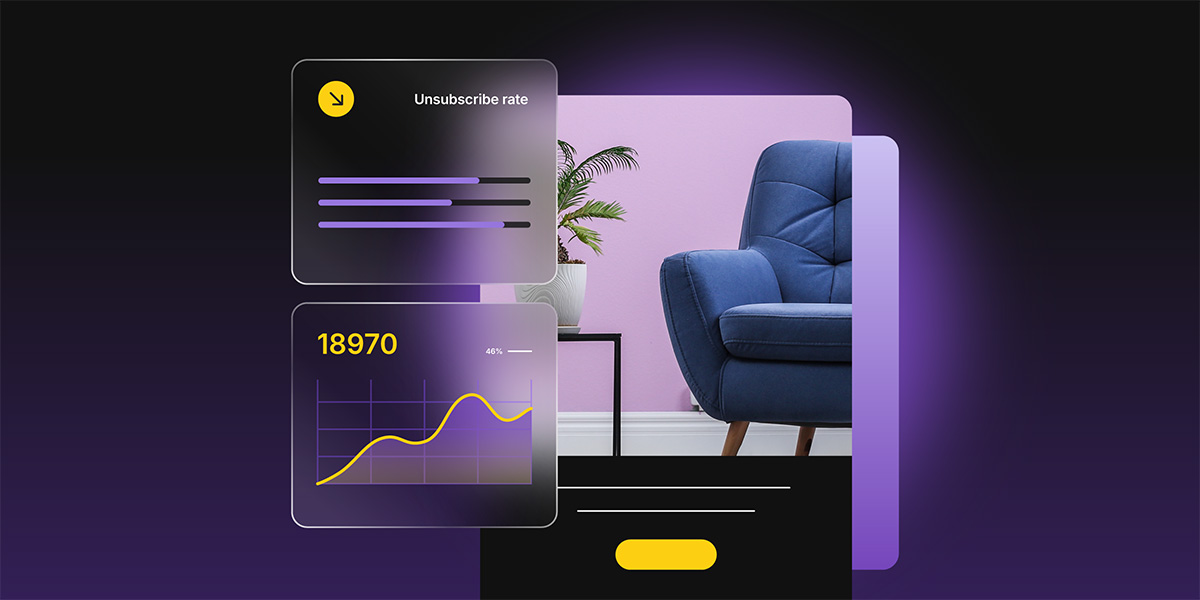
Dashboard showing a declining unsubscribe rate and subscriber growth chart next to a furniture product photo

Every time you send an email, a small number of people will opt out. That number has a name, a formula, and — once you know how to read it — a lot to say about the health of your email list. It’s called your email unsubscribe rate, and it’s one of several numbers your email platform tracks automatically after every send. 

Understanding where it comes from and what’s actually happening when someone opts out makes it a lot easier to know what to do with it. This post breaks down how the metric works, where it comes from, and what it’s actually worth paying attention to.

Key takeaways:

  • The unsubscribe rate shows the percentage of recipients who opt out after an email.
  • It’s calculated as: (Unsubscribes ÷ Emails delivered) × 100.
  • For most small businesses, 0.2%–0.5% is normal. Above 1% deserves attention.
  • People can unsubscribe using the one-click button in their inbox or the link in your email footer.
  • Easy unsubscribe options protect your list by sending unhappy readers away instead of to the spam button.

What is an email unsubscribe rate?

An email unsubscribe rate is an email marketing metric that shows the percentage of people who opt out after receiving your email.

Did you know? The unsubscribe rate didn’t always exist as a metric. In the early days of commercial email, opting out meant replying to an email with “remove” and there was no guarantee anyone would actually honor it. That changed in 2003 when the CAN-SPAM Act made a working opt-out mechanism a legal requirement for every marketing email sent in the US. Once unsubscribe links became mandatory, email platforms started tracking who clicked them and the unsubscribe rate as we know it today was born.
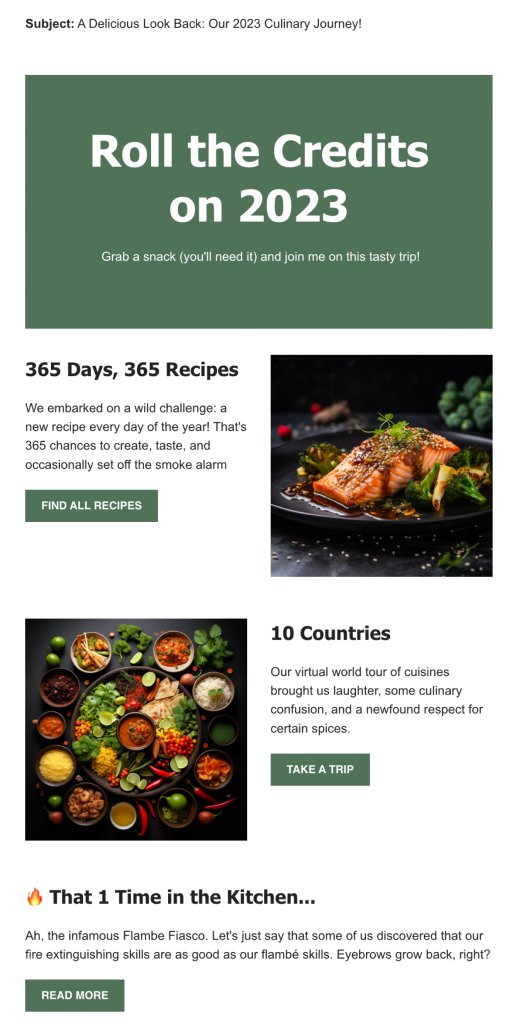
How to calculate unsubscribe rate

The formula is straightforward:

(Unsubscribes ÷ Emails delivered) × 100

Let’s say you sent an email to 1,000 subscribers. Your email service delivered 980 of them (20 bounced). Out of those 980 delivered emails, five people unsubscribed.

Your calculation: (5 ÷ 980) × 100 = 0.51% unsubscribe rate

What is a good unsubscribe rate

A rate between 0.2% and 0.5% is perfectly normal for most small businesses. Anything above 1% is worth reviewing because it usually signals a mismatch between what your audience expected and what they’re receiving.

How the Unsubscribe process works and why easy opt-outs help you

Subscribers can opt out in two ways: before they ever open your email, or directly within it.
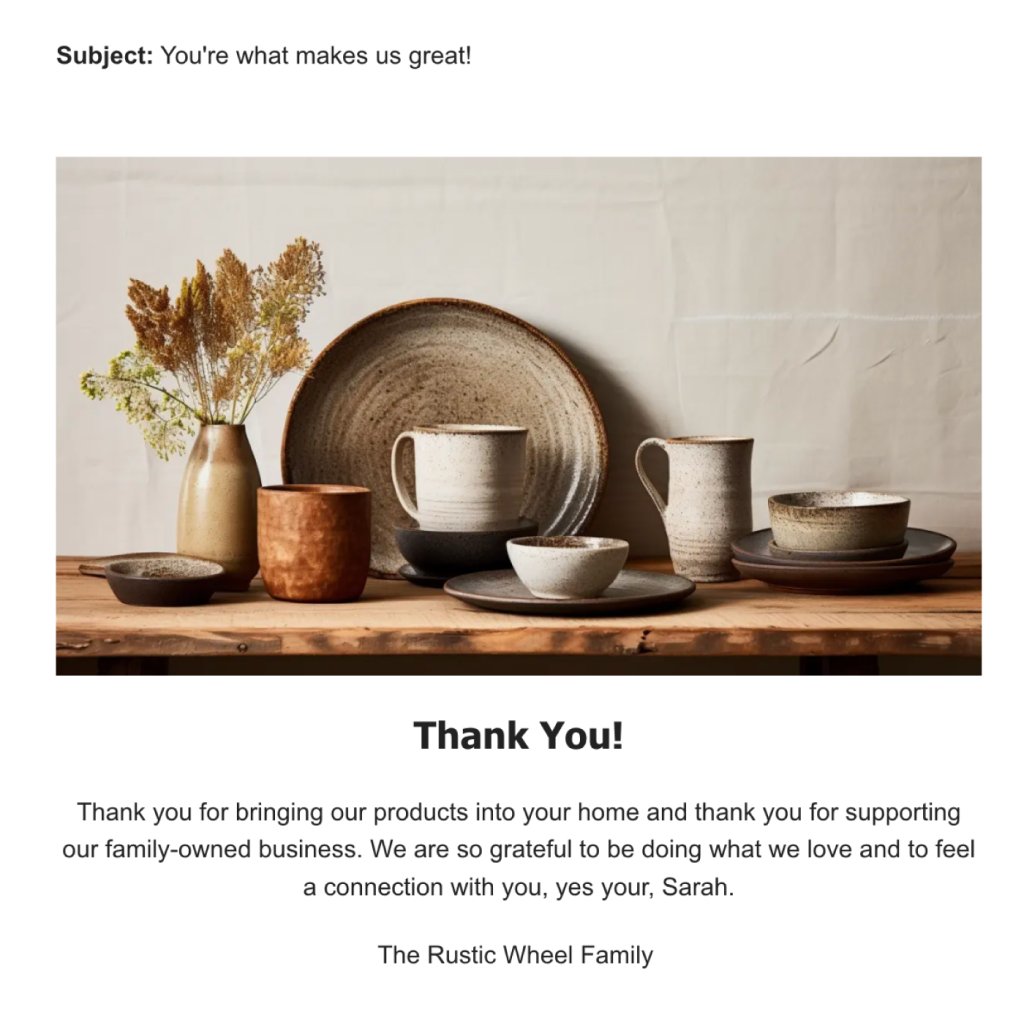
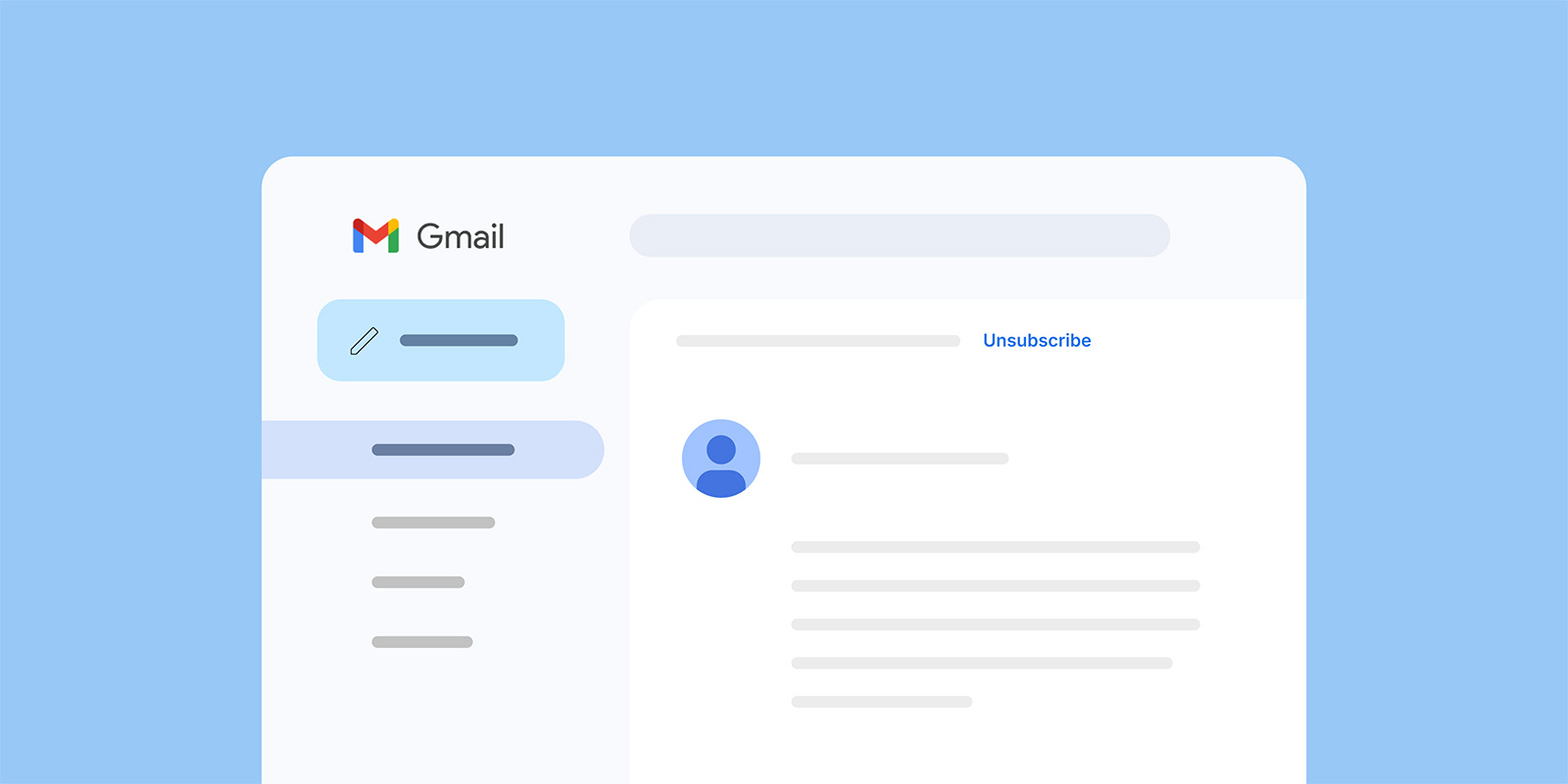
Your subscribers can unsubscribe from your emails before they even open them. That’s because major email providers like Gmail and Yahoo show an “Unsubscribe” link right next to your sender name in the inbox view.

Gmail inbox interface showing an open email with an unsubscribe link visible in the header

This change took effect in early 2024: senders who send 5,000+ messages per day must include a one-click unsubscribe mechanism in the technical headers of their emails.

If you’re a small business sending to a few hundred or a few thousand subscribers, you probably don’t hit that threshold. But the principle still matters: when unsubscribing is visible and simple, people use it instead of pressing the “spam” button — and a spam complaint is far more damaging than a clean unsubscribe (we’ll get into that in a moment). 

Gmail and Yahoo also actively prompt subscribers to unsubscribe from senders they haven’t engaged with recently, typically after about 30 days of inactivity. If someone on your list hasn’t opened your emails in a while, their email provider may already be nudging them toward the unsubscribe.

Now this isn’t a ploy against small businesses. It’s an effort to make inboxes cleaner and more trustworthy for everyone, so genuine senders with real audiences (like you) benefit from less spam and better email deliverability.Most modern email solutions handle this automatically. If you use SiteGround Email Marketing, the one-click unsubscribe headers are built into every campaign you send.

The other way people opt out is through the unsubscribe link in your email footer, the one at the bottom of every marketing email you’ve ever received.

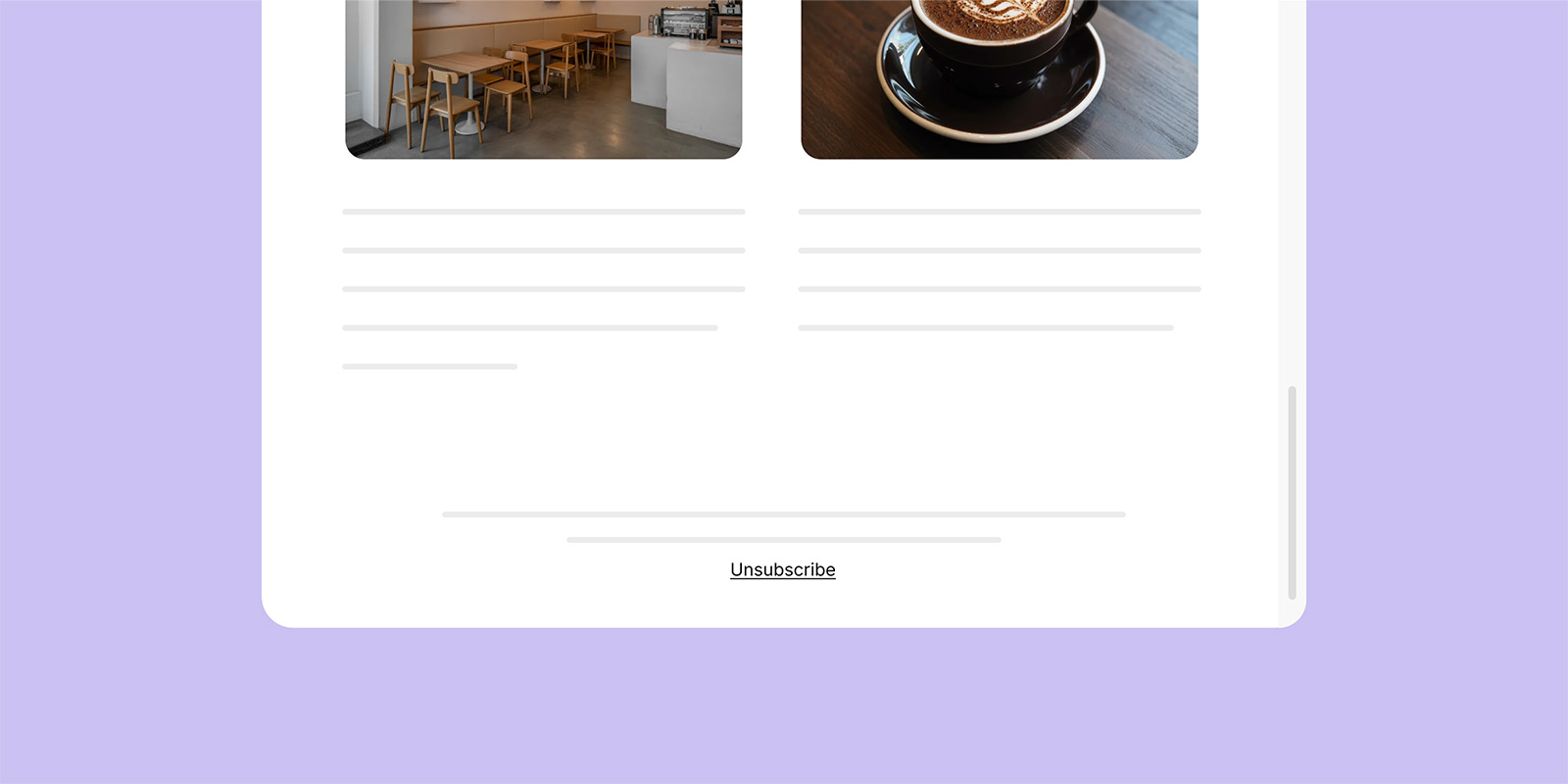
Email newsletter template with a cafe and coffee photo, ending with an Unsubscribe link in the footer

This link is a legal requirement under CAN-SPAM (US) and GDPR (EU). Every marketing email must include a clear, working way for people to opt out. With SiteGround Email Marketing, the unsubscribe link is automatically added to every campaign footer.

Between the inbox-level button and the footer link, your subscribers have two clear paths to leave. That’s a good thing. Every person who unsubscribes through either path instead of treating your emails as spam is protecting your ability to reach everyone else on your list.

Common reasons people unsubscribe

Unsubscribes are valuable feedback. These are the usual patterns behind them:

  • The email frequency feels too high or erratic.
  • The content no longer matches what subscribers signed up for.
  • Topics or tone feel off — too promotional, not enough value.

Viewed this way, unsubscribes act like a built-in feedback loop helping you fine-tune both message and audience fit.
What to do when unsubscribe rates rise

A few strategic tweaks can bring them back down:

  • Revisit your opt-in promise. Check if your signup form still accurately describes what subscribers get.
  • Segment your list. Send more personalized content to different groups rather than one-size-fits-all blasts.
  • Review your send frequency. Sometimes sending less, but with higher relevance, cuts unsubscribes sharply.
  • Analyze recent content. Did you recently shift topics, style, or promotions? Look for patterns.
  • Let inactive subscribers go. Clinging to disengaged contacts hurts your email engagement metrics and signals to inbox providers that your audience isn’t responsive.

Unsubscribes vs. list churn

Unsubscribes are only one slice of list health. True list churn also includes:

  • Bounces: Invalid addresses or outdated contacts.
  • Spam complaints: The most damaging form of disengagement.
  • Inactivity: Subscribers who never engage but don’t opt out.

In simple terms, list churn measures how quickly contacts drop off your email list, whether by unsubscribing, bouncing, marking emails as spam, or becoming inactive. A high churn rate means you’re losing subscribers faster than you can replace them, which can signal issues with targeting, content relevance, or mailing frequency.

Keeping an eye on all these behaviors helps you maintain a list that’s both compliant and genuinely engaged.

Do unsubscribes hurt deliverability? 

Short answer: not directly, no.

Unsubscribes often feel negative, someone explicitly says they don’t want your emails. But inbox providers see them as a neutral signal. They classify recipient behavior into three groups:

  • Positive signals: opens, clicks, replies
  • Negative signals: spam complaints, deleting without reading
  • Neutral signals: unsubscribes

Unsubscribes don’t help your reputation, but they don’t harm it either. Spam complaints, on the other hand, are highly damaging. They tell providers you’re sending unwanted messages, which can tank your sender reputation and land your future emails in spam.

A high unsubscribe rate (usually above ~1%) is a sign to investigate your targeting or content, not your deliverability setup. The real risk comes when people can’t find your unsubscribe link. That frustration leads to spam complaints, and those do lasting damage to your deliverability.

Why email providers encourage people to unsubscribe

If unsubscribes were harmful, Gmail and Yahoo wouldn’t make them so easy. Instead, they’ve built one-click unsubscribe buttons and required senders to honor clear opt-out requests.

Why? Because the alternative is worse. When people can’t easily unsubscribe, they either disengage — hurting engagement metrics — or hit the spam button out of frustration.

When unsubscribes are easy, spam complaints fall and engagement among remaining subscribers rises. It’s a win for everyone, especially your sender reputation.

Why easy unsubscribing is actually good for your business

Unsubscribes help us avoid spam complaints

Spam complaints are the biggest threat to deliverability. Each one is a “bad sender” signal to inbox providers. Enough of them, and even your legitimate messages start landing in junk folders.

Unsubscribes prevent that by giving recipients a safe, frustration-free exit. A visible, one-click unsubscribe link is your built-in pressure release valve. It redirects dissatisfaction away from the spam button and keeps your reputation clean.

Unsubscribes improve the recipient experience

Easy unsubscribing makes the inbox experience better for everyone. It shows recipients you respect their preferences and gives them control over the kind of content they see. That builds trust in your brand, even among people who leave, and trust is what keeps your remaining subscribers engaged.

When people know they can opt out easily, they’re more likely to opt in with confidence next time.

Unsubscribes help keep the email ecosystem healthy

Beyond email marketing metrics and algorithms, unsubscribes play a fundamental role in keeping the email ecosystem trustworthy.

Email providers care about keeping their users happy, that’s their business model. If inboxes fill up with unwanted messages, people switch providers. Easy unsubscribing keeps users satisfied and ensures commercial email remains a marketing channel people want to engage with.

And your subscribers’ lives aren’t static. They change jobs, move cities, start or close businesses, shift interests. An email list that was perfectly matched six months ago will naturally lose some relevance. Unsubscribes allow your list to adapt in real time, keeping it relevant, engaged, and cost-effective to maintain.

Just a number? Put your unsubscribe rate in context

Your unsubscribe rate is one of the easier metrics to understand once you know what’s behind it. It tells you how many people opted out, gives you a signal about list health, and when it spikes it points you toward something worth looking at. It doesn’t tell you your emails are bad, your business is struggling, or that you’re doing something wrong.

Most of the time, a few unsubscribes per send is just email working as it should. Focus on the people who stay, keep showing up with content worth reading, and the number will take care of itself.

Email unsubscribe rate: Frequently asked questions

What does unsubscribe mean in email marketing?

Unsubscribe means a recipient asks to stop receiving your marketing emails, usually by clicking an unsubscribe link or button that removes them from your mailing list.

Does unsubscribe rate vary by industry?

Yes, typical unsubscribe rates differ by industry, audience, and region, with many sectors falling roughly around 0.1%–0.5% per campaign.

Why is my unsubscribe rate suddenly high?

A sudden spike often points to a recent change: new content themes, a big promotional push, more frequent sends, or attracting the wrong subscribers with your signup promise.

What causes high email unsubscribe rates?

Common causes include sending too often, generic or low-value content, poor audience targeting, or a mismatch between what people were promised at signup and what they actually receive.

Do unsubscribes hurt email deliverability?

Individual unsubscribes do not directly hurt deliverability and are generally seen as a neutral (even preferable) signal compared to spam complaints.

Is a high unsubscribe rate bad for sender reputation?

Unsubscribes themselves aren’t a strong negative, but a consistently high rate is a warning sign that something in your targeting, expectations, or content may eventually lead to more spam complaints and threaten your sender reputation.

Where should I place the unsubscribe link in an email?

Place a clear unsubscribe link in the footer of every marketing email, and avoid hiding it in dense text or making people log in to manage preferences.

Can someone unsubscribe without opening my email?

Yes, major inbox providers like Gmail and Yahoo let people unsubscribe directly from the inbox view via a one‑click “Unsubscribe” link next to the sender name.

Valentine’s day email marketing: 6 campaign ideas that drive sales

Valentine's Day email marketing

Whether you sell products, services, or simply share your expertise online, Valentine’s Day is your opportunity to show your audience a little love and bring in more sales. 

February 14 is one of the few days in the calendar that comes pre‑loaded with positivity, emotion, and attention. People are in a good mood, more open to spending, and more willing to treat themselves or someone they care about. That makes it a natural moment to show up in their inbox and remind them why they love buying from you, booking you, or following your work.

In this guide, you’ll see why Valentine’s Day emails work for small businesses and personal brands, what types of emails you can send, and how to put together a simple campaign that fits your time and resources. By the end, you’ll know exactly what to send and how to turn this occasion into real results for your business.

Why Valentine’s Day is a sales opportunity you shouldn’t miss

When you run a small business, most of your time goes into serving clients, fulfilling orders, or keeping your website up and running. Anything extra you do for marketing has to be simple, quick to set up, and actually help you bring in more money or more loyal customers.

[87]

Valentine’s Day is one of the easiest moments in the year to do exactly that. It’s your opportunity to turn whatever you sell into something people feel good about buying.

A cleaning service becomes “give your home some love.” An online course becomes “invest in yourself this Valentine’s Day.” A skincare routine becomes “a little self-love for February 14.

Here’s what Valentine’s day gives you for free:

A reason to reach out

You don’t have to think hard about “why” you’re emailing. Valentine’s Day is already a known occasion, so an email from your business around that time feels normal, whether you’re sharing an offer, a reminder, or just saying thank you.

Built-in urgency

Because Valentine’s Day is on a fixed date, people know your offer or message won’t be around forever. You don’t need big countdowns or dramatic wording, the date itself pushes them to decide sooner.

People more open to buying

Around Valentine’s, many people are already looking for ideas: gifts, experiences, or little treats for themselves. Not everyone will be ready to buy, but enough of your subscribers are in “why not” mode that one well‑timed email can help turn that mode into a sale.

For small businesses, this combination makes Valentine’s Day one of the easiest moments to get extra orders from your list.

6 Valentine’s Day email ideas you can use

The ideas below are designed for busy businesses who are not full‑time marketers. Pick the one that feels closest to what you sell and what your subscribers need right now, then plug it into a ready‑made Valentine’s template in SiteGround Email Marketing. You’ll have a campaign ready to send in no time.

1. Create a limited-time Valentine’s offer

If you want to drive sales around Valentine’s Day, a short, clear offer built on what you already sell is often enough. You don’t need to redesign your whole website or create complicated bundles.

What you can do:

  • Choose 1–3 things you’d like to highlight: best-selling products, a popular service package, a course, a membership.
  • Add a simple Valentine’s perk for a limited time: a small discount, free shipping, an extra session, an extra lesson, or a bundle price when people buy two things together.

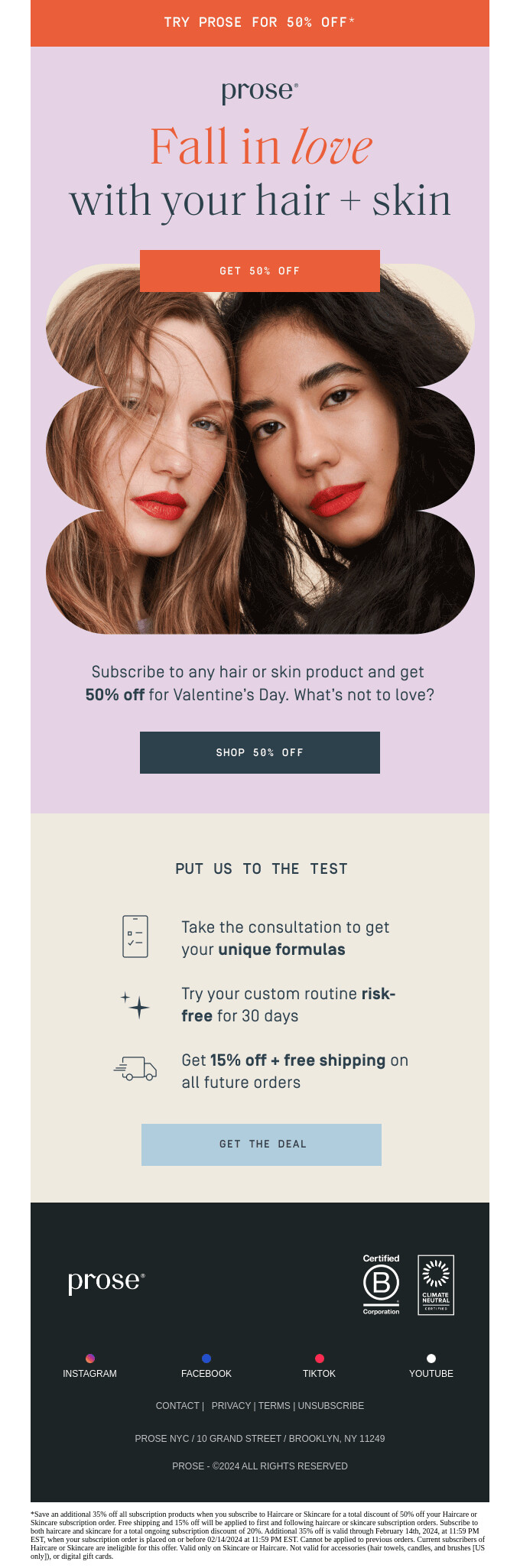
Source: Really Good Emails

If your website runs on WordPress or WooCommerce with SiteGround, setting your promotion up can be done quickly. Using SiteGround’s AI Agent for WordPress in AI Studio, you can describe the offer you want, such as a percentage discount, a fixed amount off, or a simple bundle, and the agent will apply it without you having to manually adjust multiple settings.

2. Use Valentine’s day to promote self-care

Many people use Valentine’s Day as a reason to slow down and do something kind for themselves. Your business can support that, whether you run a shop, offer services, teach online, or sell digital tools.

What you can do:

  • Think of one concrete way your service or product makes your customer’s life better: less stress, more clarity, feeling better in their body, business running smoother.
  • Write your email around that idea as a small act of self-care or self-investment.
  • Use simple, supportive language like “do something for yourself,” “make your day easier,” or “future-you will thank you for this.”

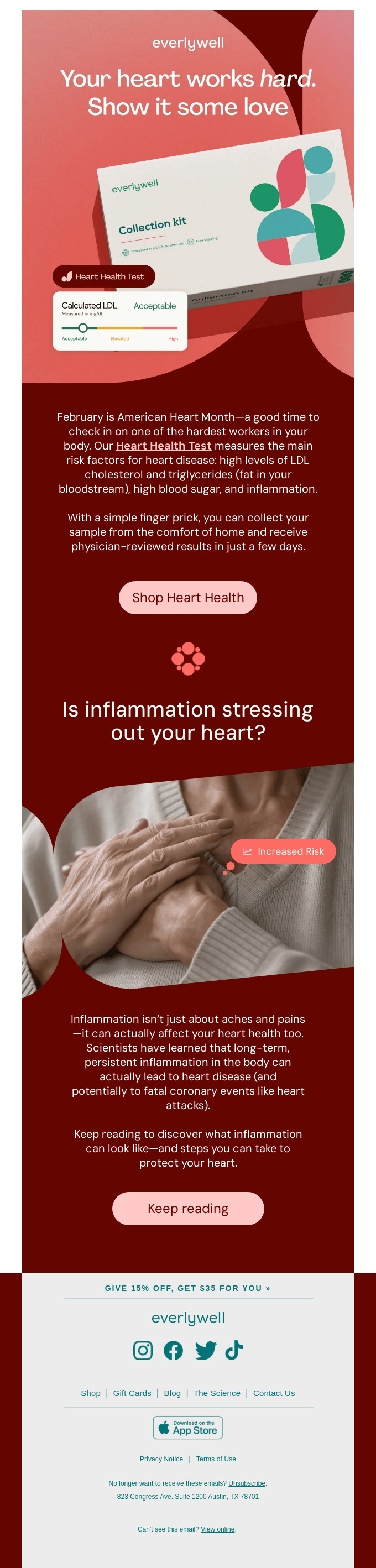
Source: Really Good Emails

3. Present your product or service as a gift to others

Many things small businesses sell can be bought for someone else: physical products, gift cards, sessions, courses, memberships, or digital resources. Often people just need you to show them that perspective.

What you can do:

  • Ask yourself: “Could someone buy this for a person they care about?” This often fits coaching, consultations, classes, wellness visits, memberships, and gift cards.
  • In your email, say clearly that this is something they can give and who it’s a good fit for: a friend starting a business, a parent who never has time for themselves, someone who loves learning, and so on.

Source: Really Good Emails

4. Make your product worth falling in love with

Valentine’s Day is the perfect time to remind your audience why your product is special. Whether you’re launching something new or simply sharing what you already offer, focus on the details that make people say, “this is exactly what I needed.”

What you can do:

  • Look at your product from your customer’s point of view. What’s the moment they realize they love using it? That’s your story.
  • Highlight what makes it unexpectedly delightful — maybe it saves time, simplifies a daily task, or just feels good to use.
  • Use warm, human language that captures genuine appreciation: “you might fall for this,” “we think you’ll love how it makes things easier,” or “this is one you’ll want to keep around.”

Source: Really Good Emails

5. Help your subscribers decide what to buy with a gift guide

The classic Valentine’s gift guide approach works for a reason, it removes the pressure of figuring out what to buy. When people feel unsure, they often postpone the decision or abandon it altogether. A simple, well-organized gift guide makes choosing faster and easier.

What you can do:

  • Group your products or services in a way that feels intuitive: by recipient (for partners, for friends, for yourself), by price range, or by interests.
  • Keep the selection focused. Too many options can overwhelm people.
  • Add a short note under each item explaining why it makes a great gift. People appreciate guidance.

Source: Really Good Emails

6. Celebrate all kinds of love

You can also use Valentine’s Day to talk about more than just romantic relationships and connect it directly to what you offer. Think about the relationships your product or service already supports and build your email around those.

For example, if you sell pet products, you talk about “showing some love to your pets.” If you sell home goods, you talk about “showing your home some love.” If you sell business tools or services, you talk about “showing your business some love.”

Source: Really Good Emails

Valentine’s Day email subject lines, preview text, and CTAs

Subject lines that get opened

Your subject line competes with a lot of heart emojis and “Last chance!” copy. Specificity helps you stand out.

Formulas that work:

  • Benefit + logistics: “Gifts they’ll love, delivered by Feb 14”
  • Curiosity: “The Valentine’s gift they won’t see coming”
  • Self-love: “Treat yourself this Valentine’s Day”
  • Helpful urgency: “Still time to get it there”
  • Personal: “A little something for you 💌”

Examples to steal:

  • “Valentine’s gifts under $50 (that don’t look like it)”
  • “For your person, your bestie, or just you”
  • “The ‘I waited too long’ gift guide”
  • “Something sweet for your inbox 🍫”
  • “Don’t panic – eGift cards deliver instantly”
  • “What we love this Valentine’s Day”

Preview text that supports the subject line

The preview text (preheader) shows next to or below your subject line. Use it to add context, clarify what’s inside, or reinforce urgency.

Subject: “Valentine’s gifts they’ll actually use”
Preview: “Curated picks by budget. Free shipping over $50.”

Subject: “A little love for you”
Preview: “Thanks for being here. This one’s just to say hi. ❤️”

CTAs that get people to take action

Make your call-to-action specific. “Shop now” works, but “Browse gifts by budget,” “Find their perfect gift,” or “Treat yourself” tells readers exactly what they’re clicking into.

If you have multiple sections – gifts for partners, gifts for friends, gifts for self – give each its own CTA so readers can self-select.

Give your email the Valentine’s Day look

Valentine’s Day emails are easy to recognize because they use familiar visual cues. Hearts, flowers, chocolate, and a palette of red, pink, and white signal the occasion immediately.

When a subscriber opens the email, the connection to Valentine’s Day should be clear at a glance. That immediate context helps the reader understand why the message is being sent and what it relates to, without needing extra explanation. It also reduces friction, because the email fits into an expected moment rather than interrupting it.

If you want to save time or avoid layout decisions, starting from a template can help.

SiteGround Email Marketing includes Valentine’s Day–ready templates that already follow these principles: clear structure, and valentine-ready colors and graphics. You can adapt the content to match your message without designing an email from scratch.

If you’d rather skip writing and designing altogether, SiteGround clients can use the free AI Studio and the Email Marketing Agent (available on Plus plans) to generate a complete Valentine’s email campaign. That includes the subject line, email copy, and visuals, which you can import directly into SiteGround Email Marketing and send right away.

[87]

Your turn to show up this Valentine’s Day

Valentine’s Day has been a communication moment for over 700 years.

People have been sending love notes on February 14 since Geoffrey Chaucer wrote about it in the 1300s. By the 1800s, Valentine’s cards were a booming business. And since the early 2000s? The love letter has moved to the inbox.

What hasn’t changed? People respond to businesses that feel warm, personal, and human. Valentine’s Day gives you the perfect opportunity to show that side of your business without overthinking it.

So pick one idea from this guide, adapt a template, and send something that reminds your customers why they like doing business with you.

Will you send Valentine’s emails this year? We’d love to see what you create.

Holiday Email Marketing Guide (practical tips, ideas and examples)

Picture cozy sweaters, flavored lattes, and the excitement of gift-giving. The holidays are here! For business owners, this season is a big opportunity to connect with customers in a way that’s both joyful and profitable. In this guide, we’ll explore how to harness the holiday spirit to create effective holiday email campaigns that resonate with your audience and boost your sales. 

Download our free Holiday Marketing Guide featuring content from SiteGround and our partner experts in ecommerce, email marketing, web design and code optimization to help your business in any holiday season.

How holiday email marketing can help your business

Boost your holiday sales with email marketing

Holiday email marketing is highly effective because it aligns with what consumers expect and how they behave during the festive season. It taps into the seasonal mood and capitalizes on the increase in online activity. 

During holiday times like Christmas, people are usually in the mood to buy things. This is because holidays are often about giving gifts, and many are on the lookout for the perfect present for their friends and family. So, they’re more open to buying things than they might be at other times of the year and even wait for special offers, discounts, and promotions during the holiday season.

Now, how do people find out about these deals? One of the best ways is through emails. 

A well-crafted email can be the nudge they need to choose your business for their festive shopping. Remember, they are already on your email list, they’ve shown interest in your brand, but you need to remind them about yourself, so they don’t buy from someone else who did. Since people are already on the lookout for holiday shopping deals, they are paying attention to holiday emails. If they see an email with a good offer, they’re most likely to open it and check it out.

All these elements combined – the seasonal shopping mindset, the anticipation of holiday deals, and the power of email marketing – work together to significantly boost sales and increase brand visibility during the holiday season.

Build customer relationships with holiday emails

Sending out emails that are solely focused on wishing your customers happy holidays, without including any sales pitch or promotional content, is a powerful strategy to build customer relationships with your buyers and subscribers. It tells your audience that your company values and recognizes the spirit of the holiday season, which is about goodwill and cheer, not just sales. People remember brands that treat them as individuals and are more likely to return to these brands in the future. Plus, in a sea of promotional emails during the holidays, a genuine holiday greeting can stand out.

What you need to send holiday email campaigns

With the right tools and a bit of creativity, you can create effective campaigns that resonate with your customers, whether it’s driving sales or simply spreading holiday cheer. Still sound complicated? It’s quite manageable once you break it down into steps, and here is what you’ll need:

1. Email marketing service

When selecting an email marketing platform, it’s important to choose one that aligns with your specific needs and experience level. For beginners, the focus should be on finding a service that is user-friendly, enabling you to craft engaging email campaigns with ease. Additionally, the ideal platform should support you in efficiently gathering subscribers and managing your contact list. It’s also vital to choose a service that offers insights into the performance of your emails, such as tracking open rates and link clicks. Above all, the key feature to look for is a platform’s ability to ensure your emails reliably land in recipients’ inboxes, avoiding spam folders.

SiteGround Email Marketing

The SiteGround Email Marketing tool is a new, powerful addition to SiteGround’s suite of services, designed to help businesses connect and engage with their audience more effectively. It is integrated into the SiteGround Client Area, allowing our clients to manage their website and email campaigns in one place. Our tool includes an intuitive, no-code email builder with responsive designs, ensuring emails look great on all devices. Plus, our builder comes with an awesome AI Email Writer that can write the emails for you. Users can easily create and manage email campaigns, target specific audiences, and personalize content. Additionally, users can track the effectiveness of their campaigns with built-in analytics, gaining insights into open rates, click rates, bounce rates, and interactions to improve conversions.

2. Email List

This is a list of email addresses of customers or potential customers who have agreed to receive emails from you. You can gather these emails through sign-up forms on your website, during checkout at your store, or during events. Even if you have just a few contacts in an excel sheet, you can still go for a holiday email campaign and see results.

Need more insights on how to build your email list? Read this blog post.

SiteGround’s Lead Generation for WordPress

We’ve created a Lead Generation Plugin for WordPress tailored for our Email Marketing tool, designed to help users engage with website visitors and effortlessly turn them into subscribers. It’s user-friendly, especially for those new to email marketing. The plugin allows you to create and add sign-up forms anywhere on your website in minutes. And anyone who signs up is automatically added to your contacts as a “Subscriber.” The plugin also offers the functionality to assign groups to each form, allowing for precise audience segmentation and customized messaging. Additionally, you can capture high-quality leads through various touchpoints, including WooCommerce checkout and standard WordPress forms.

3. Holiday design for your email

A holiday-themed design can help capture the festive spirit of the season, making your email more engaging and enjoyable for the recipient. Most email marketing services offer a variety of pre-designed templates. For a holiday-themed email, you would choose a template that already has a festive look. This might include designs with holiday colors (like red, green, blue), images of holiday symbols (like Christmas trees, snowflakes, etc.), or other seasonal graphics.

SiteGround’s Holiday email templates

We’ve created a collection of pre-designed email templates specifically for the holiday season. The idea is to save you a lot of time and effort from thinking and designing your email. Instead of starting from scratch, you can select a template, make a few customizations, and be ready to send your email. Plus, in combination with our email AI Writing Assistant, you can get your holiday email campaign up and running very quickly. This is especially beneficial if you’re short on time or if you’re launching a last-minute campaign. Use this holiday season as an opportunity to try SiteGround Email Marketing tool, free for 30 days!

🔥 Craft an irresistible email campaign this Black Friday by drawing inspiration from our carefully selected Black Friday email examples, ensuring your message captures attention and gets read.

4. Idea for your holiday email campaign

To send holiday email campaigns, you need an idea or theme for your campaign. This idea should resonate with the holiday spirit and appeal to your audience. It could be centered around special holiday offers, festive greetings, gift ideas, or sharing holiday-themed content like recipes or stories. 

Below, you can find ideas and examples of holiday email campaigns built with the SiteGround Email Marketing tool and our new holiday-themed templates.

Holiday email campaign examples and ideas

If you haven’t launched your holiday email campaign, now is the time to jump in because it’s never too late to embrace the holiday spirit with email marketing. There are plenty of ways to kick off your festive campaign starting right now. Here’s what you can do:

1. Run a Holiday Sale Email Campaign

Providing your customers with holiday sales on products or services they’ve already shown an interest in (since they’re on your emails list) is an easy way to encourage them to buy from you.

Why holiday sales work

Imagine you own a store. During the holidays, like Christmas, people are often looking to buy gifts. If you send them an email saying, “Hey, we’ve got a special sale on some of the things you liked in our store,” they’re more likely than ever to be interested. This works because:

  • It’s the right time: People are already thinking of buying things for the holidays and they need businesses like yours to help them.
  • They like it: You’re telling them about sales on items they already showed interest in. So, they are more likely to want to buy.
  • There’s a special deal: Everyone loves a good deal, especially during the holiday season when they’re spending a lot on gifts.

Before you create your holiday sale email campaign

  • Decide what items you’re going to sell: Think about what products your customers have bought or looked at before. This could be from remembering your regular customers or checking any records of past sales you have.
  • Decide on your promotion type: Choose what kind of sale or discount you want to offer. For example, “20% off on all children’s books” or “buy one get one free on coffee mugs.”

2. Share a gift guide email campaign

A gift guide email campaign is effective because it makes holiday shopping easier for your customers. By presenting them with a curated list of gift ideas, you’re helping them find the perfect presents and encouraging them to buy from your store.

Why gift guides works

Think about when you’re trying to find gifts for your friends or family. It can be tough to decide what to get, right? When a store sends out a gift guide, it’s like they’re saying, “Don’t worry, we’ve got some ideas for you!” This is helpful because:

  • Makes shopping easier: It saves people time and effort. Instead of searching through tons of products, they have a curated list for you.
  • Ideas for different people: By creating categories like “Gifts for Dad” or “Best Gifts Under $50,” you help customers quickly find relevant ideas.
  • Encourages buying: When customers see a well-organized list of gift ideas, especially ones that fit their budget or the type of person they’re buying for, they’re more likely to make a purchase.

Before you create your gift guide email campaign

  • Pick your products: Look at your store’s sales history, identify the most popular items and choose items that would make good gifts. Think about different types of customers – like gifts for parents, friends, kids, or gifts that fit different budgets.
  • Create categories: Organize these products into categories. For example, you might have categories like “Tech Gadgets for Teens” or “Cozy Gifts for Home.”

3. Send a Holiday Newsletter

By sharing stories, holiday greetings, or personal reflections from the year, you’re opening a more human and relatable side of your business.

Why holiday newsletters work

Think about how special holiday movies or songs make you feel during the festive season. They get you into the holiday spirit, right? A holiday newsletter works in a similar way and people love holiday-themed content to put them in the spirit of the season. 

  • Feels festive and fun: Just like holiday movies, a newsletter with a holiday theme feels special and seasonal. It adds to the excitement of the holidays.
  • More than just sales: Instead of just trying to sell something, a holiday newsletter can share fun content, holiday wishes, or interesting information. This makes your customers feel valued and not just like someone to sell to.
  • Builds a connection: By sending out a friendly and warm holiday message, you build a stronger relationship with your customers. It shows you care about sharing the holiday joy with them.

Before you create your holiday newsletter

  • Choose your content: Think about what you want to include in your newsletter. This could be a holiday greeting, a recap of the year, highlights of special products for the holidays, or even a holiday cooking recipe or story.
  • Don’t make it all about sales: It’s okay to mention any special holiday deals, but don’t make the entire newsletter about selling. If you’re including promotional content or special offers, balance it with holiday content. The focus should be on the holiday spirit rather than a hard sell.

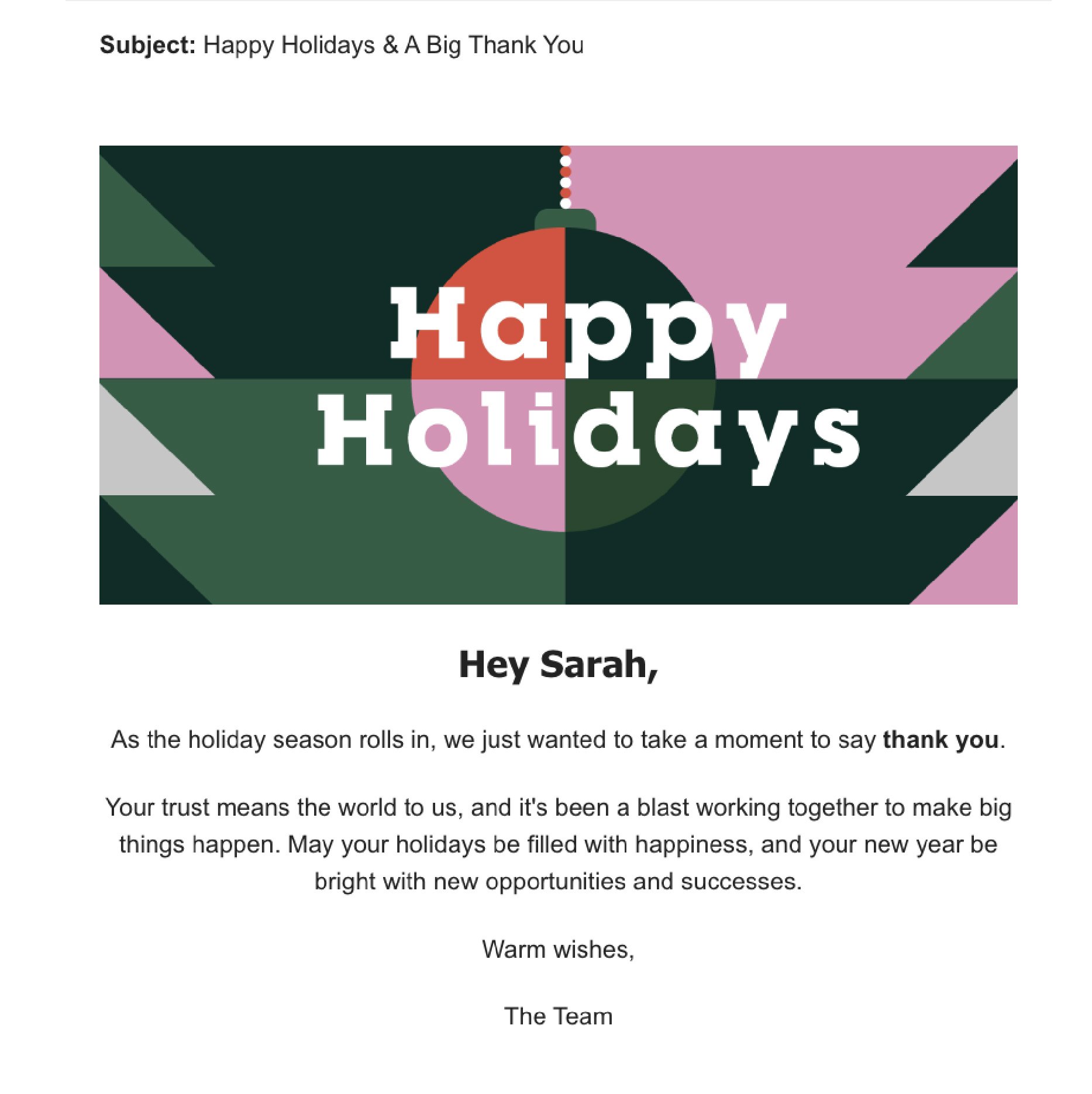
4. Send a Season’s greetings email campaign

Sending a season’s greetings email is a simple but effective way to connect with your customers and spread a little holiday joy. It shows you care and helps create a positive image of your business.

Why season’s greetings emails work

  • Builds personal connection: This kind of email shows your customers that you see them as more than just buyers. It’s a way to say, “We appreciate you,” and helps build a friendly relationship.
  • Makes you stand out: During the holiday season, people get lots of sales ads and promotions. A season’s greetings email is different – it’s not trying to sell anything, just wishing them well, which can be a pleasant change.
  • Builds brand loyalty: By sending warm wishes, you’re creating positive feelings about your brand. People remember businesses that treat them well, and they’re more likely to come back in the future.

Before you create your season’s greetings email

Well, there is no recipe here, just speak from your heart. Your message doesn’t have to be long. A few sentences wishing them well during the holiday season is enough. The most important thing is to remember to avoid turning this email into a sales pitch. The focus should be on sending good wishes, not selling products or services.

Strategies for a winning holiday email campaign

1. Add personalization

Personalizing a holiday email campaign by including the recipient’s name is a highly effective strategy. It creates a sense of personal connection, making the email feel tailored to the individual rather than a generic marketing message. Personalized emails can lead to better engagement, which in turn can increase the likelihood of the recipient taking the desired action, whether it’s making a purchase, signing up for a service, or participating in an event.

To implement this, use an email marketing tool that allows you to insert recipient names dynamically and ensure your sign-up forms collect names. With the SiteGround Email Marketing tool, you can easily add your recipient first or last name in your emails and our Lead Generation plugin allows you to collect your subscriber’s names with ease.

2. How to write Holiday subject lines

The subject line is the first point of contact with your audience in their inbox. A compelling subject line can make the difference between an opened email and one that’s ignored. It sounds like a big responsibility, so here are some suggestions you can use to write effective holiday subject lines:

  • Length of the subject line: Keep it short and sweet, ideally between 30 and 50 characters. This length ensures that the subject line is fully visible on most devices, especially mobile phones.
  • Ask a question: Questions in subject lines pique curiosity and engage the reader’s mind, prompting them to seek answers. “Ready for your best Christmas ever?” or “Looking for the perfect New Year’s gift?” These questions directly address the reader’s interests or needs.
  • Create curiosity: Tease something interesting inside the email. You see a hint that something exciting is inside the email, and you want to find out what it is. It’s human nature to be curious about hidden things. “Unwrap your exclusive holiday offer inside” suggests there’s something valuable waiting for them, which can be very enticing.
  • Use Emojis: Emojis add a visual element that can make your email stand out in a crowded inbox.  A subject line with a Christmas tree 🌲 or gift emoji 🎁 is more likely to catch the eye.

3. Holiday preheader tips

The preheader in an email is the short summary text that follows the subject line when viewing an email in the inbox. It works together with the subject line to grab attention and give a glimpse of what the email contains. Here’s how to use preheaders effectively:

  • Again, keep it short: Aim for around 40-50 characters so they don’t get cut off in the email preview. For example, “Your holiday cheer starts here.”
  • Complement the Subject Line: Your preheader should work hand-in-hand with your subject line. If your subject line is the headline, think of the preheader as the subheadline. For example, if the subject line is “🎁 Unwrap Your Holiday Gift,” the preheader could be “Exclusive deals inside just for you!”
  • Create urgency or excitement: Use language that creates a sense of urgency or excitement about the holiday season, like “Hurry, your exclusive holiday offer ends soon!”

4. Always test your email campaign

Before you send your email, make sure to test it out. This means sending a test email and looking at how it looks on different devices, browsers and email clients, fixing any spelling or grammar mistakes, and making sure all the links work properly. Doing this helps avoid problems and make sure that your recipients have a good experience, which is really important for the success of your email campaign.

Remember, the key to a successful email campaign is to connect with your audience in a way that’s relevant and respectful. Whether it’s promoting a holiday sale or sending warm wishes, your emails should add value to your recipients’ inboxes. If you’re new to this, it’s okay to start with a small list and simple emails. Learn from each campaign, look at what worked and what didn’t, and use these insights for your next campaign.

Sign up for free Black Friday email marketing course from SiteGround

How to write email prompts to boost your email success (+ ChatGPT Email Prompts Inside)

AI prompts for email writing

Are you spending countless hours drafting and revising marketing emails? Or maybe you don’t even want to hear about email marketing since you think it’s gonna take so much work? Well, not any more! The integration of AI tools such as ChatGPT into our daily routines has significantly simplified the process of writing emails and other content. Yet, the success of writing a persuasive email using ChatGPT depends on a crucial factor: the clarity and precision of the email prompts you provide. The more targeted your input, the more persuasive and impactful your email will be.

What are email prompts?

Email prompts are clear instructions you give to an AI tool, like ChatGPT, to help it understand what you need, especially when you want to write an email. Think of such a prompt as a straightforward task you’re asking the AI to do, like a typical email task. For example, if you need to create emails, you would provide ChatGPT with a prompt that explains exactly what you’re looking for. This could be as simple as “write an email to promote my product” or something more detailed. The better the instructions, the more effectively the AI can produce the email communication you’re aiming for. ChatGPT uses its built-in knowledge and programming to come up with a response that matches your request, based on how you’ve framed the email prompt.

The power of email prompts: AI’s role in your email marketing success

So here’s how AI tools like ChatGPT and the right email prompt help you whip up emails that turn readers into buyers, nudging up those all-important sales numbers.

  • Write emails faster and save precious time – The true beauty of using AI lies in its speed. Imagine inputting a ChatGPT email prompt and receiving a polished first draft of your persuasive email in a blink, allowing you and your team to focus on strategy and growth rather than getting bogged down in the writing process. With email prompts, you’re always just a few clicks away from your next great email. 
  • It helps if you’re not a copywriter – Not everyone has the knack for writing, but that shouldn’t stop you from creating engaging emails. AI steps in as your virtual copywriter, crafting content that resonates with your audience when you give it the right email prompt. It can adapt to your brand’s voice, ensuring that each message feels engaging, even if you’re new to the art of copywriting, giving you the confidence to communicate effectively with your customers.
  • Come up with new ideas – One of the most daunting tasks in email marketing is keeping content fresh and exciting. Software like ChatGPT, fortified with extensive data from countless human-written texts, serves as a boundless wellspring of creativity, offering valuable insights and relevant email marketing ideas, ensuring your campaigns stand out in a crowded inbox. And email prompts are the spark that ignites this creative engine, providing the direction needed for AI to generate engaging content.
  • Boost conversions – At the heart of email marketing is the desire to convert readers into customers. By leveraging a well-crafted ChatGPT email prompt, you can create emails that capture attention and encourage action. The result? Improved click-through rates and conversions, driving measurable success for your campaigns.
  • Better text quality and tone of voice – If you have a draft but are unsure about the tone, wording, or structure, tell ChatGPT your goals, and it will iterate with that draft to convert it into a polished, compelling email copy.

ChatGPT email prompts that convert

When you’re using ChatGPT to write emails, the key to success is crafting a respectful and concise request, known as prompt. But how do you create the perfect ChatGPT email prompt? It might seem tricky, but with the right communication skills and some helpful tips, you can master the art of creating awesome emails with the help of email prompts in no time.

To help you get started, we’re offering a guide filled with email prompt templates. These templates are designed to make your email writing process faster and more efficient. By following the provided prompts, you’ll be able to craft emails that are clear, impactful, and tailored to your needs. Ready to harness the power of ChatGPT for your email writing? Keep reading to get our free, ready-to-use ChatGPT email prompt templates and start creating amazing emails effortlessly.

With these prompts, ChatGPT becomes your trusted assistant for all things related to email marketing. It can help you create attention-grabbing subject lines, write persuasive email content, and offer tips on increasing your subscriber base. Learn how to create the right ChatGPT prompts, and you can save both time and mental capacity while ensuring your emails are compelling and you reach your business goals.

Access Ready-to-Use Email Prompt Templates

Our team has crafted a collection of ready-to-use prompt templates, available to everyone at no cost, so you can immediately harness the efficiency of ChatGPT in your upcoming campaigns. Simply download the document containing these templates, and inside you’ll discover:

  • ChatGPT prompt templates that can generate diverse email campaigns with a single command.
  • Additional bonus prompts that provide creative campaign ideas and strategies for growing your subscriber list.
  • Tailored prompts specifically designed for the SiteGround Email Marketing Tool.

Avoid the hassle of learning the intricacies of prompt crafting and save time by using our pre-made templates straight away.

[45]

Mastering ChatGPT Prompts: A Step-by-Step Guide to Crafting Professional Emails That Engage

Interested in writing emails more effectively? To make the most of a smart tool like ChatGPT, you need to provide it with the right ChatGPT prompts. This skill is essential for guiding ChatGPT to write effective professional emails.

We’ll guide you through the process by using a practical example: we’ll design an engaging campaign for an imaginary yoga studio – a situation any small business owner can tailor to their marketing efforts. Our easy strategies come with handy prompt templates that help you write emails your readers will want to read.

Step 1: Crafting Email Subject Lines with a Personal Touch

Your subject line is the first thing recipients see, so it needs to grab their attention. When you’re coming up with a subject line, being specific is key. Highlight the main attraction of your promotion, event, or new product.

  • Express Genuine Interest: Summarize your email’s core message or special offer in a nutshell.
  • Valuable Tips for Context: Mention the specific event or occasion your email is about, like a seasonal sale or a new product launch, to give your subject line the right flavor.
  • Create Excitement: Decide if you want your subject line to spark curiosity, create a sense of urgency, or offer something exclusive.
  • Personal Touch with A/B Testing: If you’re experimenting with different subject lines, request a few options to find out which one resonates most with your audience.
  • Keep It Short: Aim for a subject line that’s between 30 to 50 characters or 4 to 7 words for optimal impact.

Here’s how we could phrase the prompt: “Create a punchy subject line for a yoga studio’s 1-year anniversary, offering 20% off gift cards, with a celebratory and urgent tone.”

Step 2: Crafting Email Headers That Engage and Inform

Email headers are crucial for keeping your reader’s attention after they’ve opened your email. When you’re coming up with a header, consider what information you’re about to share. Are you telling stories of customer success? Highlighting your newest product features? Or maybe you’re offering exclusive early access to a special deal?

  • Inform Customers: Clearly describe what the next section of your email will cover.
  • Relevant Information with the Right Tone: Choose the right tone for your message, whether it’s professional, casual, or light-hearted.
  • Inviting Email with Keywords: Include any specific keywords that are important to your message.
  • Brevity and Clarity: Keep your titles short and to the point, but make sure they accurately preview the content that follows.

Here’s how you could phrase your prompt: “Generate a short email headline about a yoga studio’s anniversary gift card sale, with a celebratory tone, including ‘anniversary’ and ‘discount’.”

Step 3: Prompts for Email Body Copy That Connects and Converts

The main content of your email is where you truly engage with your audience. This is your opportunity to share information, spark interest, and encourage action. When you’re preparing to write this part, you’ll want to give clear instructions that outline the purpose of the email, the tone it should convey, and all the details and as much context that need to be included.

  • Define the Purpose: Be clear about what you want the email to achieve. Are you looking to educate, promote a sale, or extend an invitation?
  • Know Your Audience: Identify who you’re speaking to. This helps you write an informative email that addresses specific pain points and interests.
  • Set the Right Tone: Choose a tone that matches your message, whether it’s formal, friendly, compelling, or strictly professional.
  • Highlight Key Features: Ensure you include essential information such as product benefits, event information, or exclusive deals.
  • Consider Length: Decide on the length of the email. A newsletter might be a lengthy email packed with information, while sales emails should be shorter to quickly create excitement and prompt action.

Here’s how you could phrase your prompt: “Craft a brief, engaging email body for a yoga studio celebrating its 1-year anniversary, offering a 20% discount on gift cards, aimed at existing customers, with a friendly and celebratory tone.”

Step 4: Prompts for Email Images

Visuals can speak louder than words, and AI can help you pick the right ones. When you’re looking for images that tell your story, ask your AI to suggest visuals that complement your message. Here’s a structured approach to formulating your prompt:

  • Define the theme: Clearly articulate the central theme or subject of your email campaign. This sets the foundation for the type of imagery you’re seeking.
  • Specify elements: Include key elements that must be present in the image, such as objects, colors, or actions that are relevant to your message.
  • Set the mood: Describe the desired mood or emotion the image should evoke. This could range from joyful and vibrant to serene and calming, depending on your campaign’s tone.
  • Mention style and aesthetics: If there’s a particular art style or aesthetic you want the image to reflect, such as minimalist, hand-drawn, or photorealistic, include this in your prompt.
  • Consider composition: Offer guidance on the composition or layout, especially if the image needs to accommodate text overlays or other design elements.
  • Provide context: If the image needs to fit within a specific cultural or seasonal context, make sure to mention this.

Here’s how you could phrase your prompt: “Generate a photorealistic image that captures the essence of a yoga studio’s 1-year anniversary, incorporating elements like a tranquil yoga setting, celebratory accents like balloons or candles, in a soft, warm color palette that conveys a sense of joy and community, with a clean, modern aesthetic.”

Step 5: AI prompts for CTAs That Get Clicks

A strong call-to-action (CTA) is key to turning readers into customers. When you’re coming up with CTAs, make sure you’re clear about the action you want the reader to take and why they should take it promptly.

  • Clear Call to Action: Specify exactly what you want your email recipients to do next.
  • Urgency: If it’s time-sensitive, add a note that conveys urgency to prompt quick action.
  • Incentives: If there’s a special deal or advantage, make sure your CTA highlights this benefit.

Here’s how you could phrase your prompt: “Create a subject line that prompts email recipients to act now on a limited-time 20% discount offer for yoga studio gift cards in celebration of the studio’s 1-year anniversary.”

SiteGround Email Marketing: Effortless AI-Powered Campaigns at Your Fingertips

What if you had a tool that is already pre-trained AI for email marketing, so you wouldn’t have to worry about the above? And even if you’re unsure how to ask for what you want to still get the best results? 

That’s what our SiteGround Email Marketing tool offers. It has a built-in AI tool ready to write emails for you out-of-the-box. Users are one click away from accessing the powerful AI email writer directly in our easy, no-code email builder. The AI email writer is educated by our AI engineers and Content creators to deliver spot-on content for different types of emails with just a few clicks, taking care of subject lines, section titles, bodies, CTA’s, and more. The best part is that you don’t need to provide lengthy email prompts. Our tool is happy with short commands from you and uses its knowledge to smartly fill in any missing information. Plus, you can easily adjust the tone of the content or regenerate it with just one click. This feature gives you complete creative control with minimal effort and all that’s left for you is hit send.

And just to show you how easy it is, we put our own prompt templates to the test. Using the SiteGround Email Marketing tool, we crafted an email campaign for our fictional yoga studio celebrating its 1-year anniversary in a mere 5 minutes — complete with content from our AI email writer and visuals from our AI image gallery.

Pro ChatGPT email prompt tips

To ensure that your ChatGPT email prompts hits the mark, avoid common pitfalls and follow these strategic tips.

Tip 1: Segment Your List

Before you even begin writing email prompts, segment your email list. Tailor your AI prompts to each segment’s interests, behaviors, and demographics to increase relevance and engagement.

Tip 2: Be Specific

Vague prompts produce vague results. Provide the AI with detailed information about the purpose of the email, the tone, the desired action, and any unique selling points.

Tip 3: Leverage Brand Voice

Ensure your email prompts reflect your brand’s voice. Whether it’s professional, whimsical, or authoritative, maintaining a consistent voice helps build brand recognition and trust.

Tip 4: Focus on Clarity

Your email prompts should be clear and concise. Ambiguity can lead to confusing content that fails to resonate with your audience.

Tip 5: Prioritize Relevance

Make sure your prompts lead to content that’s relevant to your audience’s current needs and interests. Tie in current events, seasonal themes, or trending topics when appropriate.

Tip 6: A/B Test Your Email Prompts

Don’t rely on a single prompt. Test different variations to see which generates the best content and, ultimately, the best open and click-through rates.

Tip 7: Analyze and Adapt

Use analytics to track the performance of your AI-generated emails. Refine your prompts based on what works and what doesn’t to continually improve your campaigns.

Tip 8: Craft Clear CTAs

Your email prompts should guide the AI to create clear and compelling calls-to-action. Be explicit about what you want the reader to do next.

Tip 9: Create Urgency

Incorporate elements of urgency or scarcity in your prompts to encourage prompt action, such as limited-time offers or exclusive deals for the first few subscribers.

By avoiding common mistakes and implementing these tips, you are well on your way to using AI for your email writing like a pro! 

How to track your success from using ChatGPT prompts?

To figure out if using GhatGPT email prompts actually pays off, watch for key signs like how many people are opening your emails, how many are clicking on links, how many are taking the action you want them to (like making a purchase), and how much money you’re making from these emails. By looking at these numbers, you can see what’s working and what’s not, and make your next emails even better.

January Email Campaign Ideas For Your Marketing

January Email Campaign Ideas For Your Marketing

Welcome to January, a month synonymous with new beginnings – but let’s face it, it’s also a time when your email campaign ideas might be in a post-holiday creative slump. You know you need to reach out to your audience to keep your business running, but the big question is – What on earth do I write about after the holiday frenzy? 

Below you’ll find practical email campaign ideas that are perfect for January and you can easily recreate with our intuitive SiteGround Email Marketing solution. From leveraging the “New Year, New Me” mindset to tapping into the power of year-in-review stories, you’ll find something for you here. 

Free Holiday Marketing Guide Download

Download our free Holiday Marketing Guide featuring content from SiteGround and our partner experts in ecommerce, email marketing, web design and code optimization to help your business in any holiday season.

1. Send a New Year’s resolution email campaign 

New Year’s resolutions are all about taking action now. This sense of urgency can be leveraged in your email campaign. By aligning your product or service with the idea of a “new start,” you encourage your audience to act quickly, capitalizing on their current motivation. 

Subject line ideas

Make 2024 the year you finally (achieve a specific goal) with us

New Year, New You: Here’s how we can help

Start your year right with (your product/service name)

Quick to-do’s

  • Connect with a resolution: Think about how your product or service fits into a popular New Year’s resolution. For example, if you’re crafting handmade candles you can cater to resolutions about practicing self-care, dedicated personal “me” time, or even being more environmentally conscious (if your candles are eco-friendly). 

Pro tip: If you’re stuck with your messaging or need ideas on how to connect your product or service to a resolution, you can try our AI Email Writer – a popular feature of our Email Marketing solution, that will craft the message for you.

  • Decide on a promotion: Think of a special offer that adds value to your audience. This could be a discount, a buy-one-get-one deal, or a limited-time product bundle. Although it is not obligatory to include such, adding a special offer reinforces the sense of urgency and stimulates clients to take action.

End purpose of a New Year’s resolution email campaign:

  • Boost sales
  • Clearing last year’s inventory:  This is a great opportunity, especially if you’re offering products and you have to clear last year’s inventory.
  • Nurturing leads and client relationships

This email campaign works exceptionally well for: businesses offering products or services that align with common resolutions like health and wellness, productivity, learning, lifestyle enhancement, as well as business growth goals where businesses are looking for all sorts of services helping them boost performance.

However, even if your business doesn’t directly cater to these typical resolution themes, don’t underestimate the power of this email campaign. It’s all about how you position your product or service as a motivation for a fresh start. Take SiteGround, for example. As a premium web hosting company, we might not seem like a typical New Year’s resolution ally. Yet, every year, we successfully link our web hosting services to the idea of launching your dream project with an awesome website. It’s a compelling angle that resonates with people eager to begin with a new project as the calendar turns, proving that with the right messaging, any business can find its place in the New Year narrative. 

2. Send a Recap email campaign 

A recap email serves as a valuable touchpoint, bringing your audience up to speed on what they might have missed and reinforce the value your business has offered over the past year. Don’t worry that it’s already 2024, this is actually a desired effect. After the holidays, people are just getting back to their usual routines, checking their emails more often, thus giving your email campaign a chance for better open rates and engagement.  

Subject line ideas

2023 in Review: Highlights from (your business name)

Thanks for being part of our 2023 journey! Here’s a recap.

Our Year Together: A Look back at 2023

Quick to-do’s

  • Gather highlights: Compile the key highlights and achievements of your business from the past year. This could include product launches, significant milestones, customer testimonials, improvements, or any special events. 

Pro tip: Even though you’re promoting your achievements, make the messaging about how those achievements are beneficial for your audience – what do they get from it. Don’t just list your highlights. For example, SiteGround’s 2023 Recap was entirely focused on our customers and on how our service improvements helped them succeed online. 

End purpose of a Recap email campaign: 

  • Customer retention and loyalty
  • Brand awareness and reinforcement

This email campaign works exceptionally well for: businesses that have had a dynamic year with multiple product launches, significant updates, events, or key milestones.

However, even without a year filled with major launches or events, a recap email can still work. You can focus on celebrating the consistent quality of your product or service, share customer testimonials, highlight smaller improvements, recap educational content, showcase community engagement, or share personal insights from your team.

3. Send an email campaign with a sneak peek of what’s coming next

Give your audience a sneak peek into what they can expect in the upcoming year. Be it a launch of a new product, exciting service updates, or a fresh redesign, this type of email campaign, giving in some way a promise of what’s to come next, makes the connection with your audience personal, and personal connections are stronger for your business. Especially if such a message is signed by the CEO of the company.

Subject line ideas:

A sneak peek into our exciting 2024 plans!

Be the first to know: Big things coming your way

Our pledge for 2024

Quick to-do’s

  • Define your content: Decide on what you’re previewing. It can be a new product, service update, feature addition, or a promise of what will come in the new year. Make sure it’s something that will genuinely interest your audience and that you will actually deliver one way or another. 

Pro tip: It is best if this email is personalized and gets signed by the highest-ranking person in your business. This adds a layer of authenticity, making the message more impactful. If you’re a solo entrepreneur, this is your moment to shine.

End purpose of a sneak peek email campaign: 

  • Enhance brand loyalty
  • Increase engagement
  • Drive pre-launch sales: If you’re encouraging early orders for the upcoming new products or service.

This email campaign works exceptionally well for: businesses that frequently update or launch new products or services. This includes ecommerce and brick-and-mortar stores, fashion brands, subscription-based services, and creatives like bloggers, designers, and photographers. These businesses benefit from building anticipation and excitement among their audience, making a sneak peek campaign a powerful tool to engage their actual and potential customers.

4. Send a post-holiday “Thank you” email campaign

In the aftermath of the holiday season, a post-holiday Thank you email can be an effective solution for any business that didn’t get the chance to send one in December. This is your opportunity to show appreciation, re-engage your customers in the New Year, and potentially set the stage for future sales.

Subject line ideas

You made our year! 

A special thank you to you, from all of us at (your brand name)

We couldn’t have done it without you – Thank you!

Quick to-do’s

  • All you need to do is just write a genuine thank you message – it doesn’t even have to be long.
  • It is better if it is signed by someone in the company, preferably the highest-ranking person in your business.

End purpose of a post-holiday “Thank You” email campaign: 

  • Re-engage your audience after the holidays
  • Enhance brand loyalty

This email campaign works exceptionally well for: honestly, everyone. But it’s especially beneficial for both e-commerce and brick-and-mortar stores, service providers, restaurants, and anyone who experienced customer interaction during the past year. 

As you begin crafting your January email campaign using the ideas we provided, keep in mind that great email marketing results come when you are continuously engaging with your audience, and adapting your messages to their preferences. Stay responsive to their needs, use the momentum of the New Year, and watch how your email marketing efforts drive amazing results for your online business or project!

How to Build an Email List (All You Need to Know to Start From Scratch)

Build your email list

Email marketing is a powerful tool that helps business owners connect with their audience and boost results. If you’ve been holding back on email marketing because you don’t have an email list, or because past attempts haven’t done the job, worry not. 

In this article, we dive into the “why” and “how” of email list building, providing you with practical tips and strategies to maximize your marketing efforts.

What is an Email List?

The heart and soul of email marketing is your email list: it’s one of your most valuable marketing assets. At first glance, it’s just a list of emails of all the people who’ve opted in to receive more information from you – whether that includes news, promotions, product launches, or other updates.

But really it’s so much more than that. Ultimately, these are potential customers who are not only interested in what you have to say, but have agreed to hear more! And, as we will discuss further, this list can include just email addresses, or it can include more detailed information about each customer. As a result, you can segment your list based on a variety of criteria, and thus better target and test your messages – and improve sales conversions!

Why Is It Important to Build an Email List?

Before diving into practicalities and strategies, let’s understand why building an email list is important for your business growth, and why experts recommend it as one of the most crucial email marketing strategies.

1. Bring business opportunities with every subscriber

Email marketing fosters business growth at every turn, from engaging first-time visitors to nurturing long-standing customers. And each person on your email list is a gateway to new opportunities.

  • Find new customers

Not all visitors to your website or offline store are ready to make a purchase or act on their first (even second) visit. By engaging them with email newsletters, educational content, and introductory offers, you have the opportunity to guide them from initial awareness to making their first purchase. Regular email communication keeps your brand top-of-mind, gradually creates a connection and familiarity, and eventually urges the subscriber to act when the right trigger is presented.

  • Bring repeat business from current customers

Existing customers, having already experienced the quality of your products or services, are naturally more inclined to make repeat purchases, recommend your brand to others, and share their positive feedback. Their familiarity with your brand builds a foundation of trust on which you could easily capitalize. 

By sending regular newsletters, offers with exclusive discounts, asking them for feedback, or just keeping them up to date with your new product or service additions, you strengthen your connection with them. As a result, you can improve customer retention, and encourage them to come back for repeat business. 

2. Less expensive and more effective than other forms of advertising

Email marketing doesn’t require a significant investment to start. Also, it’s typically substantially less expensive compared to other advertising channels such as paid search or social media ads. Beyond that, the return on investment for email marketing is exceptionally high, with more than $36 generated for every $1 invested!

Also key: relying on third-party platforms for advertising can be risky due to changes in algorithms, policies, or costs. Email marketing reduces this dependency, giving you more control over how and when you reach your audience, thus allowing you to boost effectiveness.

3. Allows you to precisely segment and target your subscribers with relevant content

Email marketing is a powerful tool in digital marketing, particularly given its ability to segment and target audiences precisely. Unlike other marketing channels, email marketing lets you group your subscribers based on specific criteria, including their interests, past purchases, demographic data, and behavioral patterns. 

Segmentation means you can tailor your content to fit different groups’ unique preferences and needs. This custom approach is becoming increasingly vital, especially as search engines and digital platforms move away from cookie-based tracking. Indeed, the decline in cookie tracking decreases the efficacy of paid ads, which makes email marketing an even more attractive option.

What makes a high-quality email list?

Developing an email list isn’t just about gathering as many emails as possible. On the contrary: valuable email lists prioritize quality over quantity. It might seem tempting to send emails to anyone and everyone, but doing so might not only dilute your messaging for this less-targeted audience, but these less-interested subscribers are more likely to mark your emails as spam. The result? A bad sender reputation, and thus fewer of your emails reaching those people that really want to hear from you.

With that said, the important part is to make sure your list is full of engaged users – people that really want to hear from you. As such, here’s a list of ways to ensure your list is composed of high-quality subscribers.

Clear opt-in (double opt-in based)

What makes email marketing particularly effective is that its recipients have proactively expressed interest in hearing from you. That’s why it’s especially important to make sure your subscribers have knowingly signed up to hear from you. 

This is where a clear opt-in comes into play, and the best way to do this is with a double opt-in. That is, let’s say a subscriber first signs up for your list via an online form – this is the first opt-in. The second opt-in comes as a confirmation email through which they confirm that they are indeed interested.

This double opt-in affirms that subscribers really do want to hear from you, and it also helps eliminate possible spam sign-ups. This translates into a lower email bounce rate, fewer unsubscribes, and ultimately more sales! 

Fresh & Up to date 

Along similar lines, to be sure that your list is filled with legitimate, genuinely interested subscribers, it’s important to keep it fresh and up to date. To do this, it’s critical to use an email marketing platform that flags old and/or bounced email addresses, and allows you to easily remove them. It is also recommended to go through your list every three to six months to remove inactive contacts – this includes those that haven’t opened your last several emails. Additionally, as previously discussed, a double opt-in can help eliminate invalid email addresses from the start.

No purchased email lists

It can be tempting to buy email lists in order to increase your marketing reach. But purchased lists are often filled with spam traps and include invalid or unused emails. Whether you’re sending emails to users who haven’t opted in, or to a bunch of potentially invalid emails, this can lead to much higher bounce rates. This in turn can impact your sender reputation, increasing the likelihood of your future emails going to spam – for all recipients, even the ones who really want to hear from you. 

Remember: what makes your list especially successful is that it’s filled with subscribers who’ve actively opted in (even double opted in) to hear what you have to say.  

Easy-to-find unsubscribe option

It might seem counterintuitive to make it easy for subscribers to unsubscribe, but in actuality you want to make it easy for uninterested subscribers to remove themselves from your list. Not only does this keep your email content targeted toward those who are truly interested, but especially important: it reduces the likelihood of your emails being marked as spam. This can impact your sender reputation and ultimately your ability to successfully reach those who do want to receive your emails. By allowing uninterested subscribers to opt out, you will promote list quality, email delivery, and conversions.

Compliant with regulatory standards

Email marketing compliance with regulatory standards is no laughing matter. At a minimum, noncompliance can harm your brand and business – but if you really get into hot water, you can face extremely costly fines. 

Across the board, regulations such as GDPR and CAN-SPAM boil down to permission-based marketing: that is, they require that your subscribers opt in, that they can easily unsubscribe, and that you’re transparent about how you manage their data. It’s important to familiarize yourself with these regulations to make sure you’re mindful of how they might impact your email marketing. 

Constant Growth

The simplest way to determine your list’s quality is if it’s constantly growing. Keeping an eye on email list growth can not only affirm your list’s success, but sudden growth, for example, could alert you to unexpected publicity (yay!). That said, not all list growth is great news: a bump in email growth could indicate spam emails being added to your list by nefarious actors. Another reason to keep that list fresh and up to date!

Promising Stats

Another way to determine list quality is to review your email stats, including open rate, bounce rate and unsubscribes. Open rates will tell you if your subject lines are resonating; rising bounce rates encourage you to clean up your list; and growing unsubscribes might indicate that you should revise your email content or sending frequency. 

Additionally, if you are tracking links, you can monitor how subscribers engage with your website after clicking and, importantly, if your emails are leading to sales. 

What you need to start building an email list 

Your business journey is unique, and you may find that its stages evolve as you explore email marketing. You might be starting with a small shop that’s just opened its doors, or as a booming business that’s seeing exponential growth.

Regardless of what stage your business is at, creating a strong subscriber list is both possible and essential — and we’ll give you the steps on how to build an email list effectively based on where your business is at.

Create an email sign-up form

Online sign-up forms are the best place to start building your email list from scratch. That’s because your site visitors are people who are already interested in your brand, product, or service, and that makes them good candidates for your email list. 

But first, imagine if you don’t offer them the opportunity to sign up for your list.  Consider their journey: they land on your website, where they might either make a purchase or leave undecided. In this period of deliberation, they could explore other providers or, more critically, they might completely forget about your brand altogether. 

This is where the real value of a sign-up form and email marketing comes into play. Encouraging visitors to subscribe to your emails creates an avenue to keep in touch with them. It’s an opportunity to nurture a relationship with them, providing valuable content, updates, and offers that may sway their decision in your favor.

To create a sign-up form that effectively gains subscribers, certain key elements are essential:

The fields in your form

The fewer fields in your form, the better. Every additional field can decrease the likelihood that visitors complete the sign-up process. To keep it straight forward and user-friendly, aim for the essentials, such as collecting email addresses, and names. This simplicity respects the user’s time and reduces the entry barrier, leading to more subscribers.

Incentives to subscribe

Offer a clear incentive for visitors to subscribe. This could include exclusive discounts, early access to new products, insightful newsletters, or delivery of free resources like e-books or guides. Clearly communicate what they gain by subscribing, making the value of joining your email list undeniable.

Call to action

The call-to-action button should be eye-catching and use direct, action-oriented language. Phrases like “Get Exclusive Offers,” “Join Now,” or “Download Free Guide” are effective. The design of the button should stand out, drawing attention and prompting action.

Sign-up form placement

Once you’ve determined the content of your form, you’ll need to determine where and how best to implement it on your site – after all, there’s a whole art to placing your form at just the right place and time to best capture leads. 

Where to place your forms

The positioning of a sign-up form on your website is crucial for maximizing visibility and encouraging sign-ups. Here are key places to consider:

  • Homepage: This is often the first point of contact for visitors. Placing a sign-up form prominently on the homepage, such as in the header, as a popup, or in a dedicated section, ensures maximum exposure.
  • Online store checkout: During checkout, customers are actively engaged with your brand, making it an opportune moment to encourage them to subscribe. They’ve already shown interest by making a purchase, indicating a higher likelihood of wanting to stay connected for future updates and offers. Adding a simple opt-in checkbox in the checkout process is a non-intrusive way to invite customers to subscribe. This can be positioned near the customer’s contact information or payment details. The key is to make it visible but not a barrier in the purchasing process. Use straightforward, inviting language for the opt-in. For instance, a phrase like “Would you like to receive updates and special offers via email?” followed by a checkbox with “Yes, please!” is direct, clear, and friendly.
  • Blog Posts: Embedding the form within or at the end of blog posts can be very effective. Readers engaged with your content are more likely to be interested in subscribing for more. You can place it midway through the article or at the end, where readers who find value in the content are likely to sign up.
  • Comments section: Adding an email subscription checkbox in a comment form is a seamless way to encourage sign-ups. Since the visitor is already entering their details to leave a comment, it’s a convenient and non-intrusive addition.
  • Footer: Including a sign-up form in the website footer enables visibility on every page, providing a constant reminder to visitors to subscribe.

Remember, the goal is to make the form visible without being intrusive, balancing exposure with a positive user experience.

How to add a form to your website

Adding a sign-up form to your website can be approached in various ways – whether coding it from scratch or using third-party services that integrate with your website platform (like WordPress, etc.). 

The best method depends on your specific needs, technical expertise, and the platform your website is built on. If you’re not comfortable with coding, the best approach is to use an email marketing service provider that offers easy form creation with popular website platforms.

SiteGround’s Lead Generation plugin for WordPress

We’ve created a Lead Generation Plugin for WordPress tailored for our Email Marketing platform. It empowers you to easily create and add sign-up forms anywhere on your website. What’s more, it automates the process of adding new subscribers to your email list, allowing you to categorize them into specific groups for precise targeting.

Beyond that, our plugin goes the extra mile by integrating a user-friendly sign-up checkbox directly into your WooCommerce checkout, as well as standard WordPress forms like comments and registrations. This means that your website visitors have a variety of convenient options for joining your mailing list, ensuring you capture leads efficiently and effortlessly.

Follow through

Once you’ve got the form set up, and the number of subscribers is growing, you’ll want to follow through by nurturing that list. That requires sending regular emails that include information that is valuable to your readers. While designing and writing marketing emails can feel intimidating or tedious, you can make the process as easy (and even cost-free) as possible by using an email platform that has user-friendly features such as free email templates.

7 Strategies to grow your email list

Growing your email list effectively involves a blend of different strategies, both online and offline. Each of them focuses on effectively using different mediums or platforms to reach potential subscribers, and on giving people a strong incentive to join your email list. Here are some key strategies:

1. Incentives that motivate people to join your email list

It’s about creating a win-win situation where subscribers feel they are gaining something worthwhile in exchange for their email address. And you can start by answering this crucial question for potential subscribers: “What’s in it for me?”

  • Exclusive Content: This could be in the form of informative articles, videos, e-books, or webinars that are only available to email subscribers. The key is that this content isn’t accessible elsewhere and provides significant value.
  • Special Offers: Discounts, promotions, or early access to sales can be very enticing. For instance, you could offer a 10% discount code for their next purchase upon subscription.
  • Insider Information: Some audiences appreciate being “in the know.” This could include early product announcements, behind-the-scenes glimpses, or industry insights.
  • Valuable Resources: Free tools, templates, guides, or resources that help your audience solve a problem or improve their life in some way can be a good reason for them to give you their email.

2. Create a landing page 

A landing page can act as a sign-up form with no distractions – no website pages to get lost in, no other messages to pull away the reader’s attention. When it comes to gathering emails, landing pages can be used in a variety of ways, including prior to launching a business, to offer a specific promotion, or to sign up for news on a specific new product, among many other objectives. You might send potential subscribers to your landing page by promoting it via social media, QR code, ads, or paid or organic search. 

3. Timing and placement – when to show the form

The success of online sign-up forms greatly depends on their timing and placement. For instance, a pop-up form might appear after a visitor has spent a certain amount of time on your site, or when they are about to leave. That way the visitor has had time to engage with your content, making them more likely to subscribe. 

A very popular strategy  is to have a sign-up form hijack certain pages, such as your homepage. This means the user can’t proceed to your other content and/or browse through your site without either closing the form or filling it in. This is the most aggressive strategy to push subscriptions, as it implies you prioritize sign-ups over direct purchases or other website objectives.

4. Use social media

Your social media platforms can serve as powerful tools to promote your email subscription. Here’s how to leverage them effectively:

  • Share snippets: Use your social media accounts to share teasers of the content or offers that subscribers receive via email. Create compelling posts that encourage your followers to join your email list for access to exclusive content or deals.
  • Direct Links: Include direct links to your email sign-up page in your social media profiles and posts.

5. Encourage offline sign-ups

While online methods are often the focus of email list building tactics, there are plenty of effective offline strategies that can also help you grow your subscriber base. This can not only include in-store sign-ups, as mentioned above, but also industry events, conferences, trade shows, local community pop-up shows, and more. 

6. Giveaways

Everyone loves a giveaway, so offering something for free is often a very successful way to grab people’s interest and get them to sign up. The key here is that your goal should still be to only acquire qualified subscribers: that is, people who are genuinely interested in what your business has to offer. So when doing giveaways, be sure that your giveaway item aligns with your brand and offering, and that users are signing up because their interests truly match with what you’ll provide them.

7. Host a webinar, workshop or masterclass

An extremely effective way to acquire qualified subscribers is by hosting an educational opportunity, such as a webinar, workshop or masterclass. Of course it’s critical that you not only be an expert on the subject matter but, of course, that it corresponds with what you intend to offer this set of future clients. By providing relevant expertise and value to these new subscribers, you will begin a relationship with them, building customer loyalty and positioning your business as credible and trustworthy. 

Building an email list is among the most valuable marketing assets for any business or organization. By implementing the strategies outlined in this guide, you can effectively grow your number of subscribers, and establish a direct line of communication with your audience. Remember, consistency and providing value are key to developing a strong and engaged email list, and ultimately more sales. Start implementing these strategies today and watch your list grow.

Build your email list and boost sales

Take advantage of SiteGround’s easy-to-use email marketing platform

Plan Your Website Holiday Calendar

Plan Your Website Holiday Calendar

Tick, tock, the countdown has begun. Yes, the holidays are right around the corner and it’s time to gear up your website and business strategy to make the most of it.

You might wonder, why start so early? Well, today’s users are no longer last-minute shoppers. They begin scouting for deals and promotions as early as October, much ahead of the Black Friday frenzy. That’s why it’s important to start planning your strategy now, to reach these early birds throughout their shopping journey. Starting early gives you the chance to get your website ready, adjust your marketing efforts, and take full advantage of the holiday season.

Let’s dive into a journey through the holiday season, exploring how you can utilize key dates like Halloween, Black Friday, Cyber Monday, and more to enhance your business game plan.

Halloween: The spooky start (October 31)

Halloween is the starting whistle for the holiday season. It’s an excellent opportunity to stir up excitement among your users with themed content, promotions, and special events. How about a Halloween-themed marketing campaign to kick things off?

Simple steps for big wins

  • Launch a themed campaign: Embrace the Halloween spirit by creating haunting graphics. Create visuals featuring pumpkins, witches, ghosts, and other iconic symbols of the season. These will add a touch of magic to your social media posts and email newsletters, captivating your audience’s attention.
  • Decide on a special offer: Launch a “Halloween sale” with discounts on selected items or services. Whether it’s a percentage off or a free add-on, make sure your special discount resonates with the spooktacular theme. This will not only drive sales but also enhance customer engagement.
  • Design an email to share the offer: Craft an email that oozes Halloween charm while communicating your exclusive promo to your subscribers. Use bewitching subject lines to pique curiosity and entice recipients to open the email. Incorporate your Halloween-themed graphics and provide a clear call-to-action that directs users to your website or a special landing page dedicated to the exclusive promotion. Make the experience seamless and spellbinding, ensuring a smooth journey from email to purchase.
Unleash the power of email marketing with SiteGround!

Black Friday: The shopping frenzy (Nov 24)

Black Friday, one of the most anticipated shopping events of the year, has evolved beyond a single day into an extended period of retail frenzy. As shoppers eagerly scout the market for the best deals, this occasion presents a great opportunity for your business to amplify sales and foster customer loyalty.

Simple steps for big wins

  • Prepare your website for high traffic: Make sure your website can handle the traffic increase without crashing or slowing down. After all, 70% of consumers say that page speed impacts their willingness to buy online. Check your site’s loading speed and ensure the checkout process is smooth and easy. If necessary, contact your web hosting partner to upgrade your plan.
  • Ensure your site is secure: With increased traffic comes an increased risk of cyber-attacks. Make sure you have an SSL certificate for secure transactions, regularly back up your data, and have a system in place to detect and prevent any potential cyber threats. Keep in mind that 64% of users would leave a site instantly if they saw a “not secure” warning.
Level up your online presence with SiteGround
  • Plan exclusive deals: This could be a flat discount, buy-one-get-one-free offers, or special bundles. Make sure to promote these offers in advance through email newsletters and social media. 
  • Send a series of promotional emails: Create a series of emails to build anticipation before the sales days, highlighting special deals during the sale, and send out final reminders as the sale ends. This will ensure your customers are well-informed and eager to take advantage of your Black Friday offerings.

Small Business Saturday: The authentic experience (Nov 25)

Small Business Saturday is the ultimate celebration of local businesses, providing a platform to connect with your community and amplify your brand’s presence. This cherished day shines a spotlight on the invaluable contributions small businesses make to the fabric of our society.

Simple steps for big wins

  • Run a local promotion: Collaborate with local influencers, community leaders, or social media enthusiasts who embody the essence of your target audience. Engage them to promote your products or services through captivating content, authentic reviews, or creative collaborations. By leveraging their influence, you can tap into their loyal followers and expand your reach within the local community.
  • Showcase your uniqueness: What makes your small business stand out from the crowd? Take this opportunity to highlight your distinct qualities and tell your story. Showcase your expertise, craftsmanship, or the exceptional quality of your products and services. This authenticity will resonate with customers seeking a more personal and meaningful shopping experience.

Cyber Monday: The digital rush (Nov 27)

Cyber Monday, the digital counterpart to Black Friday, has emerged as a monumental online shopping event. You don’t want to miss out on this yet another incredible opportunity for your project or business. 

Simple steps for big wins

  • Create irresistible offers: Cyber Monday shoppers are hungry for deals that make their hearts race and their wallets open. To capture their attention, develop irresistible offers that are genuinely difficult to resist. Bundle products, offer exclusive discounts, provide free shipping, or introduce limited-edition items. The key is to create a sense of urgency and excitement around your promotions.
  • Gear up your email marketing game: Let’s use the power of a well-crafted email campaign. Create personalized and compelling emails that showcase your Cyber Monday offerings, highlighting exclusive deals, limited-time promotions, and enticing incentives. Remember, the goal is to stand out in a crowded inbox and drive engagement.

Christmas: The season of giving (Dec 25)

Christmas, the grand finale of the holiday season, is a golden chance to show your customers your gratitude and appreciation.

Simple steps for big wins

  • Curate gift guides: Create and share gift guides on your website. Segment your guides based on different recipient profiles, such as “Gifts for Him,” “Gifts for Her,” or “Gifts for Kids.” Provide personalized recommendations, showcase your best-selling products, and highlight unique or exclusive items. This not only helps your customers find the perfect gift but also increases your chances of making a sale.
  • Send a holiday appreciation email: A heartfelt gesture like sending a holiday appreciation card can leave a lasting impression on your customers. Take the time to personalize and send physical cards to express your gratitude for their support throughout the year. Include a handwritten note or a special discount code as a token of appreciation. This personal touch demonstrates your thoughtfulness and strengthens the bond between your brand and your customers. Remember, a simple act of sending a holiday card can go a long way in nurturing customer loyalty and fostering genuine connections.
Easy way to say “Thank You” with SiteGround

The Aftermath: Prepping for the New Year

Once the holiday dust settles and the New Year dawns, it’s time to step back and reflect. Evaluate your performance, pinpoint areas for improvement, and start strategizing for the exciting year ahead.

Remember, every step taken today can turn into a leap of success tomorrow. Happy planning!

[subscribe_cta]

WordPress Security Experts: Most Common Backdoors for Hackers and How to Avoid Them

WordPress Security Experts on Common Backdoors for Hackers

Having a reliable and secure WordPress website  is critical for both your business and your users. For one thing, not having to worry about someone hacking your website and destroying years of work is a priority – but also, any user’s data breach will undermine your audience’s confidence and it’s questionable whether they’ll ever return. Even though website security is an on-going process, there are a few most common back doors for hackers that you can effectively avoid. That’s why we turned to well-known  WordPress  experts on the subject and organized a #WPSecurityChat on Twitter along with the creator of 11+ million websites-powering plugin Yoast (@Yoast), the full-stack developer and marketing technologist Jono Alderson (@jonoalderson), the PHP community force Cal Evans (@calevans), and SiteGround’s WordPress Initiative Manager Hristo Pandjarov (@pandjarov). Here’s a summary of their discussion with useful tips on how to safeguard your website against hackers.

Top 5 common ways for WordPress sites to be hacked in 2021

WordPress is a safe and secure software in and of itself. The majority of vulnerabilities are caused by the use of unreliable plugins, outdated themes and weak passwords. Hristo Pandjarov, our WordPress Initiatives Manager and SEO strategist outlines five most common backdoors: “My top five NOT ranked by priority, since any of those can cause enough harm are:

  • Weak passwords
  • Old plugins & themes not updated
  • XSS attacks 
  • Malware on computers with access to your site
  • Weak passwords 🙂 “
Hristo Pandjarov on top 5 common ways for WordPress sites to be hacked

Using a password manager, such as LastPass or 1Password, is advised by our WordPress security experts. Over the years, having a very strong master password and then randomly-generated ones for different logins has proven to be the best solution. You can find more useful tips and simple steps that address the issues above in our blog article “5 Simple Steps to Secure your WordPress” by one of the other participants in our #WPSecurityChat, Cal Evans.

Most hackers don’t care about your site’s popularity according to our security experts

Many website owners think that if your website is not hugely popular, then there is no reason for it to be a target. All of our WordPress experts agreed that it makes no difference whether your website is popular or not; everyone is at risk, and everyone should take measures to prevent hackers from gaining unauthorized access to their sites.

According to Jono Alderson (@jonoalderson), a Special Ops at Yoast, “It’s much more common for attackers to try to compromise lots of websites at scale, via automated attacks. If they can take control of your site, they can inject links (for nefarious SEO purposes), redirect your visitors, or abuse your site’s resources.”

Jono Alderson on hackers compromising lots of websites at scale

How does site security affect SEO?

Jono Alderson, an expert at Yoast, the widely-used WordPress SEO plugin, summarizes that “…so much of SEO is all about building up and demonstrating trust, relevance, and authority. If your site gets hit, there’s a real risk that all of that gets compromised.” Your website’s reputation and SEO are closely connected. For example, if your website displays irrelevant content to users and search engines, your relevance and trustworthiness will suffer. 

Jono Alderson on website security and SEO

Because site security is so important, Jono Alderson also revealed helpful methods for determining whether or not your site has been hacked, “Most good security plugins will also let you know when sensitive files have been changed or added, or when unusual behaviour has been detected. Make sure that you’ve configured that kind of logging, and regular scans.”

At SiteGround, we offer SiteScanner malware detection and monitoring service. The scanner lets you perform on-demand scans of your website as well as comprehensive daily scans to detect domain blacklisting and malware.

Site security is something you have to constantly work on

There is a common notion among our WordPress experts that webmasters tend to neglect site security over other tasks. Common mistakes include failing to update software, plugins, themes, and so on. Cal Evans, PHP developer and WordPress expert, shared his tips for avoiding common hacks “Be diligent in maintaining your site. Check in daily to see what has changed. It’s ok for YOU to update plugins instead of waiting for autoupdate,” adding “Keep good backups and keep them for a while.” 

Cal Evans on maintaining your site security

At SiteGround we try to take some of that load off your shoulders by automating many of these tasks as part of our managed WordPress security services. We automatically update your instances and their plugins to the latest version and patch against common WordPress-related exploits through our server firewall. Our latest backup service updates include distributed physical backup locations and enhanced data protection which help enormously in event of a hacking incident.

How can your web host help in keeping sites secure?

If your website does get hacked, our experts suggest you contact your hosting provider’s support team or a specialist. Hristo Pandjarov puts emphasis on “Regenerating the #wordpress salts, to make sure there aren’t any logged hackers, plugin & theme updates, malware scan of all computers with administrative access to your site and last but not least changing your hosting account pass and enabling 2FA auth!”

To add to the importance of choosing the right web host to help keep your website secure, Jono shares that “Good WordPress hosting companies also know WordPress inside-out. They’ll make sure that your setup – and theirs – is hardened. They’ll recognize and protect against common attack patterns, and know exactly what to do if things go wrong.”

Jono Alderson on good WordPress hosting companies

SiteGround is well-known for our powerful, yet simple to use managed WordPress services. We place a high value on site security since the beginning. Our team dedicates hundreds of hours of development time to keep improving our web hosting security, starting on a server level with shared accounts isolation, reliable backups on distributed geographical locations, a smart Web Application Firewall (WAF), and enabling 2FA authentication for our users among other things. On the WordPress application level, we’ve also always made a targeted effort to go the extra mile for our clients in order to make running WordPress more secure on our platform. Our most recent security upgrade is the release of the SiteGround Security plugin, which addresses the majority of threats and assists clients in adopting better security policies, such as:

  • Establishing relevant rules to protect WordPress against common malware, bruteforce and other security issues. Some of these rules include hiding your WordPress version or deleting your default readme.txt, making it harder for crawlers to detect that you’re even using WordPress.
  • Strengthening WordPress login security
  • Monitoring your admin area activity log
  • Post-hack actions tool in case you suspect your site might have been hacked

You can find the whole conversation between our WordPress security experts by checking searching the #WPSecurityChat on Twitter. For more WordPress security expert tips, check our free ebook on WordPress Security. Share your thoughts on what are the most common threads for WordPress sites and what are the best practices to prevent them. Follow us on Twitter for more exciting news and expert discussions on relevant topics. 

[subscribe_cta]