
Even though website speed itself has not been an official ranking factor in Google’s SEO algorithm until now, experts have largely proclaimed its importance for good SEO. With the upcoming Core Web Vitals update planned by Google for May 2021, which adds 3 new metrics to the Page Experience signal, website speed officially becomes a ranking factor. So now many webmasters wonder what the immediate impact of that change will be on the SEO searches. Looking for an answer to this question, we turned to top SEO experts and organized a #SiteSpeedForSEO Twitter chat where Aleyda Solis (@aleyda), AJ Ghergich (@SEO), Craig Campbell (@craigcampbell03), and Hristo Pandjarov (@pandjarov) shared their insights with us. Here’s what we learnt from them.
Website speed effect on organic searches after the Core Web Vitals update
According to Aleyda Solis (@aleyda), an expert in international SEO, speaker and author, “Speed is already a ranking factor along many others, as the page experience one will be and we shouldn’t expect an “extreme” shift in our rankings due to it.“ Arnout Hellemans seems to agree with it and even says “Hardly any imho, it’s a PR play and it’s already in the algorithm. But that doesn’t mean you should ignore this.”
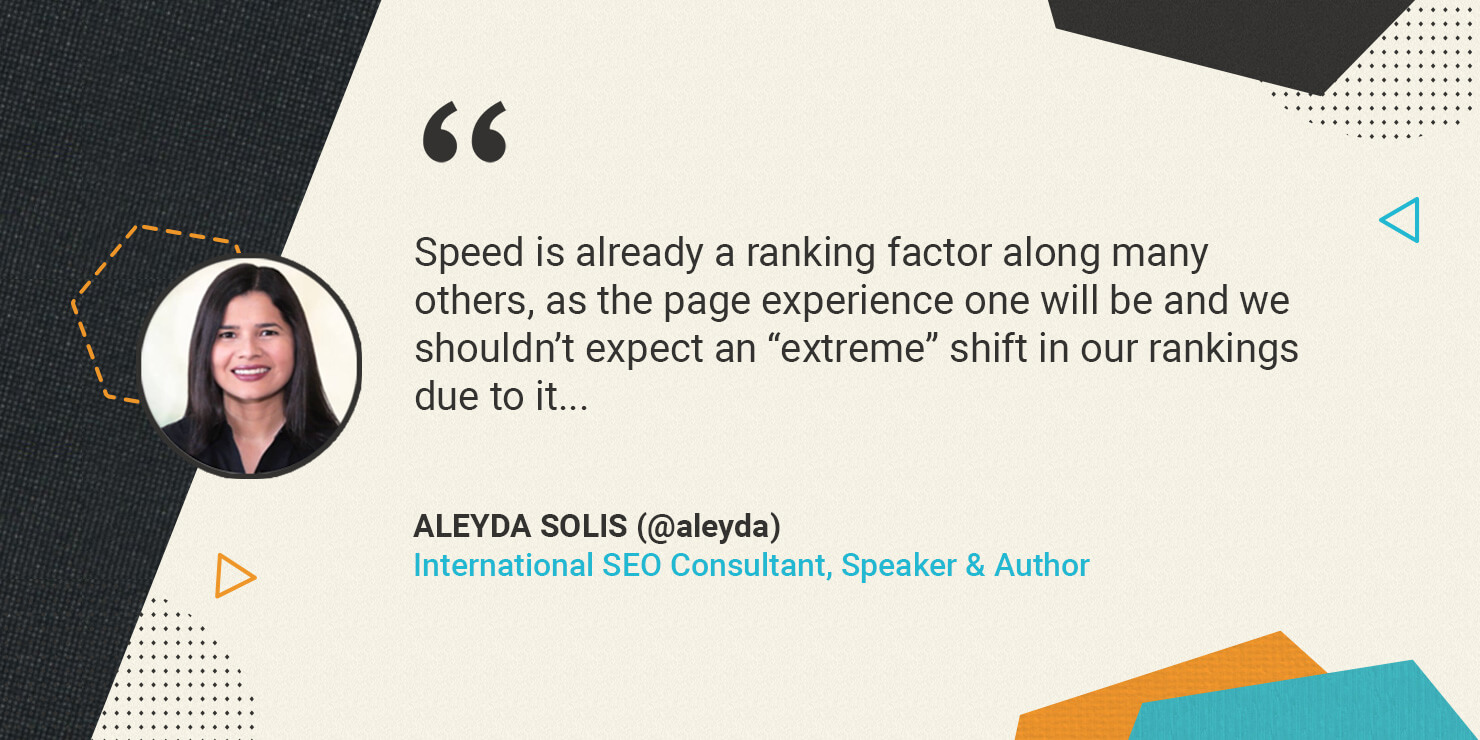
Overall all the experts who took part in the chat agree that we shouldn’t expect a dramatic immediate shift in our SEO rankings as a result of the Core Web Vitals update for a number of reasons. These new metrics are just 3 out of 200 other ranking factors and they will not get special priority so their relative weight will be low. Furthermore, Google will roll this update slowly starting in May till August 2021 to gather data, so any changes would not have an immediate impact.
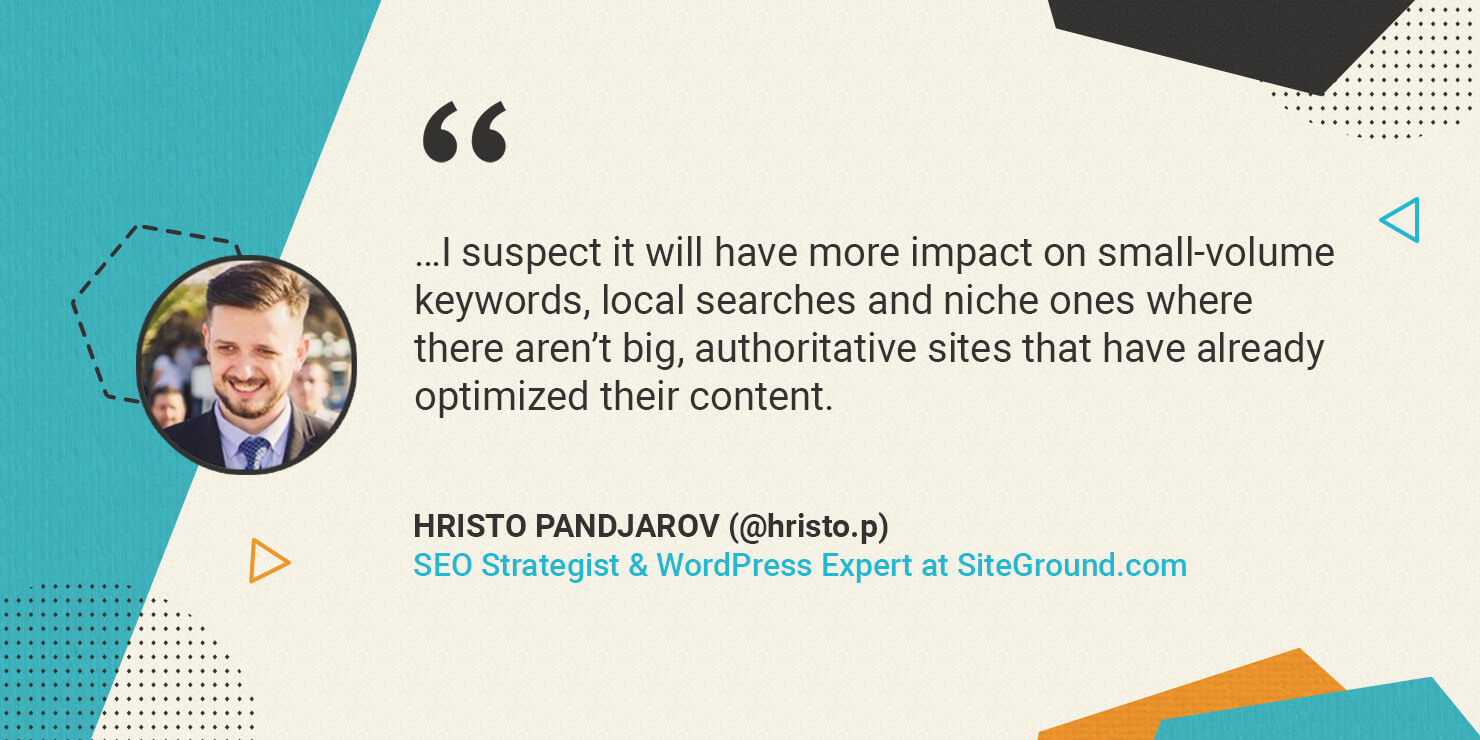
Hristo Pandjarov, SEO Strategist and WordPress Initiatives Manager at SiteGround expects that this update will have “a bigger impact on small-volume keywords, local searches and niche ones where there aren’t big, authoritative sites that have already optimized their content.” If your site is already fast, you have fewer reasons to worry.
The optimal website loading speed
It’s good to know that major shifts are not foreseen as a result of the new Google update, but still if your site is not really well optimized, or if you are not sure where it stands, you are still bearing a risk and Google is sending you a message to get to work. A good start for this is to figure out how your website currently scores on the 3 new metrics – Largest Contentful paint (LCP), First Input Delay (FID), and Cumulative Layout Shift (CLS) and what to aim for.
According to Nikola Baldikov, SEO Manager at SiteGround the ideal page loading time is around 1 to 2 secs, while Hristo Pandjarov’s advice is to look at the #TTFB of 200ms for traffic in the same continent and Aleyda Solis adds that her preferred thresholds are LCP of less than 2.5 seconds and FID of less than 100 milliseconds.
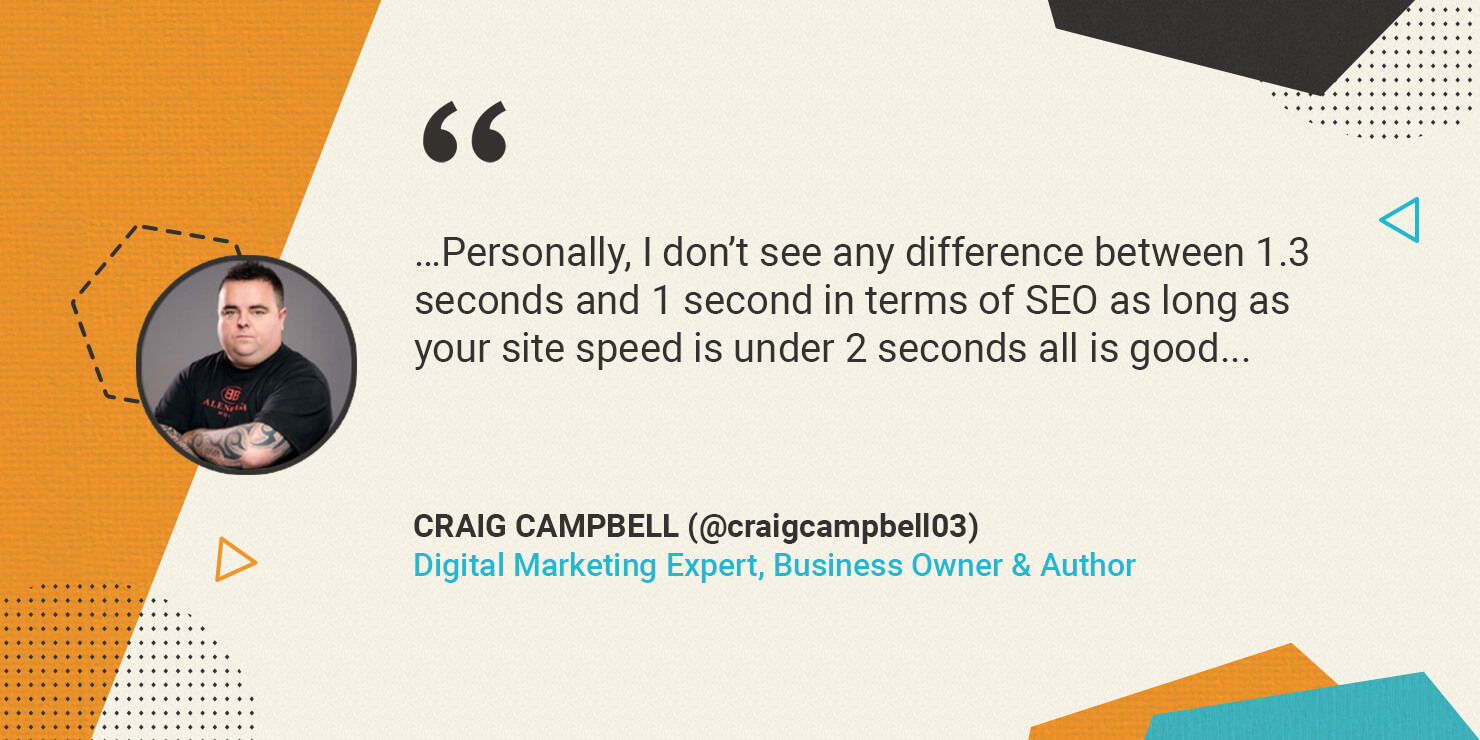
If your site is already fast though, it doesn’t make a huge difference if it loads for 1 second or 1.3 seconds in terms of SEO, according to Craig Campbell. Obsessing about it is of no use, but you should definitely care to optimize website speed if you are not close to the recommended values yet.
Useful website speed test tools
There are a lot of website speed test tools, which you can use to check your page loading times. Some of the most common ones are Lighthouse, PageSpeed Insights, Search Console > Core Web Vitals report, and more. Big thanks to Aleyda Solis who shared with us her all-inclusive list of tools to test website speed.
Take a look at the list she has prepared and figure out which particular areas of improvement to focus on. When looking at the reports, make sure you follow Aleyda’s advice “to identify what’s hurting your own speed the most vs. cost of change” so that you focus resources on getting big wins in a short time.
Website Speed Optimization Suggestions
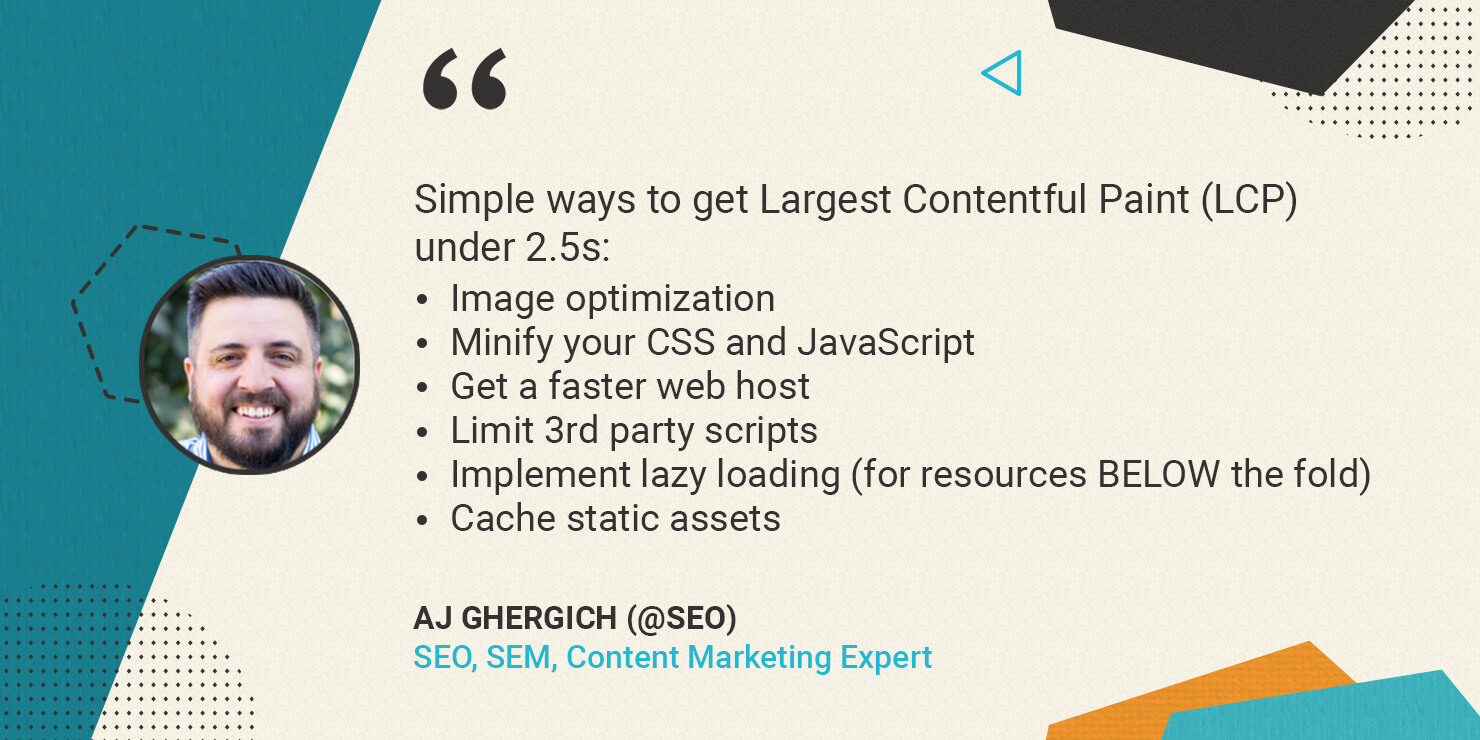
Here’s a concise list of simple ways to optimize performance, nicely summarized by AJ Ghergich. We have elaborated on his overview so that our clients could easily put the suggestions into action:
Lower Largest Contentful Paint (LCP) under 2.5s
- Optimize your images
The most common problem for website performance and LCP in particular are the large images that need to be loaded simultaneously and slow down the page. That is why you should consider the following optimizations:
Add lazy loading of images – that way not all images will be loaded at the same time upon opening the page. AJ Ghergich strongly recommends to implement it only for resources BELOW the fold. SiteGround clients with WordPress sites could enable that from the SiteGround Optimizer plugin.
Use caching for static assets – at SiteGround we use NGINX direct delivery which is enabled by default on our servers, so if you are a client you get this caching effect out of the box.
Serve an alternative image format – WebP. This is a very useful way to reduce the size of the images on your site. For WordPress users hosted on SiteGround, you could enable this as an automatic service via the SiteGround Optimizer plugin.
2. Minify your CSS and JavaScript
One of the easiest ways for big performance wins in this case is to use compression like Brotli or Gzip. Another possibility is to use plugins for WordPress sites. If you are a SiteGround customer, Brotli is enabled by default on our servers and you don’t need to do anything to use it, and the SiteGround Optimizer plugin for WordPress will help you with the minification of CSS and JS.
3. Limit 3rd party scripts
The more scripts that need to be loaded on the page, the slower it will open. Third-party scripts are for example tracking software, advertising scripts, heatmaps, and other. Once they serve their purpose, make sure you remove them so they don’t pile up slowing the website.
4. Get a faster web host
Having a fast server helps a lot for boosting the LCP metric. So if you have done all of the above and your site is still loading slow, see what’s happening with your hosting and how your provider can help optimize the environment for more performance.
At SiteGround we constantly upgrade our platform to make it faster and more efficient and we believe that’s a never-ending process. For example, at the end of last year, we launched our new Ultrafast PHP and we see performance gains up to 30% across sites hosted on our platform. More recently, this year, we revamped our MySQL setup to boost its processing capacity and thus improve the database performance, which though not directly mentioned in this article impacts the performance of dynamic sites like WordPress.
5. CDN
Since website speed tests are greatly affected by the speed of the Internet connection, where sites with international traffic are most hurt, experts suggest that you use CDN.
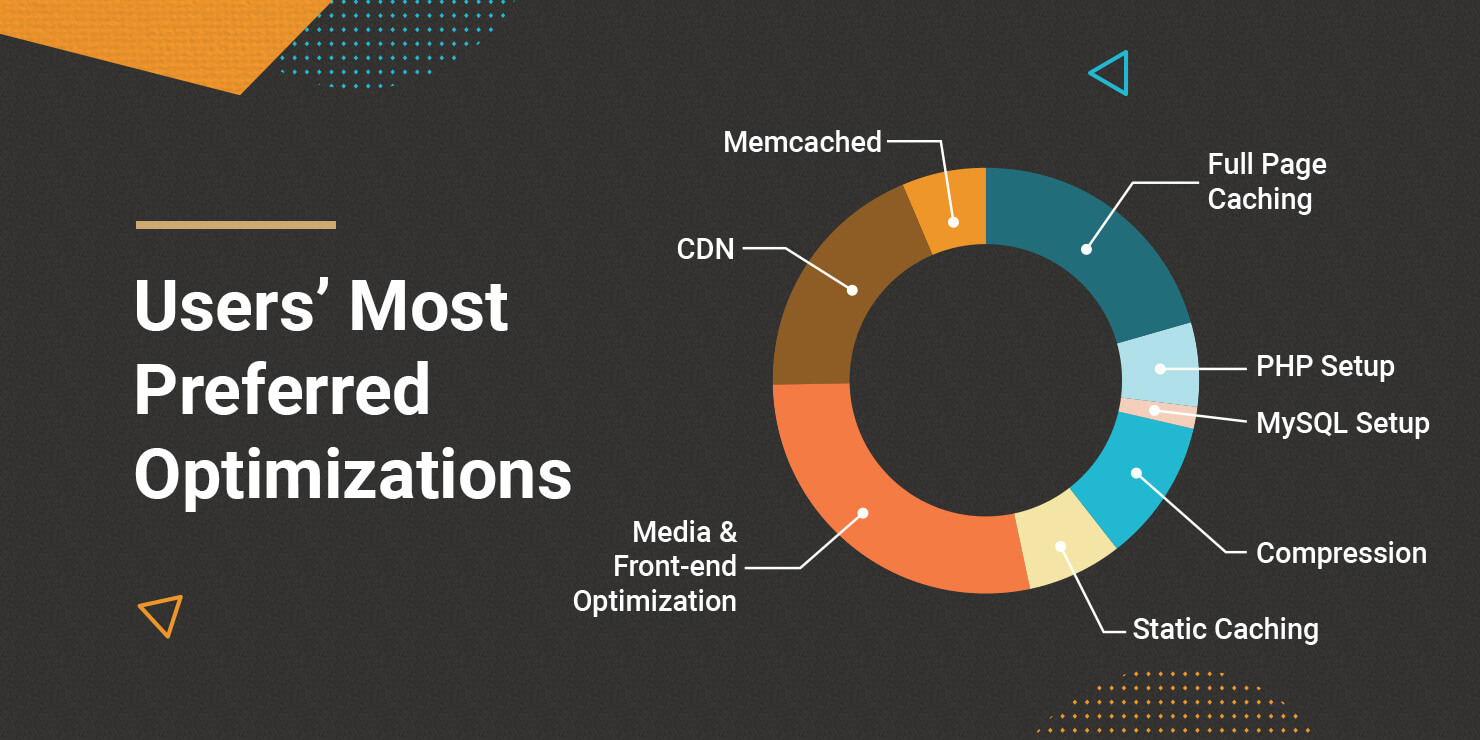
In case you wonder which of all those optimization suggestions should be the first on your list, take a listen at the users’ opinion. According to a different Twitter campaign where we asked users to pick their favorite website speed optimization tip, we clearly see that Media (images) & front-end optimizations together rate as the most effective ways to improve performance with full-page caching and CDN coming up second and third.
Get First Input Delay (FID) under 100 milliseconds
If you score poorly on this one, it is most likely that your JavaScript is the culprit. Minify and defer JavaScript to fix the issue. For SiteGround clients with WordPress sites, that could be done in a click of the mouse from the SiteGround Optimizer plugin.
Get Cumulative Layout Shift (CLS) under 0.1
The CLS is largely a web design issue. According to AJ Ghergich, the most common reasons for it are:
- Images without dimensions
- Ads, embeds, and iframes with dimensions
- Dynamically injected content
- Custom Web fonts – AJ suggests to use “swap” in CSS and instruct the browser to show the browser font first until the custom font gets loaded to avoid users seeing blanks on the page.
- Actions waiting for a network response before updating the DOM
- Infinite scrolling
In this article, we focused entirely on optimizing website speed for the 3 new metrics that will become ranking factors in Google’s algorithm. But your optimization efforts should not stop with LCP, FID, and CLS. There are other things you can do that will improve your performance overall and have a positive impact not only on your SEO but on your user experience and business results. So once you have mastered the tips mentioned in this article, take a look at this list we have gathered with the 9 most effective ways to boost performance: https://www.siteground.com/speed-tips. We’d love it if you comment under this post to tell us about the optimizations you try and how they impact your page loading times.
[subscribe_cta]